
Elementor Smooth Scroll: Page Motion That Feels Finished
Sky Addons smooth scroll replaces stepped scrolling with eased motion, fixes anchor offsets and respects reduced motion, all from one toggle in Advanced.
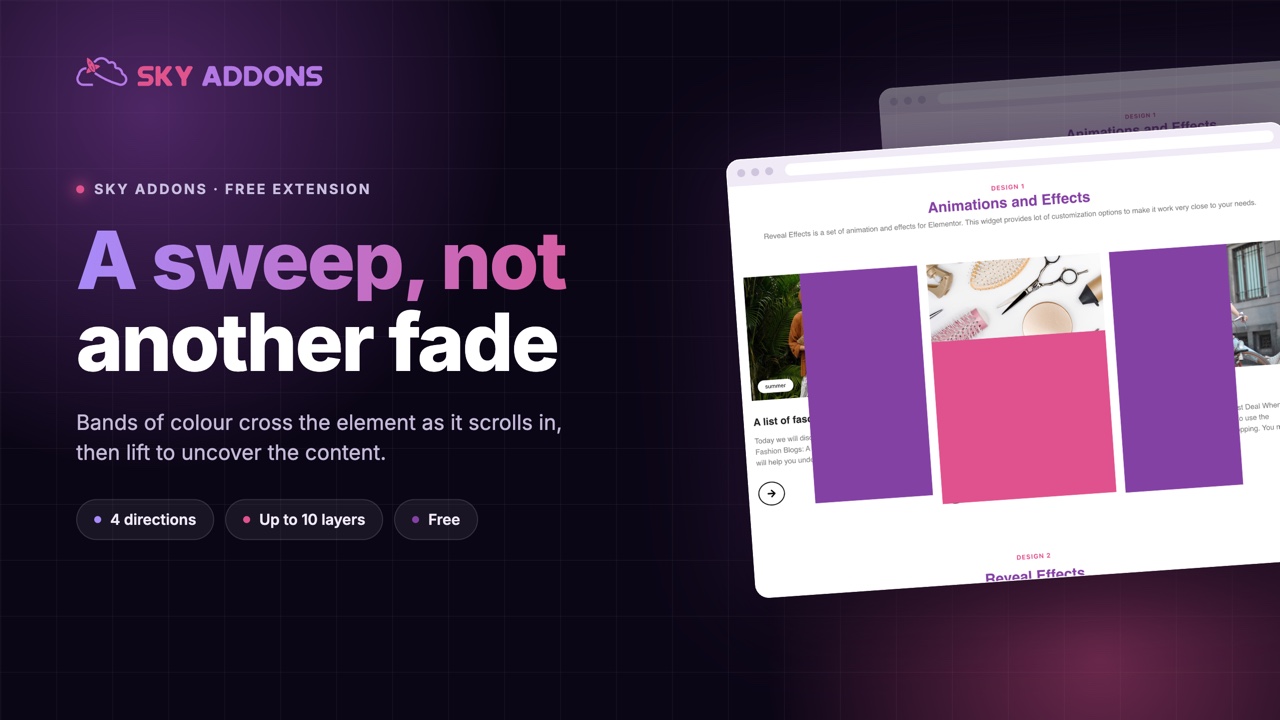
Fade in is the default entrance animation on most websites, and it is the reason entrance animations stopped being noticed. Content drifts upward, softens into view, and the reader’s eye has already moved on. It signals nothing, because everything does it.
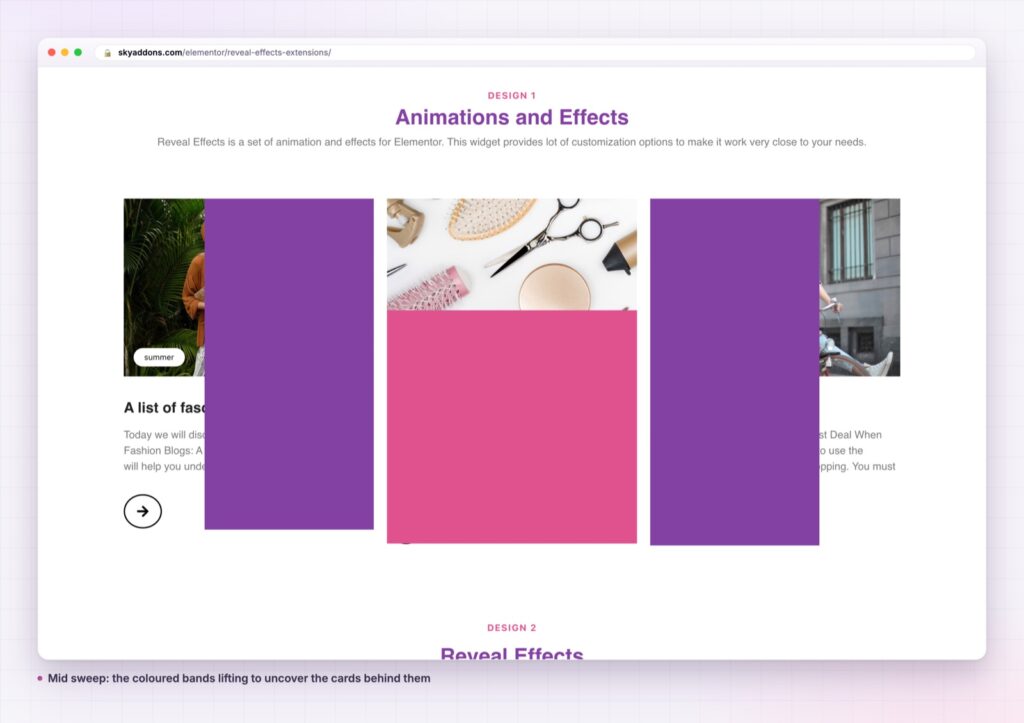
A reveal is different. A solid band of colour sweeps across the space where the content will be, and as it passes, the content is there. It reads as intent. It is the transition that film titles and gallery sites use, and until now it meant hand written JavaScript.
Reveal effects is a Sky Addons extension that adds exactly that to any Elementor widget, section or container. Four directions, up to ten stacked layers, and a genuine viewport trigger rather than a timer.
| Approach | What you get |
|---|---|
| Elementor’s built in fade or slide | Familiar to the point of invisible. One motion for everything |
| A CSS keyframe animation | Fires on page load, not when the element is actually seen |
| Hand written reveal JavaScript | Works, and now you own a script per page and a bug per template change |
| A video of the effect | Fixed size, heavy, and impossible to restyle |
| Reveal effects extension | Four directions, stacked layers, and an intersection based trigger you can tune |
Four sweep directions. Left to right, right to left, top to bottom and bottom to top. Direction is not decoration here. A band that travels in the reading direction feels like an arrival, one that travels against it feels like a wipe, and both are useful for different sections.
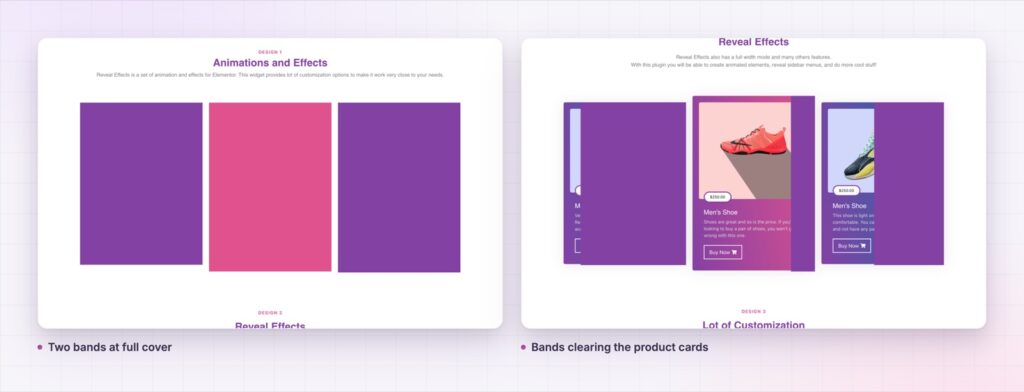
Up to ten stacked layers. Each layer is its own coloured band, with a stagger delay between them. One layer is a clean reveal. Three layers in tones of one colour is a far richer effect than any single sweep, and it costs one number in the panel. Colours are given as a simple comma separated list.
A real viewport trigger. The effect fires when the element is genuinely visible, and the threshold is a control running from 5 to 100 percent, defaulting to 80. Set it low for tall sections that would otherwise never reach the trigger, high for small elements that should wait until they are properly on screen.
Replay on scroll, or once. A loop switch decides whether the reveal happens only the first time or every time the element comes back into view. Once is right for a headline. Replay suits a gallery a visitor scrolls up and down through.
Cover area, for a band that stays. The effect can leave a set percentage of the element still covered after the sweep finishes. It is how you get a permanent colour edge or a partial mask rather than a clean uncover.
Timing you can actually tune. Duration runs from 200 to 5000 milliseconds per phase, and the stagger delay between layers runs from 0 to 2000. Pro licences add 28 easing curves and a custom selector so the reveal can target repeated children inside one element, such as each card in a grid, rather than the whole block at once.

The trigger is an intersection observer, which asks the browser to report when the element actually enters the viewport. That is cheaper than watching the scroll position on every frame, and it is accurate, so the animation starts when the reader can see it rather than when the page loaded.
The sweep itself is a band drawn over the element, animated across and then away, with the content revealed at the halfway point. Because the content is uncovered mid animation rather than faded, there is no moment where the reader is looking at a half transparent heading. It is either hidden or it is there.
An entrance effect earns its place when it tells the reader something arrived. Fading tells them nothing arrived, it just stopped being absent.
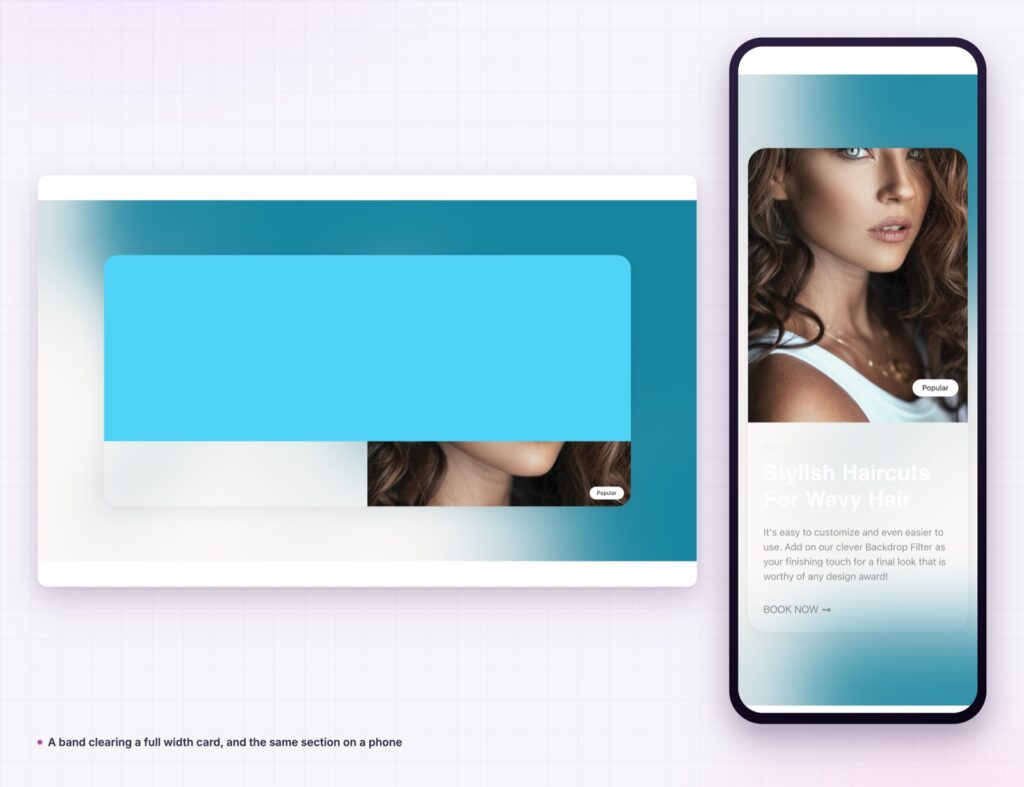
The extension attaches to widgets, sections and containers alike, so anything is a candidate: a pricing table, a form panel, a logo row, a map, a video embed, an image gallery. On a container it reveals the whole block as one. With a Pro custom selector it reveals repeated children in sequence, which is what turns a grid into a cascade.
It also pairs naturally with layout work. A grid that lines up cleanly and then uncovers in sequence reads as one designed component, where the same grid fading in reads as a page that loaded slowly.
For the browser API behind the trigger and how thresholds are calculated, the MDN guide to the Intersection Observer API explains why a percentage threshold behaves the way it does on tall elements.
The layer count is worth treating as a design control rather than a setting. One band reads as a wipe. Two bands in near tones read as a fold. Three or more, with a short stagger, read as a curtain, and the effect stops being a transition and starts being the section’s entrance. The colours matter more than the number: three bands in one hue look composed, three in unrelated accents look like a test page.
The extension is free, including all four directions, the layer stack, the colour list, the threshold, cover area and replay. Two controls are Pro: the 28 easing curves and the custom target selector. Free versus Pro has the full comparison.
No. Elementor and Sky Addons only. The animation library ships with the plugin.
The library loads only on pages where the effect is enabled, and the trigger uses an intersection observer rather than a scroll listener. Stacking ten layers on many elements is the case to avoid.
Yes, though the short viewport changes when the threshold is met. Check the trigger on a phone and lower the threshold if a tall section does not fire.
Usually the threshold. A tall section may never reach 80 percent visibility on a laptop screen. Lower it to 30 or 40 and it will fire.
Reveal effects sweeps one or more coloured bands across any Elementor element as it scrolls into view, uncovering the content mid animation. Four directions, up to ten layers, a tunable viewport threshold and an optional replay. Free, with easing curves and child targeting on Pro.
Watch it run on the reveal effects demo, then read the reveal effects documentation. For the shapes being revealed, see custom clip path, and for the surface behind them, backdrop filter. Licences are on pricing.


Comments are closed.