Floating effects for Elementor: give any element a slow, continuous drift, rotation or pulse without writing keyframes.



Six images on one stage, each idling at its own speed — no scroll trigger, no video, and no keyframes to write.
Give any element a looping drift, sway, pulse or tilt. It starts on its own, runs forever, and stays out of the way — the quiet difference between a screenshot and a product.
No scroll trigger. No hover. Works on headings, images, buttons and icons alike.

● Payout cleared
$4,280 · 2 minutes ago
+38%
activation this week



Free returns
30 days, no questions
Washed silk, bias cut, one seam at the shoulder. The shot lifts and settles on a five-second cycle with a two-degree tilt, so the garment reads as an object in a room rather than a cut-out on a page.
The plate lifts and settles on a nine-second cycle. The four dishes around it drift on their own timings and their own easings, so nothing on the table ever beats in time with anything else.
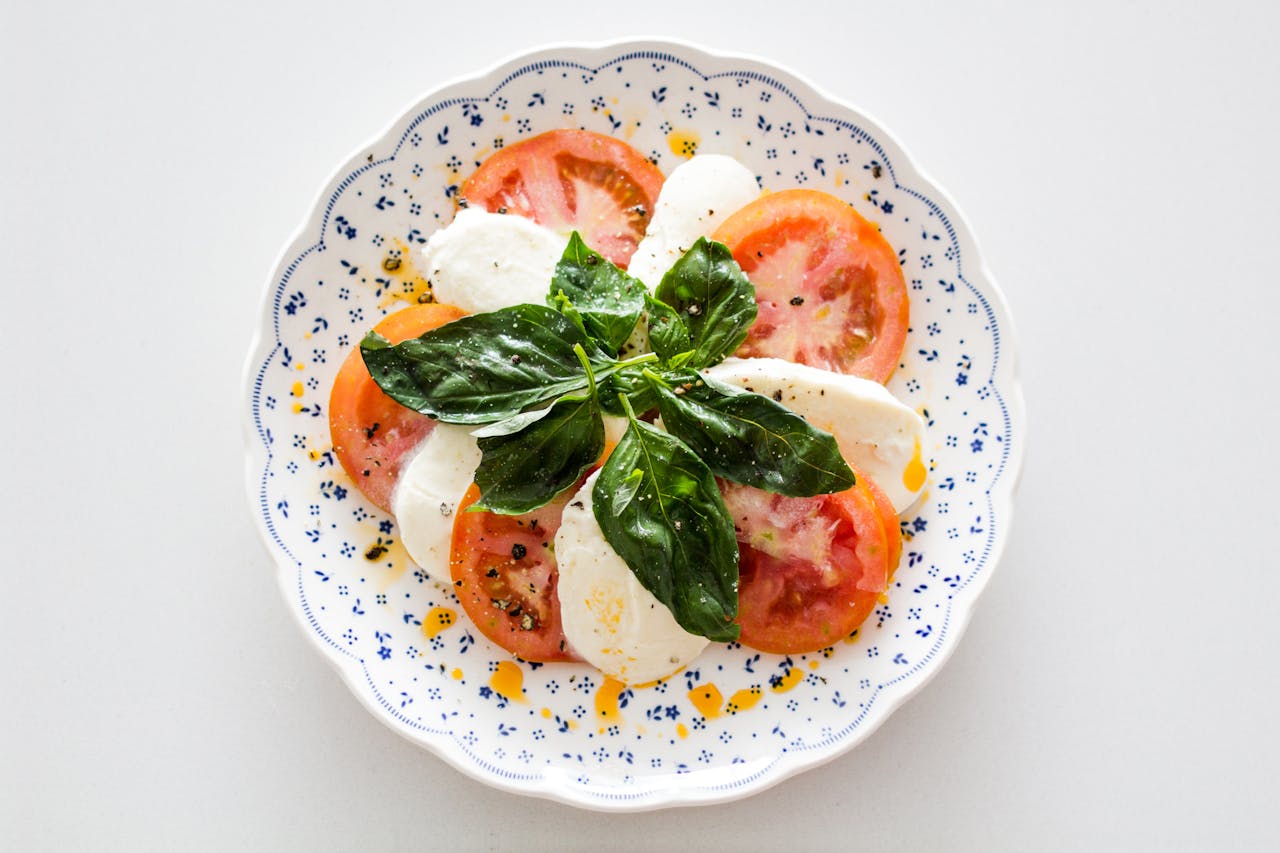
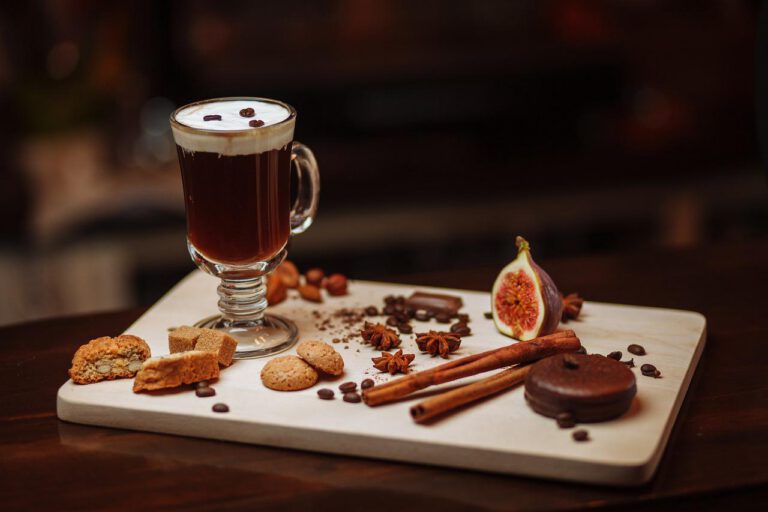
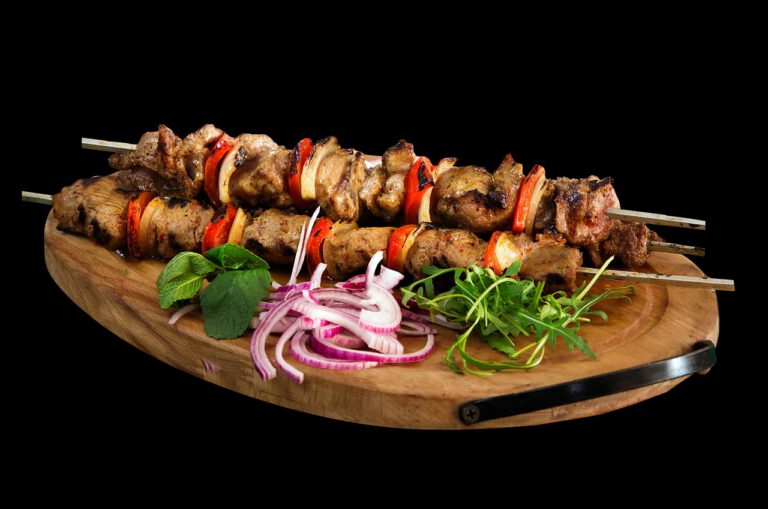


Three cards, three different rhythms. The outer two drift at five and six and a half seconds; the middle one holds still and tilts to the cursor instead, so the row never feels mechanical.

Dana Okafor
Design lead, Parallel





The background moves with the scroll. The three cards do not, they carry their own idle loop, so the section runs two speeds at once and neither one depends on the other.
12,480
steps today · goal cleared
142 bpm
zone 3 · 22 minutes
Nine days in a row
longest streak this year
A pricing table is a place where one element has to win. A slow pulse on the recommended plan does that without a colour war, and the three trust marks underneath turn a few degrees each on their own clock.
Thirty-day refund · one year of updates · no seat limits
Identical photograph, identical card, identical type. One of the two carries the effect. Watch it for a few seconds before deciding whether it is worth having.

Correct, quiet, and completely still until a visitor scrolls or hovers. Nothing here says the page is live.
Fourteen pixels up, fourteen down, six seconds a cycle, eased at both ends, with a one and a half degree turn on a slower clock so the two never line up.
Nine sections on this page, thirty-two elements moving, and no two of them share a duration. That is the whole trick.
Straight answers about what this one does, where it fits in a real build, and what it costs you to ship.
Read the documentation for this one, or write to us — a human answers inside a business day.
In the Advanced tab of any widget you have already placed. Sky Addons for Elementor adds a Floating Effects section there — there is no widget to drag in, you open the image, heading, button or icon you want moving and switch it on. The controls appear on widgets only, not on containers.
An entrance animation plays once as the element scrolls into view and then stops. Floating Effects never stops — it is a looping idle motion on a timer, so a product shot keeps hovering and a badge keeps breathing for as long as the visitor stays on the page.
Four independent groups: Translate, Rotate, Scale and Skew. Each is a popover with its own From and To values per axis, plus its own Duration and Delay, so a slow vertical drift can run alongside a much slower turn. Translate moves up to 100px each way; Rotate covers the full 180 degrees either side.
No. Floating Effects ships in the free Sky Addons for Elementor plugin and works on free Elementor. It does not need Sky Addons Pro either — every control, including the easing list of twenty-eight named curves on top of the default, is in the free build.
Not directly — the Floating Effects section registers on Elementor widgets, so containers and old-style sections do not get it. To make a card appear to hover, put the effect on the image or the heading inside it. Visually the result is the same and the card keeps its layout.
Not from inside the Floating Effects panel — it has no per-breakpoint switch of its own. The practical route is Elementor responsive visibility to hide the decorative element on phones, or simply keeping the effect off elements a phone visitor needs. Two or three moving things per screen is the safer habit anyway.
Give each one a different Duration and Delay. On the Translate group, Duration runs up to ten seconds and Delay up to five, so three images set to 3.2s, 4.7s and 6.1s drift permanently out of sync and read as ambient depth rather than a repeating animation.
Because the Rotate popover carries X, Y and Z together, and switching the group on starts all three from their shared default. Set each of the three sliders explicitly — including the ones you want left flat at zero — and you get the single-axis turn you intended. The same applies to the other groups.
Only pages that use it pay for it. Sky Addons enqueues the animation library and the Floating Effects handler at render time, and only when at least one widget on that page has the effect switched on. A page with none of them loads neither file.
Yes. The four transform groups are independent, so a single image can drift vertically, turn a couple of degrees and breathe in scale at once, each on its own clock. Combining a small Translate with one or two degrees of Rotate is what makes a hovering object look convincing rather than mechanical.
Elementor widgets and extensions by wowDevs — built for people who would rather ship than fight a page builder.
One short email when something ships. No drip sequence.
