Sky Addons  ·  Elementor Widget
INTRODUCING

Glory Slider

A video slider for Elementor supporting YouTube, Vimeo and self-hosted files — showreels and video galleries in one widget.

Design 1

A creative video slider for Elementor users. Compatible with social media videos. Supports many platforms.

Taj Mahal, India Video Tour in 4K

Taj Mahal, India Video Tour in 4K

by Askfranklin
The Great Wall of China in 4k

The Great Wall of China in 4k

by sawyerhartman
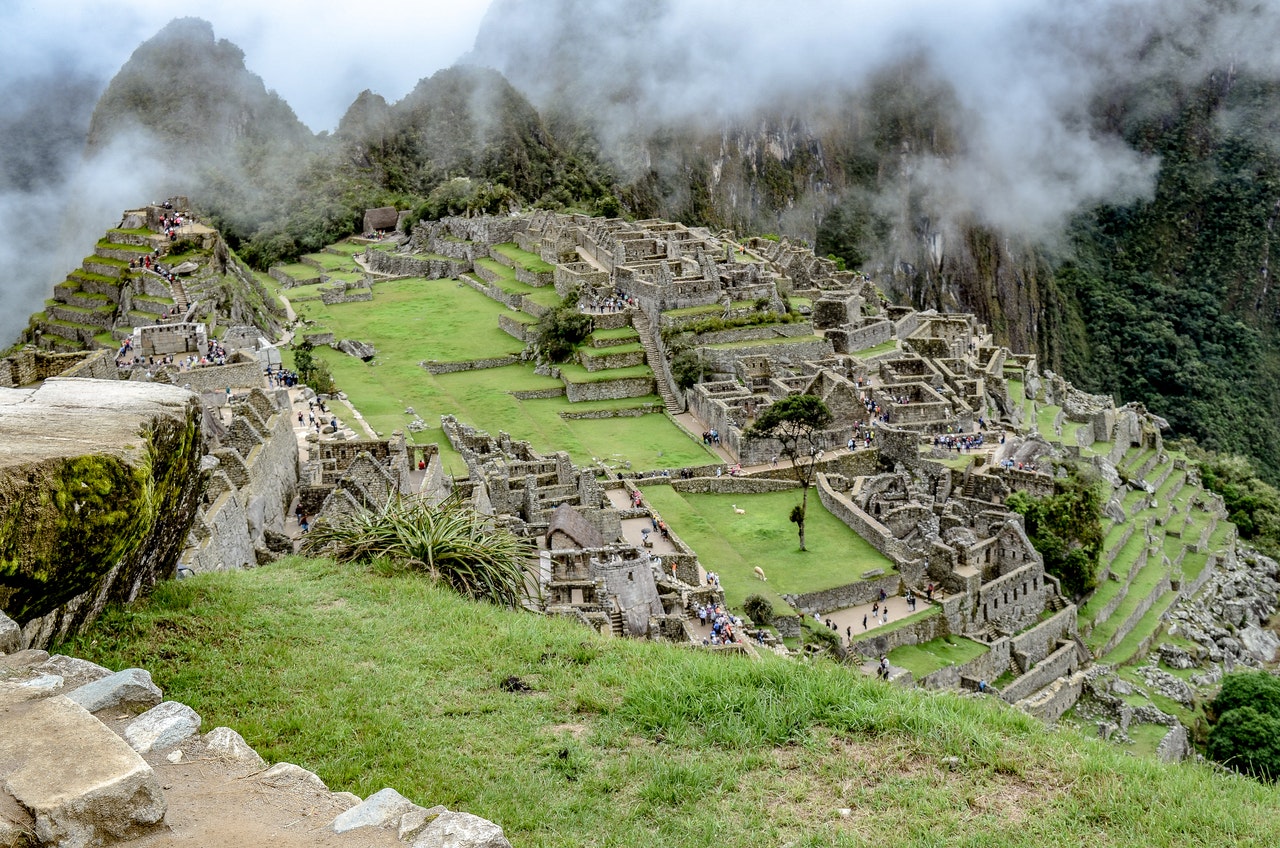
Machu Picchu, Peru

Machu Picchu, Peru

by Amazing Places
Rome, Italy: The Colosseum

Rome, Italy: The Colosseum

by Rick Steves
Colca Canyon, Peru

Colca Canyon, Peru

by Sly's Life
Chichen Itza and Tulum, Mexico in 4K UHD

Chichen Itza and Tulum, Mexico in 4K UHD

by 4K Urban Life
Taj Mahal, India Video Tour in 4K
The Great Wall of China in 4k
Machu Picchu, Peru
Rome, Italy: The Colosseum
Colca Canyon, Peru
Chichen Itza and Tulum, Mexico in 4K UHD

Design 2

Stop boring people with your slides. Be more creative and use Glory Slider to make your website more attractive. With its easy-to-use interface, you can quickly create beautiful sliders for any page.
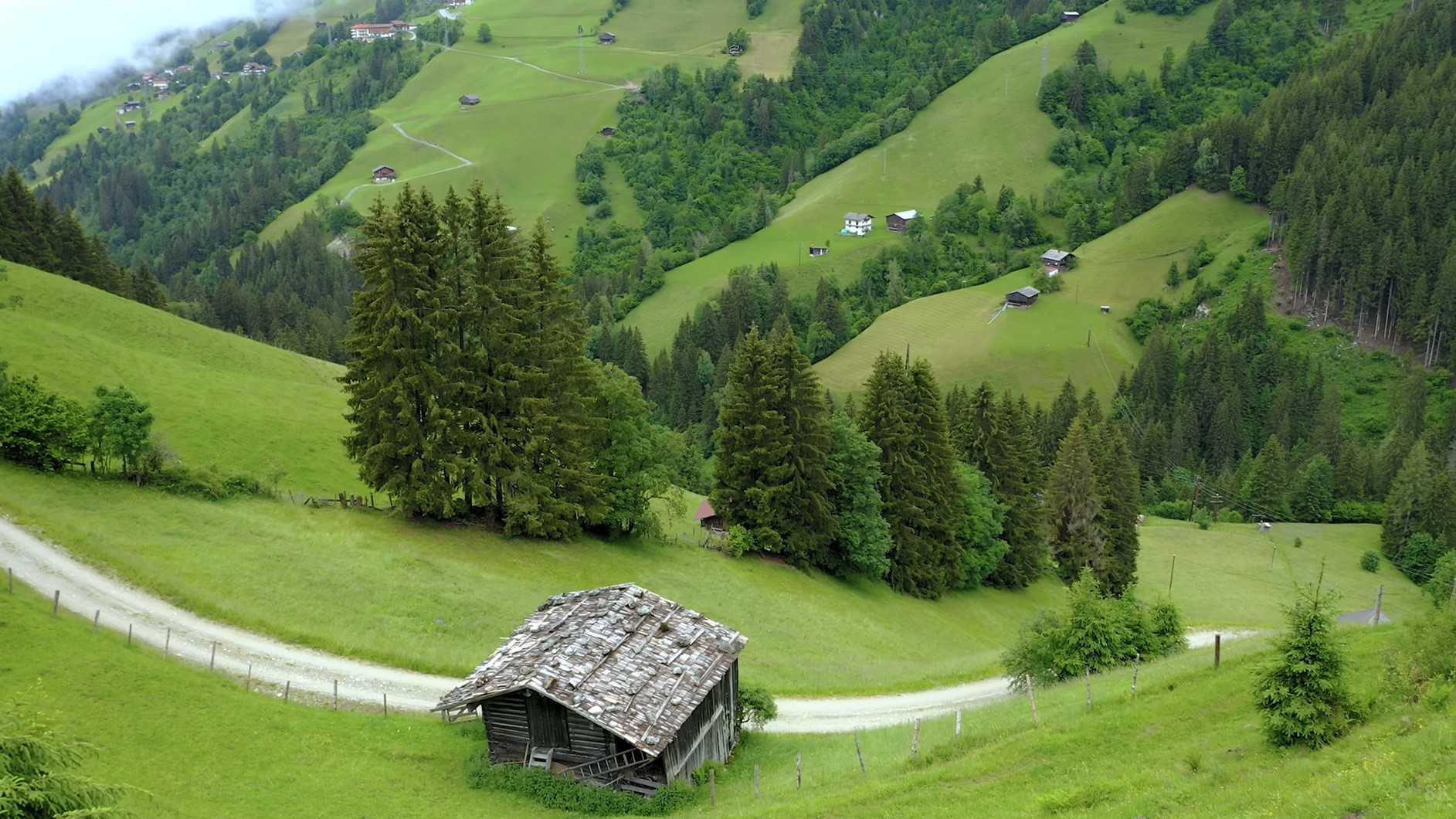
Switzerland in 8K ULTRA HD HDR - Heaven of Earth

Switzerland in 8K ULTRA HD HDR - Heaven of Earth

by 8K World
Breathtaking Colors of Nature

Breathtaking Colors of Nature

John Balu
Norway AMAZING Beautiful Nature with Relaxing Music and sound

Norway AMAZING Beautiful Nature with Relaxing Music and sound

by Relaxation Film
Forest in 4K | Peaceful Relaxing Music

Forest in 4K | Peaceful Relaxing Music

John Relaxation Film
Ukraine In 4K - Country Of Beautiful Natural Wonders

Ukraine In 4K - Country Of Beautiful Natural Wonders

John Scenic Scenes
Wildlife Animals 4K 60FPS

Wildlife Animals 4K 60FPS

John 8K InfoNature
Switzerland in 8K ULTRA HD HDR - Heaven of Earth
Breathtaking Colors of Nature
Norway AMAZING Beautiful Nature with Relaxing Music and sound
Forest in 4K | Peaceful Relaxing Music
Ukraine In 4K - Country Of Beautiful Natural Wonders
Wildlife Animals 4K 60FPS

Design 3

Say good-bye to old, un-secure sliders. Glory Slider is a fresh, innovative, secure and modern way of displaying video content in a website. It’s the easiest way to present your video content in an engaging way on the web today.

Dailymotion Video Title #1

Dailymotion Video Title #1

by Fatin Rushdi
Youtube Video Title #2

Youtube Video Title #2

by John Doe
Vimeo Video Title #3

Vimeo Video Title #3

by Mark Doe
Youtube Video Title #4

Youtube Video Title #4

by John Doe
Youtube Video Title #5

Youtube Video Title #5

by Mike Doe
Youtube Video Title #6

Youtube Video Title #6

by Michael N. Chiles
Dailymotion Video Title #1
Youtube Video Title #2
Vimeo Video Title #3
Youtube Video Title #4
Youtube Video Title #5
Youtube Video Title #6
FAQ
Frequently asked

Glory Slider

Straight answers about what this one does, where it fits in a real build, and what it costs you to ship.

Still stuck?

Read the documentation for this one, or write to us — a human answers inside a business day.

Which video platforms does the Glory Slider support?

Four, chosen per slide: YouTube, Vimeo, Dailymotion and self-hosted files. The Glory Slider widget in Sky Addons for Elementor also has an External URL switch on the self-hosted option, so a file living outside the media library can be played without uploading it first.

Does the slider load YouTube before someone presses play?

No. Each slide renders a poster image over an empty frame, and the embed URL is only written in when the play button is clicked. Nothing is requested from the video platform until a visitor asks for it, which keeps a page of showreels off the network until it is wanted.

Does a playing video stop when I move to the next slide?

Yes — the widget clears the player frame on every slide change, so a video cannot keep playing behind the one you are looking at. Pressing play on the new slide starts it fresh from the beginning.

Do I have to upload a thumbnail for every video?

No. Leave the Thumbnail field empty and the Glory Slider fetches the poster from YouTube, Vimeo or Dailymotion for that slide. Setting your own image overrides it, which is what you want for a branded showreel or a frame the platform picked badly.

What does the thumbnail strip under the slider do?

It is a second, linked carousel: clicking a thumbnail moves the player, and moving the player moves the strip. Thumbnails size themselves to their images rather than to a fixed column count, and a Mouse Wheel switch lets you scroll through them with the wheel.

Can I credit the film-maker under the video title?

Yes. Each slide has a Credit / Subtitle line beneath its title, and an Add Credit URL switch turns that line into a link — to a portfolio, a licence page or the original upload. Title and credit have separate colour, spacing and typography controls.

Can I change the 3D coverflow look of the slides?

You can tune it, not replace it. Coverflow is the only transition the Glory Slider runs, and its Depth, Modifier, Rotate and Stretch values are yours to set, along with a Slide Shadows switch. The neighbouring slides stay partly visible on purpose — that is the gallery feel the widget is built for.


Is autoplay a good idea on a video slider?

Autoplay here advances the slides, not the videos, and it ships switched off — a slide changing under a visitor who is about to press play is worse than a static hero. Loop, by contrast, is on by default so the strip never dead-ends.

Can I hide the playlist and show only the player?

Yes. Show Playlist off removes the thumbnail strip and leaves the player with its own prev and next arrows, which have their own icons, size, colour and border-radius controls. There is also a switch to reveal the play button only on hover.

Does the Glory Slider need Elementor Pro or a video plugin?

Neither. It is part of the free Sky Addons plugin, runs on free Elementor, and needs no separate video or lightbox plugin — paste a video link into a slide and the widget handles the poster, the frame and the play state itself.