A scrolling image gallery for Elementor that moves sideways as the page scrolls — portfolios, products and photo sets.
Rows of images that drift as the page scrolls, and can be dragged either way. Everything below is a working surface built with it — a studio wall, a reading list, a project page, a lookbook, a team page, a field guide, an agency strip and a menu.
Portraiture and editorial, shot in studio and on location. Drag a row to browse it, or keep scrolling and let it move.
The spring list, cover out. Three shelves, each one browsable on its own — grab a shelf and pull, or let the page carry it.












A 1930s semi opened up at the back and re-lined in warm, quiet materials. The rail beside this column runs the full set of rooms — pull it either way to move through the house.
Year
2025
Location
Hillside, north slope
Materials
Oak, lime plaster, brushed steel
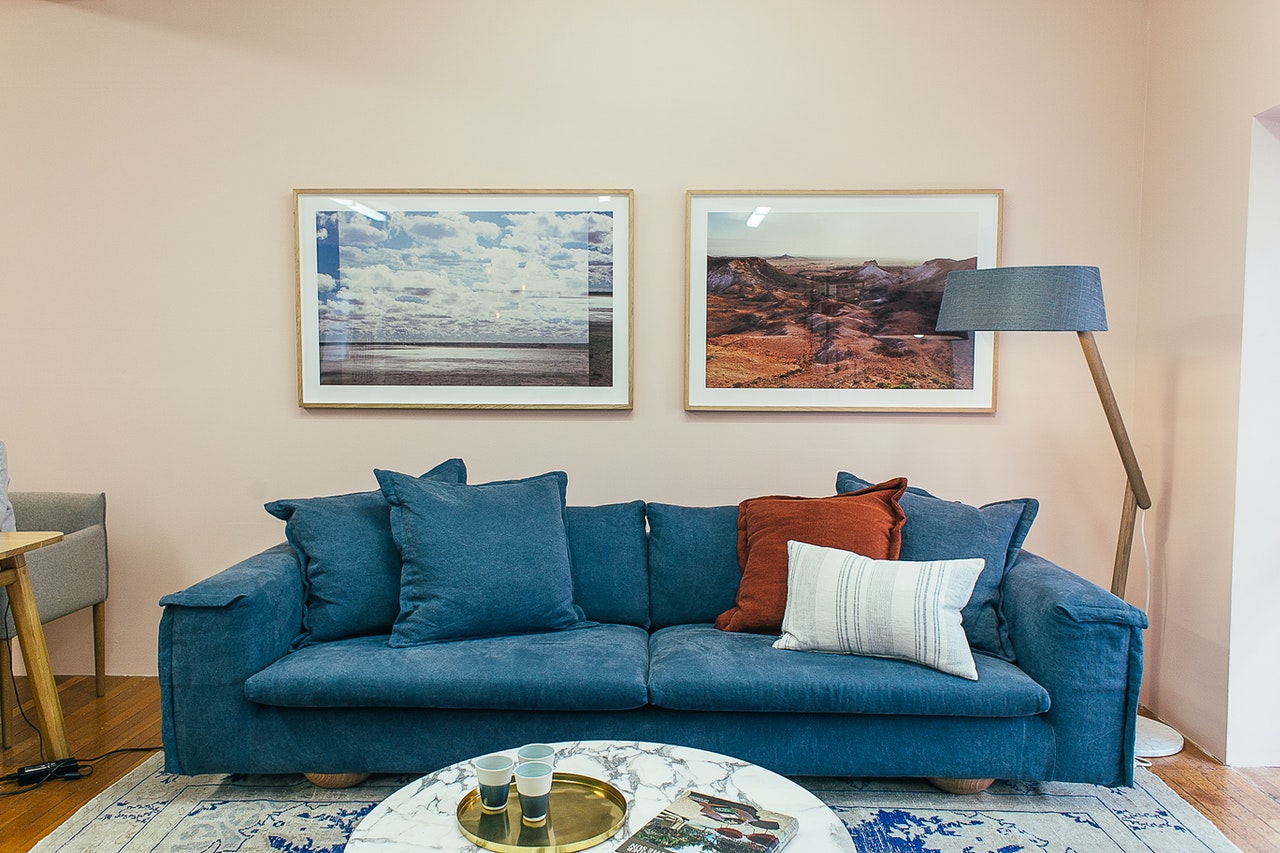
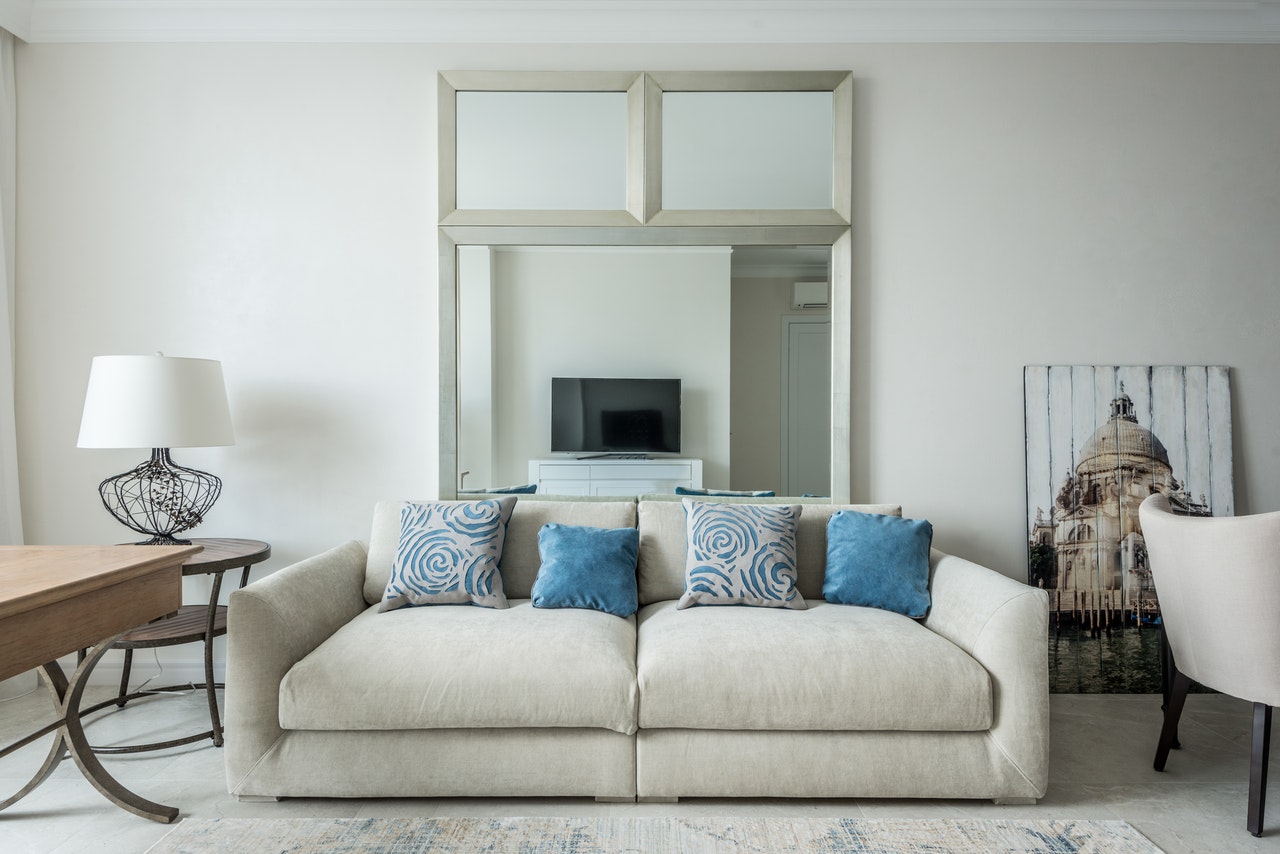
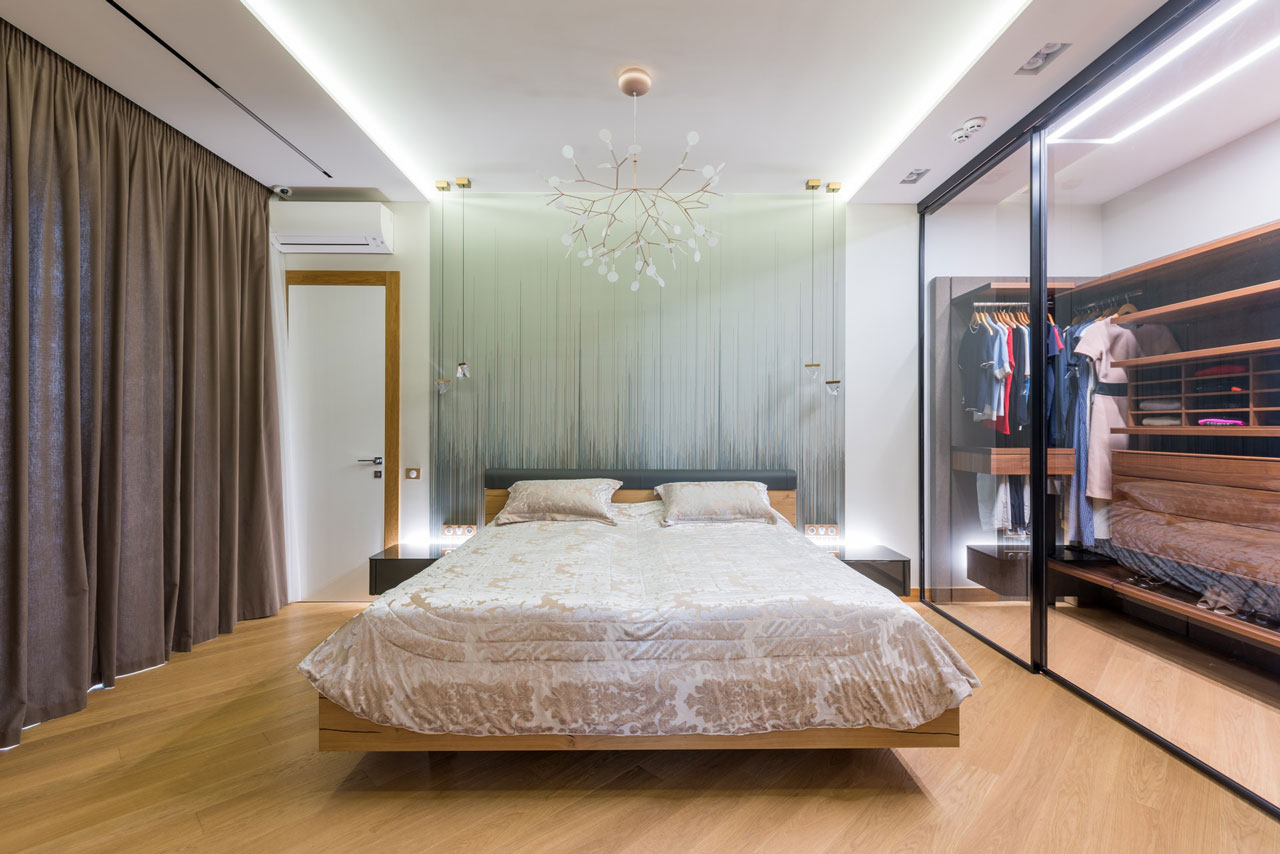
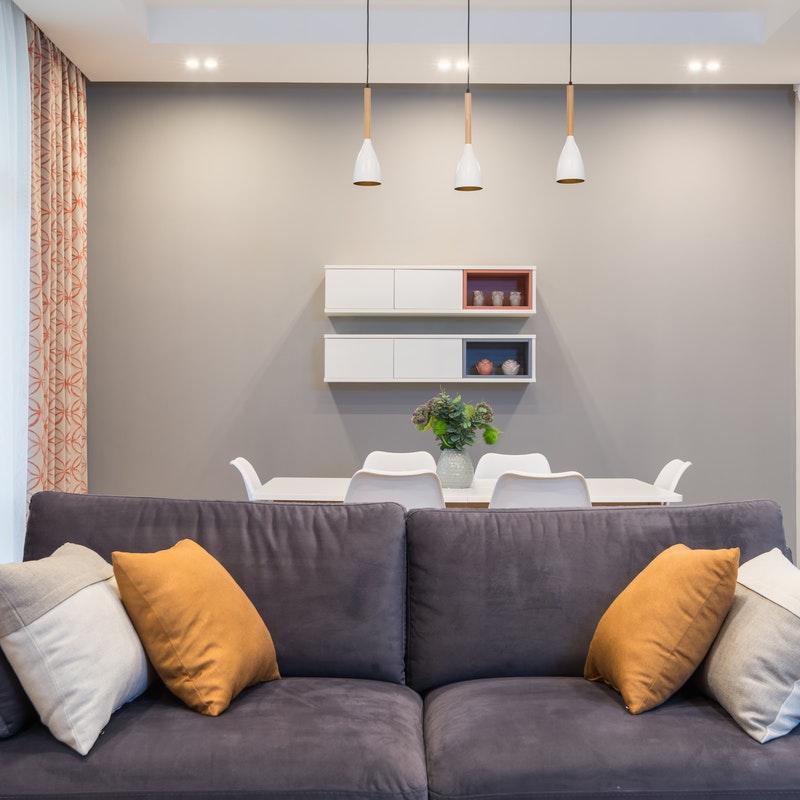
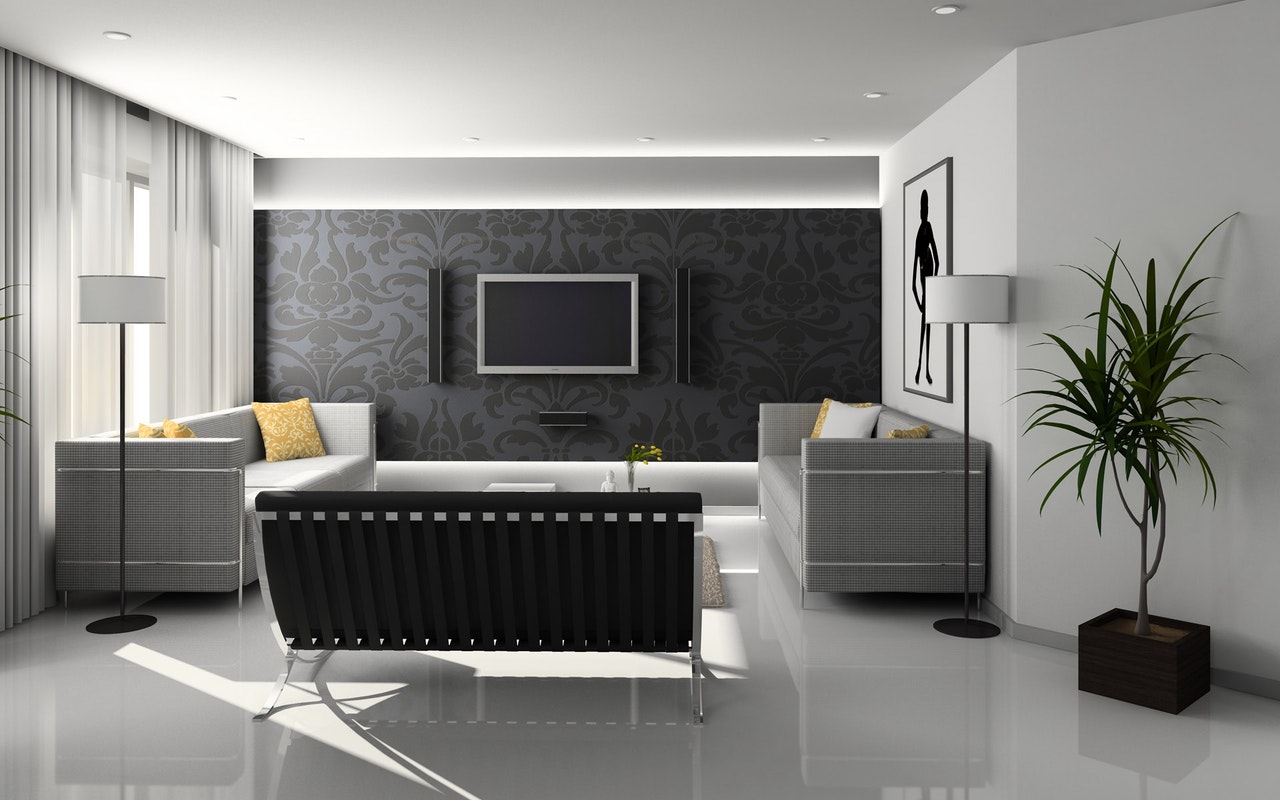
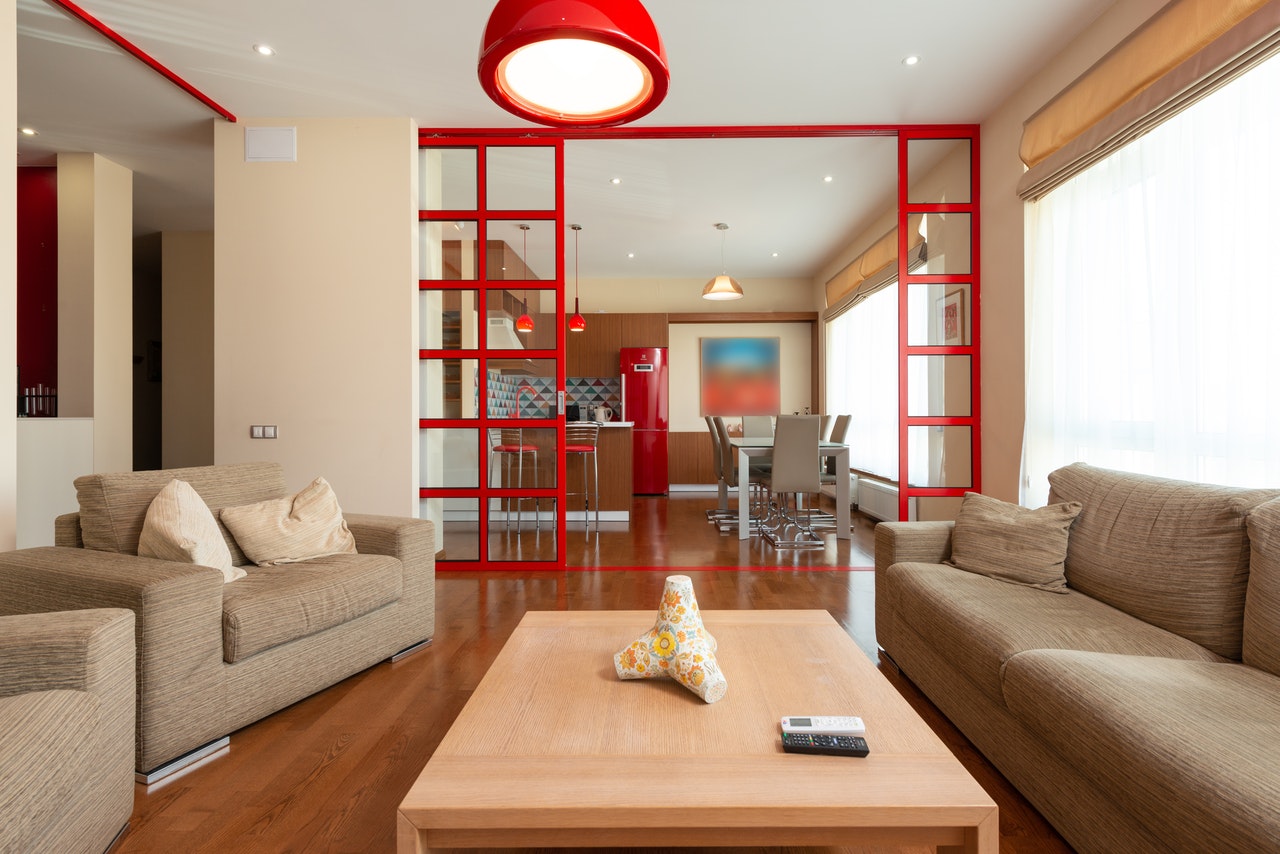
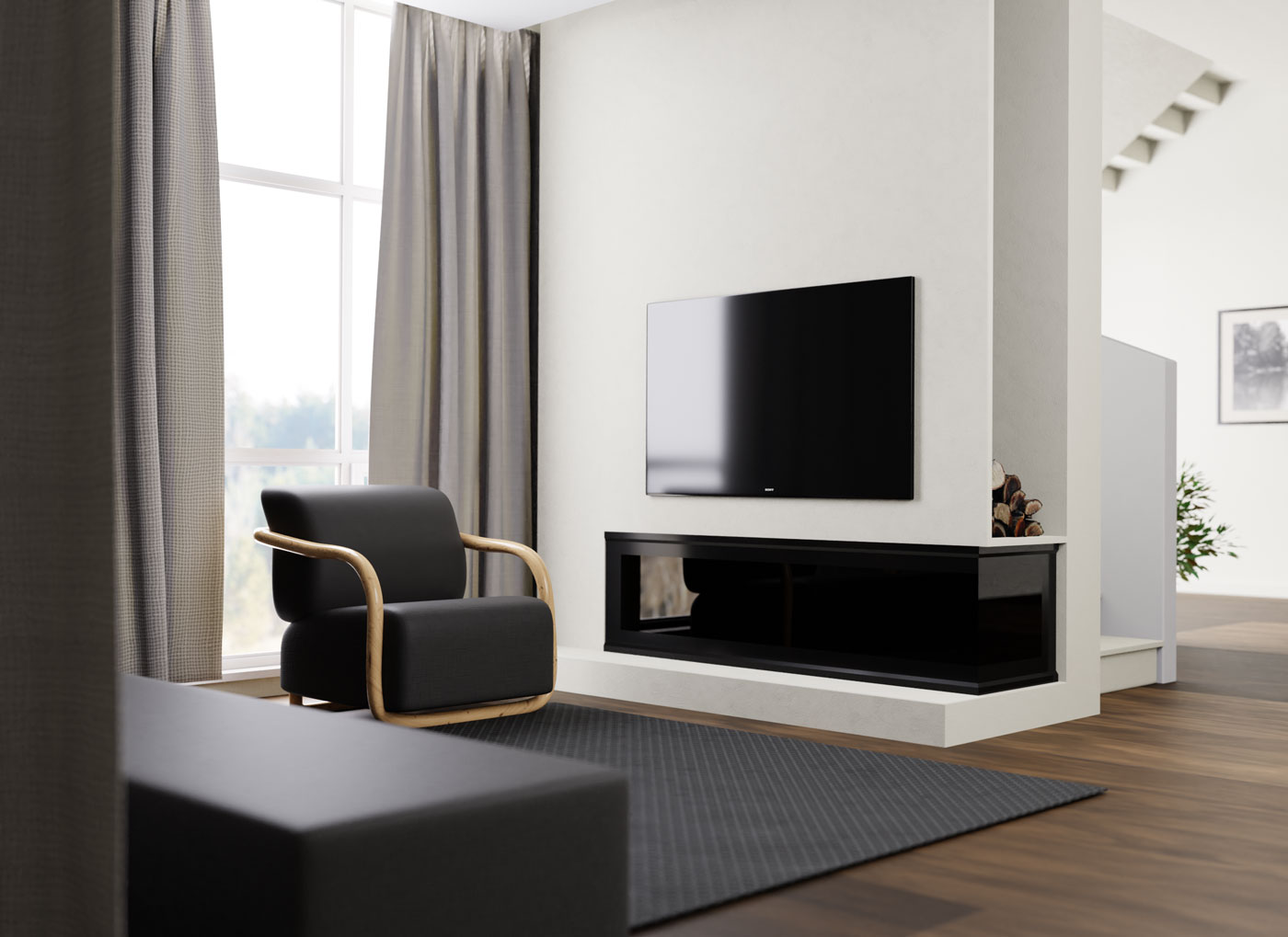
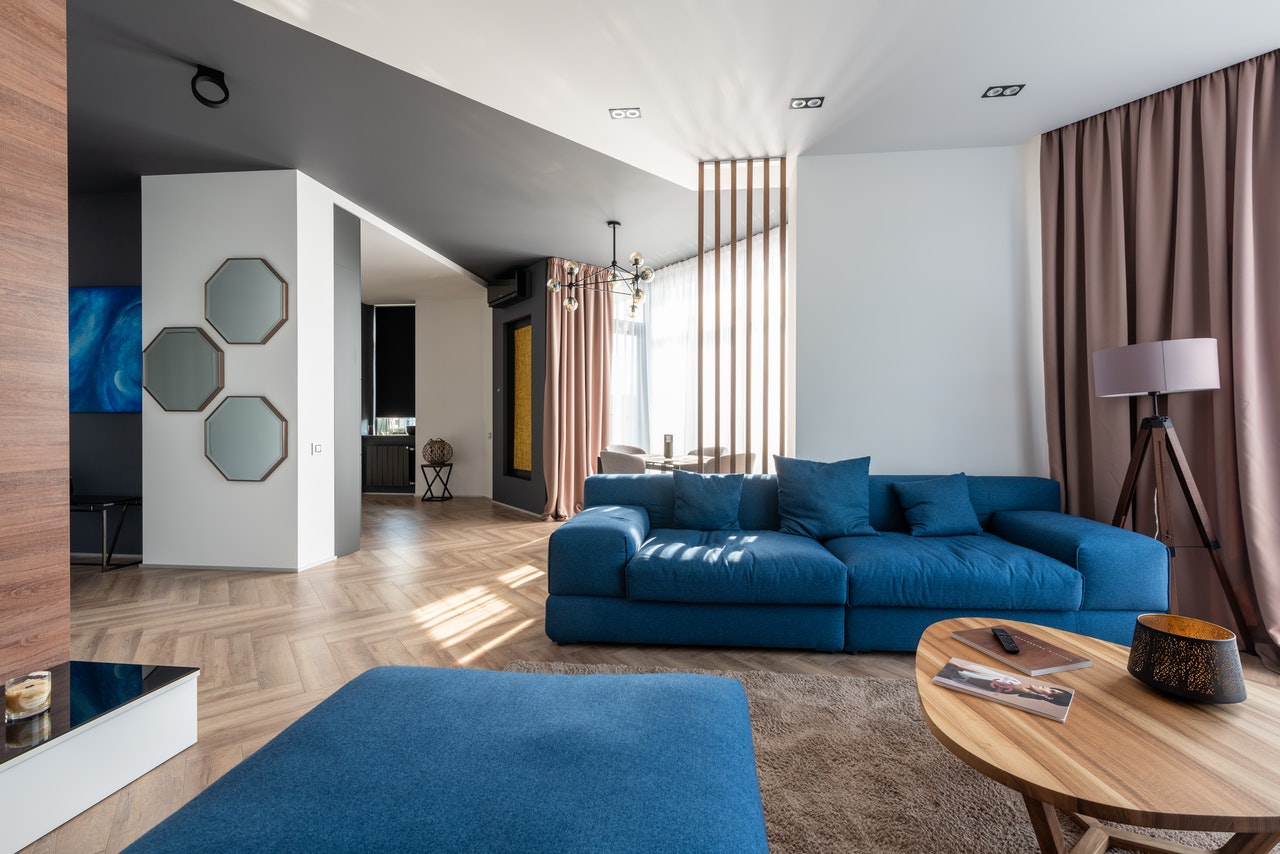


Two rails, running against each other. Shoes up top, the ready-to-wear below — drag either one on its own.
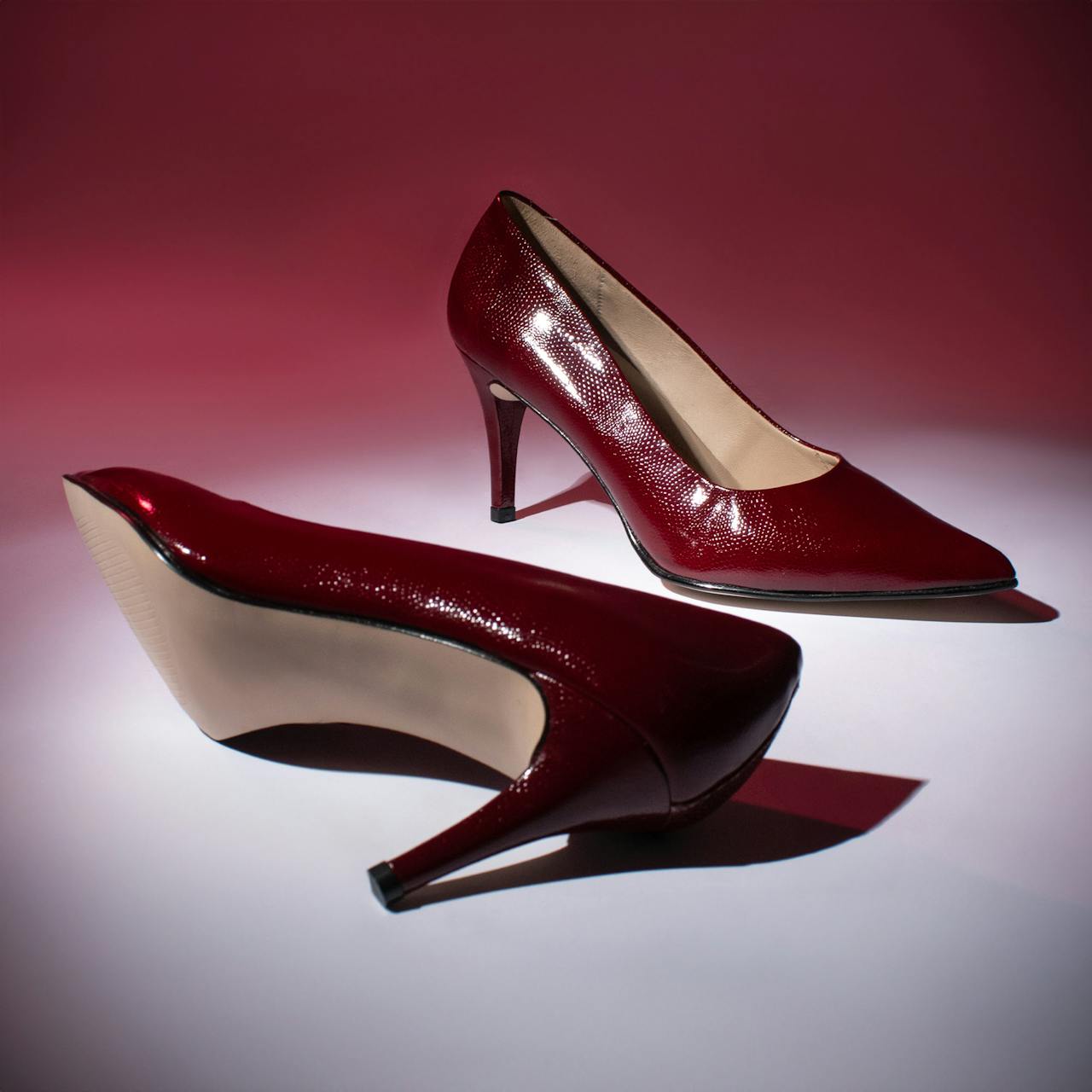
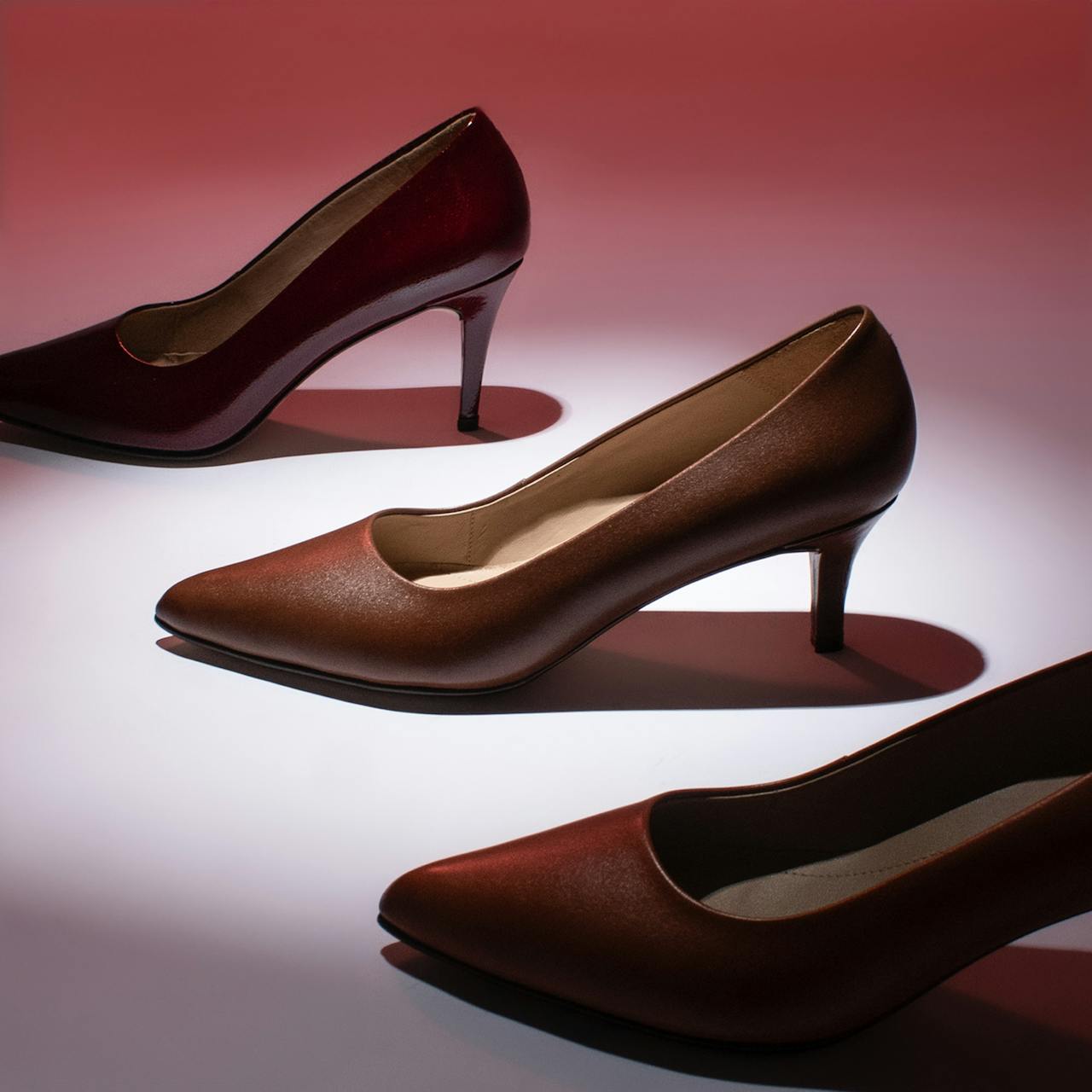

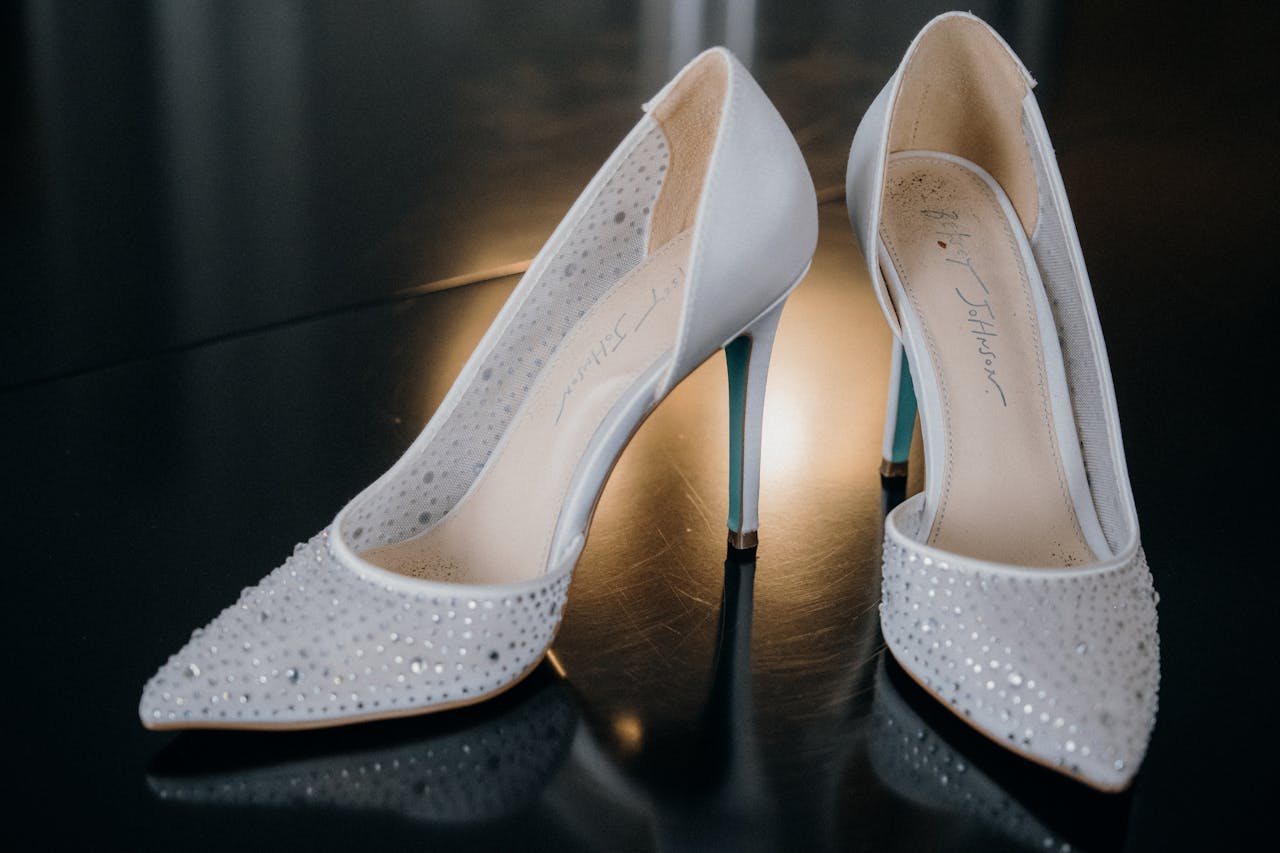
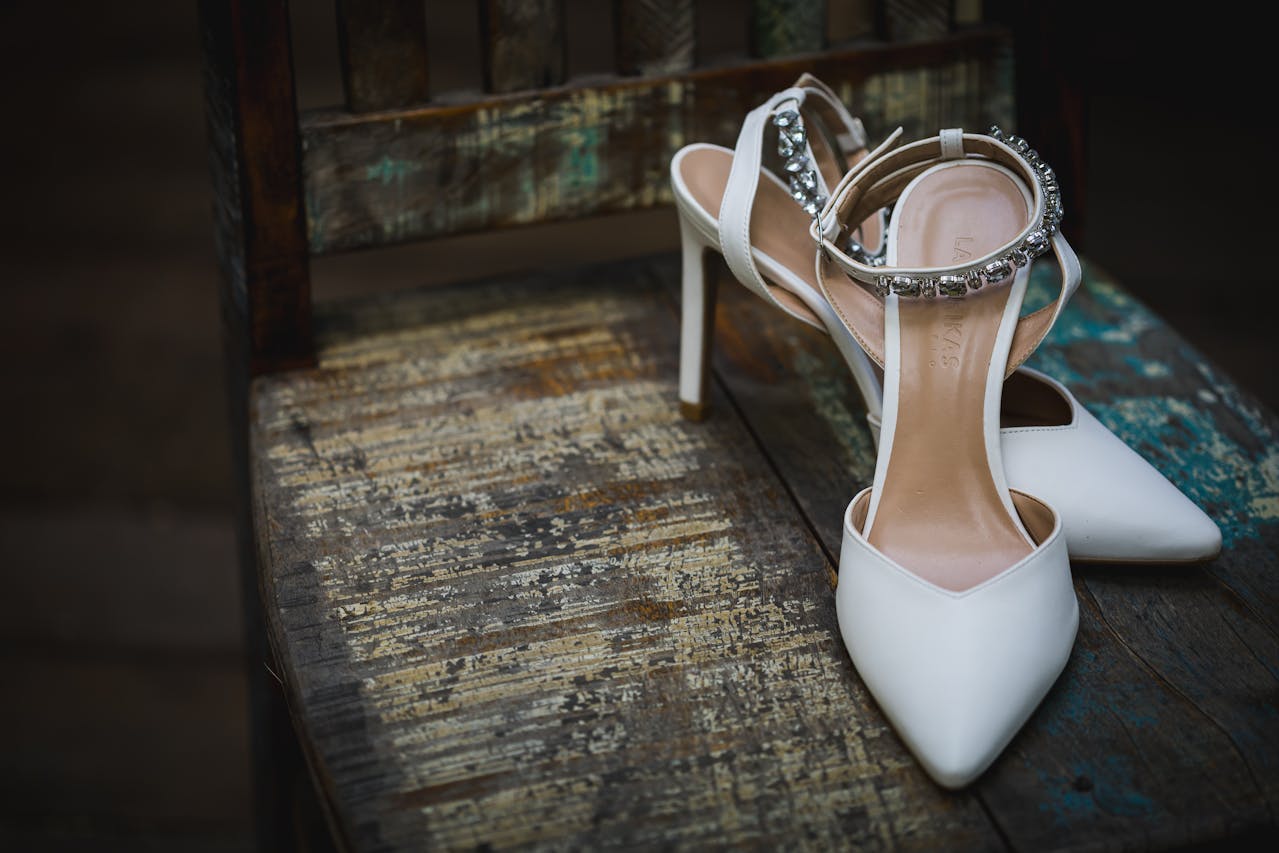







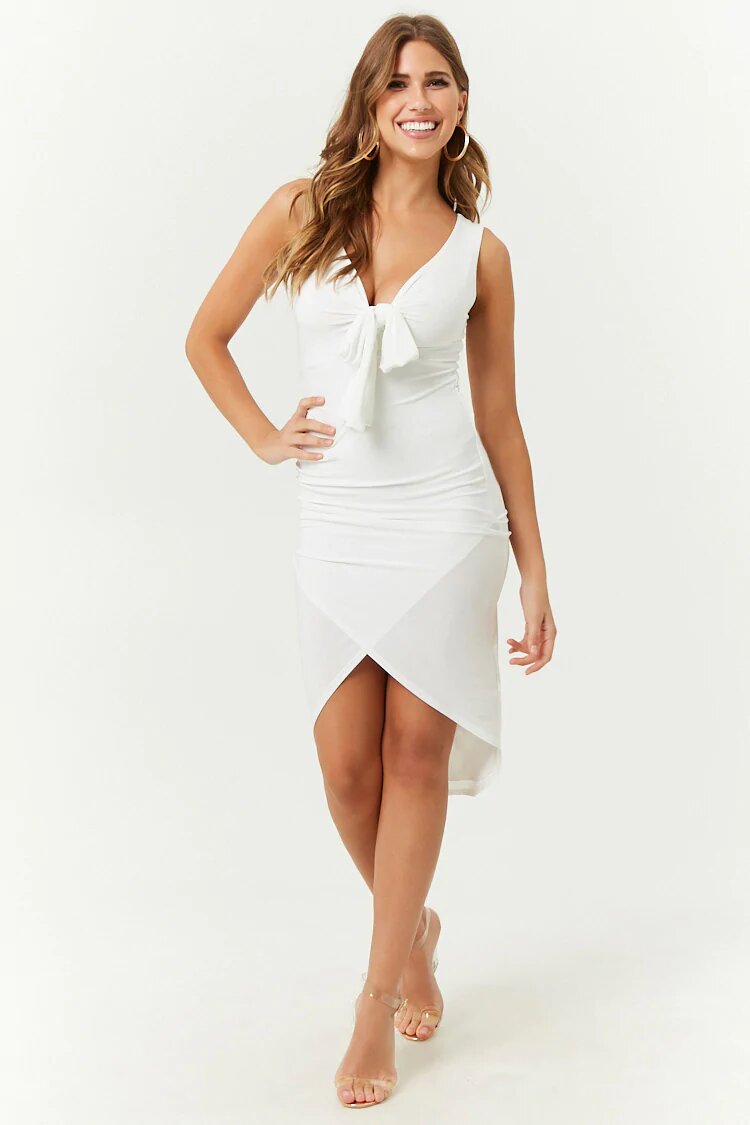

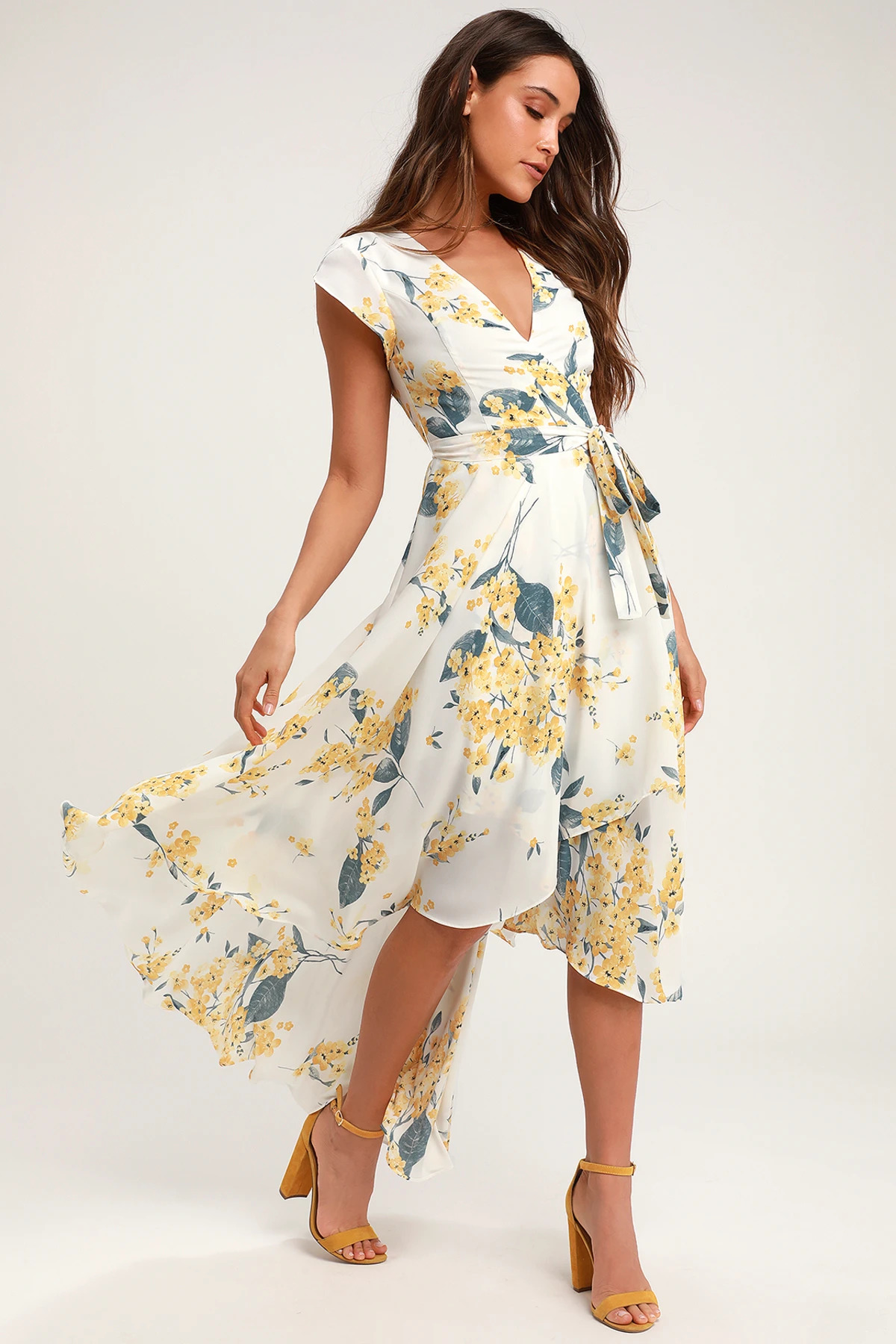


Everyone who works here, in no particular order. Three rows, moving at their own pace.




















The photograph behind this band sits deeper than the page and drifts as you pass it. Hover any frame for where it was taken.
A small studio for brand, web and the awkward bit in between. The strip along the bottom is the studio itself — that is where the work happens.
Naming, identity, and the rules that keep it steady after we leave.
Design and build, shipped in weeks rather than quarters.
A retainer that covers the small changes nobody budgets for.








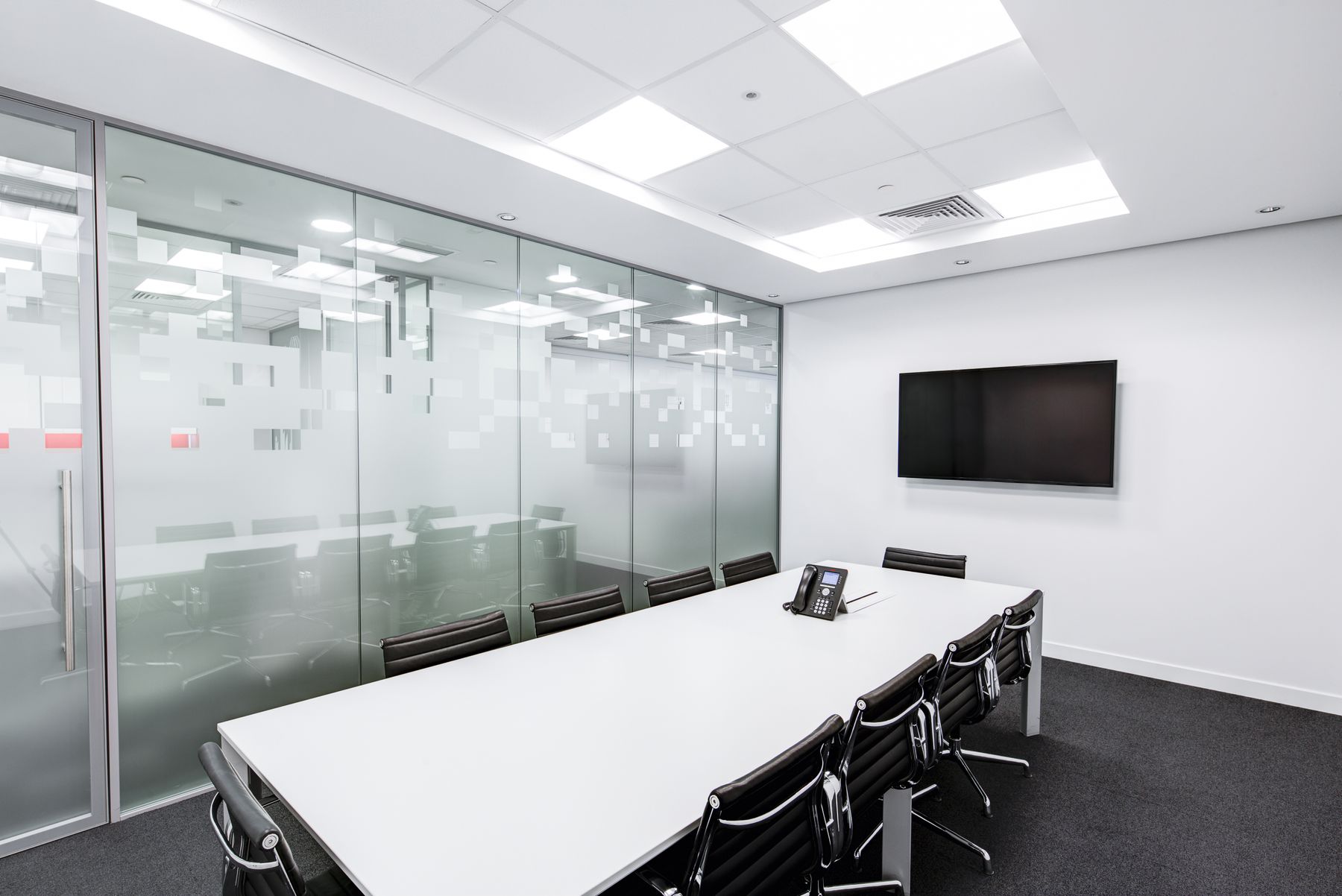



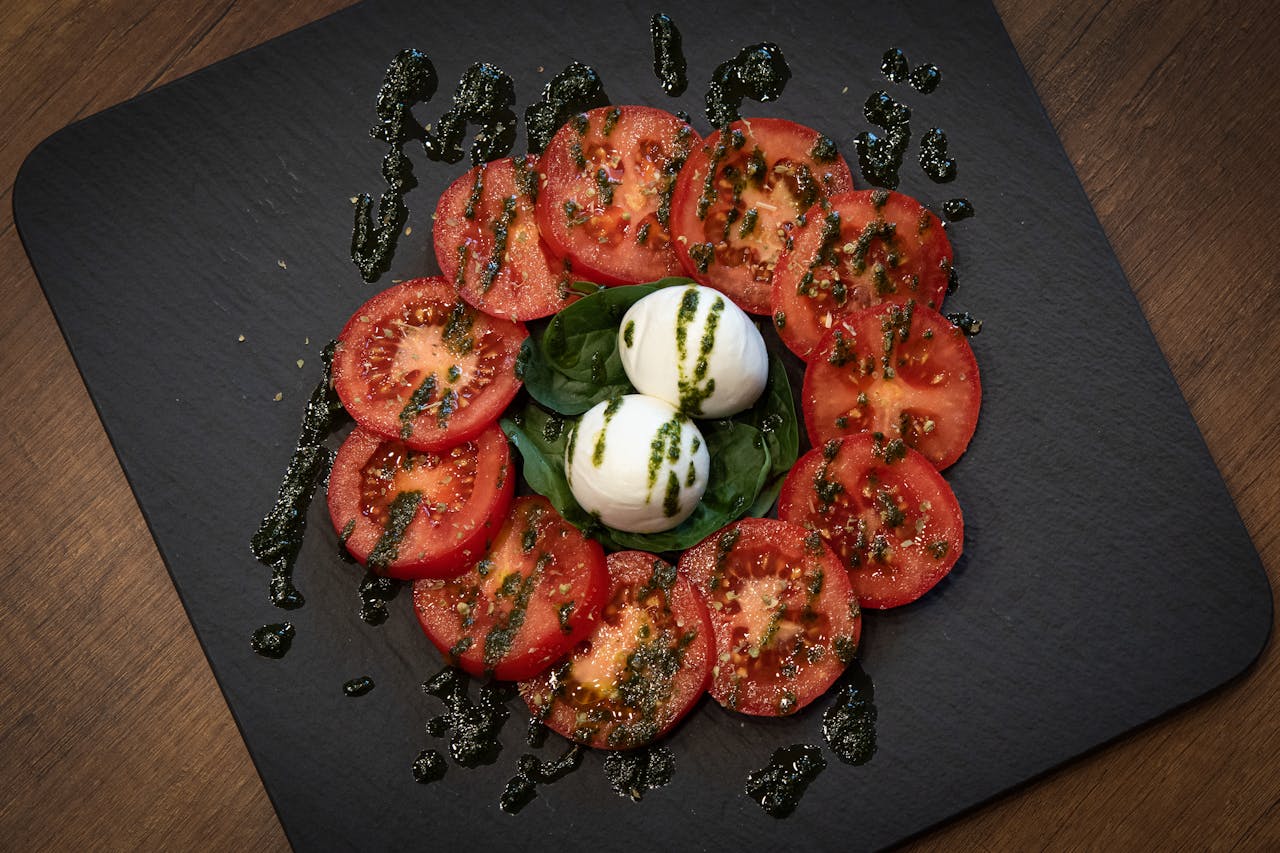
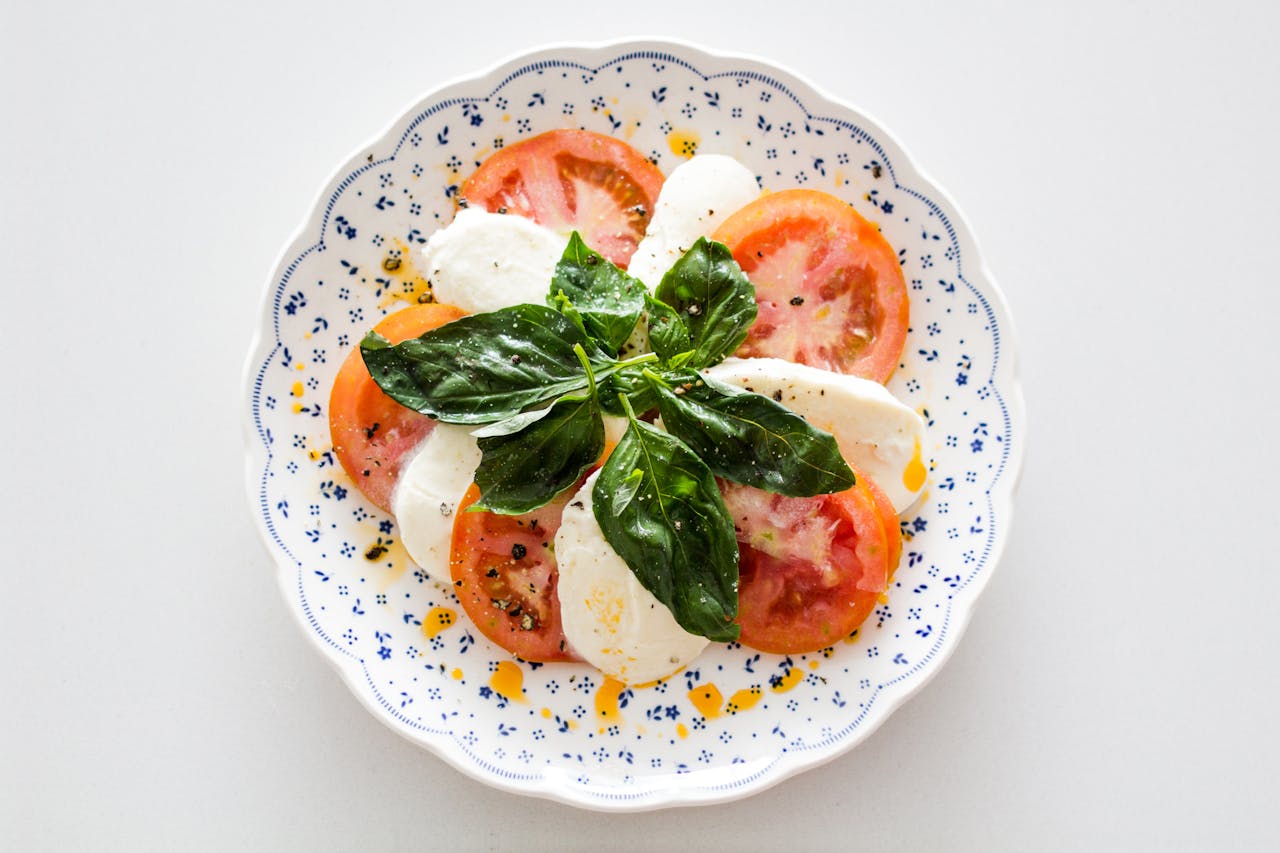



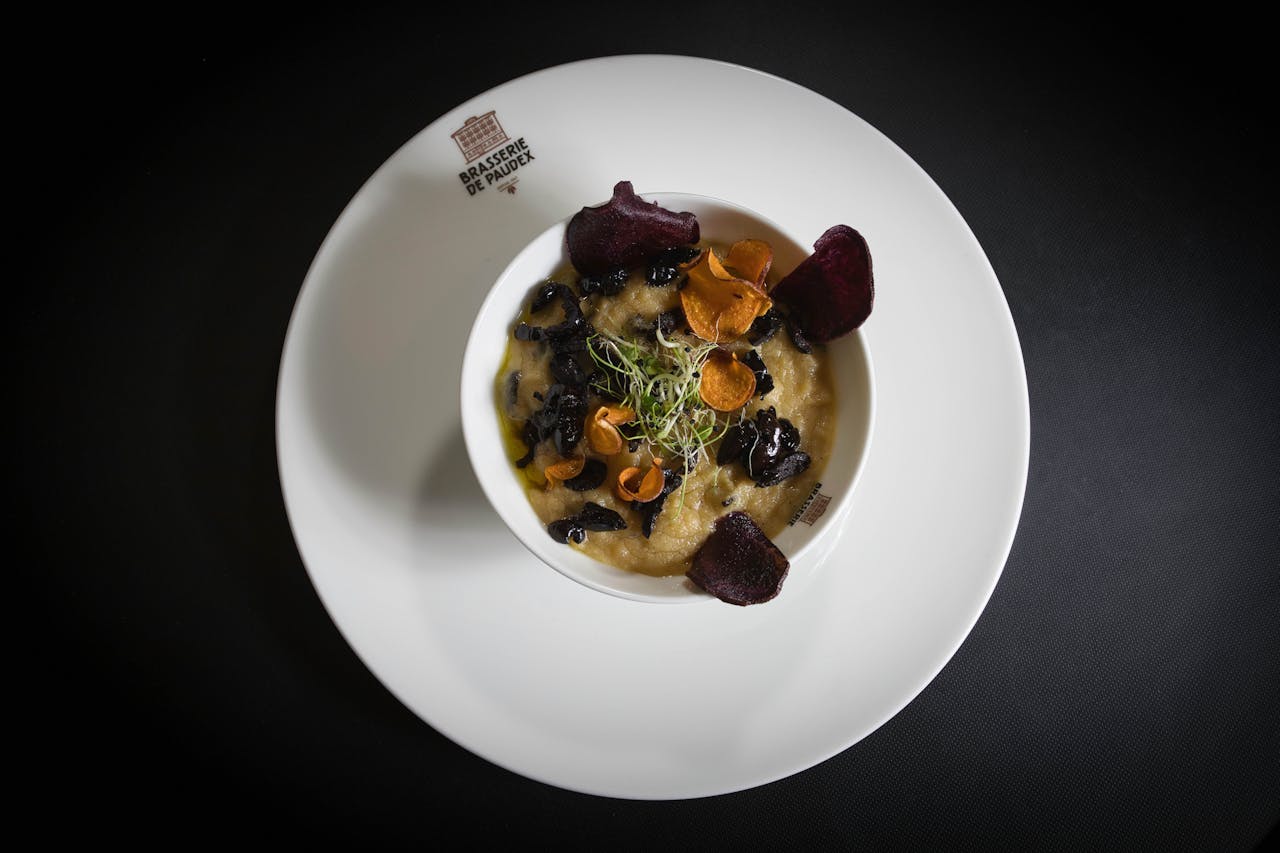
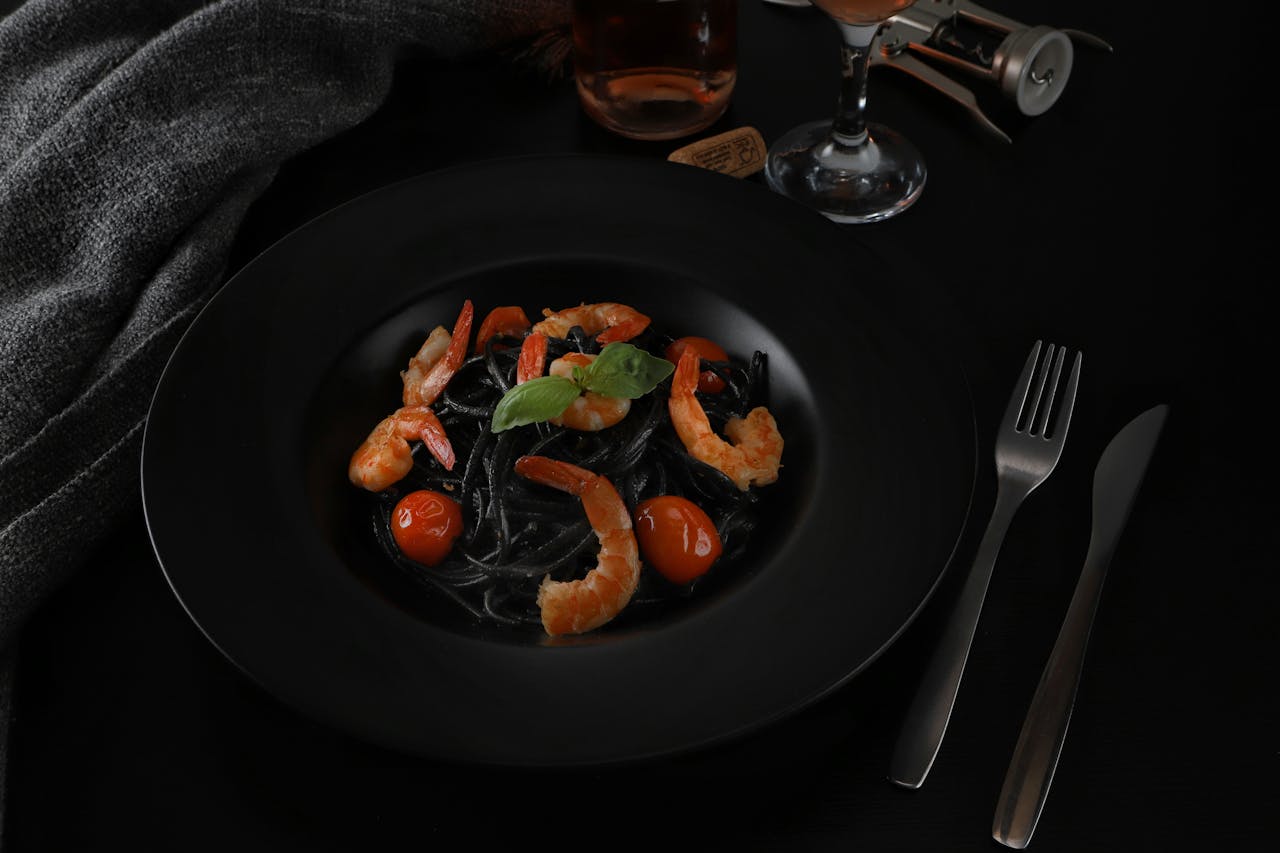
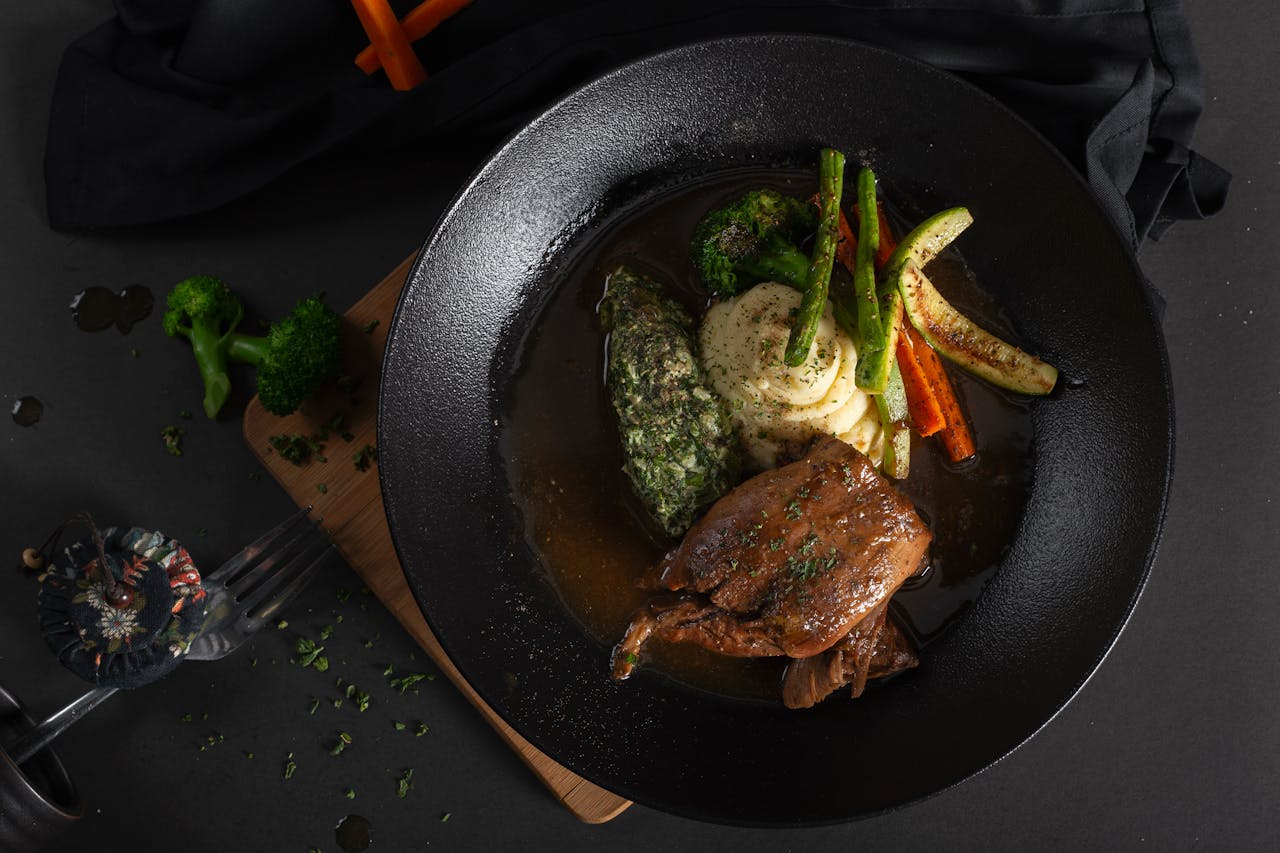
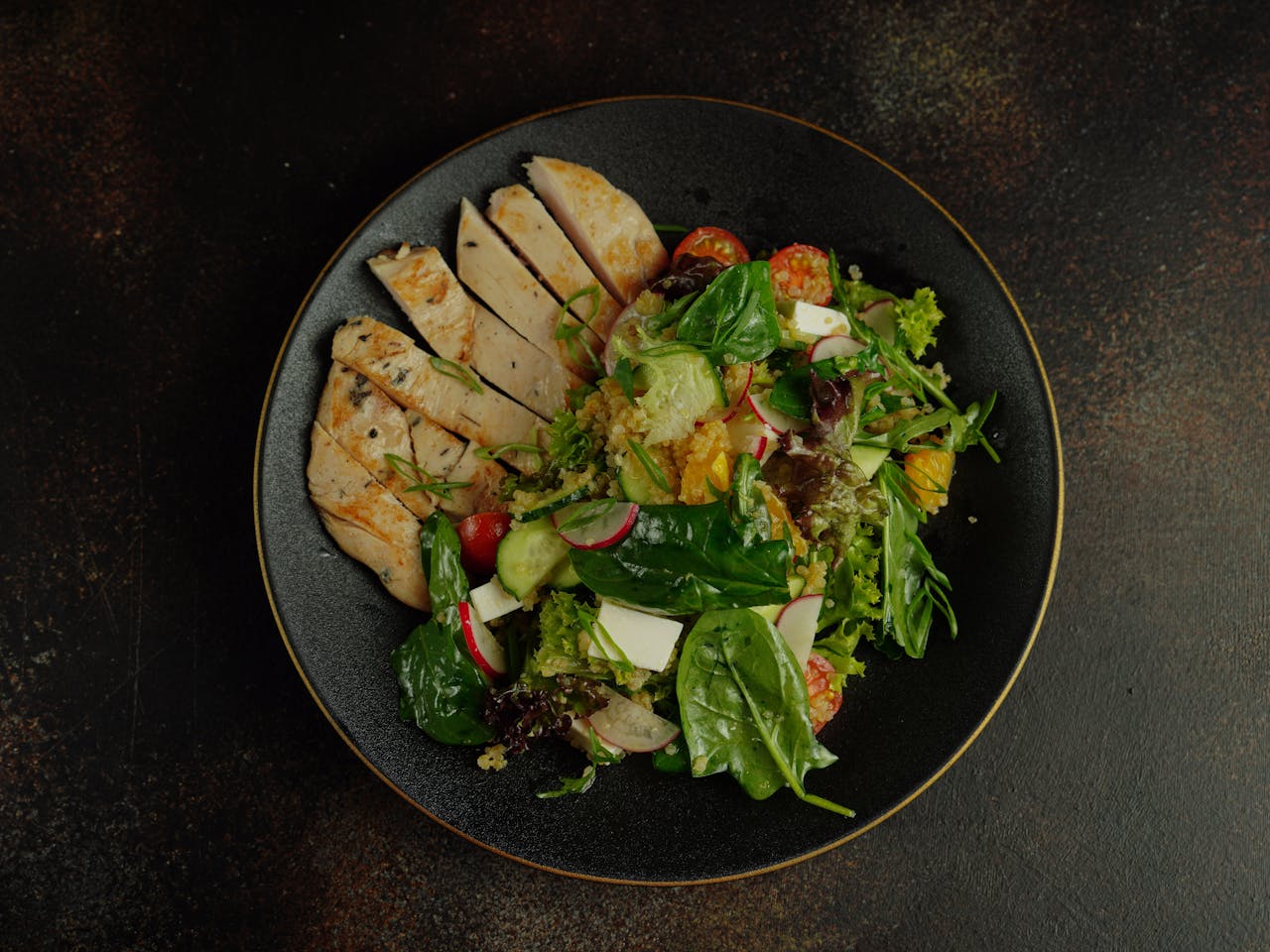





The kitchen writes the menu on the morning it is cooked, so this changes. Two rows of plates, drifting past — drag one back if something goes by too fast.
Lunch 12–3, Tuesday to Sunday
Dinner 6–10, Thursday to Saturday
Straight answers about what this one does, where it fits in a real build, and what it costs you to ship.
Read the documentation for this one, or write to us — a human answers inside a business day.
Yes — the Scrolling Gallery widget in Sky Addons for Elementor is built for exactly that. Neighbouring rows start offset 300 pixels in opposite directions and glide to rest as the section crosses the viewport, scrubbed to scroll position, so the movement follows the visitor rather than a timer.
Every item in the repeater carries a Level of 1, 2 or 3, and Sky Addons groups items by level into that many carousel rows. One item can also hold a whole gallery instead of a single picture, in which case each image becomes its own slide sharing that item’s link and caption.
Yes. Each row is also a looping carousel in free mode, with slides sized to their own content, so a flick or a drag spins it with momentum quite independently of the page scroll. Both work on the same row at once, which is what makes the effect feel alive on a long landing page.
Yes — unlike canvas-based galleries, this one outputs genuine WordPress image tags, so media-library alt text, the responsive srcset and the browser’s native lazy loading all survive. The Image Size control ships at Medium Large rather than Full, so you are not serving original uploads by accident.
No. It is a Sky Addons Pro widget and works on free Elementor with any theme. It leans on Swiper for the rows and GSAP with ScrollTrigger for the scroll-linked movement, all three bundled with Sky Addons and enqueued only on pages where the widget is actually placed.
Yes — switch the tooltip on and each item’s title and text appear in a small panel that tracks the cursor, fading in over about three-quarters of a second. The panel takes its own padding, border, corner radius, shadow, background and a backdrop blur, so it can sit over busy photography.
No — the caption panel is bound to mouse enter, leave and move events with no touch equivalent, so it never appears on a phone or tablet. The rows themselves still scroll and still swipe. Keep anything essential in the link target or in text beside the gallery, and treat the tooltip as a desktop garnish.
Yes. Item Height and Item Width are both per-device sliders running from 200 to 500 pixels, and em units are available if you want the tiles to track your type scale. The gap between slides is per-device too, defaulting to 20 pixels on desktop, tablet and phone, adjustable from 0 to 100.
Not inherently. The rows move using GSAP transforms rather than layout properties, and the widget flips will-change on for the animation then releases it, which is the pattern browsers optimise for. The real cost is picture count — three long rows adds up, so keep the Image Size at a registered size.
A marquee runs at constant speed on a timer, whereas the Scrolling Gallery ties each row’s position to how far the visitor has scrolled, so it stops when they stop and reverses when they scroll back. If you want continuous autoplay instead, Sky Addons ships separate logo carousel and news ticker widgets.
Elementor widgets and extensions by wowDevs — built for people who would rather ship than fight a page builder.
One short email when something ships. No drip sequence.