A tilt effect for Elementor that tips any element toward the cursor in 3D, with the depth and glare set per element.
Every print is editioned to fifty, signed on the reverse, and posted rolled in a tube you could stand on.

Released on the first Tuesday of the month. When the fifty are gone we do not reprint and the file is retired.



A3 at forty pounds, A2 at seventy, A1 at one hundred and thirty. All of them on the same 310gsm cotton rag.



Oak, black, or unframed. The frames are made in Todmorden and add about ten days to the order.
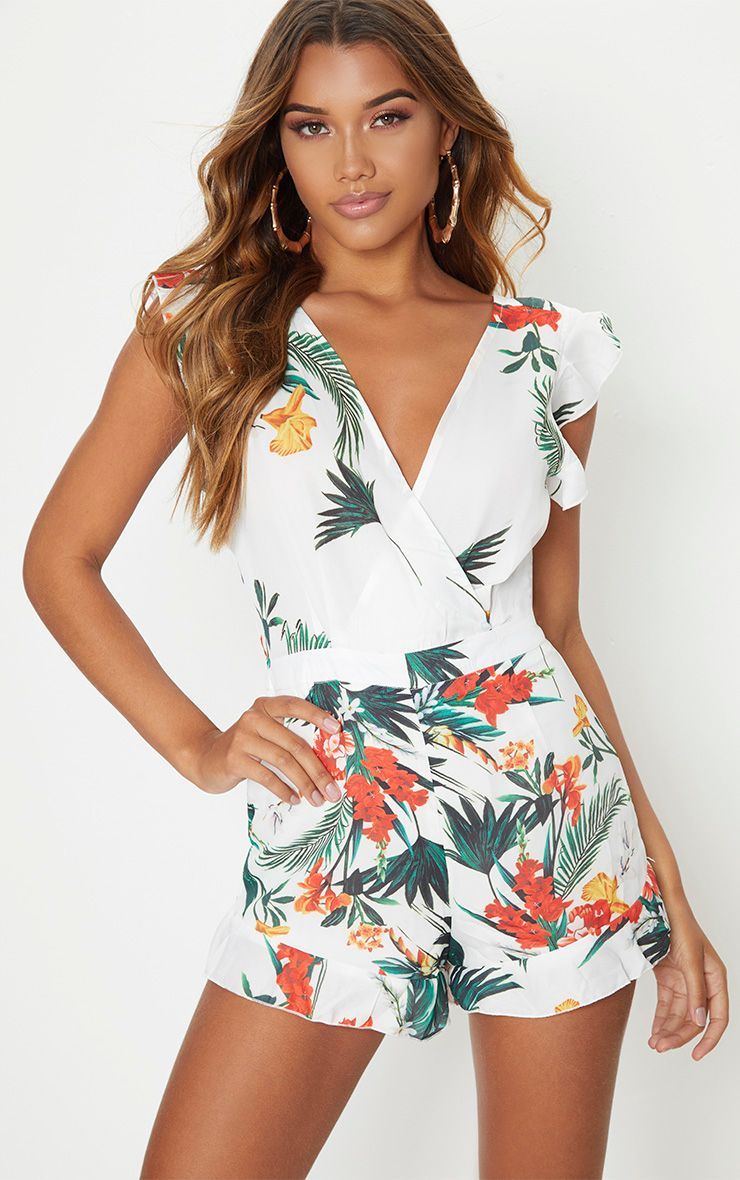
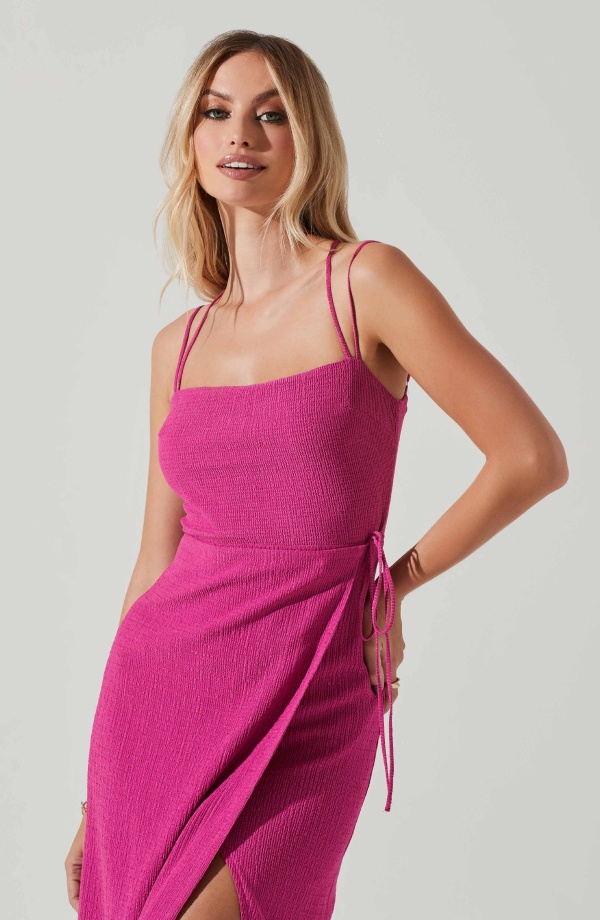
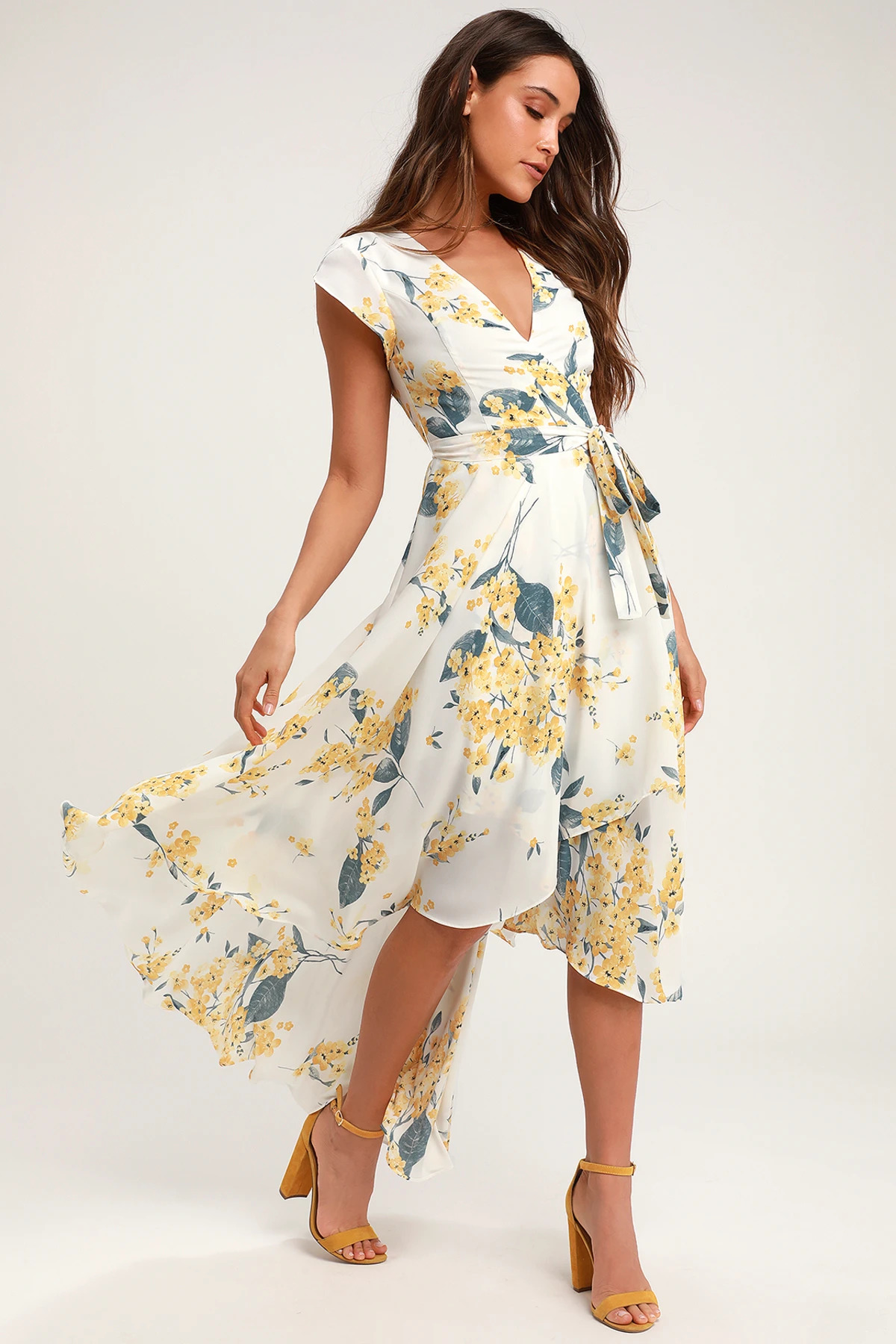
Nine of them, mostly working photographers, who take sixty per cent of every sale. We never ask for exclusivity.
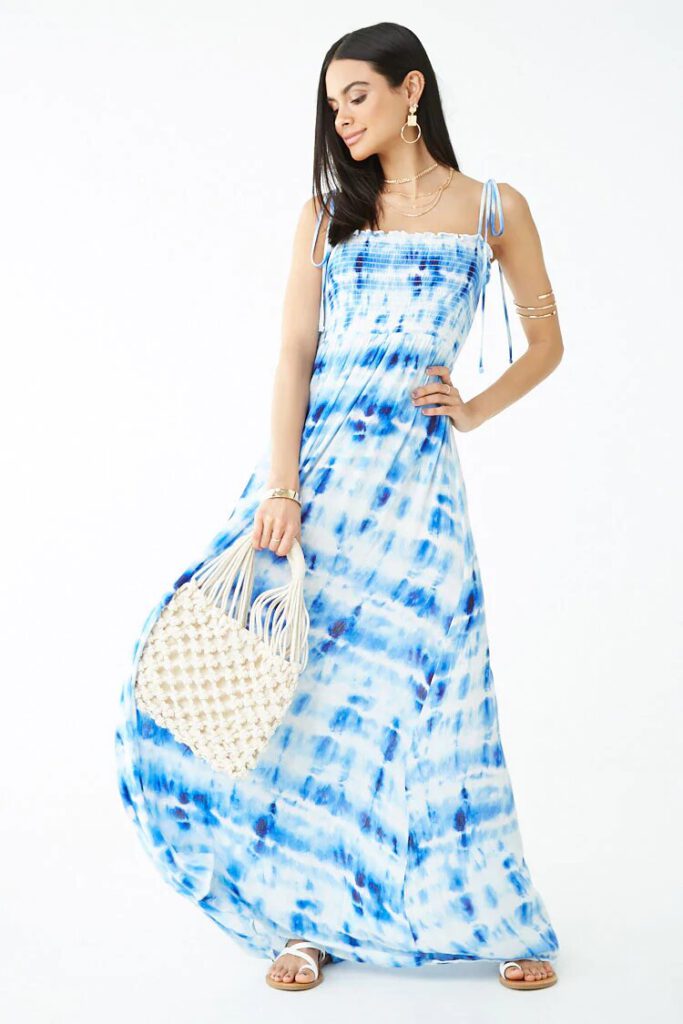


A card, a code, and a year to choose. About a fifth of what we sell in December is somebody else picking later.


Straight answers about what this one does, where it fits in a real build, and what it costs you to ship.
Read the documentation for this one, or write to us — a human answers inside a business day.
On the Advanced tab of any widget, and on the Layout tab of containers and old-style sections. Sky Addons for Elementor adds it as a panel section, so an image, a card or a whole container you already built starts tipping toward the cursor as soon as you switch it on.
Nothing at all — it never binds on touch-only devices. The handler checks for a genuine hover-capable pointer before attaching anything, so a touchscreen visitor gets the element completely untouched, with no stuck tilt left behind by a tap and no wasted event listeners.
Neither. Tilt Effect ships in the free Sky Addons for Elementor plugin and works on free Elementor. Every control — tilt angle, perspective, speed, easing, axis lock, hover scale and the glare sheen — is in the free build with nothing held back.
Max Tilt runs from 0 to 45 degrees and defaults to 15, which reads as depth without distorting text. Perspective, from 300 to 2000 and defaulting to 1000, decides how dramatic that same angle looks, with lower numbers exaggerating it. Scale adds up to 1.5 times zoom while hovered.
Yes. A Glare switch adds a light sweep tracking the pointer across the element, with its own colour and an opacity slider from 0 to 1 that defaults to 0.4. Leaving the colour empty gives a white sheen, which suits dark cards and photography particularly well.
Yes — Axis offers Both, X Only, which responds to vertical mouse movement, and Y Only, which responds to horizontal movement. A single axis is the safer choice on a wide card or a text-heavy panel, where tilting two ways at once reads as wobble rather than depth.
Yes, with the Reverse switch. Tilting toward the cursor reads as the element leaning in to meet the pointer; tilting away reads as the pointer pressing a surface down. The two are one click apart, and the speed and easing controls apply the same way to either.
Yes. The handler reads the visitor prefers-reduced-motion preference and stays inert when it is set, alongside the touch-device check. Nothing is hidden and nothing is moved — the element simply renders as an ordinary Elementor element with no tilt attached to it.
No. The tilt has no library and no stylesheet of its own — the handler writes every style inline as the cursor moves. The handler itself is only enqueued on pages where at least one element actually has the effect switched on.
The tilt is driven by the cursor, parallax by the scroll. Tilt Effect responds to where the pointer sits over the element and returns to flat when it leaves. The Sky Addons parallax extensions are tied to scroll position and run whether or not there is a mouse on the device.
Elementor widgets and extensions by wowDevs — built for people who would rather ship than fight a page builder.
One short email when something ships. No drip sequence.
