
How to use Wrapper Link features of Sky Addons for WordPress
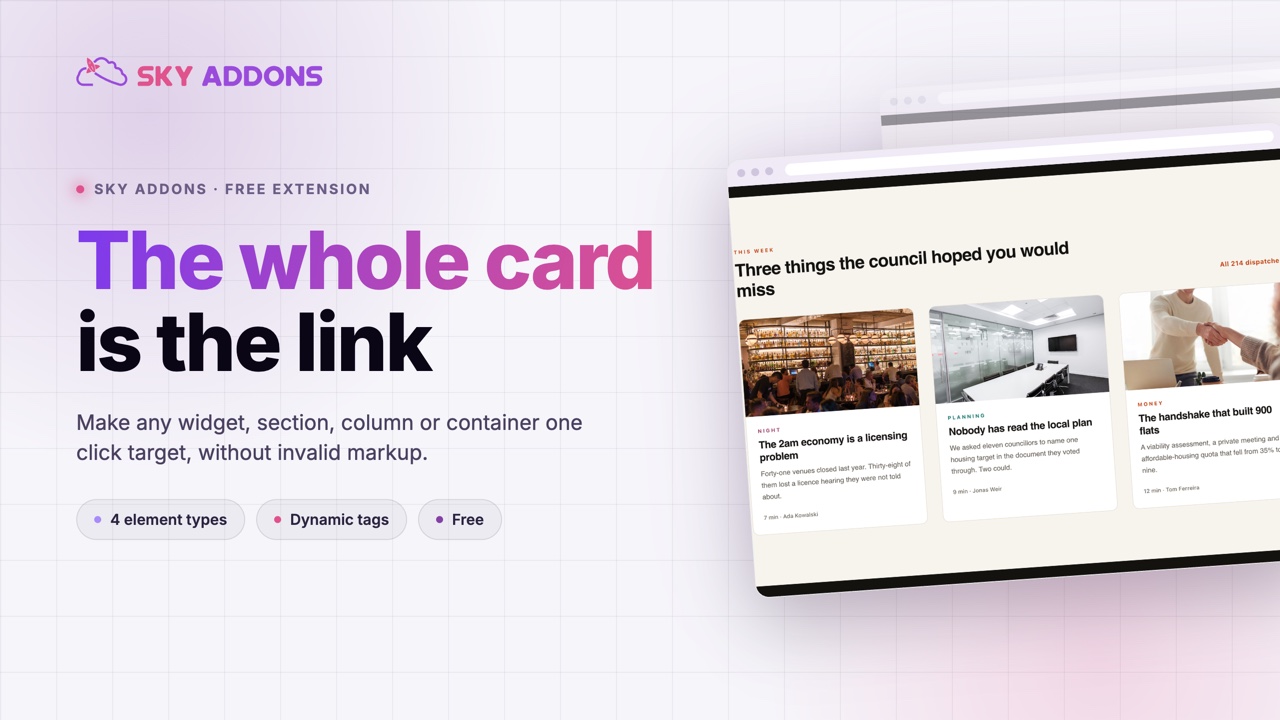
Sky Addons Wrapper Link extension makes any Elementor element fully clickable. Instead of relying on a small button or text link, you can wrap an entire section, column, container, or widget in a link. It is perfect for clickable cards, banners, pricing boxes, and image tiles. Visitors can click anywhere on the element and they will be taken to the URL you set, with the familiar pointer cursor signaling the element is interactive. This documentation will guide you through enabling and using the Wrapper Link extension on your website.
Key Features
- Make whole sections, columns, containers, or widgets clickable
- Standard Elementor URL control with “Open in new window” and “Add nofollow” options
- Dynamic tags supported: link to post URLs, custom fields, and more
- Automatic pointer cursor so visitors know the element is clickable
- Lightweight: the helper script loads only when a wrapper link is set
Activate Wrapper Link Module
Wrapper Link ships with Sky Addons and is available once the module is switched on. To verify its status:
- Navigate to your WordPress Dashboard and locate “Sky Addons” in the left sidebar menu
- Click on the “Extensions” tab within the Sky Addons dashboard
- Find “Wrapper Link” in the extensions list
- Ensure the toggle switch is in the “On” position
- Save your changes if you made any adjustments
Using Wrapper Link
- Open the Elementor Editor and select the element you want to make clickable
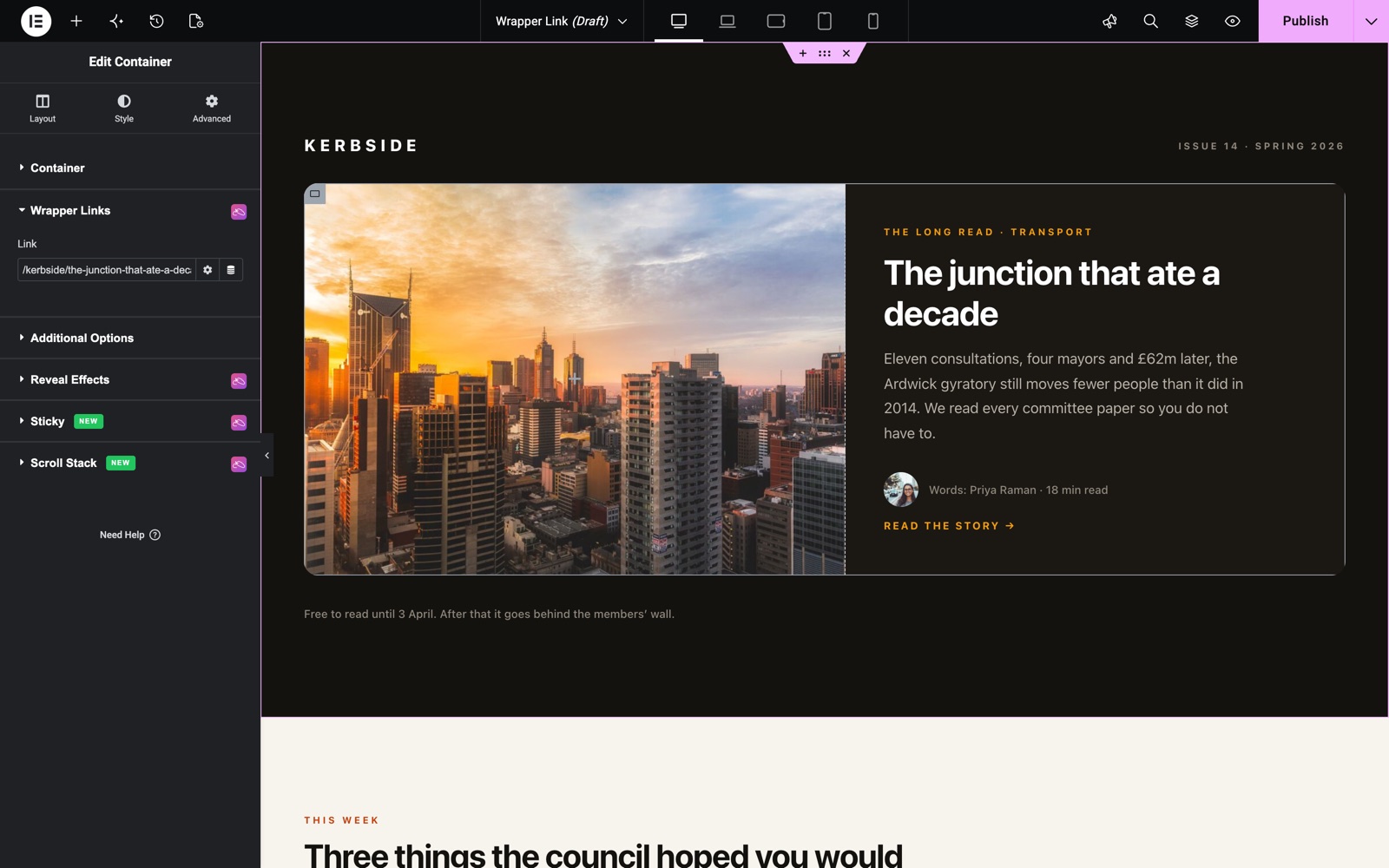
- For widgets: the “Wrapper Links” section appears in the “Content” tab
- For sections, columns, and containers: the “Wrapper Links” section appears in the “Layout” tab
- Locate the “Wrapper Links” section (marked with the Sky Addons icon)
- Enter the destination URL in the Link field
Wrapper Link Controls
- Link – The destination URL for the whole element. As soon as a URL is set, the element becomes clickable and shows a pointer cursor
- Open in new window – Click the gear icon on the Link field to open the destination in a new browser tab
- Add nofollow – Also under the gear icon; adds a nofollow attribute for links you don’t want search engines to follow
- Dynamic Tags – Use the dynamic icon to link to the current post URL, an ACF field, a site URL, and other dynamic sources
To remove the wrapper link later, simply clear the URL field. The element returns to its normal, non-clickable behavior.
Save and Preview
- Once you’ve set your wrapper link, click “Publish” or “Update” to save your changes.
- Preview the page and click anywhere on the element to confirm it navigates to the right URL.
Troubleshooting
- Element Not Clickable: Make sure the URL field is not empty and the page has been updated. The link activates on the frontend, not inside the editor canvas
- Inner Buttons or Links Conflict: Links and buttons inside the wrapped element keep their own destinations; avoid wrapping elements whose inner links point somewhere visitors would not expect
- Wrong Destination with Dynamic Tags: Preview the actual page (not the template) so dynamic sources like “Post URL” resolve against real content
Frequently Asked Questions
How do I make an entire Elementor section clickable?
Select the section, open the Layout tab, find the Wrapper Links section marked with the Sky Addons icon, and paste your destination URL into the Link field. The whole section becomes a clickable area on the live page.
Can I make an Elementor container or column a link without code?
Yes. The Wrapper Link extension works on containers and columns as well as sections and widgets. The controls appear in the Layout tab for layout elements and in the Content tab for widgets.
Can the wrapper link open in a new tab?
Yes. Click the gear icon next to the Link field and enable “Open in new window”. You can also add a nofollow attribute from the same panel.
Can I link a card to its post dynamically?
Yes. The Link field supports Elementor dynamic tags. Choose “Post URL” (or a custom field) from the dynamic icon and each rendered card links to its own post, which is ideal inside loop templates.
What happens to buttons inside a wrapped element?
Inner links and buttons continue to work with their own URLs. Clicks on them follow their own destination rather than the wrapper link. For clarity, keep inner links to a minimum inside fully clickable cards.
Related Documentation
Conclusion
The Wrapper Link extension by Sky Addons for Elementor removes the need for invisible overlay hacks. One URL field turns any element into a generous, easy-to-tap link target. It is a small feature that noticeably improves click-through on cards and banners. If you have any questions while using Wrapper Link, the Sky Addons support team is happy to help.
Need help? Our team is happy to answer questions on the Sky Addons support page.