
Elementor Smooth Scroll: Page Motion That Feels Finished
Sky Addons smooth scroll replaces stepped scrolling with eased motion, fixes anchor offsets and respects reduced motion, all from one toggle in Advanced.
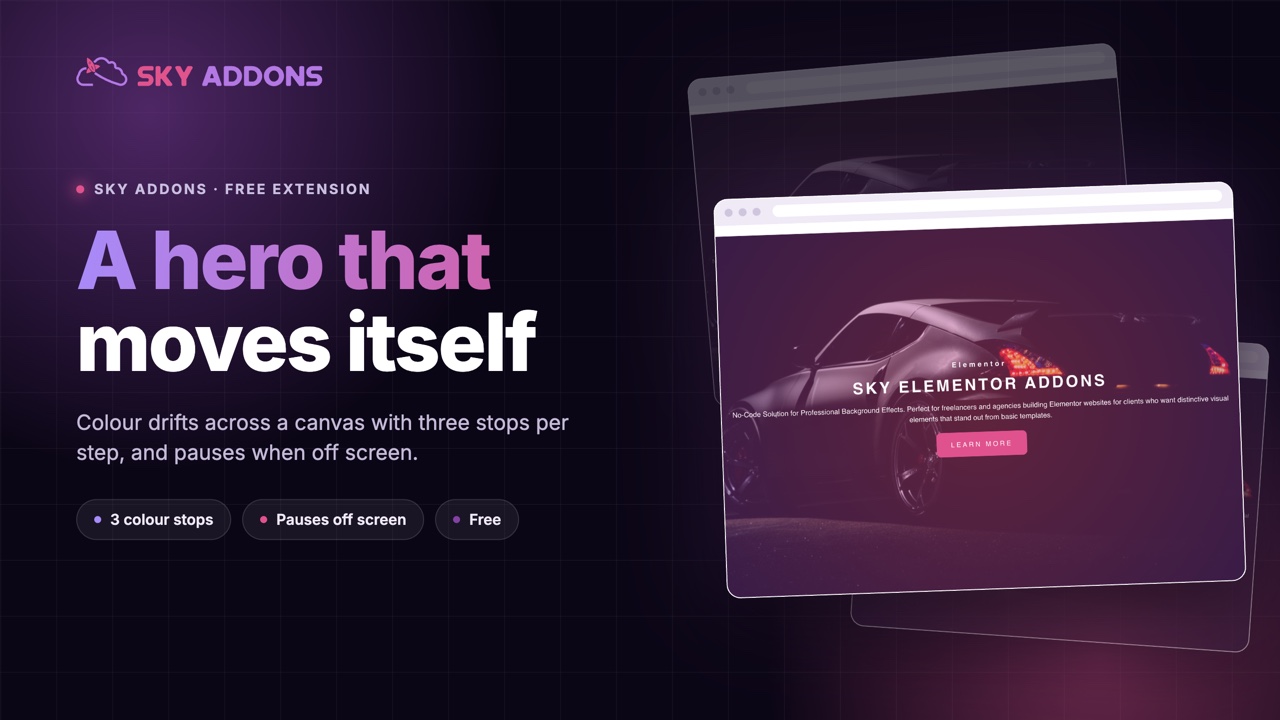
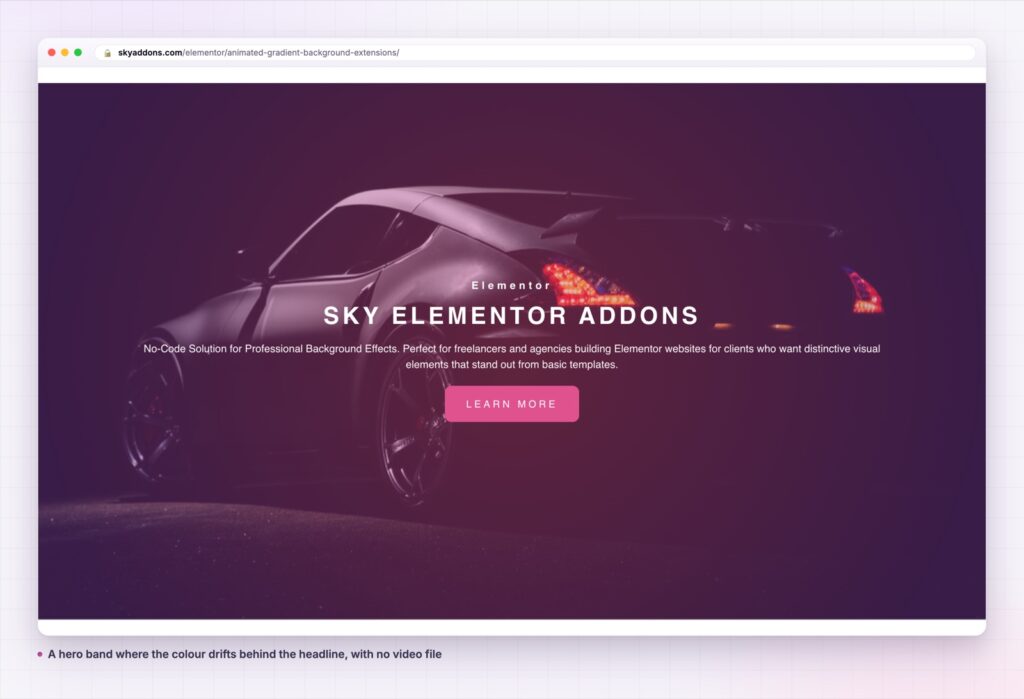
A hero section needs to feel alive, and the usual answer is a background video. That answer costs three to eight megabytes, refuses to autoplay reliably on phones, needs a poster image for the moment before it loads, and drags the largest contentful paint with it.
The other usual answer is a static gradient. It costs nothing and it moves not at all.
An animated gradient background sits between the two. Colours drift slowly from one blend to the next, drawn live by the browser, with no file to download. It is the look every SaaS landing page has been using for the last few years, and in Sky Addons it is a panel on the element you already built.
| Approach | What it costs |
|---|---|
| Background video | Megabytes per visit, unreliable autoplay on phones, a poster image to prepare |
| Animated GIF or WebP | Large file, banded colours, fixed dimensions |
| Static CSS gradient | Free and weightless, but completely still |
| CSS keyframe gradient animation | Animates the background position, not the colours. Reads as a slide, not a blend |
| Animated gradient extension | Colours drawn live on a canvas. No file, and it pauses when off screen |
Three colour stops per step, not two. Each row in the colour list takes a start, a middle and an end colour. The middle stop is optional and is skipped when empty. Two stop gradients look like a product default. The third stop is what makes a gradient look designed, because it lets the blend pass through a colour rather than straight from one to the other.
As many steps as you want. The colour list is a repeater, so the animation can cycle through two blends or eight. The transition speed control sets how long each step takes, defaulting to seven seconds, which is slow enough to notice without being distracting.
It pauses when nobody is looking. A pause on scroll switch, on by default, stops the animation whenever the element is out of view. A hero at the top of a long page stops working the moment the reader scrolls past it, which is exactly what you want from a background effect.
A loop count, for animations that should stop. Set it to zero and it runs forever. Set it to three and it plays three full cycles and then holds. Useful on a page where the motion should introduce the section rather than accompany it permanently.
Blend mode, opacity and z index. The canvas is a real layer you can position. Set a blend mode to mix it with the section’s own background image, drop the opacity so it reads as a tint, or push it behind another layer. This is what separates a tasteful moving wash from a screensaver.
It only loads where it is used. The gradient library is enqueued in the before render hook, and only when the toggle on that element is on.
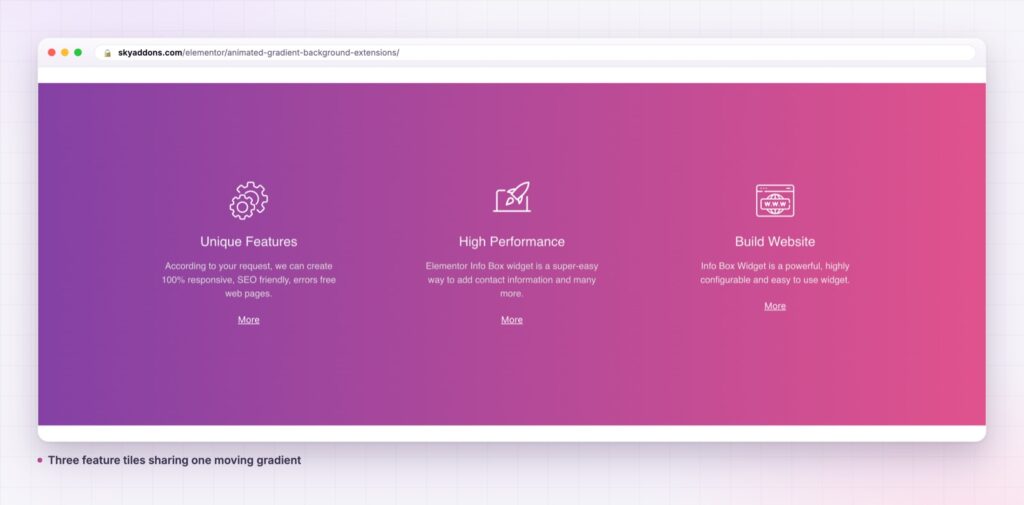
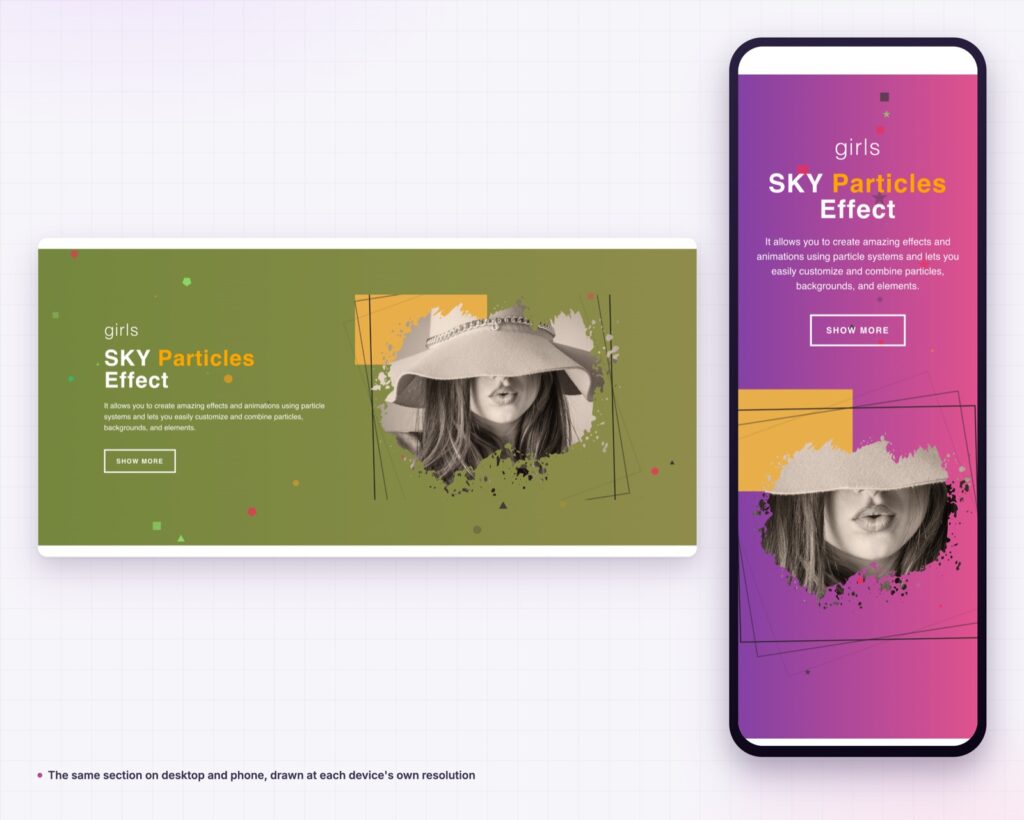
The effect is drawn on a canvas that fills the element and ignores pointer events, so nothing underneath becomes unclickable. Because the colours are computed rather than loaded, there is no file size, no decode step, and no resolution to get wrong. The same section looks correct on a phone and on a 4K monitor.
Two controls decide how long the effect stays interesting. Loop Count sets how many full passes the gradient makes before it stops, with 0 for endless and 100 as the ceiling, so a hero can settle on its first colour row once a visitor has had time to read the headline. Z-index sits beside it and writes straight onto the canvas element, which is what lets one section keep the gradient behind a shape divider while another floats it above a flat fill. Direction, which swings the blend left to right, top to bottom, diagonally or outward from the centre, is a Pro control.
Slow is the point. Seven seconds per step is below the threshold at which motion competes for attention, so the reader registers that the page is alive without being pulled away from the headline. That is the opposite of a background video, which usually has cuts, faces and motion the copy has to fight.
A moving background works when the reader cannot tell you where it changed. The moment they can time the loop, it has become the content.
It attaches to sections, containers, columns and widgets, so it is not only a hero effect. A single feature card in a grid, a pricing column marked as recommended, a testimonial panel, a footer band, a sticky signup bar. Anywhere a flat colour currently sits and could afford to breathe.
Because it is a layer rather than a replacement, it composes with the element’s own background. Set a background image, drop the gradient canvas on top at low opacity with a blend mode, and you have a photograph that shifts colour temperature slowly. That is a look which normally takes a video.
For the underlying drawing surface and why a canvas costs so much less than a video, the MDN guide to the Canvas API covers how the browser paints it.
The loop count is the control most people miss. An infinite gradient behind a hero is a texture, and after a few seconds the reader stops seeing it. A gradient set to run two or three cycles and then hold does something different: it introduces the section, settles, and leaves the page calm while the reader is actually reading. On a long landing page that is usually the better behaviour, and it costs one number.
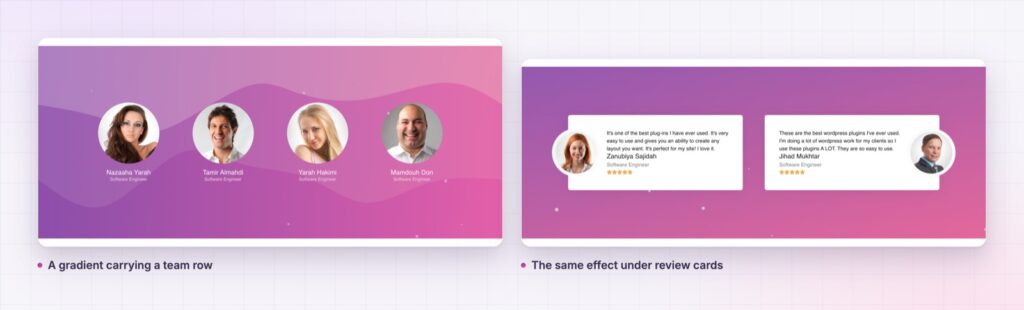
The extension is free, including the colour list with three stops per step, the speed, pause, loop count, opacity, blend mode and z index. The gradient direction control is the Pro addition. See free versus Pro.
No. Elementor and Sky Addons. The gradient library ships with the plugin.
It loads only on pages that use it, downloads no media, and pauses when the element is off screen. It is dramatically lighter than the background video it usually replaces.
Yes, and it scales to the device resolution with no separate asset. Keep pause on scroll on so it is not painting while the reader is further down the page.
Yes. Set the element’s background image as usual, then use the canvas opacity and blend mode to mix the moving colour into it.
An animated gradient background draws slow moving colour on a canvas inside any Elementor element, with three colour stops per step, as many steps as you want, and blend and opacity controls to settle it into the design. It downloads no media, pauses when off screen, and loads only where it is switched on.
See it moving on the animated gradient background demo, then read the animated gradient background documentation. It pairs directly with backdrop filter for glass panels on top, and with reveal effects for the content arriving over it. Licences are on pricing.

Comments are closed.