
How to Translate Sky Addons Widgets with WPML
The WPML integration in Sky Addons lets you translate Elementor widgets with WPML without opening the Elementor editor in every language. Sky Addons registers the text, description, button and link fields of its widgets (including repeater items such as accordion rows, testimonial slides and social links) with WPML’s page-builder system, so each appears as its own translatable string in the Translation Editor. There is no Sky Addons settings screen and nothing to switch on: the integration wakes up when WPML and its String Translation add-on are active. This documentation explains what becomes translatable, which fields each widget exposes, and the workflow from building a page to publishing its translation.
Features:
- Automatic Field Registration: Sky Addons hands WPML each supported widget’s translatable fields: no per-page setup.
- Repeater Support: Every row of an accordion, slider, carousel or icon list is translated item by item.
- Correct Editor Types: Each string is tagged single-line, multi-line or link, so translators get the right input.
- Translatable Link URLs: Button and social links expose their URL, so a translated page can point at the matching localised page.
- Readable String Labels: Strings are named after the widget and the field (“Info Box: Title”, “Team Member: Job Title”) so translators know what they are editing.
- Design Stays Shared: Colours, spacing, icons and images are never registered, so a restyle reaches every language at once.
- Zero Configuration: It activates only when WPML String Translation is present, and stays dormant otherwise.
Requirements
- WPML Multilingual CMS, with your languages already configured.
- WPML String Translation: this is the add-on that matters. Base WPML on its own is not enough; the Sky Addons integration only loads when String Translation is active.
- Elementor and Sky Addons active, with the widgets you need switched on in Sky Addons → Widgets.
- WPML’s page-builder support enabled for Elementor (WPML’s own default when Elementor is detected).
How the Integration Works
WPML translates an Elementor page by walking its stored data and pulling out strings it has been told about. Third-party widgets stay invisible unless somebody registers them, which is what Sky Addons does: for each supported widget it declares which settings hold human-readable content, what to call each one, and what kind of editor the translator gets.
Three editor types are used, and they shape what a translator sees:
| Editor type | Used for | What the translator gets |
|---|---|---|
| Single line | Names, job titles, badges, button labels | A one-line text input |
| Multi line | Titles, descriptions, testimonial and accordion content | A larger text area that keeps basic formatting |
| Link | Button and social link URLs | A field holding just the URL; other link settings stay untouched |
Because registration happens per widget and per field, translating a page never means duplicating your layout. One design, many languages.
Which Widget Fields Become Translatable
These are the Sky Addons widgets with a WPML integration and the exact fields each exposes. Fields marked (per item) come from a repeater, so they appear once per row.
| Widget | Translatable fields |
|---|---|
| Advanced Accordion | Title, Content (per item) |
| Advanced Skill Bars | Skill Name (per item) |
| Advanced Slider | Title, Sub Title, Text, Link (per item) |
| Animated Heading | Title Prefix, Main Title, Title Suffix, Link |
| Card | Title, Sub Title, Description, Badge Text, Button Text, Link |
| Content Switcher | Title, Content (per item) |
| Dual Button | First Button Text, First Button Link, Separator Text, Second Button Text, Second Button Link |
| Fancy Testimonial | Name, Designation, Content (per item) |
| Image Compare | Title, Content, Before Text, After Text |
| Info Box | Title, Description, Button Text, Link |
| List Group | Title, Text, Link (per item) |
| Logo Carousel | Brand Name, Brand Text, Link (per item) |
| Number | Text |
| PDF Viewer | Title, Badge Text, Button Text |
| Review | Name, Designation, Content |
| Review Carousel | Name, Designation, Content (per item) |
| Social Icons | Social Name, Link, Custom Separator (per item) |
| Step Flow | Title, Description, Badge Text, Link |
| Table | Column Title, Cell Text, Cell Link (per column and cell) |
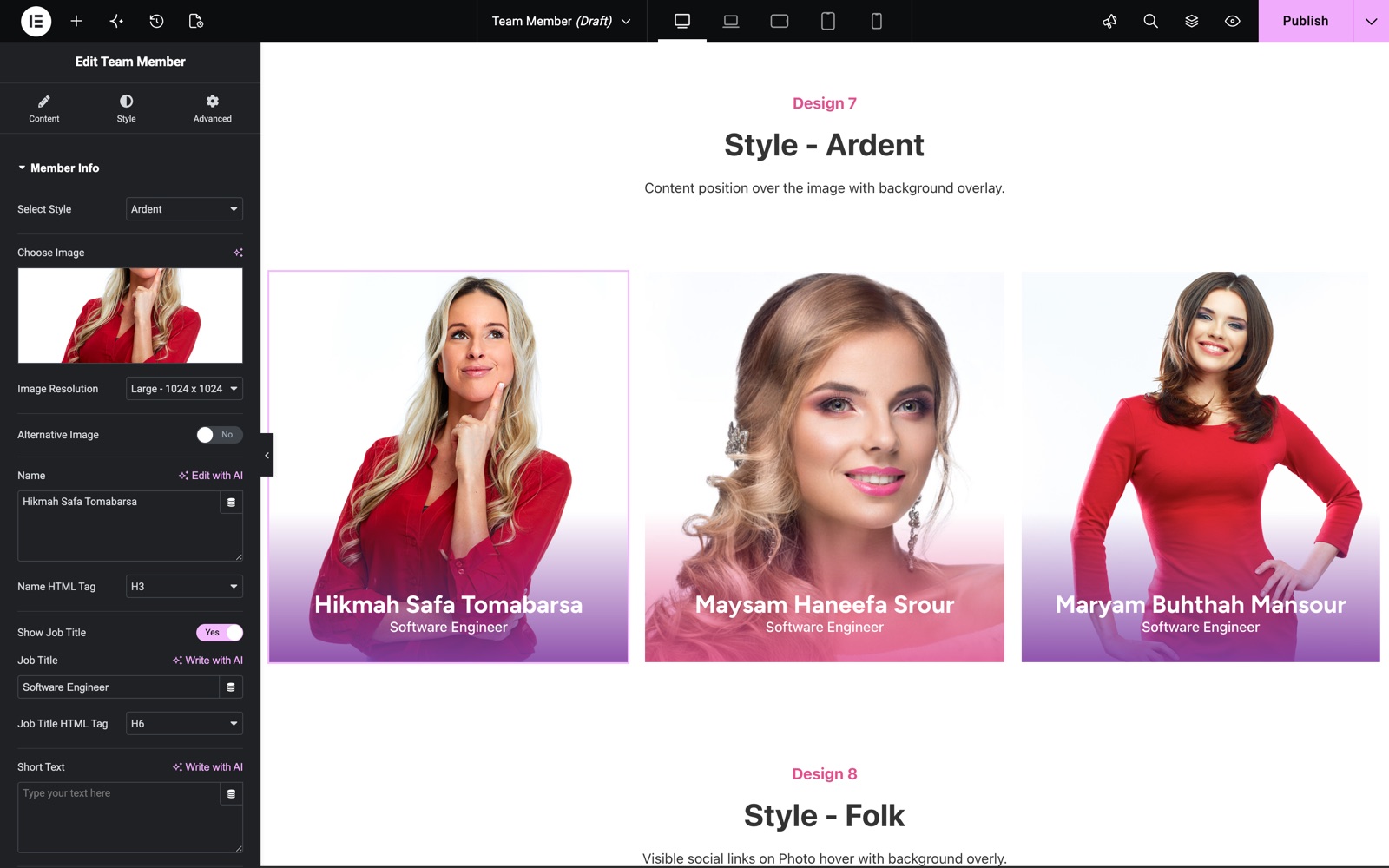
| Team Member | Name, Job Title, Short Text, Button Text, Button Link, plus Social Name and Social Link (per item) |
| Testimonial | Name, Job Title, Content, Link |
| Testimonial Carousel | Name, Job Title, Content, Link (per item) |
Widgets not on this list still work on a multilingual site: they are simply not broken into individual strings. For those, use WPML’s standard approach of translating the page and editing the remaining parts by hand.
What Is Not Translatable, and Why
Only text, textarea, rich-text and URL controls are registered. Everything else is left alone on purpose:
- Colours, spacing, typography and other style controls: design, not content. Sharing them means a restyle reaches all languages at once.
- Icons and images: the same icon works in any language, and WPML has media translation when an image genuinely differs.
- Dropdowns, switchers and sliders: a column count or an animation speed is a number, not a phrase.
Worth knowing before you start: when a language needs a genuinely different design, translate the page and then use WPML’s option to edit that translation independently.
The Workflow: From Page to Published Translation
Order matters. Finish the design in your default language first, because every string added afterwards arrives in the queue as new work.
- Build the page in Elementor in your site’s default language using Sky Addons widgets, and publish it.
- Go to WordPress Dashboard → WPML → Translation Management, find the page, choose target languages and send it for translation: to yourself, a local translator, or a service.
- Open WPML → Translations and start the job. The Translation Editor lists every string on the page, Sky Addons widget fields included.
- Work down the list. Each row carries the widget and field name, so you know whether you are editing a heading, a button label or a URL.
- Tick each row as complete, then save and finish the job. WPML creates the translated page for you.
- Switch to the target language and view the page: identical layout, translated words.
Edit the original page later and WPML flags the translations for update: only the changed strings come back to the translator.
Example: Translating a Team Member Widget into Spanish
The Team Member widget is a good end-to-end test: it has ordinary fields and a repeater of social links. English is the default language and Spanish has been added in WPML.
- On an English About page, add a Team Member widget. Set Name to “Anna Whitfield”, Job Title to “Head of Customer Success”, a two-line bio, button text “Book a call” and link
/book-a-call/. - In the social repeater add two rows, “LinkedIn” and “X”, each with its URL. Publish the page.
- In WPML → Translation Management, select the About page, tick Spanish and send it to translation.
- Open the job from WPML → Translations. You will see rows labelled Team Member: Name, Team Member: Job Title, Team Member: Short Text, Team Member: Button Text and Team Member: Button Link, then a pair of Team Member: Social Name and Team Member: Social Link rows for each of the two social items.
- Leave the name as it is. Translate the job title to “Responsable de Éxito del Cliente”, translate the bio, and set the button text to “Reservar una llamada”.
- Change Team Member: Button Link to
/es/reservar-una-llamada/so Spanish visitors land on the Spanish booking page. Leave the social URLs alone: the same profiles serve both languages. - Complete the job, switch the site to Spanish and open the About page: same position, photo, colours and icons, but every phrase is Spanish and the call-to-action goes to the Spanish page.
Add a third social row later and only that pair of new strings comes back for translation; the rest stays approved.
Best Practices
- Finish the source page before you send it. Every field added afterwards becomes a new string, and repeaters in particular can flood a job with small updates.
- Leave room for longer text. German and Spanish often run 20 to 30 per cent longer than English, so check button widths and card heights in the longest language.
- Translate link fields deliberately. Internal links usually need the localised URL; social profiles and external sites usually do not.
- Do not restyle in the Translation Editor. Styling lives with the original page, so make design changes there and let them flow to every language.
- Keep widgets enabled. A widget switched off in Sky Addons → Widgets stops rendering in every language, translated or not.
Troubleshooting
- Sky Addons widget text does not appear in the Translation Editor. Usually WPML String Translation is installed but not activated: the integration only loads when that add-on is active, and base WPML alone leaves it dormant. Activate it, re-save the source page and resend the job.
- Only some fields of a widget are listed. That is by design: check the table above. Colours, icons, images, dropdowns and numeric controls are never registered, and a field left empty in the source language produces no string.
- New repeater rows are missing from an existing job. Strings are collected when the job is created. Save the source page, then let WPML mark the translation as needing an update so the new rows are picked up.
- The translated page shows the original language. Check that the job was completed rather than saved as a draft, then clear any page cache: Elementor also serves cached CSS and markup, so a stale cache can outlive the translation.
Frequently Asked Questions
Do I need a paid WPML add-on to translate Elementor widgets with WPML?
Yes. You need WPML Multilingual CMS plus the String Translation add-on. The Sky Addons side costs nothing and is part of the free plugin, but it only switches on when String Translation is active on the site.
Is there a Sky Addons setting I have to enable for WPML?
No. There is no WPML screen, toggle or option anywhere in the Sky Addons dashboard. The integration detects WPML String Translation and registers the widget fields automatically, and stays completely inactive when WPML is not installed.
Can I translate the links inside a widget?
Yes, for the widgets whose link fields are listed in the table above. The translator sees only the URL part, so link behaviour such as opening in a new tab stays the same across languages while the destination can point at the localised page.
Why are colours and images not translatable?
They are shared on purpose. Design settings are not language-dependent, and keeping them shared means a restyle of the original page reaches every translation at once. If one language genuinely needs a different image, use WPML’s media translation feature.
Do repeater items like accordion rows get translated individually?
Yes. Each row of a repeater produces its own strings, so an accordion with eight rows gives the translator eight titles and eight content blocks. That also means adding a row later sends only that row back for translation.
What about widgets that are not in the list?
They render normally on a multilingual site; their fields are simply not exposed as individual strings. Translate the page as usual and edit those parts in the translation, or use already-multilingual content such as posts pulled by a post widget.
Conclusion
The WPML integration makes it practical to translate Elementor widgets with WPML on a real project: build once, translate the words, keep one design. Install WPML String Translation, check the table above so you know which fields a widget will hand over, finish the source page before you send the job, and remember that anything visual stays shared between languages by design. For anything the docs do not cover, our team is at https://wowdevs.com/support/.