
Elementor Custom Hooks: Put a Section Anywhere on the Site
Custom hooks attach an Elementor template to a hook point, with display conditions deciding the pages and a priority deciding the order it renders in.
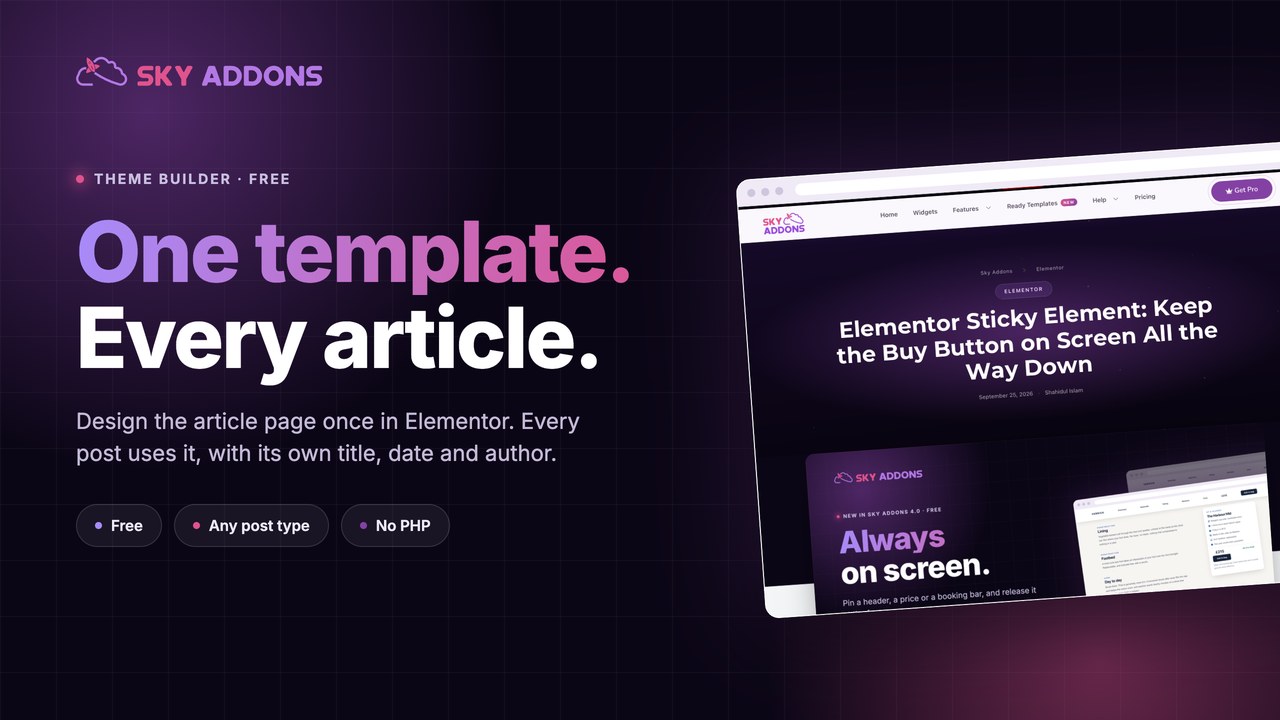
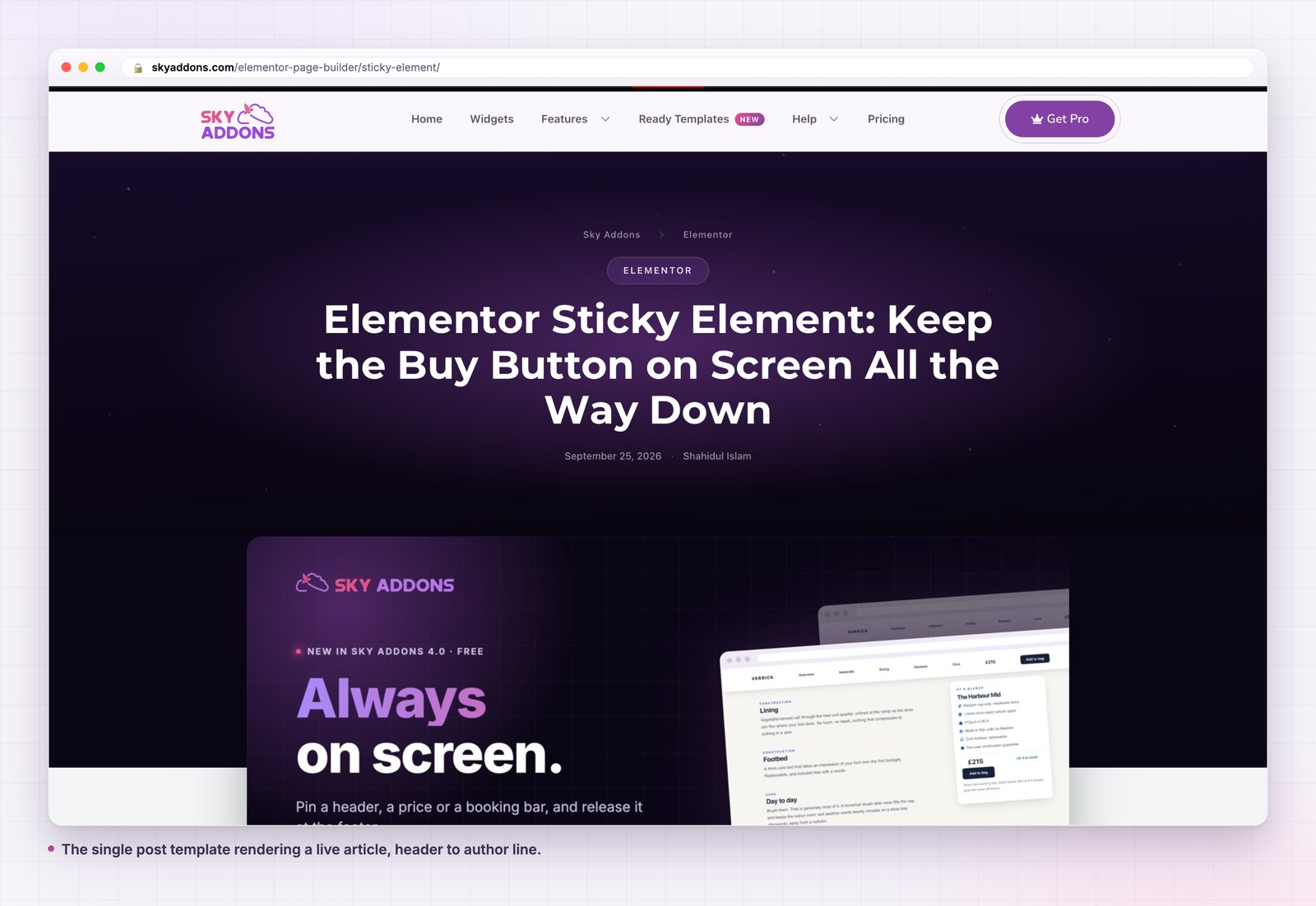
Every article on your site uses the same layout, and you have never chosen it. Your theme did. The title sits where the theme puts it, the author line carries whatever the theme decided to show, and the space under the last paragraph is empty because no theme fills it well.
That layout runs on every post you will ever publish. It is the highest leverage page design on the site and the only one most people never open.
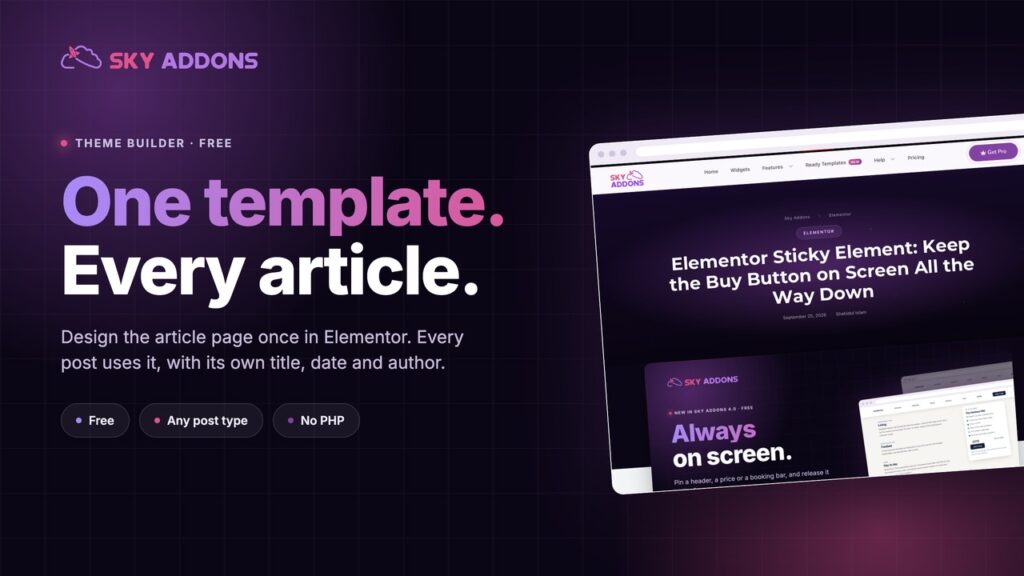
A single post template moves it into Elementor. One design, built once, applied to every article, with the post’s own title, date, author and content dropped in where you put them.
| What you want | Theme single.php | Single post template |
|---|---|---|
| Editing the layout | PHP in a child theme | Elementor canvas |
| Add a call to action to every post | Paste it into every post | Build it once |
| Reading progress or a contents list | A plugin, or nothing | Any widget |
| Different layout for a custom post type | A second PHP file | A second template, scoped |
| Survives a theme switch | No | Yes |
| Preview against a real post | No | Yes |
The layout of an article is not part of the article. Everything that repeats on every post belongs in a template, and everything that does not belongs in the editor.
Content comes from the post, not the template. The template holds the design; the title, date, author, featured image and body come from whichever post is being viewed. That is the dynamic tags system doing the work, and it is switched on by default.
Scope is yours to widen, and it never widens on its own. A single template covers posts only until you say otherwise. Point it at one post type and it covers exactly that post type. Set it to any and it takes every singular screen, including pages, attachments and custom post types. A site that upgrades the plugin keeps the reach it already had, because nothing widens without an explicit choice.
It replaces the template file, not the page. WordPress still resolves the request, still returns the normal status and still runs the loop. The plugin swaps which file renders, so the WordPress template hierarchy behaves exactly as documented and your SEO plugin, comments and pagination all keep working.
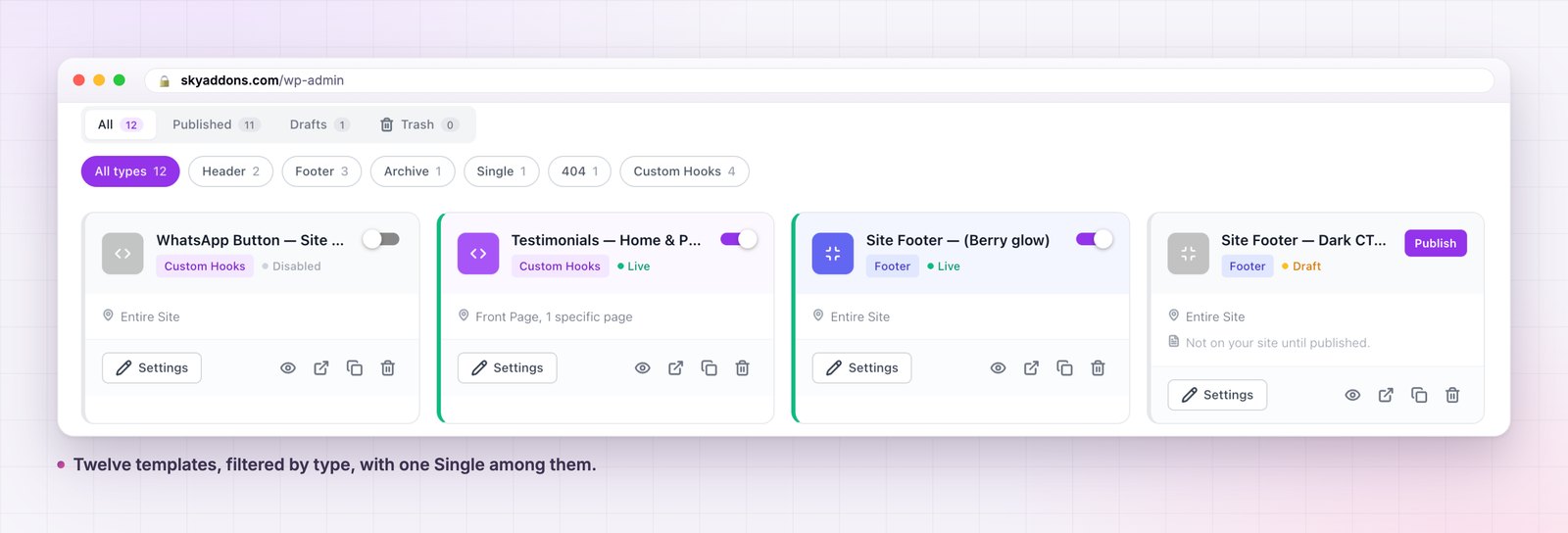
One enabled template per type. The list can hold as many single templates as you like, but the enabled one is the one that serves. That is your rollback: build the replacement, enable it, and if it reads badly, switch back in one click.
Six parts do almost all the work. Build these and stop.
The header block. Category, title, date, author. Nothing else. This is the part people skim to decide whether to read, so it should be readable in one pass.
The featured image, or not. Decide once for the whole site. An article page that sometimes has a hero and sometimes does not looks broken rather than varied.
The body, at a readable measure. Around 70 characters a line. Everything else on this list is decoration if the body is hard to read.
A progress or navigation aid on long posts. A reading progress bar or a table of contents earns its place once articles pass about a thousand words.
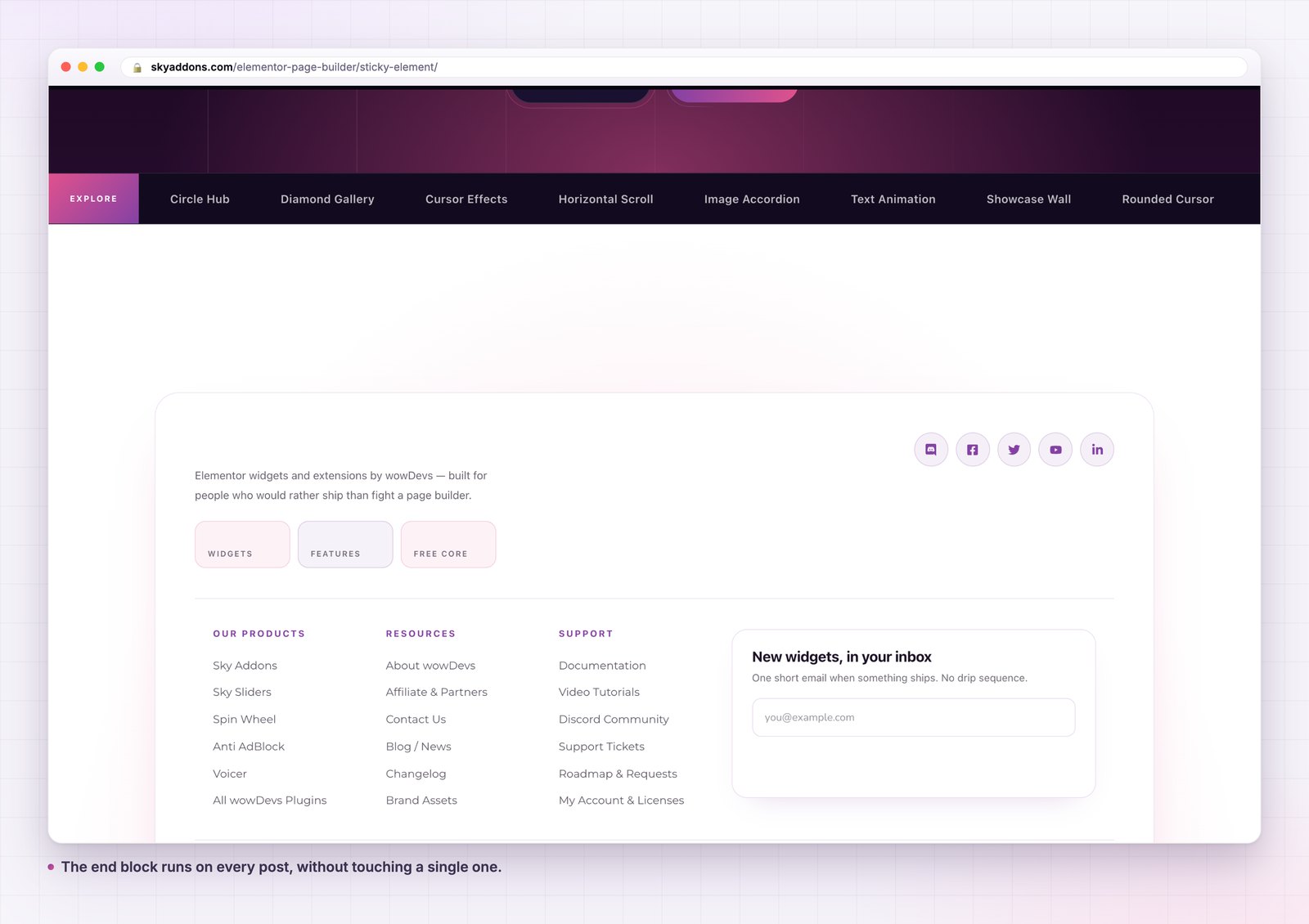
The end block. This is the part themes leave empty and the part that pays. One offer, one next article, or both.
The trail back. A breadcrumb row, so a reader who arrived from search can see where they are. Marking it up as a navigation landmark is worth the extra minute, for the reasons the W3C sets out in its page regions tutorial.
Consistency is the cheap part. The expensive part is that the end of every article becomes usable. A blog with three hundred posts and no end block is three hundred pages that finish with a full stop and nothing else, and every one of them had a reader who was still there.
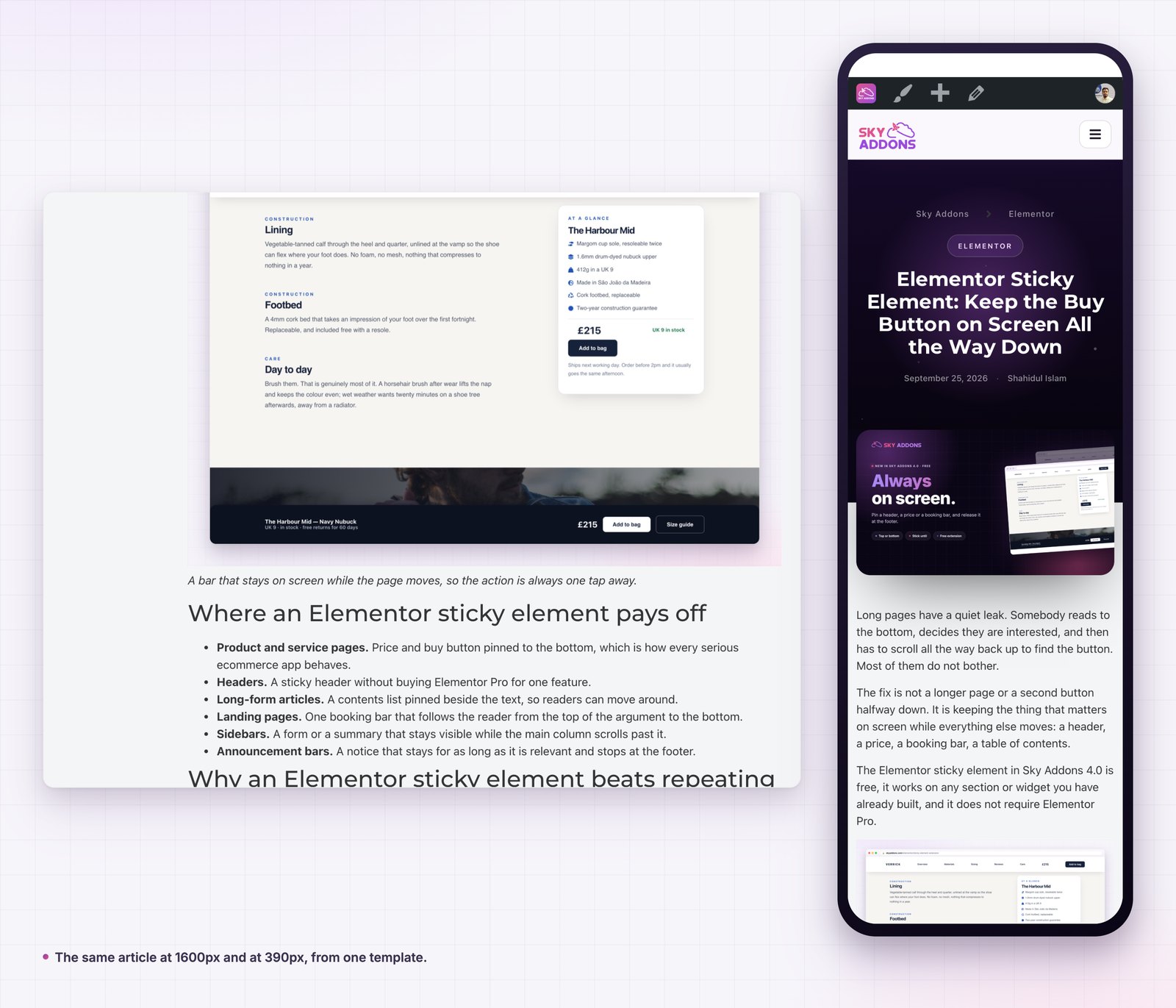
The second reason is maintenance. A template makes the article page editable in the ordinary sense, which means it gets edited. Layouts that live in PHP get changed once, at launch, and then never again, because changing them means finding someone who can.
Most of the trouble people hit with a single template comes from one choice, made early and rarely revisited: how far the template reaches.
The safe default is posts only. Your blog gets the design, your pages keep whatever they had, and nothing you did not plan for changes. This is the right setting for almost every site, and it is what an existing template keeps using after an upgrade.
Point the template at one post type and it applies to exactly that type. This is what you want when a shop needs product pages designed but the blog is fine, or when a portfolio has its own shape. Two templates, two scopes, no overlap.
The widest setting, any, takes every singular screen on the site: pages without a page template, the static front page, attachments and every custom post type. It is powerful and it is the one that surprises people, because a page you built by hand months ago is also a singular screen. Use it when you genuinely want one shell everywhere, and check a page as well as a post before you leave it on.
The rule that saves time: change scope, then look at three screens you did not build the template for. That is where the surprise lives, and it takes a minute to find.
Yes. It is one of the six template types in the free Sky Addons theme builder, alongside headers, footers, archives, 404 pages and custom hooks. The free versus Pro page sets out what a Pro licence adds elsewhere.
No. Free Elementor is enough.
Only if you tell it to. The default reach is posts, and the wider settings are an explicit choice.
Yes. Display conditions accept exclusions, so one post or one category can fall back to the theme or to a second template.
No. The template changes which file renders, not the query or the response, so title tags, schema and canonical URLs are produced exactly as before.
A single post template is the highest leverage layout on a content site, because it runs on every article you have and every article you will write. It moves the article page out of PHP and into Elementor, pulls the title, date, author and body from the post itself, and gives you one place to put the thing every article should end with.
It is free, it works with free Elementor, and the only decision that really matters is how far you let it reach.
Full detail is in the single post template documentation. For the rest of the template types read Elementor Theme Builder, and for the frame around the article see Elementor Header Builder and Elementor Footer Builder. Conditions are in the display conditions reference, and licences are on the pricing page.

Comments are closed.