
Elementor Custom Hooks: Put a Section Anywhere on the Site
Custom hooks attach an Elementor template to a hook point, with display conditions deciding the pages and a priority deciding the order it renders in.
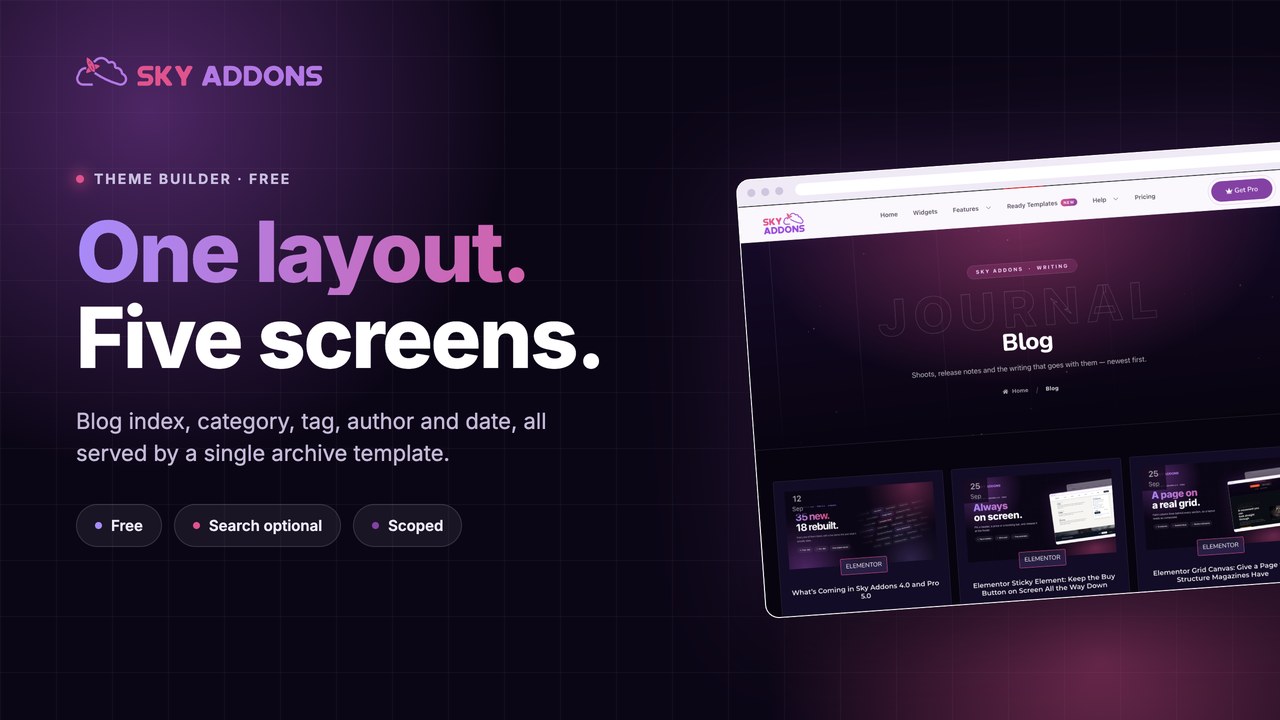
The blog index is the page people land on when they want more than one article, and on most sites it is a stack of whatever the theme decided a post should look like in a list. Excerpt length you did not choose. A read more link you would not have written. A layout that ignores the design of every other page on the site.
Behind it sit four more screens nobody has looked at either: category, tag, author and date. They all use the same theme file, and they all lead somewhere you want people to go.
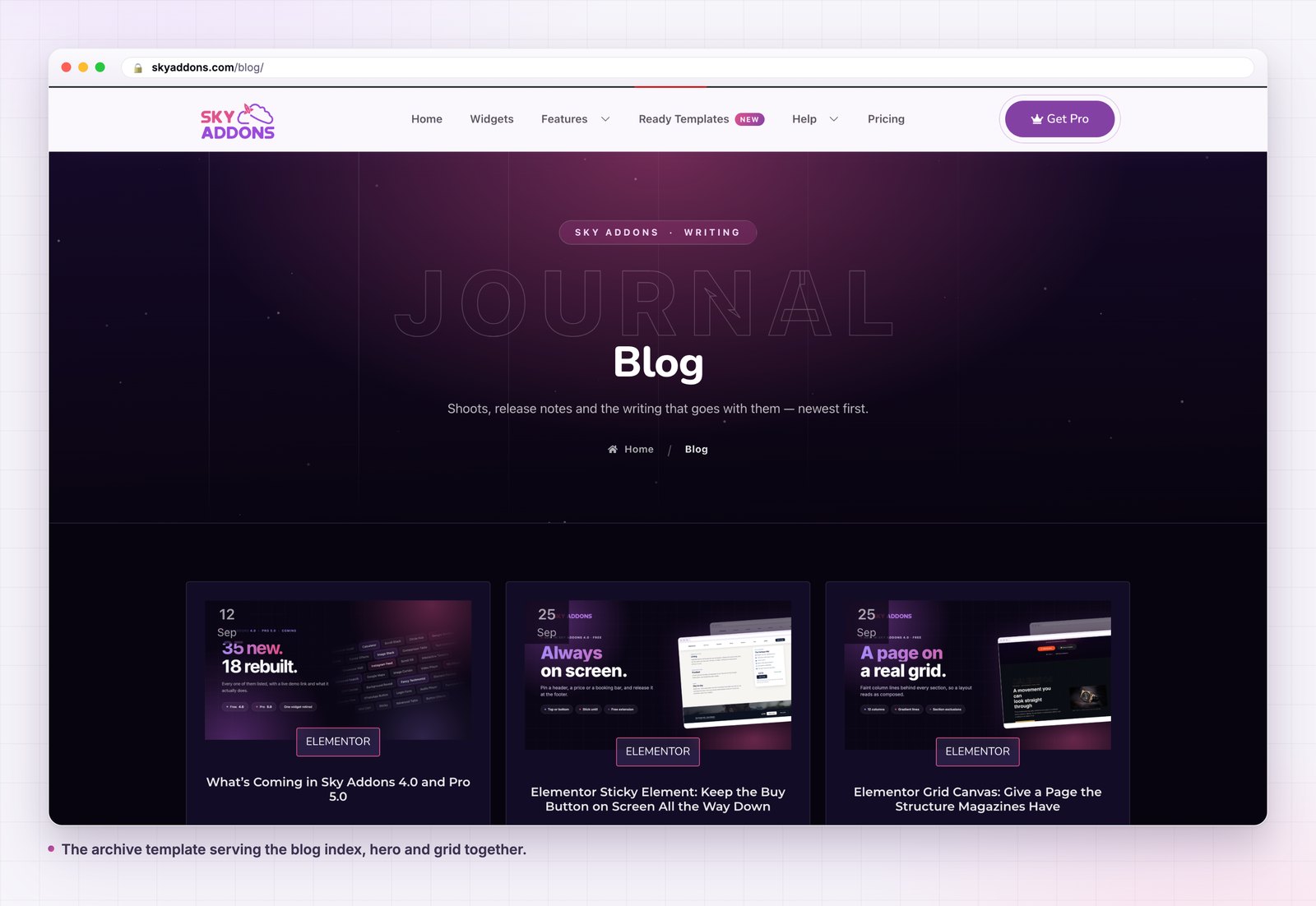
An archive template replaces the lot with one layout you built.
| What you want | Theme archive.php | Archive template |
|---|---|---|
| Grid, cards or list | Whatever the theme ships | Any layout you build |
| Category pages that differ | Rarely possible | Conditions per screen |
| Custom post type archives | Another PHP file | Scope the template |
| Search results designed | Almost never | Included, opt in |
| Change the card design | Child theme edit | Drag and drop |
| Roll back a change | Rebuild from memory | Toggle the old one on |
A listing page is a navigation surface. If it does not make the next click obvious, it is decoration with pagination underneath.
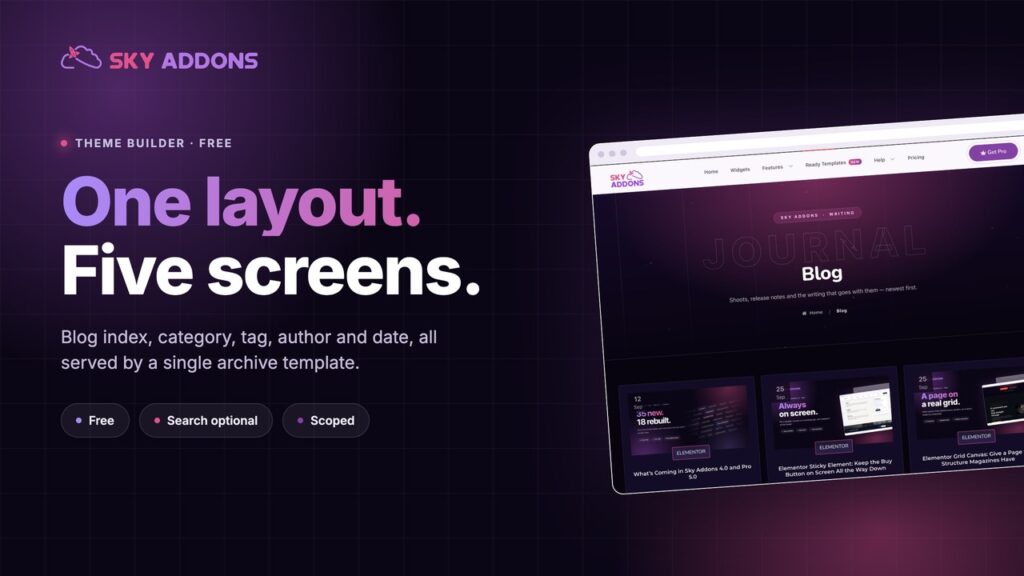
Five screens, one template. Ticking Archive covers the blog index, category, tag, author and date archives. Category, tag, author and date used to fall back to the theme because the plugin looked for template types that were never registered. They now receive the archive template, which is what everyone who ticked the box always meant.
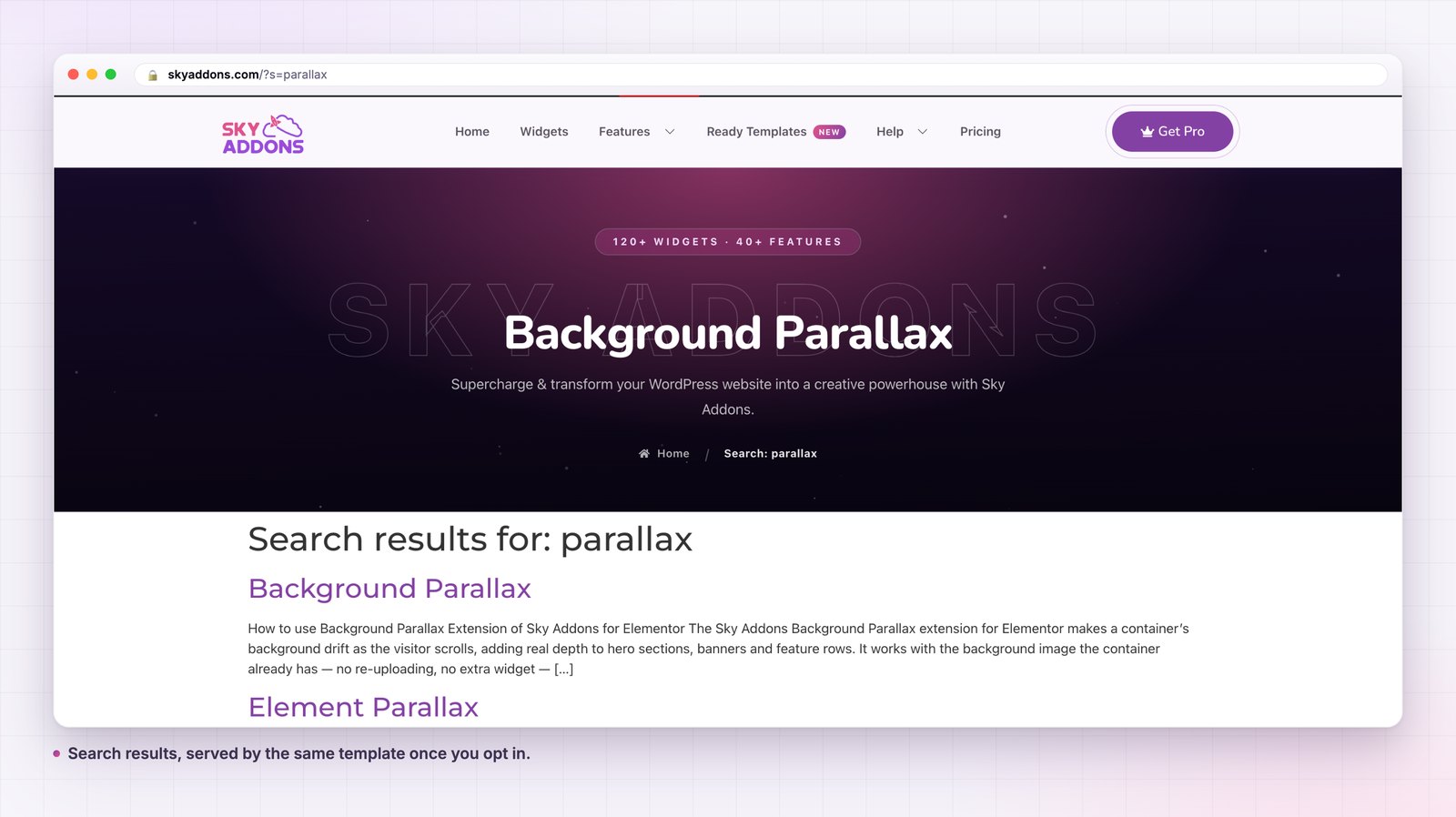
Search is opt in, deliberately. Search spans every post type, so a template built for a blog does not take it over by accident. You get search by ticking Search Page in the conditions, or by setting the template’s scope to any. A template that never asked for search leaves it to the theme.
Scope decides how far it reaches. No scope set means posts only, which is what every existing template keeps doing. Name a post type and it covers that post type’s archive and taxonomies. Set it to any and it takes every archive screen on the site, including custom taxonomies and search.
The post type is read from the screen, not from the results. An empty category still resolves to the right post type, so a category with no posts in it renders your template with your empty state rather than the theme’s.
A heading that says where you are. “Blog” on the index, the term name on a category. A listing page with no title is a page people cannot bookmark with confidence. The term name, description and count all come from the query, which is what the WordPress template hierarchy hands the template before anything renders.
Cards with three facts, not five. Title, category, date. Author if it matters on your site. Every extra fact makes the title harder to scan, and the title is the only thing anyone reads.
A grid, usually. Three columns at desktop, two at tablet, one at phone. Lists work for news sites where recency is the whole story, and badly everywhere else.
Pagination that looks clickable. The theme default is usually a pair of grey words. This is the control that decides whether anyone sees post eleven. Give it a target big enough to hit on a phone, which the W3C puts at 24 by 24 pixels as a floor, not a goal.
An empty state you wrote. Every archive will eventually be empty on some term. Write the sentence yourself.
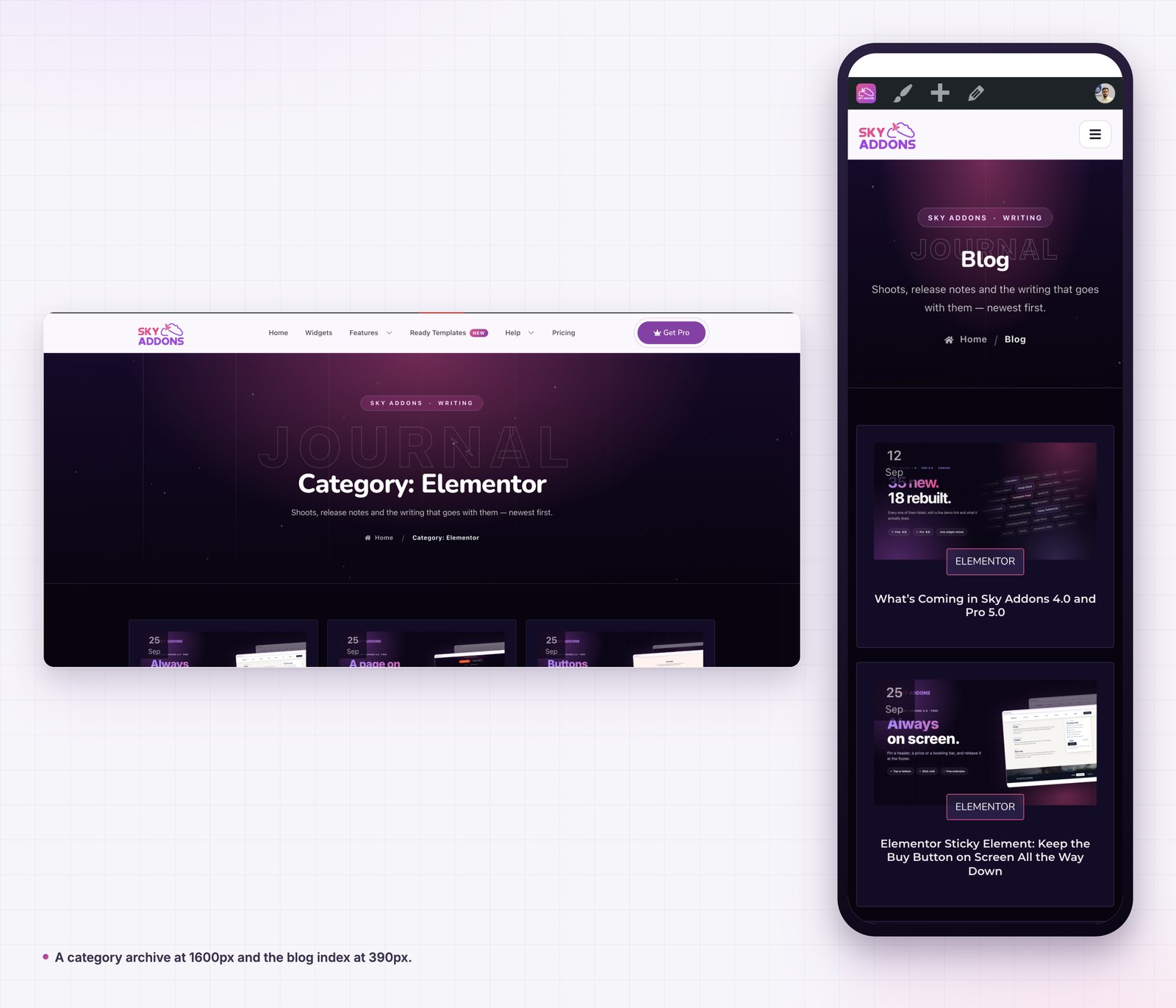
The blog index is usually the second most visited page on a content site and the least designed. Fixing it once fixes five screens, because category, tag, author and date all run the same template.
The deeper reason is that a listing page is where people decide whether your site has anything else worth reading. An article can be excellent and still end a visit, if the page it leads to looks like a database dump.
There is a compounding effect too. Archives are where internal links point, so a designed archive spreads the benefit to every post that links back to its category. Themes treat these screens as plumbing, which is why improving them is usually the cheapest traffic gain available on a site that already publishes regularly: the pages exist, the links exist, and the only thing missing is a layout that invites a second click.
Here is the part worth acting on. A category archive already ranks for a topic, already has internal links pointing at it from every post in that category, and already receives traffic. It is a landing page you did not have to earn, and on most sites it shows a title and a list.
The fix is not complicated. Give the archive template a heading block that can carry a real description, and write one per category. WordPress stores a description on every term, which means the copy lives with the term and one template renders it everywhere. Two sentences saying what the category covers and who it is for will do more than any layout change.
Then decide what sits under the grid. On a category that maps to a product, that is the product. On a category that maps to a topic, that is the best article in it, pinned. The one thing it should not be is nothing, which is what it is now.
If one category matters much more than the others, give it its own archive template with a condition targeting just that term. You are not limited to one archive design, only to one enabled template per screen.
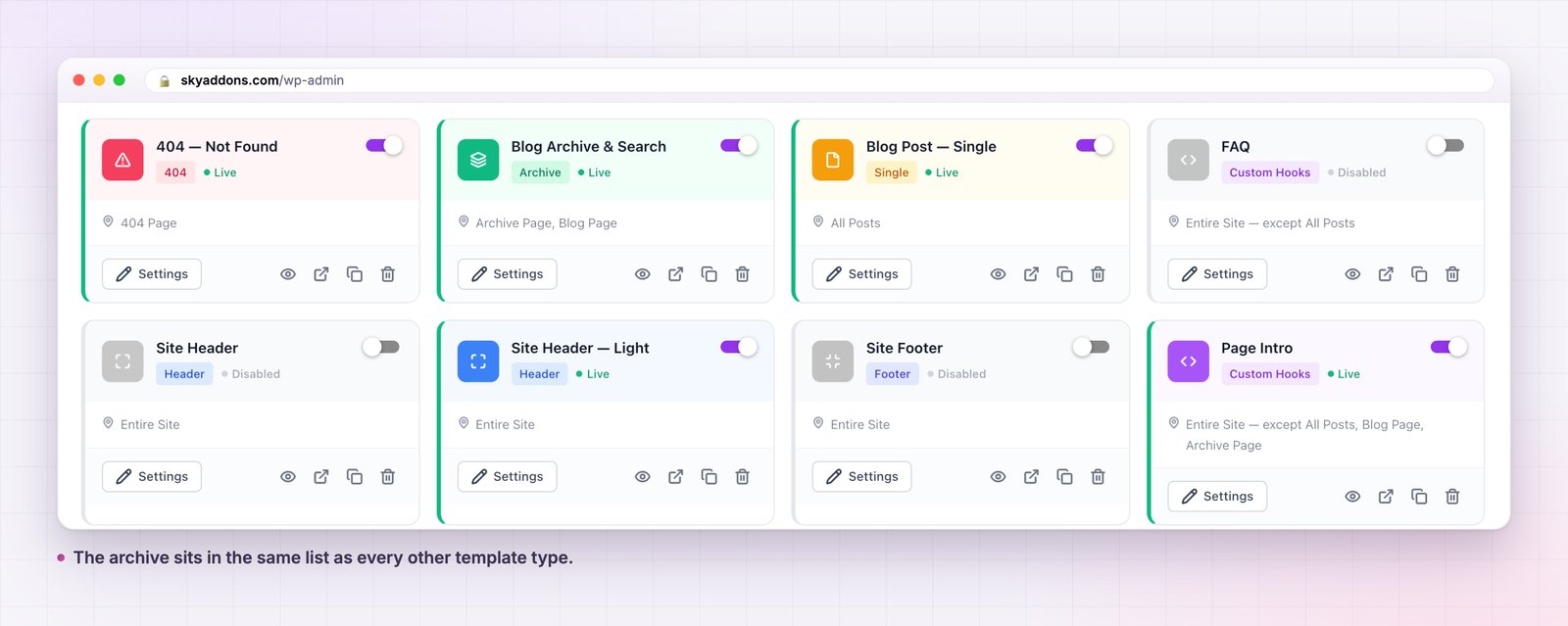
Yes. It is one of the six template types in the free Sky Addons theme builder. The free versus Pro page covers what Pro adds elsewhere.
No, free Elementor is enough.
Yes. Archive covers the blog index, category, tag, author and date archives from one template.
Only if you scope it that way. Left alone, an archive template covers the post post type and nothing else.
Yes, but you have to ask. Tick Search Page in the conditions, or set the scope to any.
An archive template replaces five theme screens with one layout you designed: the blog index, category, tag, author and date. Search joins them when you ask for it. Scope keeps it off the screens you did not mean to change, and conditions let one category have a template of its own.
It is free, it works with free Elementor, and it is the fastest way to make the second most visited page on a content site look like it belongs to the same site as the first.
The archive page documentation has the detail. For the rest of the types read Elementor Theme Builder and Elementor Single Post Template. The terms a listing reads from come through dynamic tags, conditions are in the display conditions reference, and licences are on the pricing page.

Comments are closed.