
Elementor Header Builder: Replace the Theme Header for Good
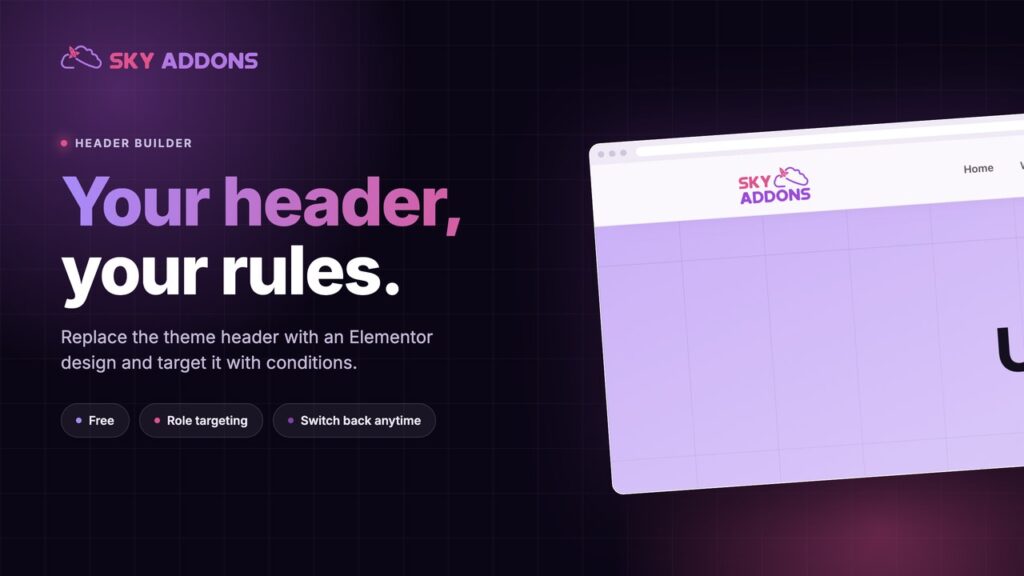
The Sky Addons header builder replaces your theme header with an Elementor design, with display conditions, role targeting and a switch back.
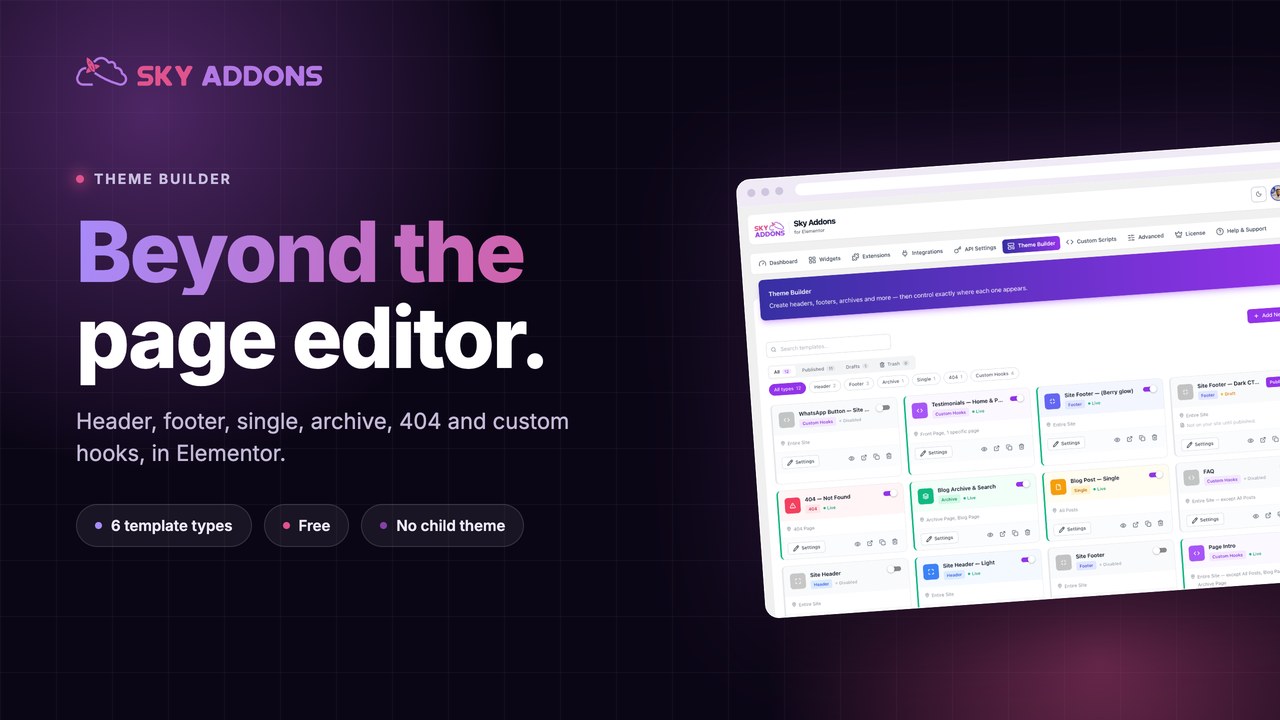
You designed a beautiful page in Elementor. Then the theme wrapped it in a header you cannot edit, a footer with the wrong links, and a blog archive that still looks like the demo content you imported two years ago.
That is the gap a theme builder closes. The page is yours. Everything around the page belongs to the theme, until you take it back.
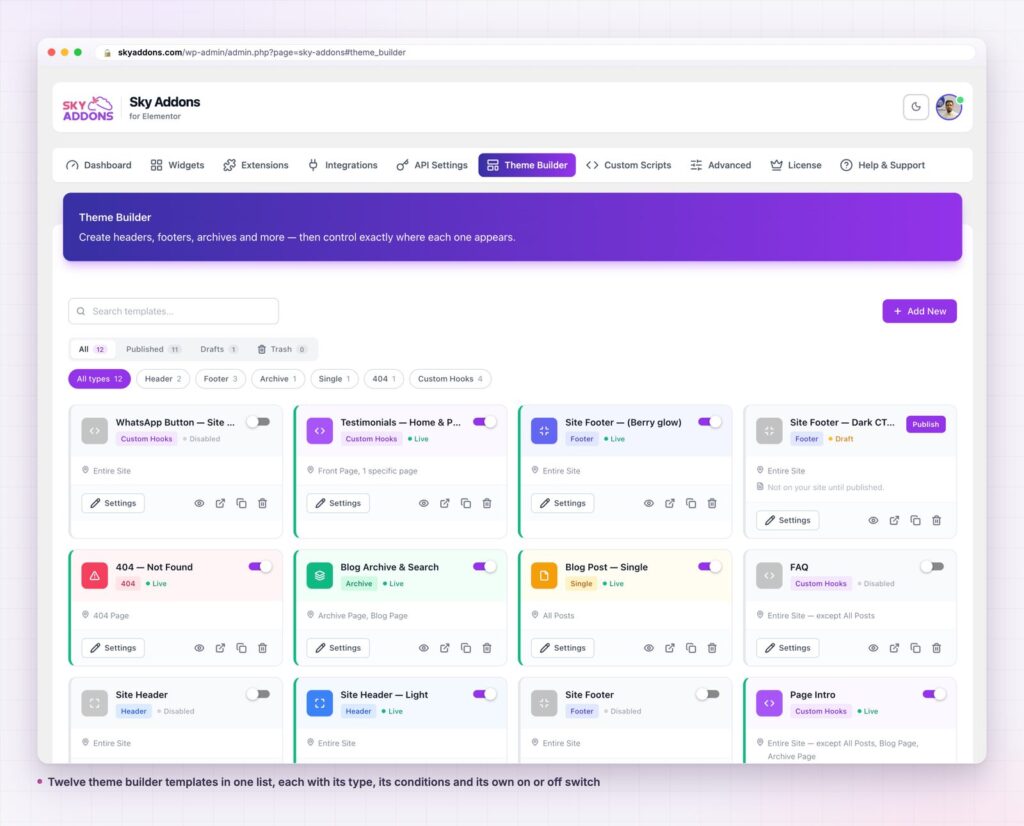
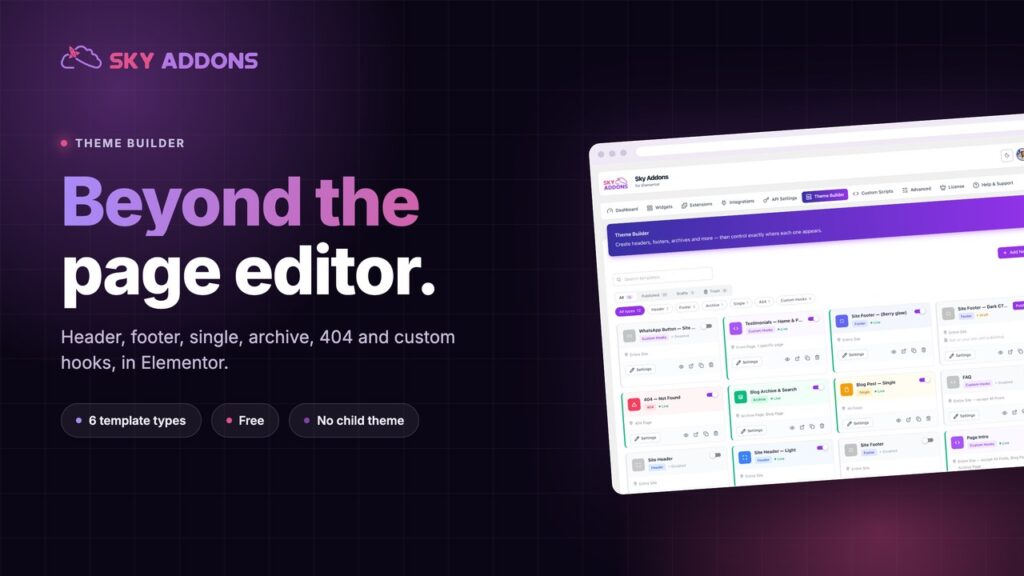
The Sky Addons theme builder hands you the parts of the site Elementor does not reach by default: the header, the footer, the single post layout, the archive listing, the 404 page, and arbitrary injection points anywhere in the page. You build each one in the same Elementor editor you already use, then decide exactly where it appears.
| Job | Theme customiser | Child theme and PHP | Sky Addons theme builder |
|---|---|---|---|
| Edit the header | Only the options the theme exposes | Any change, with a developer | Full Elementor canvas |
| Different footer on one page | Usually not possible | Conditional PHP in a template file | A display condition, no code |
| Blog archive layout | Theme defaults | archive.php rewrite | Archive template in Elementor |
| 404 page | Rarely editable | 404.php rewrite | 404 template in Elementor |
| Inject a band above the footer | Not available | add_action in functions.php | Custom hook template with a priority |
| Swap a design back | Undo and hope | Git revert | Toggle the old template back on |
A theme builder is not a nicer way to edit your theme. It is a way to stop editing your theme, so the next theme update cannot take your work with it.
Six template types, not two. Most header and footer plugins stop at the header and the footer. The Sky Addons theme builder covers header, footer, single, archive, 404 and custom_hooks. The last one is the interesting one, and almost nobody ships it.
Custom hooks put a design anywhere. A custom hook template attaches to an injection point and carries a priority, so you control both the place and the order. On skyaddons.com there are three in use: one after the header, one before the footer, and one after the footer. That is how a testimonial band, a page intro and a floating button reach every page without a single line in functions.php. WordPress calls these action hooks, and this is the no code version of the same idea.
Conditions on every template, including roles. Each template stores a display list and a do not display list. The values cover the entire site, special pages, all posts and named pages, and a separate role list targets logged in users by capability. “Entire site except all posts” is one click, not a nest of conditionals.
Enable and disable is separate from publish. A template can be published and switched off. That sounds small until you redesign a footer: keep the old one published and disabled, switch the new one on, and if the new one is wrong you flip back in two seconds with nothing lost. On this site two headers and three footers sit in the list, with exactly one of each serving the site.
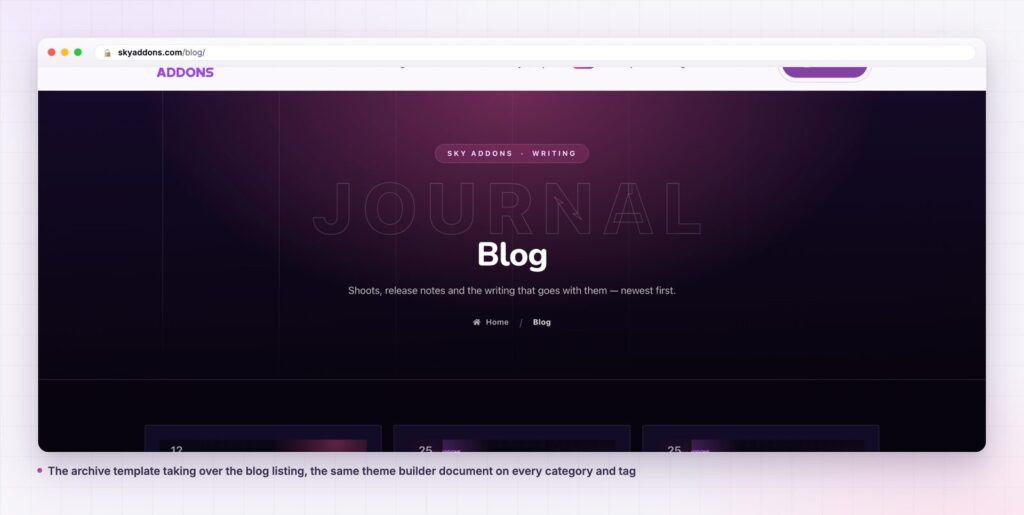
Live preview before it goes anywhere near visitors. Each template previews against real content, so you see the archive template rendering real posts rather than placeholder boxes.

The six types map onto the way WordPress already decides what to render. WordPress walks its template hierarchy on every request, picking a theme file for the thing being viewed. The theme builder intercepts that decision at the points that matter.
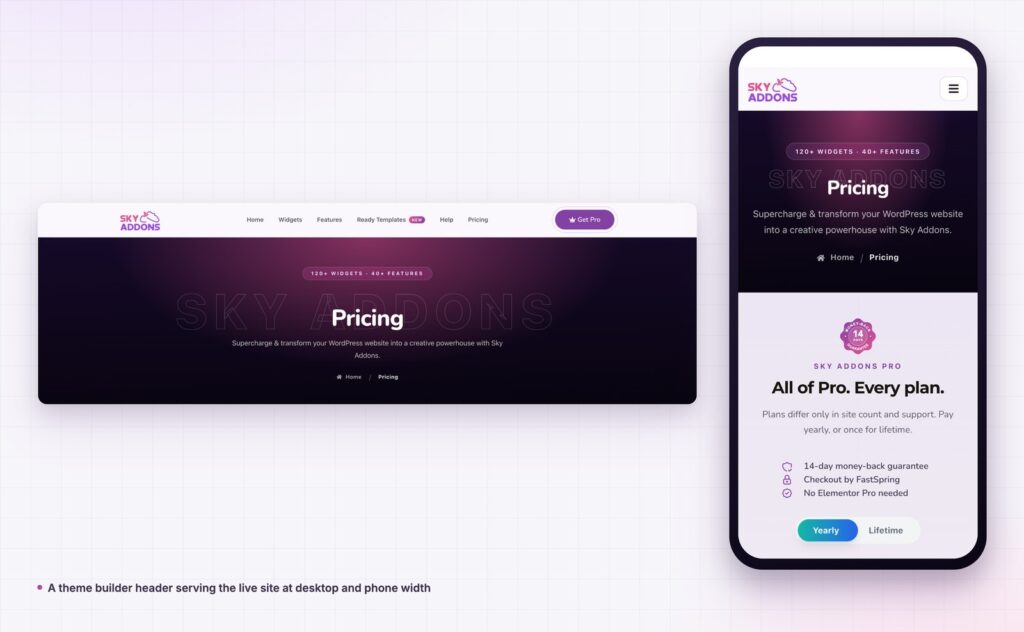
Header and footer wrap everything, so build these first. They are the parts visitors see on every page, and the parts a theme locks down hardest.
Single takes over one post at a time. Use it when the reading experience matters: a blog, a documentation article, a case study. It is also where dynamic tags do the heavy lifting, because the layout has to work for the post you wrote today and the one you write in a year.
Archive takes over listings: the blog page, a category, a tag, an author, a search result. One template covers all of them, which is why an archive design is usually the cheapest large improvement available to a content site.
404 is the page nobody designs and everybody eventually lands on. It costs twenty minutes and it is the difference between a dead end and a second chance.
Custom hooks are for everything that is not a replacement. A promotional band, a newsletter block, a trust row, a seasonal notice. Anything you want on many pages without pasting it into each one.
The theme stops being the ceiling. A header change is a design decision, not a ticket. The archive stops being the page you apologise for. And because every template is a normal Elementor document, the widgets you already know work in the header exactly as they do in the body.
The bigger win is reversibility. Themes punish experiments because a change is a file edit. A theme builder turns the same experiment into a toggle, so a Tuesday afternoon footer test costs nothing and leaves no debris.
Yes. The theme builder ships in the free Sky Addons plugin, all six template types included. The free versus Pro comparison shows what the Pro licence adds on top.
No. It works with free Elementor. Elementor Pro has its own theme builder, and you do not need both.
No. A header or footer template replaces the theme’s own output rather than drawing on top of it, so you do not end up with two headers. Themes that render their header in an unusual way are covered in the theme compatibility notes.
A template loads like any Elementor document. Sky Addons loads widget CSS and JavaScript per widget by default, so a header template pulls in the files its own widgets need and nothing else.
Your templates stay in the database and the theme’s own header and footer come back. Nothing is overwritten, which is the point of not editing the theme in the first place.
A theme builder moves the header, footer, archive, single post and 404 page out of the theme and into Elementor, where you can actually design them. Sky Addons gives you six template types, conditions on every one including user roles, and a toggle that makes any change reversible. It is free, it works with free Elementor, and switching it off leaves your theme exactly as it was.
If the part of your site you like least is the part you cannot edit, that is the part a theme builder was built for.
Read the theme builder documentation for every template type in detail, or start with the header builder and the display conditions reference. For sticky behaviour in a header you have just built, see Elementor Sticky Element. Licence details are on the pricing page.

Comments are closed.