
Generic Grid: A Post Grid That Pages Itself Instead of Hiding the Rest
The Generic Grid turns any query into a paginated Elementor post grid: image, category, title, excerpt and a date badge, with real pagination. Free.

A carousel is the wrong shape for an archive. It shows three cards, hides the rest behind an arrow, and gives the reader no idea whether there are six posts or sixty. That is fine for a decorative row on a home page and wrong for the page where somebody came to browse.
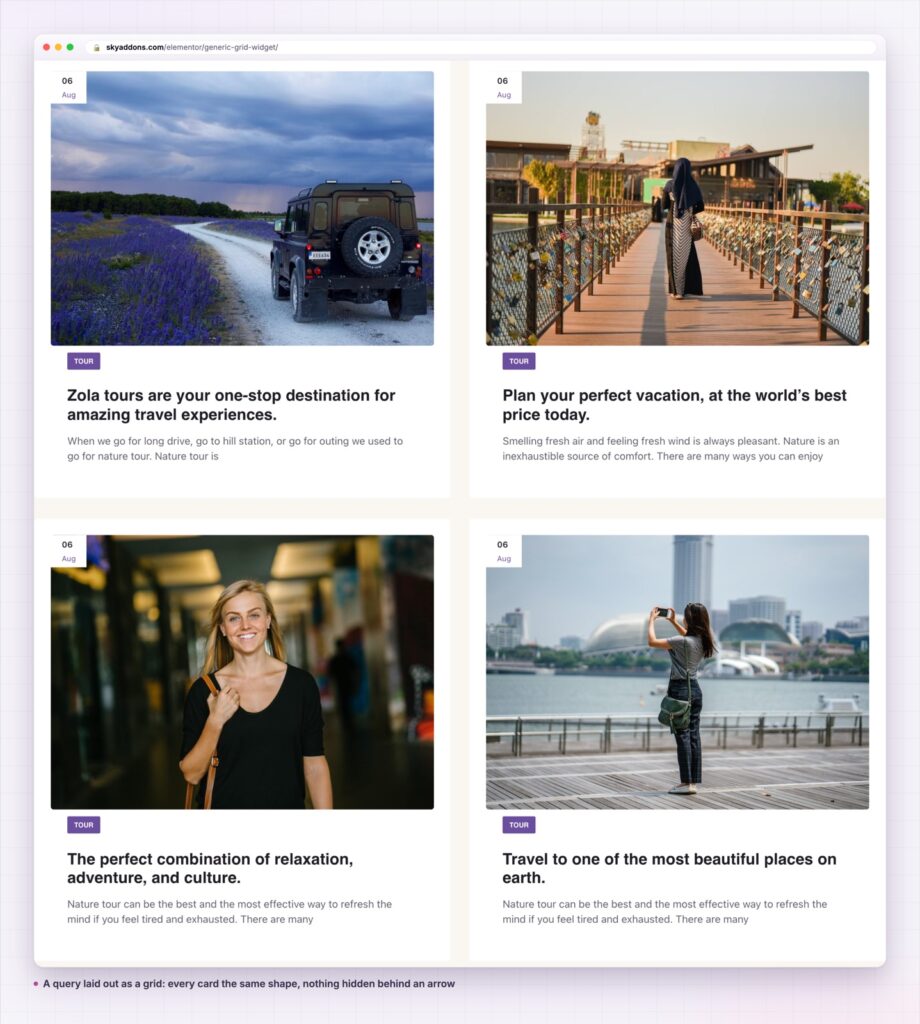
The generic grid is the other half of that pair. Same card, same query builder, but laid out as a grid with real pagination underneath. Everything is visible, the set has a visible end, and page two is a link rather than a click into the unknown.
It is a free widget, and the card it renders is deliberately plain: image, category, title, excerpt and a date badge.
| Post carousel | Theme archive template | Generic grid | |
|---|---|---|---|
| How much is visible | Three cards | All of it | All of it |
| Pagination | None | Theme’s own | Built in |
| Card design control | Widget’s controls | Theme, or code | Widget’s controls |
| Works for any post type | Yes | Depends | Yes |
| Editable without a developer | Yes | Rarely | Yes |
The middle column is the honest alternative. A theme archive works, but changing how the card looks means a template file, and that puts the layout out of reach of whoever actually maintains the page.
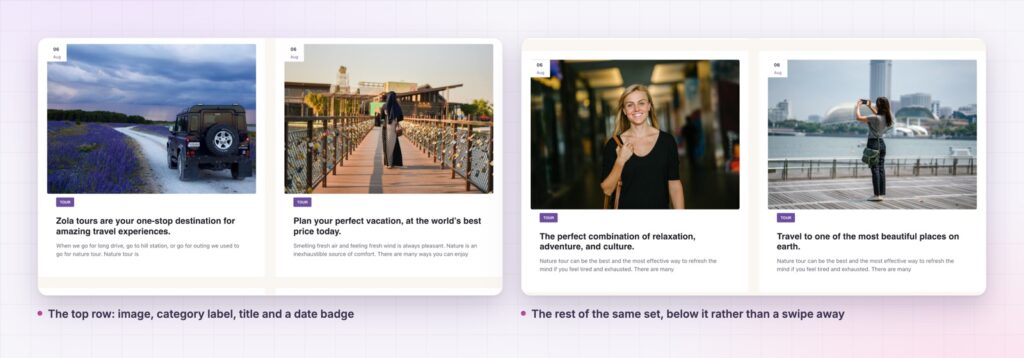
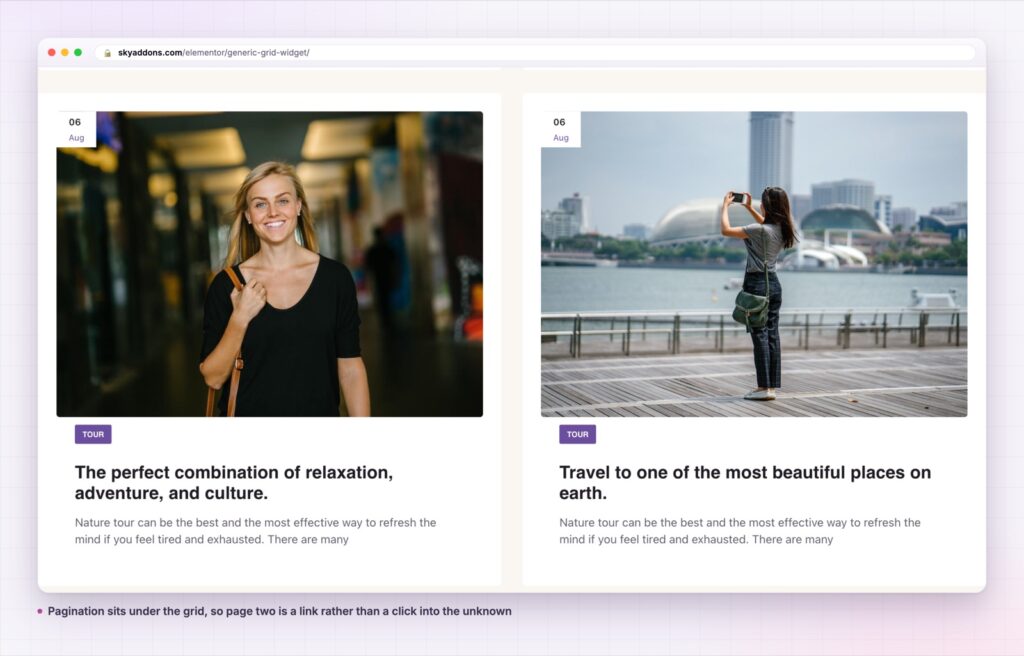
Pagination is part of the widget. A switch adds real paged navigation under the grid, so a set of forty posts becomes four pages instead of one very long column.
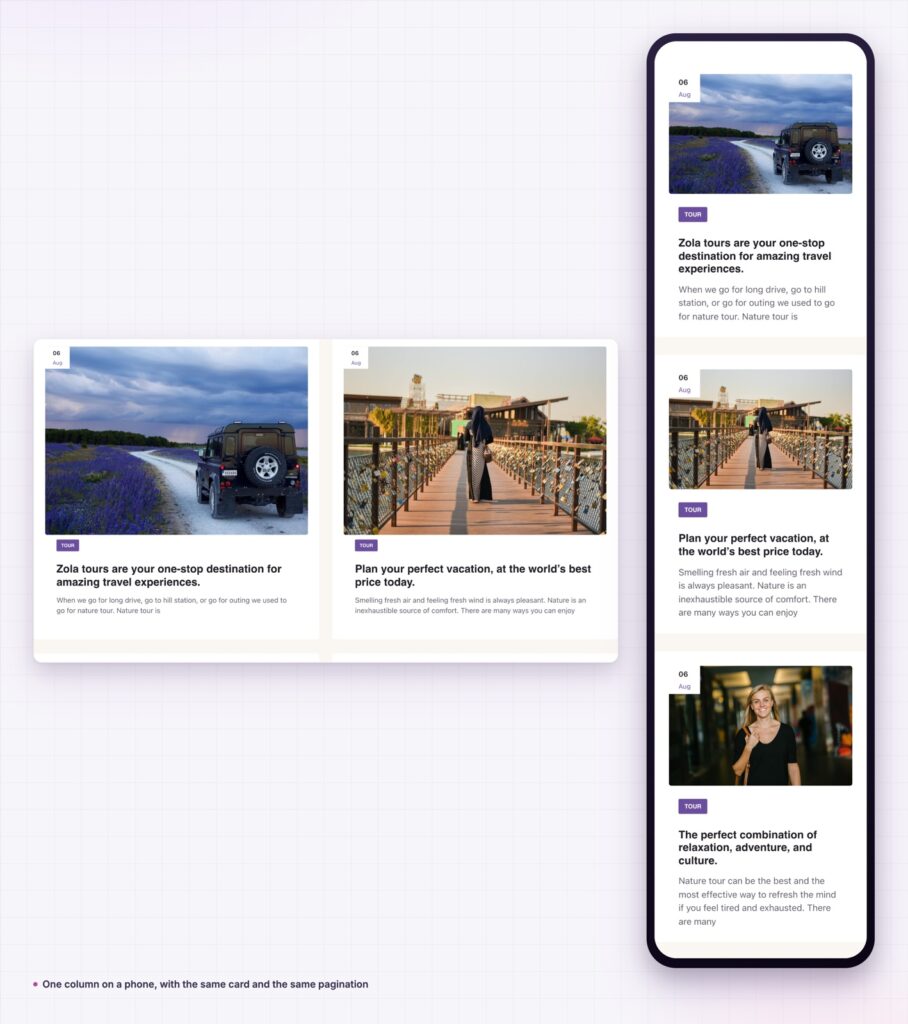
Columns are per breakpoint. Set the desktop count, then the tablet and phone counts, rather than accepting whatever a single number does at 390 pixels wide.
The query builder does the choosing. Post type, terms, order and offset are controls. A blog grid and a properties grid are the same widget with a different dropdown.
The card shows what a post actually has. Featured image, category, title, excerpt and a date badge. There is no author line, which keeps the card tight and is the honest description of what it renders.
Image height is a real height. The control writes an actual height alongside the minimum and maximum, which is what lets the image fill its box and crop to it rather than sitting in dead space at its natural ratio.
A play button overlay for video posts. The video settings group puts a play marker on the thumbnail, which makes the same card usable for a video archive.
Every card is a real permalink to a real post, so the grid contributes internal links to the page rather than decorative images. On an archive page that is the entire job: help a reader get to the thing they came for, and help a crawler find it too.
Pagination matters more than it looks. A grid with no pagination either dumps every post onto one page or silently truncates the set, and both are worse than four clean pages. Real paged links also give search engines a crawl path through the archive.
A carousel is for a set the reader did not ask for. A grid is for a set they did. Getting that the wrong way round is the most common layout mistake on a blog.
The grid is CSS grid rather than a script, so there is no slider library to load and nothing to initialise. On a listing page that is already doing a query, that is the cheapest possible layout.
The offset control is worth knowing about on a blog front page. If a hero or a featured block above the generic grid already shows the newest two posts, set the offset to two and the grid starts at the third. Without it the page opens with the same article three times, which is the most common duplication on a WordPress home page and the one readers notice first.
The video settings group covers the case where some of your posts are films. It puts a play marker on the thumbnail, so a mixed archive shows at a glance which entries are watch and which are read. That is a small thing that saves a click, and it costs one switch.
The card is post shaped, not blog shaped. A properties post type renders with the photograph, the location taxonomy as the category, the title and a short description. A course type renders the same way with the level as the label. Nothing about the widget needs to know which one it is.
It also pairs with its own carousel sibling rather than competing with it. Use the carousel for the recent-posts row on a home page, where three cards is the point, and the generic grid for the archive the row links into. Both read from the same query builder and render the same card, so the two pages look like one site.
For a blog front page that needs more than a listing, the widgets around it matter. A showcase flow suits a compact feature strip, and a showcase wall suits a set where the images are the argument rather than the titles.
Yes. It is a widget in the free Sky Addons plugin, including the query builder, the pagination and the per breakpoint columns.
No. Elementor and Sky Addons are enough. It reads whatever post types your site already registers.
It is a CSS grid with no slider library, so the cost is your featured images at the size you choose. Selecting a registered image size rather than full size is the single biggest thing you can do here.
Yes. Columns, spacing and image height are all per breakpoint, and one column with a slightly taller image is the usual phone setting.
No. This card renders the image, category, title, excerpt and a date badge. If an author line matters, one of the other post widgets in the plugin is the better fit.
The generic grid lays a query out as a paginated grid of consistent post cards: image, category, title, excerpt and a date badge, with per breakpoint columns and real paged navigation. It is the archive shape, where a carousel is the row shape, and it is free.
See it running on the Generic Grid demo, then read the control reference in the Generic Grid documentation. It is part of the free plugin: see what else is included on the free versus Pro page, and the plans on pricing.




Comments are closed.