
Elementor Header Builder: Replace the Theme Header for Good
The Sky Addons header builder replaces your theme header with an Elementor design, with display conditions, role targeting and a switch back.
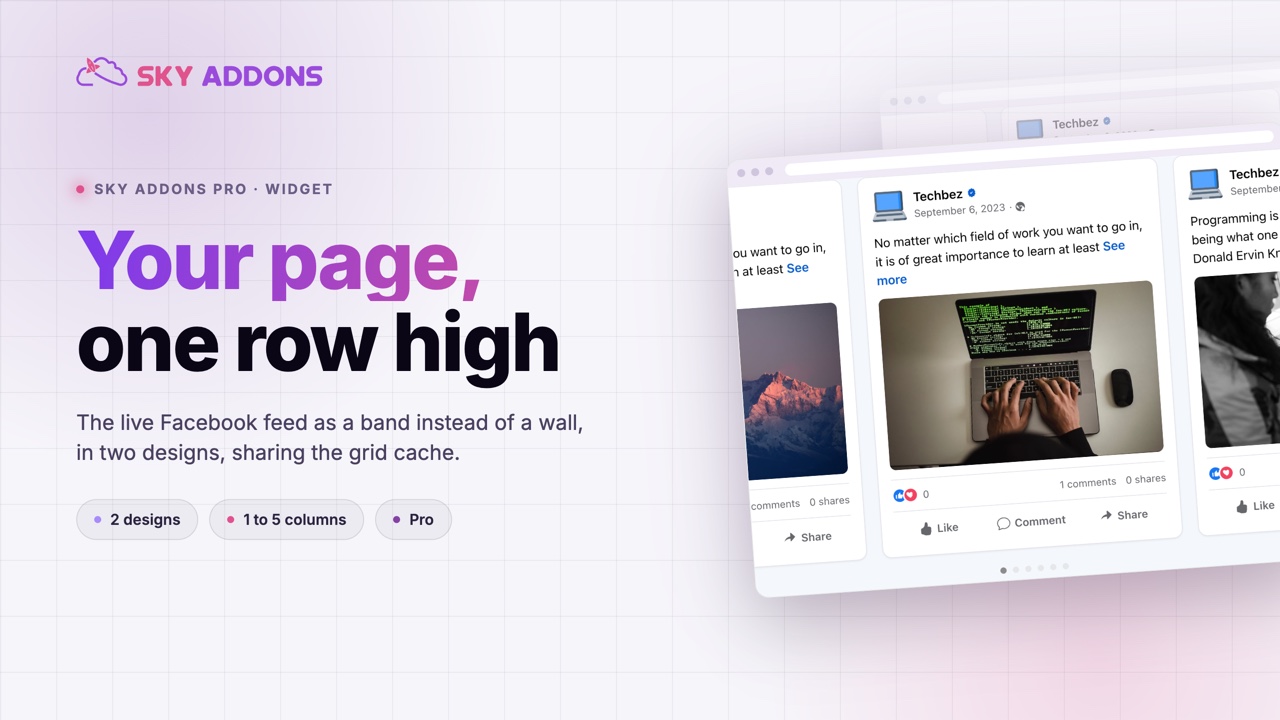
A Facebook feed on a website is usually an act of faith. Somebody asks for it, it goes in as a grid, and it takes a full screen of height to prove the company is still posting. Most visitors scroll straight past it on the way to the thing they came for.
The facebook feed carousel keeps the proof and returns the height. The same posts, the same card designs, laid out as one row that a visitor can swipe rather than a wall they have to scroll. It is a band instead of a section, which is usually the right size for social proof.
It is a Sky Addons Pro widget that shares its data layer with the grid version, so switching between them costs nothing in setup and nothing in API calls.

| Facebook grid | A screenshot of the page | Facebook feed carousel | |
|---|---|---|---|
| Height used | A full section | One image | One band |
| Stays current | Yes | Never | Yes |
| Shows more than the first row | Yes, all at once | No | Yes, by swiping |
| Phone behaviour | A long column | A small image | One card, swipeable |
| API cost | One cached fetch | None | The same cached fetch |
The screenshot column is not a joke. It is what a lot of sites actually ship, and it is a picture of a page as it looked on the day somebody took it.
Two card designs, not one. A classic post layout and a card layout, so the feed can match a dense editorial page or a clean marketing one. Card is the default.
One to five columns, responsive. The column control feeds the slider directly, and the defaults already step down to two on tablet and one on phone.
The same feed, cached the same way. The carousel and the grid share one data layer: the same credentials, the same cache and the same API cost. Running both on a site does not double anything.
An active slide state, not just hover. The item styling carries normal, hover and active tabs, plus a scale control for the active slide, so the card in focus can lift out of the row.
Navigation and pagination have their own styling. Arrows and dots are styled in the widget rather than inherited, so the controls can match the section instead of the plugin.
No load more, by design. A carousel pages itself, so the button the grid needs would only duplicate the navigation the slider already provides.

Height is the real cost of a social feed, and most pages pay it without noticing. The feed goes between the argument and the call to action, and every visitor has to scroll past nine posts to reach the button. A row keeps the evidence and gives the space back.
Sharing the data layer with the grid is what makes the choice cheap. Deciding between a wall and a row becomes a layout decision rather than a new integration, because the fetching, the caching and the Facebook Graph API side are identical.
A social feed is evidence, not content. Evidence should be visible and small, not a full screen between the reader and the thing you want them to do.
The carousel also fixes what a grid does on a phone. A grid collapses to one column and the last post sits a very long way down. A row puts the newest first and the rest one swipe away, which is how people read a feed anyway.
The active state is the part worth spending time on. The item styling carries normal, hover and active tabs, and the active one applies to whichever slide is in focus rather than to whatever the pointer happens to be over. On a touch screen, where there is no hover at all, that is the only state doing any work, so a facebook feed carousel that looks flat on a phone usually means the active tab was never set.
The two designs matter more than they look, too. The classic post layout mirrors what the post looks like on Facebook itself, which is the right choice when the point is that these are real posts from a real page. The card layout drops that framing and lets the feed sit inside your own design language, which is the right choice when the point is the content rather than the platform. Default is the card, and switching is one dropdown.
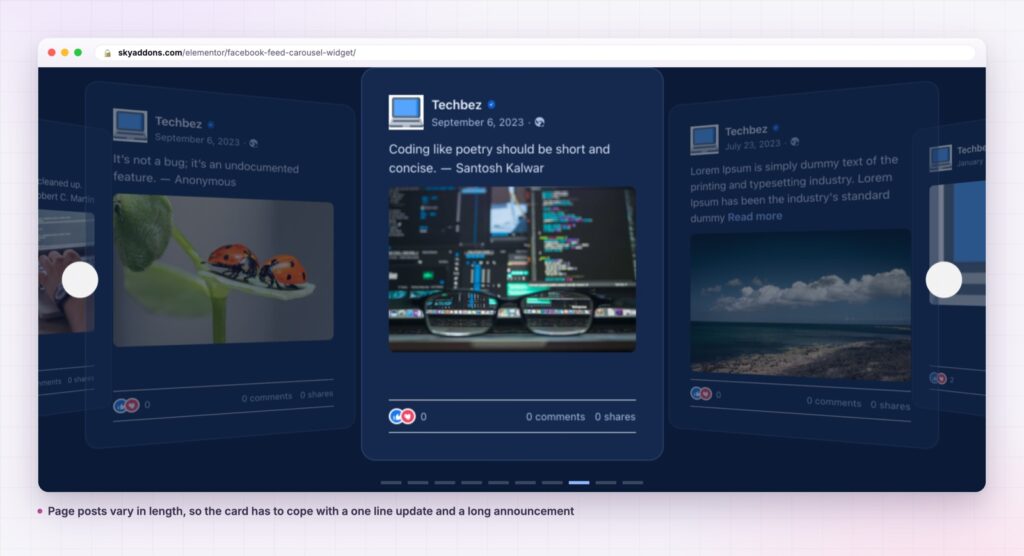
The same widget covers more than a footer. In a narrow column beside copy, two visible slides make a compact proof block. In a full width band at one column, each post becomes a feature panel, which suits a page that posts designed graphics rather than snapshots.
It also pairs with the grid rather than replacing it. Use the carousel where height is expensive, and the grid on a dedicated community page where the wall is the point. Both read from the same connection, so there is no second setup and no second fetch to pay for.
For the rest of the social set, the plugin ships the matching widgets. The Facebook feed grid is the sibling here, and an Instagram feed covers the other network with the same model.

No. It is part of Sky Addons Pro, alongside the Facebook feed grid and the Instagram widgets.
No. It needs Elementor and Sky Addons Pro, plus a connected Facebook page.
The feed is fetched and cached rather than pulled on every page load, and the carousel shares that cache with the grid. Adding both to a site is one fetch, not two.
Yes. Columns are responsive and already default to one on a phone, which is the right setting for a swipeable feed.
No, and that is deliberate. A carousel pages itself, so a load more button would duplicate the navigation the slider already gives you.
The facebook feed carousel shows your page posts as one row rather than a wall: two card designs, one to five responsive columns, an active slide state, and the same cached feed the grid uses. It buys back the height a grid spends, and it is part of Sky Addons Pro.
See it running on the Facebook Feed Carousel demo, then read the control reference in the Facebook Feed Carousel documentation. It is a Pro widget: see the split on the free versus Pro page, and the plans on pricing.



Comments are closed.