
Elementor Smooth Scroll: Page Motion That Feels Finished
Sky Addons smooth scroll replaces stepped scrolling with eased motion, fixes anchor offsets and respects reduced motion, all from one toggle in Advanced.
Scrolling is the only interaction almost every visitor performs on almost every page. A wheel notch moves a browser page in a jump, and on a long designed page those jumps are what makes a site feel like a document rather than a product.
Smooth scroll replaces the jump with motion. The page carries a little weight, settles instead of stopping dead, and anchor links glide to their target rather than teleporting. It is the smallest change on this list and the one people notice without being able to name.
| Browser default | Smooth scroll | |
|---|---|---|
| Wheel movement | Fixed jump per notch | Eased, with momentum |
| Anchor links | Instant jump, or a CSS easing | Eased, with an offset that respects sticky headers |
| Scroll driven effects | Step by step | Continuous |
| Reduced motion setting | Not relevant | Respected, feature disables itself |
| Setup | None | One toggle |
| Cost | None | One script, loaded once |
Scroll is the interface. It is the one control every visitor uses, and the only one most sites never tune.
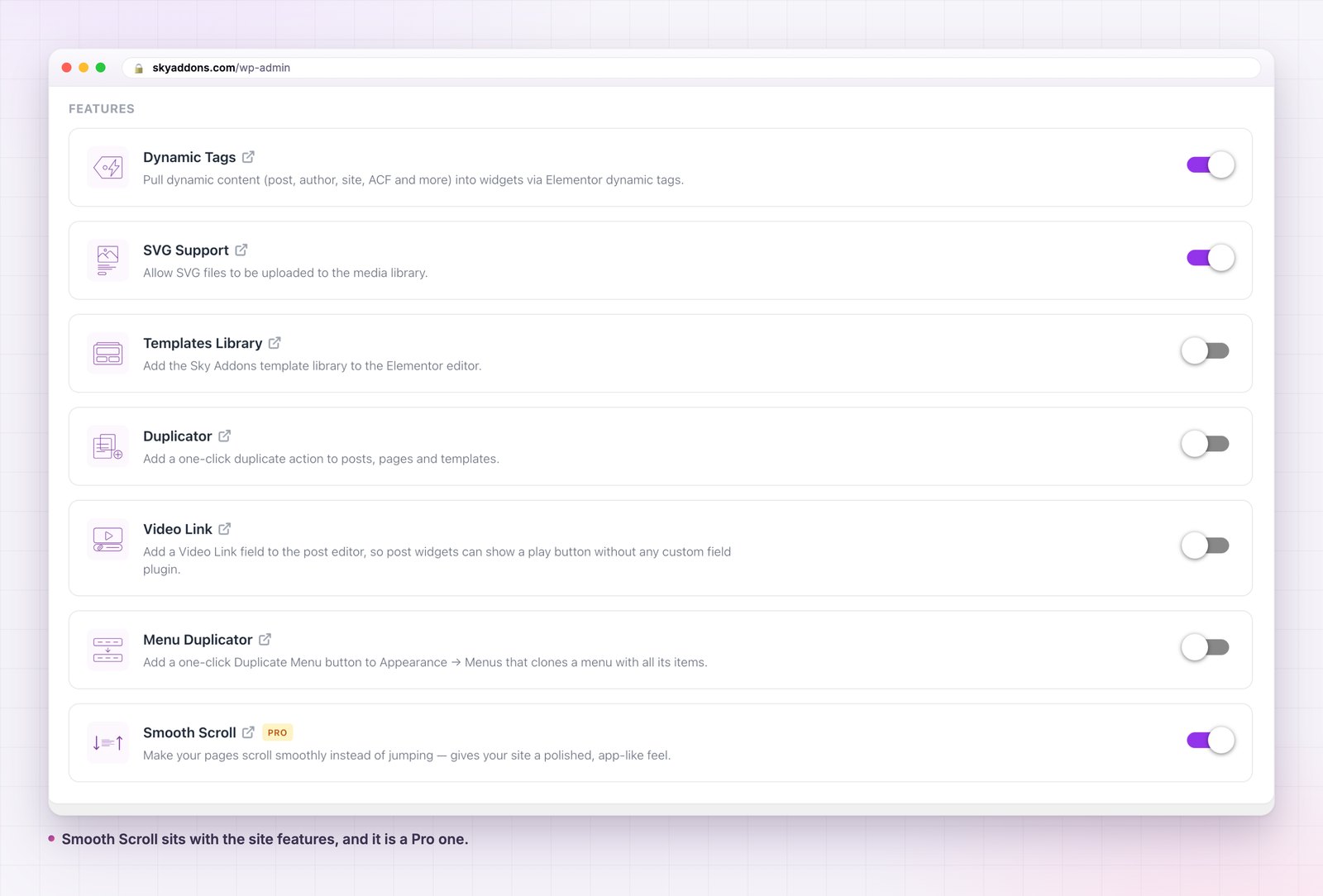
One toggle, in the Advanced tab. Smooth Scroll is a site feature rather than a widget setting, so it is on or off for the whole site and there is nothing to configure per page.
It respects reduced motion. If a visitor has set prefers reduced motion in their operating system, the feature stands down and the browser scrolls normally. That is not a setting you have to find; it is the default behaviour, and it is what the W3C guidance on animation from interactions asks for.
It stays out of the way of scrollable panels. A modal, a code block with its own scrollbar, an offcanvas panel with a long menu: each of those keeps its own scrolling. The handler checks whether an element actually scrolls before touching it, so an inner panel behaves like an inner panel.
Anchor links get a real offset. Clicking an anchor scrolls to the target with the element’s own scroll margin subtracted, so a sticky header does not cover the heading you just jumped to. The target also receives focus, which is what keyboard and screen reader users need and what most anchor implementations forget.
It defers to a bigger smoother. If a GSAP ScrollSmoother is already running on the page, the feature notices and does nothing rather than fighting it.
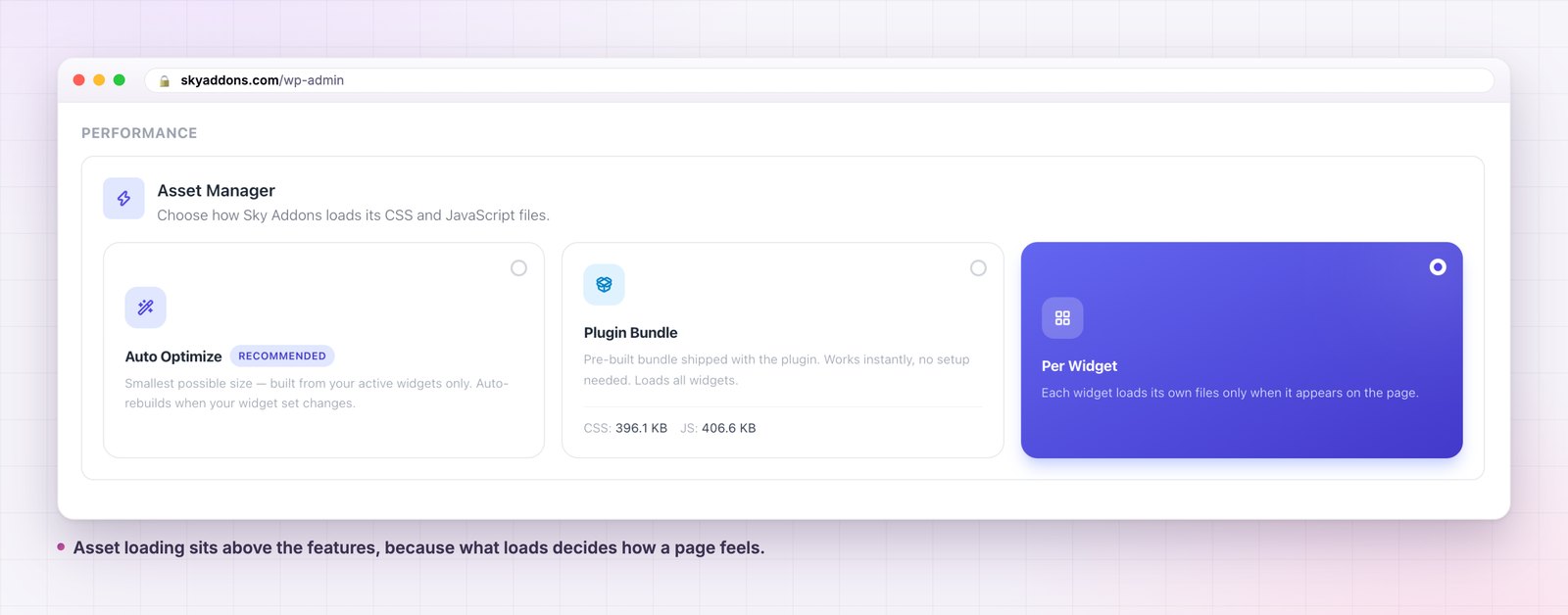
The feature loads one small library and one handler script. It does not pull in GSAP, which is the part worth knowing: an animation library of about seventy kilobytes is not shipped to pages that have no animation on them. The scroll handler talks to GSAP when a widget on the page has already loaded it, and stays quiet when nothing has.
The animation loop also idles. It runs while the page is moving and stops about six tenths of a second after motion ends, rather than running a frame loop for the whole visit.
None of that makes it free. It is a script, and scripts have a cost. The judgement is whether continuous scroll motion is worth one small dependency on a site where scroll is most of the interaction. On a long designed page it usually is. On a documentation site of short pages, probably not.
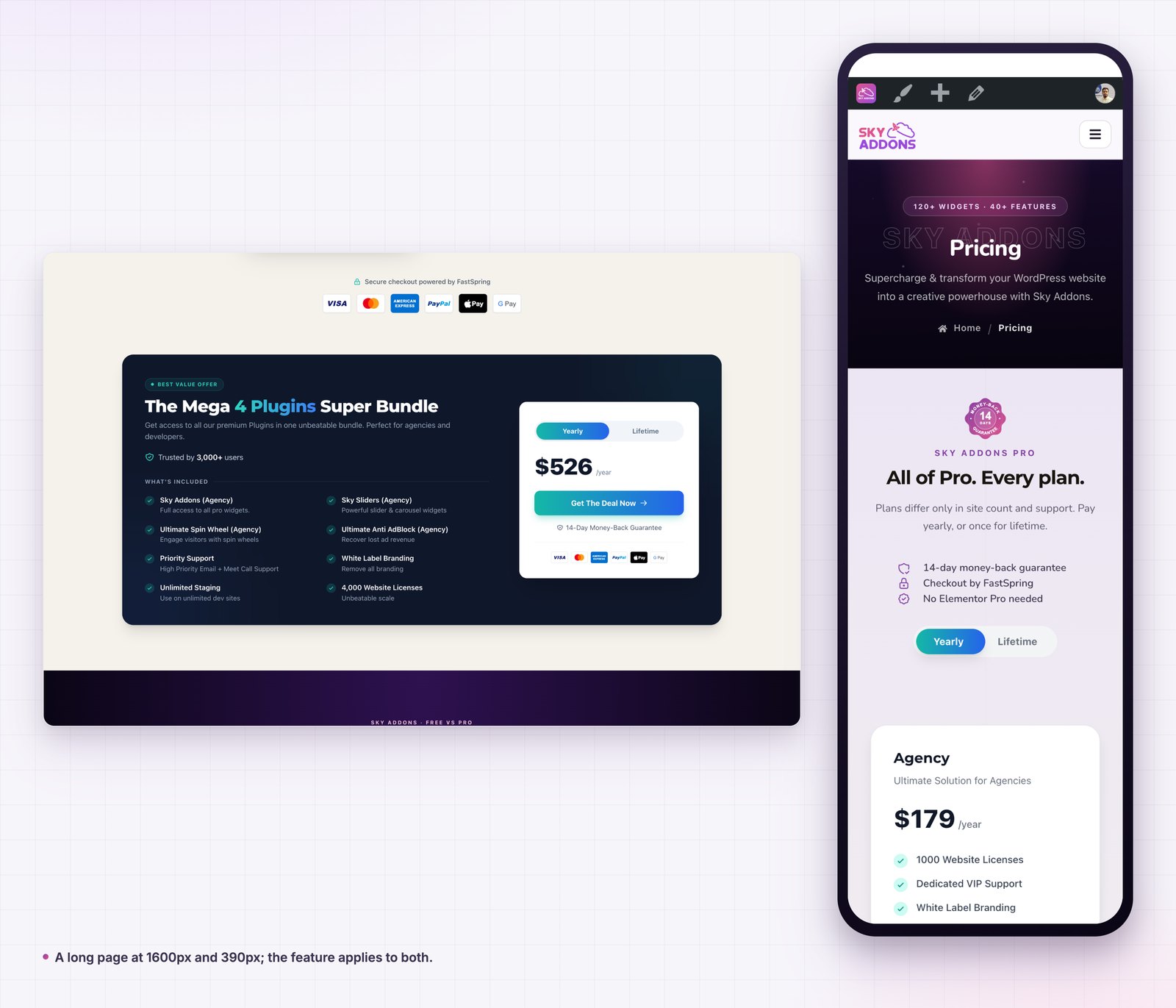
Motion gives the eye something to follow. A jump breaks the connection between where you were and where you are, and the brain has to re-find its place. Eased movement keeps the relationship visible, which is the same reason a well made transition beats a hard cut.
The second reason is consistency. Sites with scroll driven effects already animate on scroll; leaving the page itself unsmoothed means the effects are continuous and the thing carrying them is not.
The third is that it slows people down slightly, in the way a good shop aisle does. A wheel notch on a default page can throw three headings past the eye before anything registers. Eased motion keeps the movement legible, which means more of the page is actually seen rather than passed. That is not a claim about conversion; it is a claim about how much of a long page a visitor ever looks at, and on a page built to be read in order it matters more than most design decisions above the fold.
It is worth being specific, because this is a feature people switch on everywhere and then wonder about.
Leave it off on sites built from short pages. If nothing scrolls more than a screen and a half, there is no motion to smooth, and you have added a script for nothing.
Leave it off on anything with heavy inner scrolling: a dashboard, an app shell, a page that is mostly a table. The feature handles inner panels correctly, but the overall feel of nested scrolling with different physics is worse than plain scrolling everywhere.
Leave it off if the site already runs a scroll smoother from another library. Two smoothers on one page is a bug that presents as sluggishness, and the feature will stand down anyway if it can see the other one.
And turn it off temporarily when you are debugging scroll position, sticky behaviour or an intersection observer. Smooth motion changes when scroll events fire, which turns a simple test into a guess.
No. Smooth Scroll is a Pro feature, unlike the theme builder template types. The free versus Pro page has the full split.
No. It needs a Sky Addons Pro licence; free Elementor is fine.
It adds one small library and one handler. It does not load an animation library, and its frame loop stops when the page stops moving.
No. Elements with their own scrolling keep it, because the handler checks before it takes over.
The feature disables itself when the operating system asks for reduced motion.
Smooth scroll replaces the browser’s stepped scrolling with eased motion, fixes anchor links so they land below a sticky header and keep focus, respects the reduced motion setting, and leaves inner scrolling panels alone. It is one toggle in the Advanced tab.
It is the cheapest change that makes a long page feel finished, and the easiest to overuse. Long designed pages yes, short documentation pages no.
Details are in the smooth scroll documentation. For what else the Advanced tab controls, read Elementor Asset Manager and Elementor SVG Support. Pages worth smoothing usually come from Elementor Theme Builder, and licences are on the pricing page.

Comments are closed.