
Elementor SVG Support: Upload Logos and Icons That Stay Sharp
Turn on SVG support in Sky Addons to upload vector logos and icons to WordPress, with uploads restricted to administrators and correct dimensions.
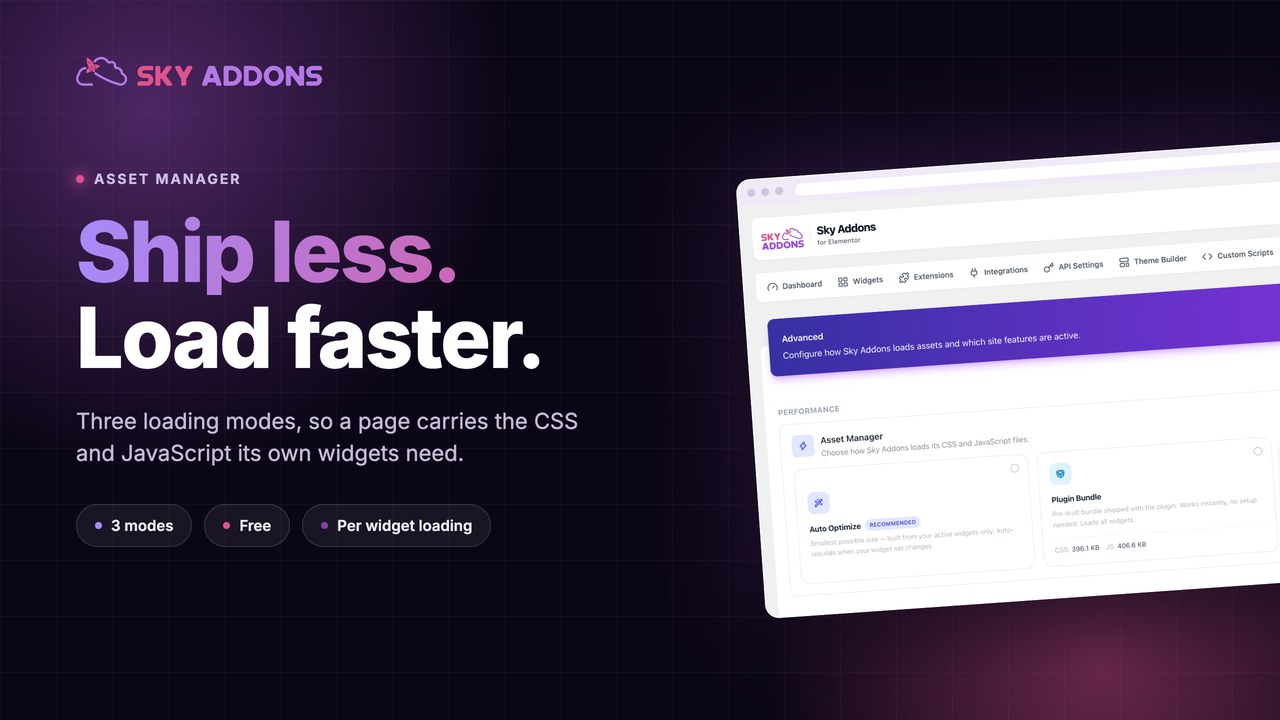
Here is the uncomfortable truth about addon packs. You install one for three widgets, and every page on your site starts loading the CSS and JavaScript for all of them.
The numbers are easy to check. The complete Sky Addons stylesheet is 396.1 KB and the complete script bundle is 406.6 KB. That is the cost of shipping everything, on a page that might use an accordion and nothing else.
An asset manager is the control that decides how much of that a visitor actually downloads.
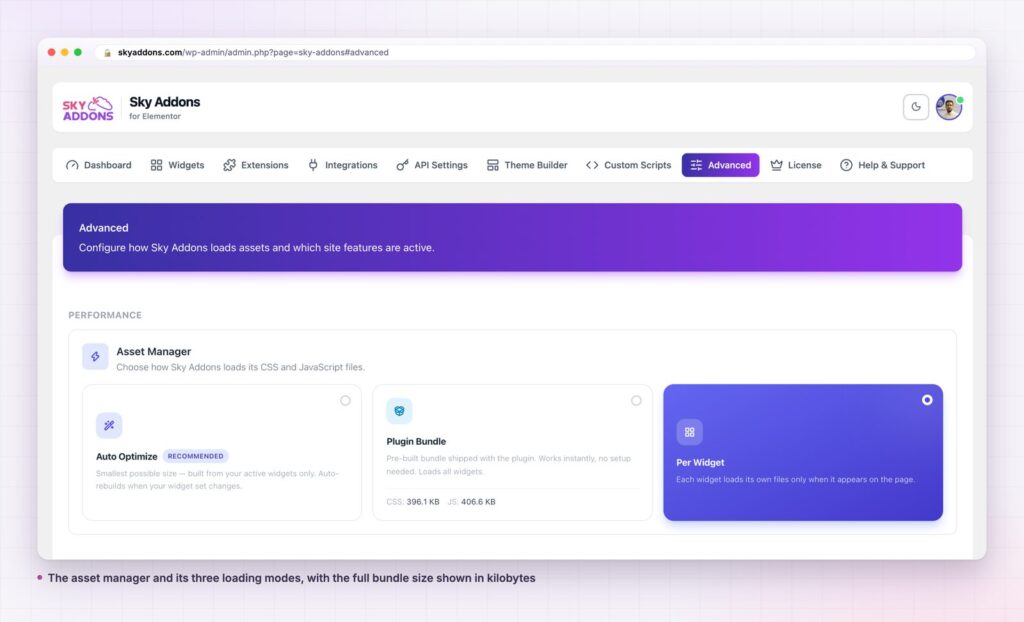
| Mode | What it ships | Best for |
|---|---|---|
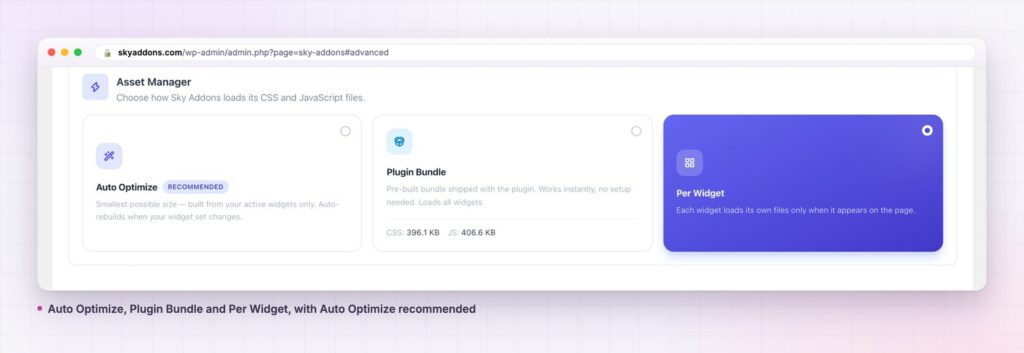
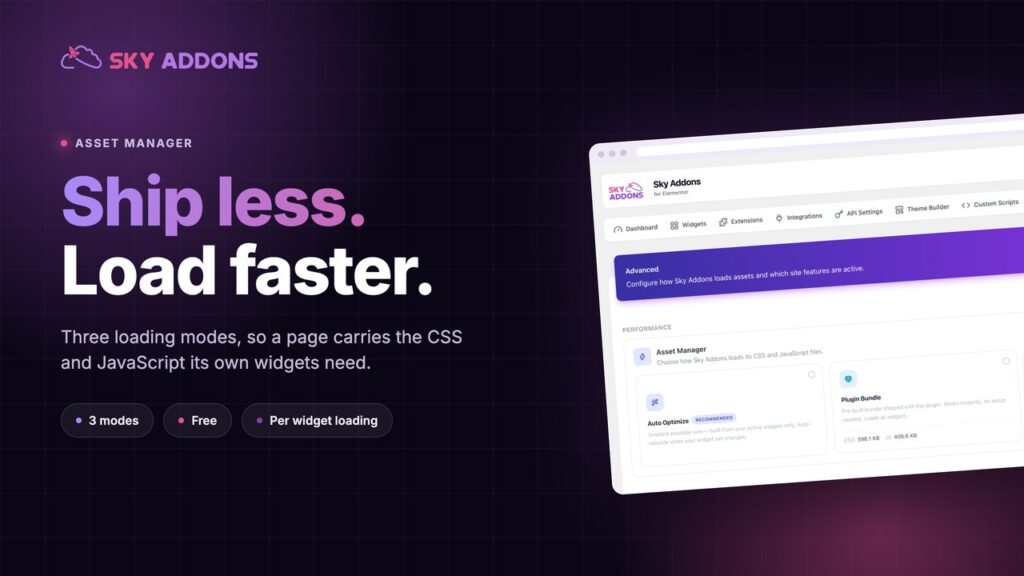
| Auto Optimize | One bundle built from your active widgets only, rebuilt when the set changes | Most sites, and the recommended default |
| Plugin Bundle | The full prebuilt bundle, 396.1 KB CSS and 406.6 KB JS | Getting running instantly, or debugging |
| Per Widget | Each widget’s own files, loaded only on pages where it appears | Sites with very different pages |
The fastest asset is the one you never send. Everything else is a negotiation about how to send less.
Auto Optimize looks at which widgets and extensions are switched on and builds a single combined file from exactly those. One request, no unused widgets, and it rebuilds itself when you enable or disable something. This is the recommended setting for a reason: it gives you most of the benefit without asking you to think about it. The dashboard keeps a log of every rebuild, so you can see when a bundle was generated, cleared, or rebuilt because a licence changed.
Plugin Bundle ships the prebuilt file covering everything. It needs no setup and it is never wrong, which makes it useful when you are diagnosing whether a problem is asset related. It is also the heaviest option, and the one to move off once the site settles.
Per Widget loads each widget’s own CSS and JavaScript only on pages where that widget appears. A landing page with two widgets downloads two widgets’ worth. This is the lightest option for sites where pages differ a lot, and it is what skyaddons.com itself runs. The trade off is more requests on complex pages, which HTTP/2 makes much less painful than it used to be.
A stylesheet is render blocking. The browser will not paint until it has parsed the CSS, so an unused 396 KB does not just cost bandwidth, it holds up the first thing a visitor sees. That is the mechanism behind the critical rendering path, and it is why “remove unused CSS” keeps appearing in audit tools.
JavaScript costs differently but worse. Bytes have to be downloaded, parsed and compiled, and on a mid range phone parsing is often slower than downloading. Cutting the script you never needed improves the metrics that measure when a page becomes usable, including Largest Contentful Paint.
The asset manager attacks both at the source rather than papering over them. A caching plugin can compress and defer what you send. It cannot decide you should not have sent it.
Most performance work is compensation: caching what should not have been generated, deferring what should not have been sent. Choosing what to load is the one lever that removes the problem instead of managing it.
It also gets better over time rather than worse. Every widget you switch off shrinks the bundle on the next rebuild, so a site that gets tidied gets faster, which is the opposite of how plugin stacks usually age.
Speed scores are a poor way to judge this setting, because they move for reasons that have nothing to do with you. Use the network panel instead, and look at three numbers before and after.
Total CSS transferred. This is the number the asset manager moves most directly. Load a representative page, filter the network panel to stylesheets, and read the transfer total. Compare like with like: the same page, cache cleared, same connection.
Total JavaScript transferred. Same method, filtered to scripts. Expect this to move less dramatically than CSS on a simple page, because a page with few interactive widgets was not loading much script to begin with.
Number of requests. This is the one that goes the wrong way under Per Widget, and that is expected. More, smaller files is usually a good trade on modern connections, but if you are on HTTP/1.1 it is not, and Auto Optimize is the better choice.
Test three page types rather than one: your home page, a typical content page, and your heaviest page. The heaviest page shows the ceiling, the typical page shows what most visitors get, and the difference between them tells you whether Per Widget is worth the extra requests on your particular site.
One warning about measurement. Run each test twice and take the second result. First loads pull in fonts, third party scripts and anything not yet cached at the edge, and that noise is easily larger than the saving you are trying to measure.
Yes, it is in the free plugin, in the Advanced tab. The free versus Pro page covers what a Pro licence changes elsewhere.
Auto Optimize for most sites. Per Widget if your pages differ a lot from each other. Plugin Bundle while you are debugging.
No, they solve different problems. Caching speeds up delivery of what you send. The asset manager reduces what you send. Use both.
No. The same CSS is delivered, packaged differently. If something looks wrong after a switch, it is almost always a stale cache.
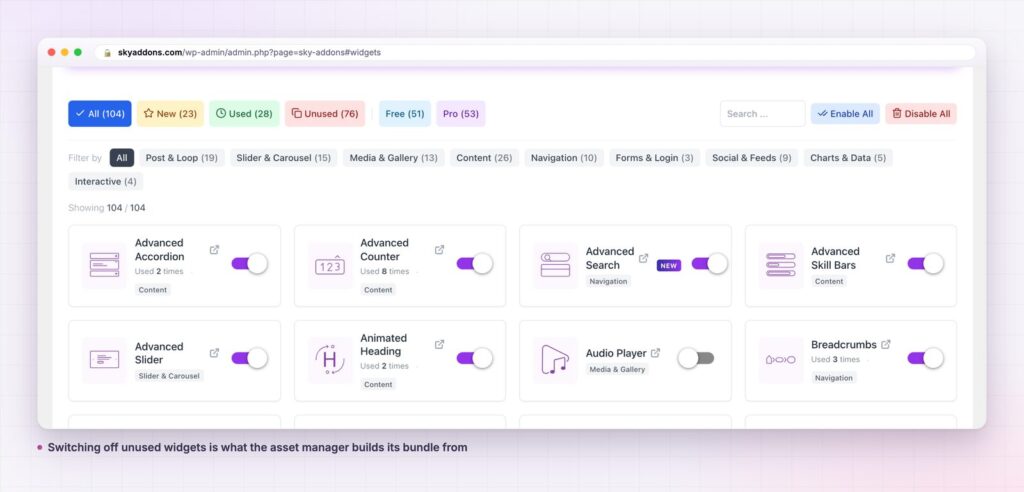
No. Disabling removes a widget from the editor and from the bundle. Pages already using it keep their content, so switch off what you have genuinely never placed.
An asset manager decides how much of an addon pack a visitor downloads. Sky Addons gives you three modes: one auto built bundle from your active widgets, the full prebuilt bundle, or per widget loading that ships only what a page actually contains. The full bundle is 396.1 KB of CSS and 406.6 KB of JavaScript, and most sites need a fraction of it.
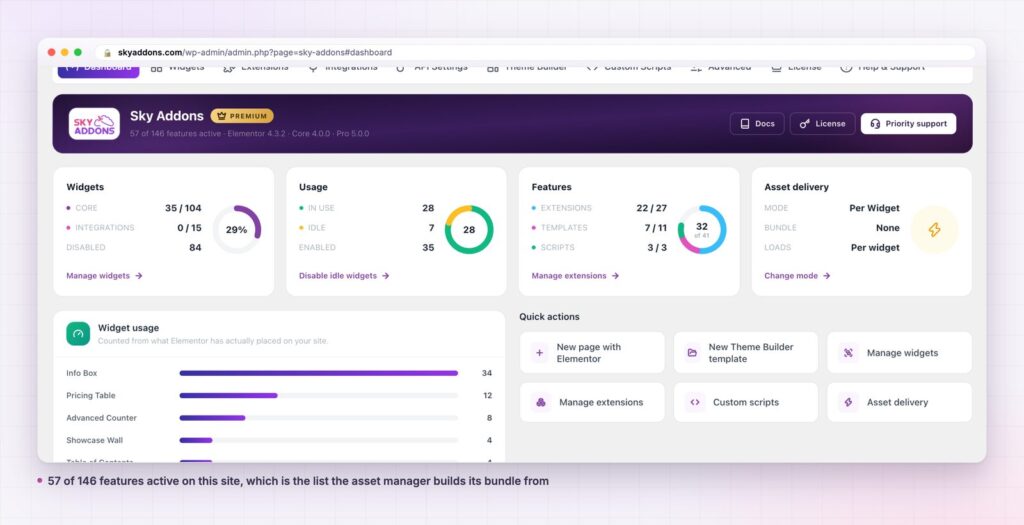
Switch off the widgets you never use, pick Auto Optimize, and stop sending 143 widgets to a page that uses three.
Full detail is in the asset manager documentation and the widgets and extensions manager reference. For the wider argument see are Elementor addons slowing down your site, and for templates that inherit these savings read Elementor Theme Builder. Licences are on the pricing page.

Comments are closed.