
Elementor Grid Canvas: Give a Page the Structure Magazines Have
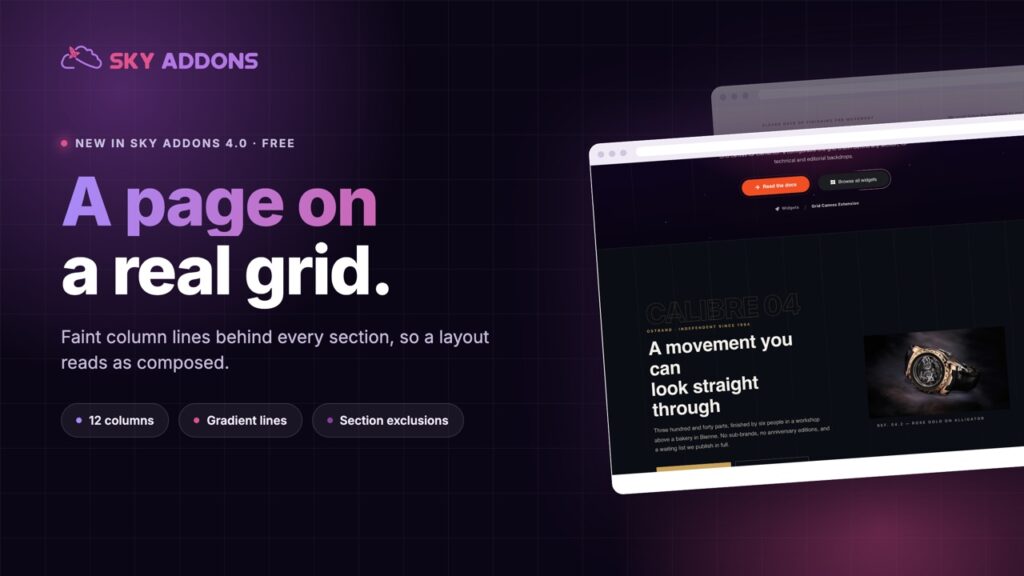
The free Elementor grid canvas draws a real column grid behind your sections, so a page looks composed instead of stacked. Lines, tints and exclusions.
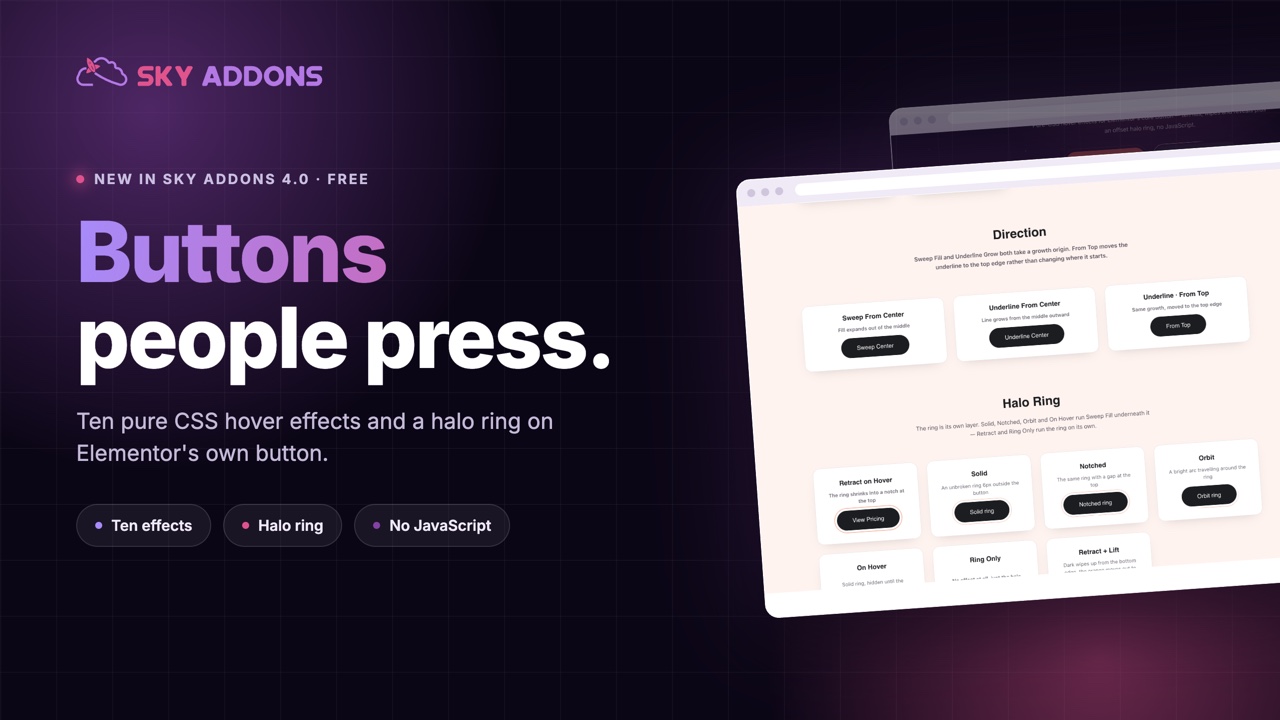
Everything on a page exists to get someone to press one button, and that button is usually the least designed element on the screen: a rectangle, a brand colour, and a hover state that darkens it slightly.
Buttons that respond properly get pressed more. Not because animation is persuasive on its own, but because a button that reacts reads as interactive, and a button that barely changes reads as decoration.
Elementor button effects in Sky Addons 4.0 are free, and they attach to Elementor’s own button widget, so you do not need to rebuild a single call to action to use them.
| A default button | With Elementor button effects |
|---|---|
| Darkens slightly on hover | Fills, sweeps, shines or draws its border |
| Reads as a label | Reads as a control |
| Same as every other site | A detail that belongs to your brand |
| Nothing draws the eye on arrival | The halo ring marks the main action |
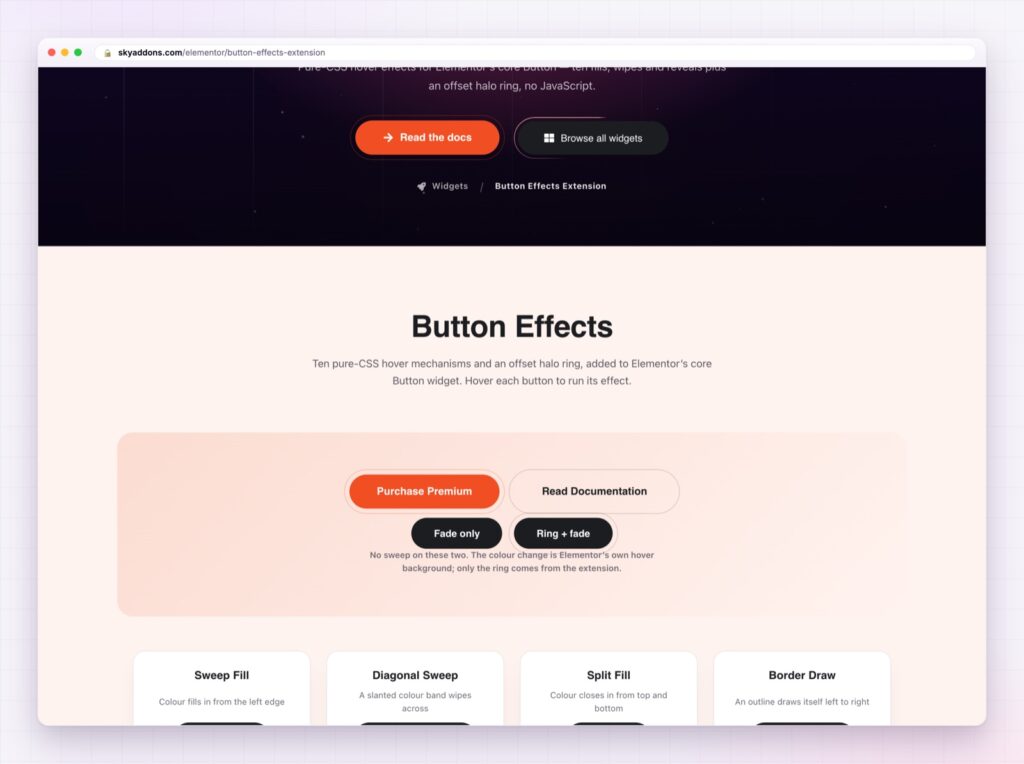
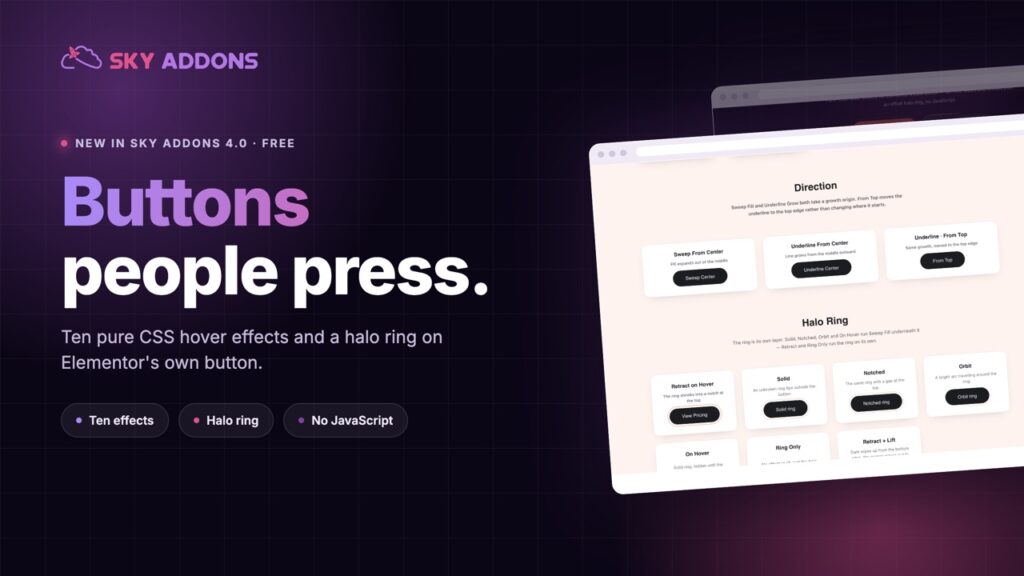
Ten effects, all pure CSS. Sweep fill, diagonal sweep, split fill, border draw, shine pass, radial reveal, underline grow, text swap, glitch and icon reveal. No JavaScript, which means nothing to slow the page and nothing to break.
Direction control. Most effects can run from the left, right, centre, top or bottom. The same sweep feels completely different coming from the centre than from the left, and that choice is what makes it look designed rather than downloaded.
A halo ring. A ring around the button that can pulse, sit solid, or notch, so the primary action is visible before anyone hovers anything. This is the part that helps on a page where three buttons compete.
Icon reveal. The icon slides in on hover, which is the most useful of the ten for “continue” and “next step” buttons, because the motion points forward.
Timing you set. Duration and easing, so the effect matches the pace of the rest of your site.
It runs on the button you already have. Elementor’s own widget, so every existing call to action on the site can get this without a rebuild. One note: set Elementor’s own Hover Animation to None, because the two run on the same element and fight each other.
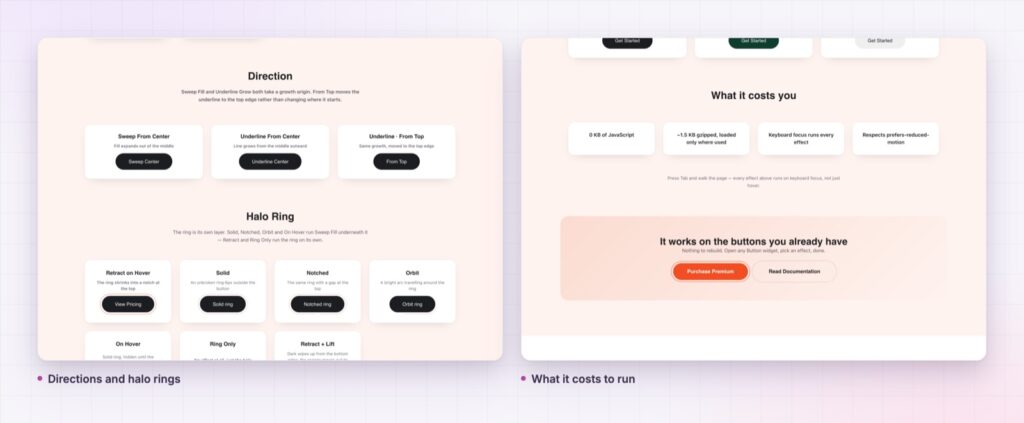
One strong button per screen. If every button sweeps, shines and pulses, the page has no primary action at all.
A hover state is feedback, and feedback is what tells someone a thing is pressable. The web is full of buttons that look like labels, and visitors, particularly less confident ones, hesitate over them. An effect removes the hesitation.
There is a second, quieter benefit for conversion. A distinctive button becomes the visual anchor of the page. People returning to a site look for the thing they pressed last time, and a button with character is far easier to find again than a plain rectangle.
An effect never makes up for a button that is hard to hit, and the WCAG target size guidance gives the size to design to.
Yes, it ships in Sky Addons 4.0, the free plugin, and works with the free version of Elementor.
No. The effects attach to Elementor’s own button widget.
No. The effects are CSS, with no JavaScript behind them.
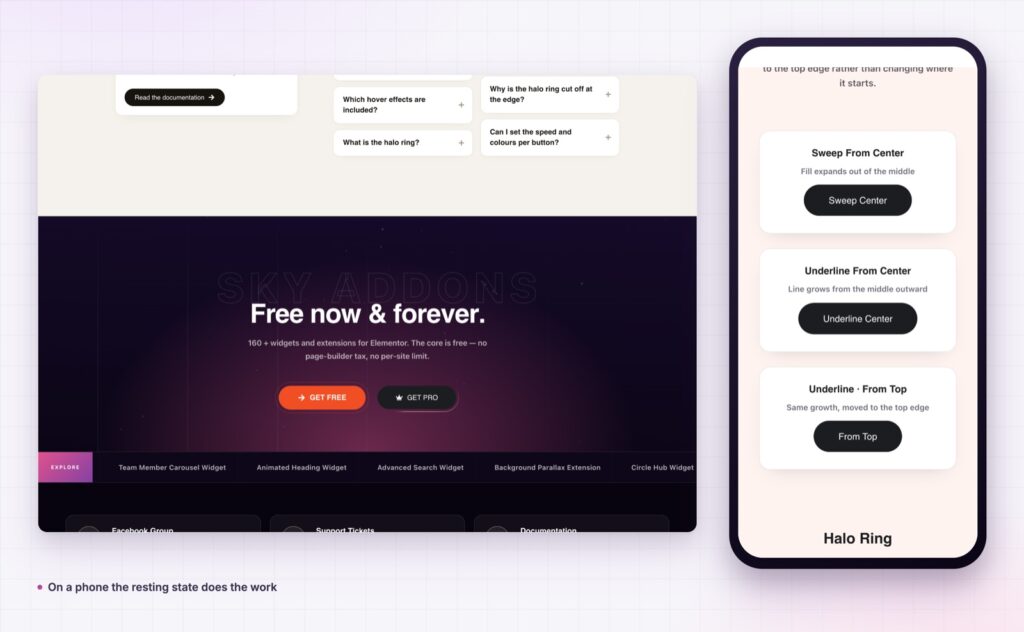
There is no hover, so the button shows its resting state. Design that state properly.
Check Elementor’s own Hover Animation on that button. It must be set to None.
The button is where the page either works or does not. Elementor button effects give you ten hover styles and a halo ring, in pure CSS, on the buttons you already built, so the main action looks like the main action. It is free, and it takes about a minute per page.
The Button Effects demo shows every effect, every direction and each halo ring style side by side, so you can pick by eye rather than by name. Every setting is in the Button Effects documentation.
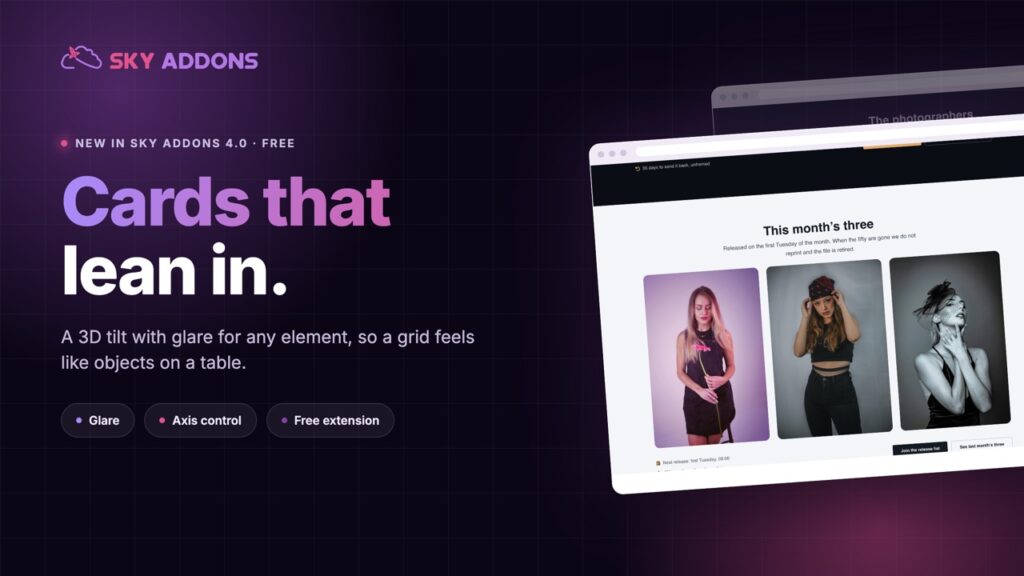
If the section around the button also needs work, the Elementor tilt effect is the other free detail worth adding. Both are in Sky Addons 4.0 and Pro 5.0.
Button Effects costs nothing. Sky Addons Pro adds the motion, social and store widgets, and the free versus Pro page shows what sits on each side.

Comments are closed.