
Elementor Footer Builder: The Last Thing People See, Designed
The Sky Addons footer builder replaces the theme footer with an Elementor design, with display conditions, seasonal swaps and a one click way back.
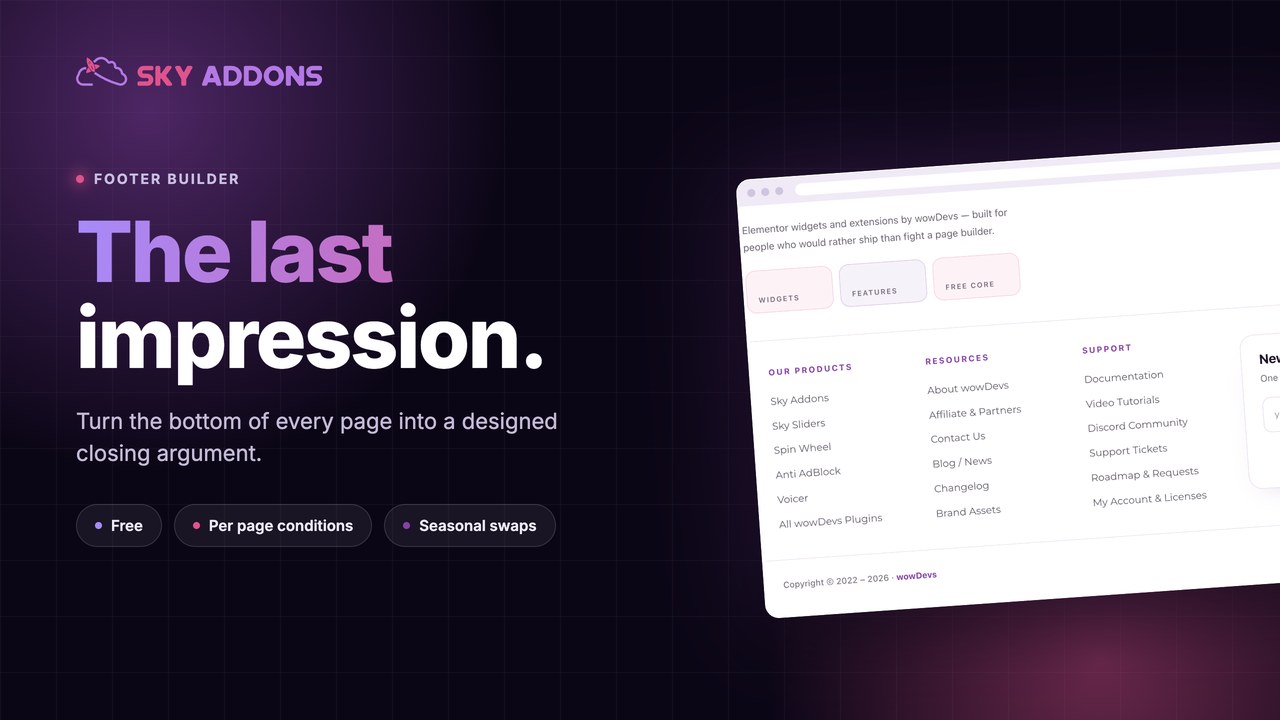
The footer is the last thing a visitor sees, and on most sites it is the only part nobody has looked at since launch. Four columns of links the theme generated, a copyright line with the wrong year, and a widget area holding a search box that has never been used.
It is also the busiest page element you are ignoring. Every page ends there. People who read to the bottom are the people most likely to do something next, and you are handing them a link list.
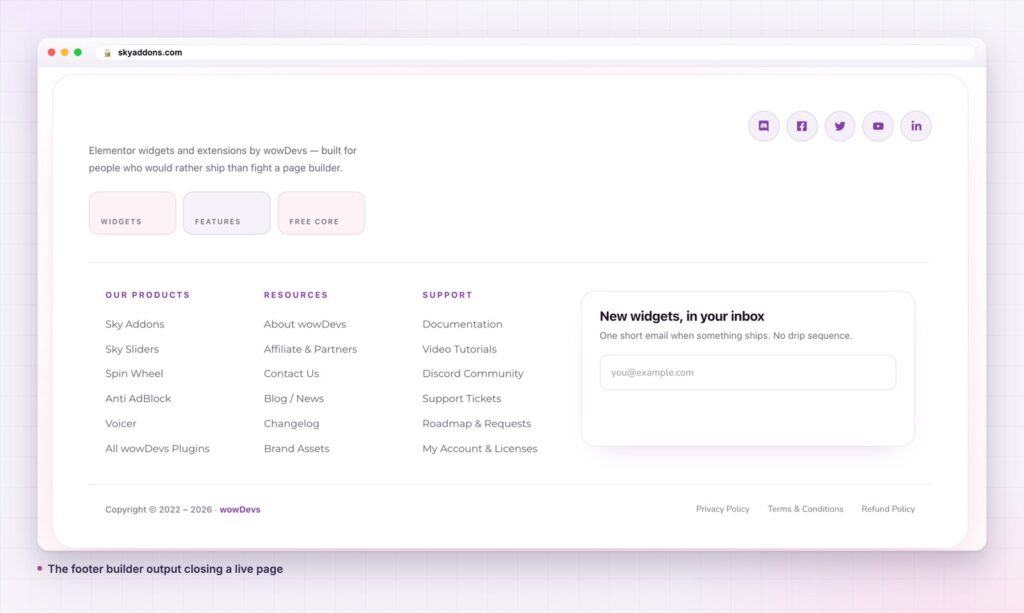
A footer builder lets you design that space in Elementor, on the full canvas, and then decide which pages get which footer.
| What you want | Theme widget areas | Footer builder |
|---|---|---|
| Layout control | Fixed columns | Any container layout |
| A real call to action | A text widget | Any widget, designed |
| Different footer on some pages | Not available | A display condition |
| Seasonal swap | Rebuild it each time | Toggle between templates |
| Match the brand | Theme options only | Full Elementor styling |
| Roll back a change | Rebuild from memory | Switch the old one back on |
Most footers are a list of links because a list of links is all the theme offered. That is a tooling limit that everyone mistook for a design convention.
It replaces the theme footer. The footer template takes the slot rather than stacking below it, so you do not end up with your design and the theme’s own footer on the same page.
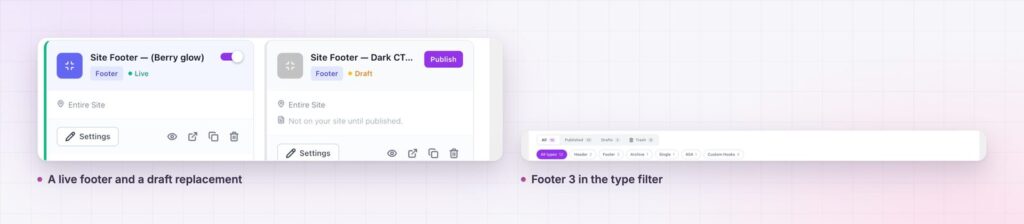
Several footers, one live. A footer builder becomes genuinely useful at the second template. On skyaddons.com there are three footer templates: one serving the site, one published and switched off, and one still a draft. The switched off one is the way back if the live one turns out wrong.
Conditions, including exclusions. Display on the entire site, then exclude what needs something else. A landing page with no distractions is one exclusion away.
Bands above the footer are a separate template. If you want a testimonial row or a call to action strip above the footer on most pages, that is a custom hook template attached to the before footer point, not something baked into the footer itself. Keeping them separate means you can switch the band off for a month without touching the footer.
It is a real landmark. A footer built this way still renders as the page’s contentinfo region, so screen readers and keyboard users get the structure they expect. The W3C guidance on page regions explains why that matters more than it looks.
Three shapes cover almost every site.
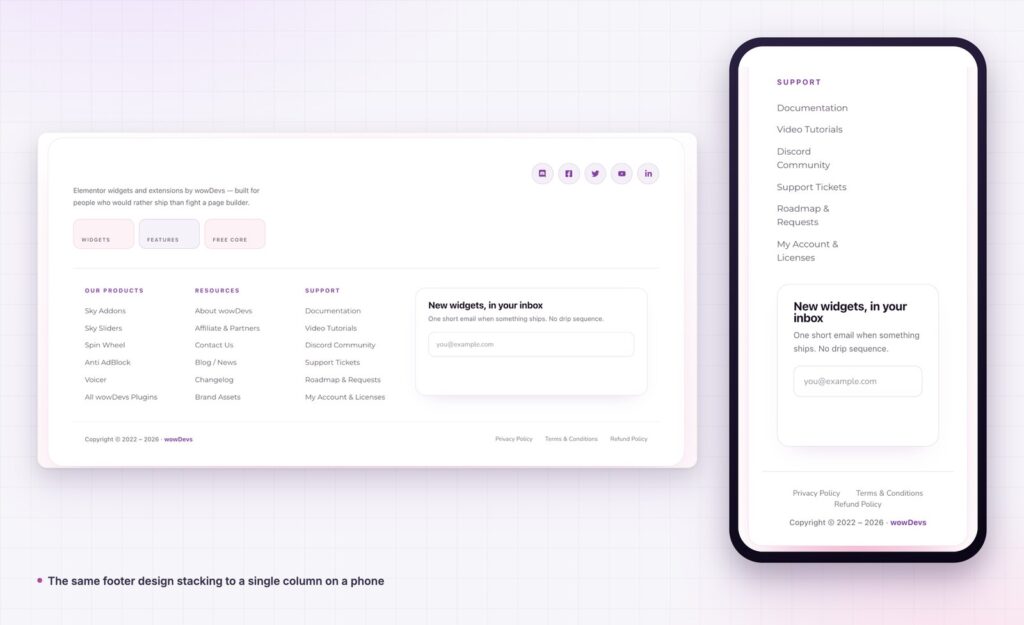
The directory. Four columns of grouped links, a logo, a legal row. Right for large sites where the footer is genuinely a navigation tool.
The closer. One headline, one sentence, one button, then a thin legal row underneath. Right for product and service sites where the footer’s job is to catch people who reached the end convinced.
The capture. A newsletter or contact block with a short reason to sign up, then the links. Right for content sites where the next step is a relationship, not a purchase.
Pick one. The common failure is doing all three at once, which produces a footer taller than the page it sits under. If you cannot decide, the closer is the safest default, because a footer with one clear action never reads as clutter.
Whatever you choose, keep the legal row genuinely separate and genuinely small. Privacy policy, terms and the copyright line are obligations, not content, and giving them equal weight to a call to action tells visitors you could not tell the difference.
Every page gains a proper ending. That sounds soft until you consider that the footer is the only element guaranteed to appear after your content, which makes it the one place where a call to action follows the argument rather than interrupting it.
The practical benefit is that the footer stops being frozen. Once it is a template with a toggle, changing it costs nothing, so it gets changed, tested and improved instead of being the thing nobody wants to touch.
The single most useful habit a footer builder enables has nothing to do with design. It is keeping two templates where you used to keep one.
Build the replacement while the current footer is still serving the site. Nothing changes for visitors while you work, because a template only appears once you enable it. When the new one is ready, switch it on and switch the old one off in the same minute. If it reads badly on a real page, or a client hates it, or the contrast fails on mobile, you reverse both toggles and you are back where you started with nothing rebuilt.
Seasonal work runs the same way. A campaign footer is not a temporary edit to your real footer, it is a second template that lives permanently in the list and gets switched on for three weeks a year. A footer builder that treats templates as cheap makes this obvious. A theme that treats the footer as a file makes it expensive enough that most people just edit in place and lose the original.
The habit costs nothing and it changes how often you are willing to try something. That is usually worth more than any individual design decision you will make in the footer itself.
Yes. The footer builder is part of the free Sky Addons theme builder, alongside headers, single posts, archives, 404 pages and custom hooks. The free versus Pro page covers what a Pro licence adds.
No. Free Elementor is enough.
No. The template replaces it. Themes that output their footer in an unusual way are covered in the theme compatibility notes.
Yes, and you probably should. Give each one its own condition, and keep only one enabled for any given page.
It loads like any Elementor document, and widget assets load per widget by default, so the footer pulls only what its own widgets need. WordPress’s template file for the footer is simply not used any more.
A footer builder turns the bottom of every page from a theme leftover into a designed closing argument, with display conditions so different sections can end differently, and a toggle that makes any change reversible. It is free, it works with free Elementor, and keeping the old footer published but switched off means a redesign is never a one way door.
The footer is the last impression on every single page. It is worth more than four columns of links.
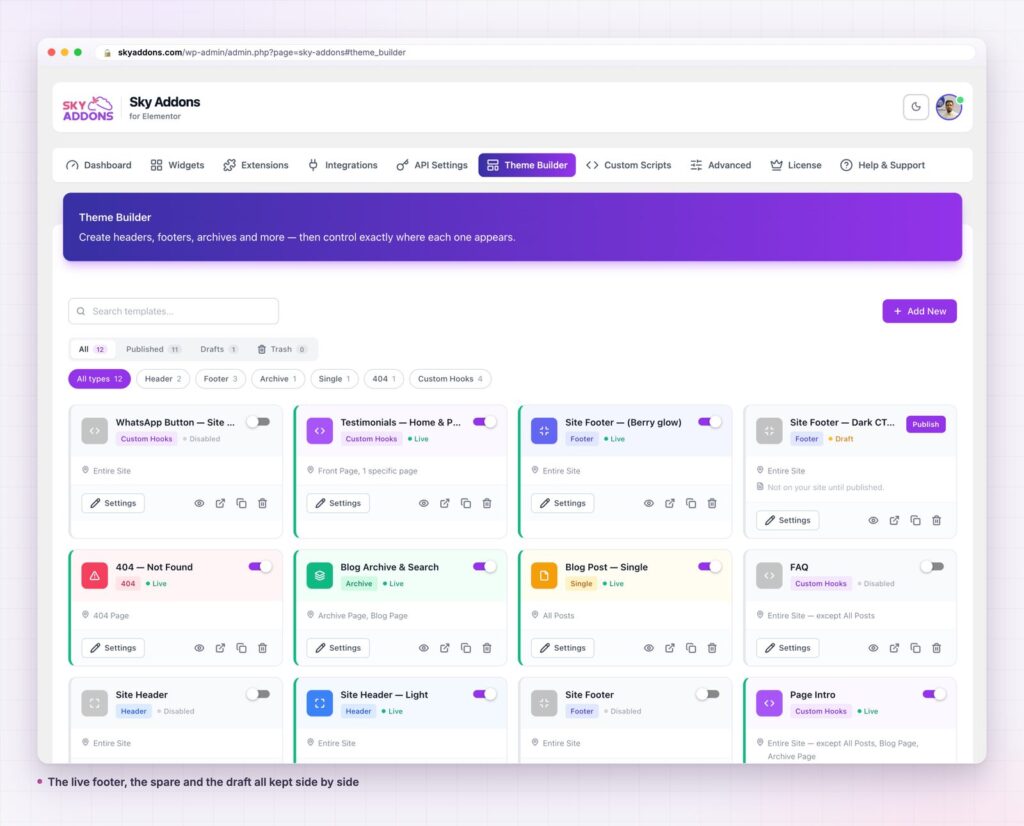
Details are in the footer builder documentation. For the full picture read Elementor Theme Builder, and for the matching top of the page see Elementor Header Builder. Conditions are in the display conditions reference, and licences are on the pricing page.

Comments are closed.