
Instagram Feed Carousel: Put the Feed in a Row Instead of a Wall
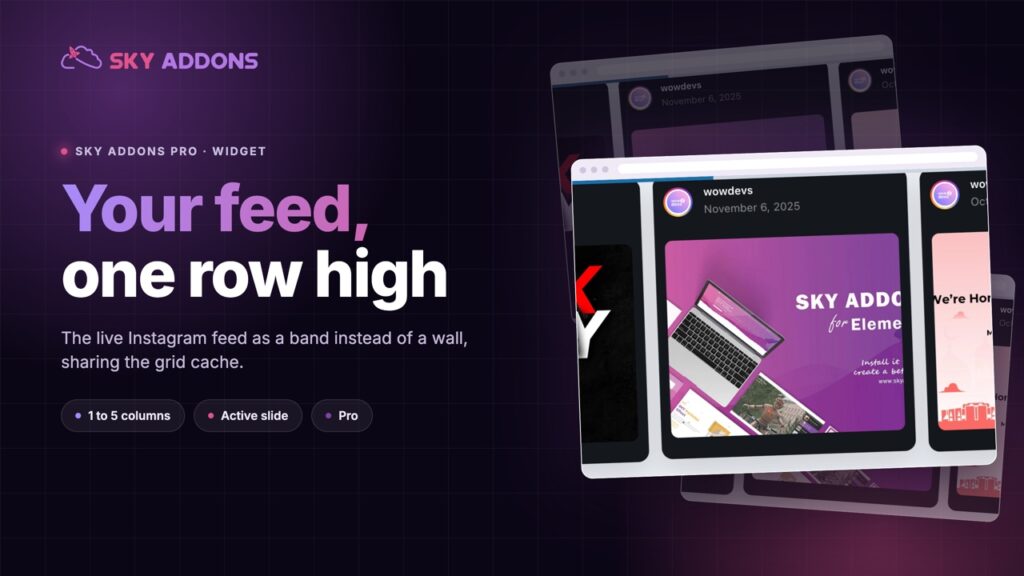
The Instagram Feed Carousel shows your live posts as a slider rather than a grid: one to five columns, cached, with an active slide state. Sky Addons Pro.
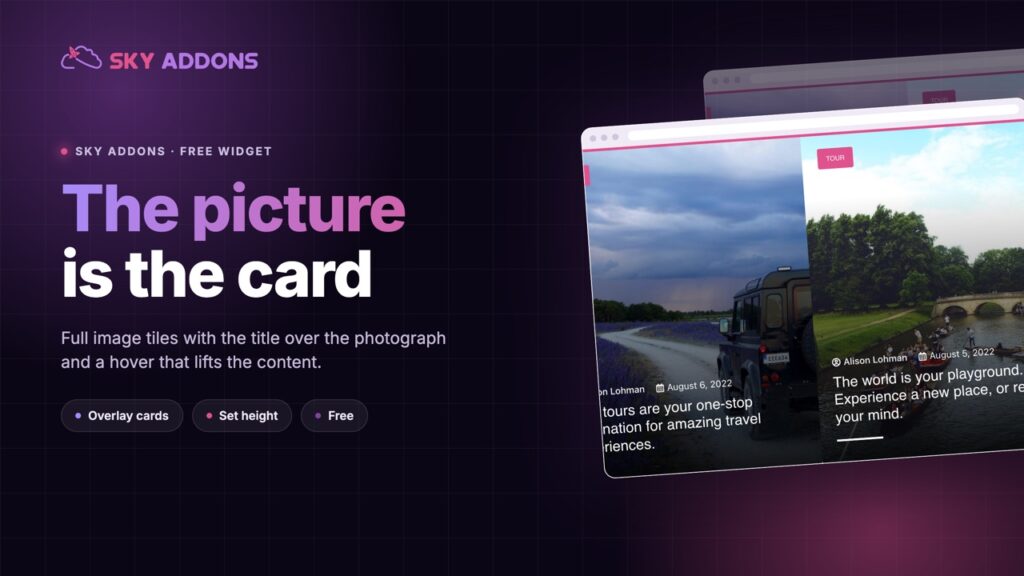
A full width post slider forces a choice nobody wins. Put the text over the photograph and you spend the rest of the project fighting for contrast. Put the text under it and the section stops being a hero and becomes a caption.
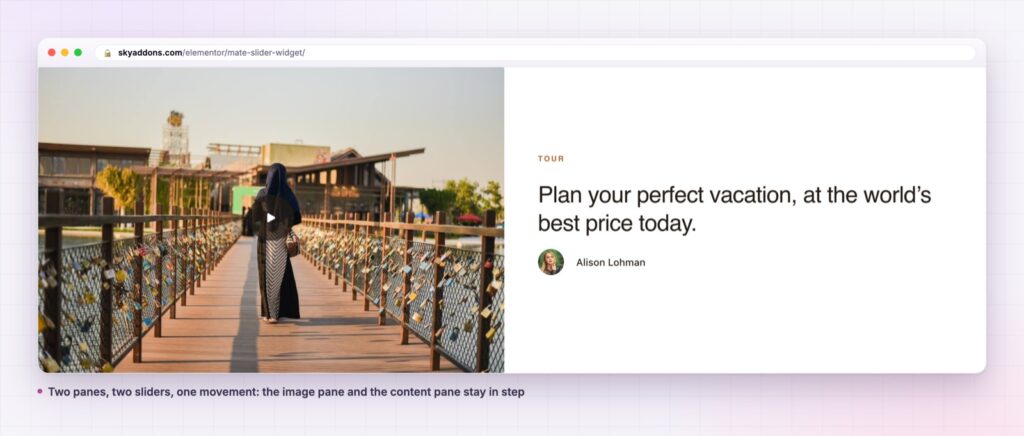
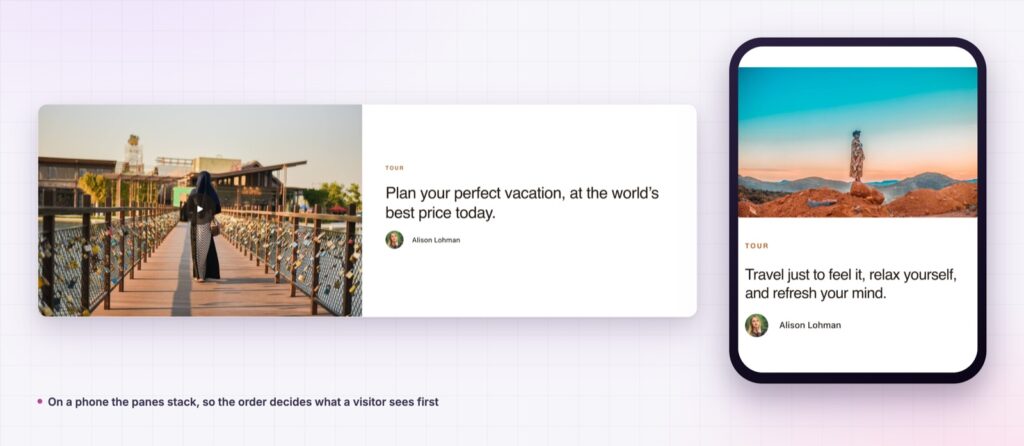
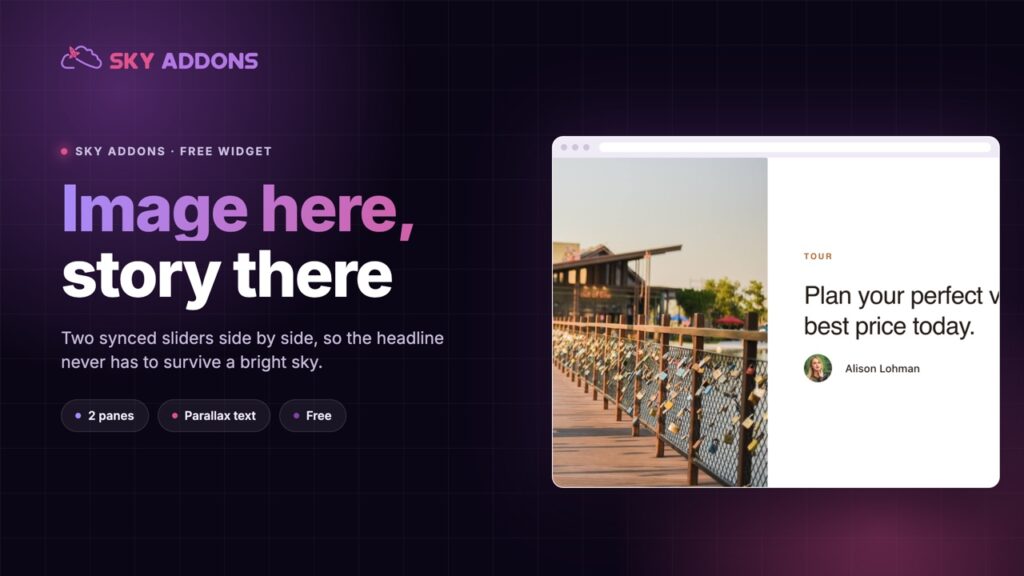
The mate slider takes the third option. It splits the band in two: the photograph gets one side at full bleed, the copy gets the other side on a clean background. They are two separate sliders, synced, so moving one moves the other. The image never has to carry text, and the text never has to survive a bright sky.
It is a free widget driven by a query, so the slides are your actual posts rather than a set of panels you maintain by hand.
| Text over a photograph | Image with a caption under it | Mate slider | |
|---|---|---|---|
| Headline readability | Depends on every image | Good | Good, always |
| Image treatment | Darkened to make text work | Full strength | Full bleed, untouched |
| How much copy fits | A line or two | A line or two | A paragraph |
| Motion | The slide change | The slide change | Slide change plus parallax on the text |
| Maintenance | Per slide | Per slide | The query |
The first column is what most sites ship, and the overlay that makes it readable is also what makes every photograph look slightly muddy.
Two sliders, synchronised. The primary pane carries the thumbnails, the secondary pane carries the content. They are separate Swiper instances kept in step, which is what lets each side animate the way it should.
The text moves with parallax. The content pane animates its text rather than sliding it flat, so the two sides read as one movement with depth rather than two panels changing at once.
The image is structural, and the widget knows it. The image toggle is fixed on, because the layout is built around the picture pane. That is an honest constraint rather than a switch that breaks the design.
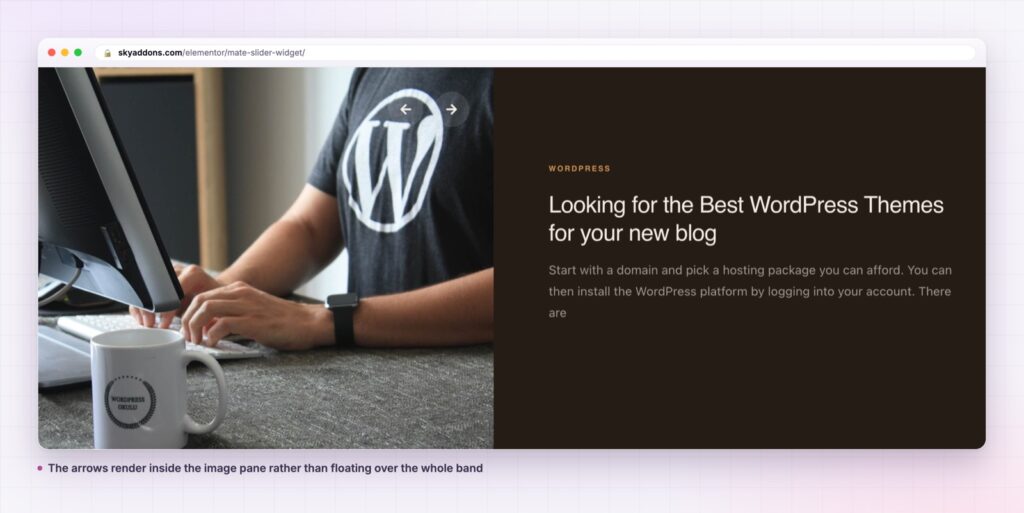
Navigation lives inside the image pane. The arrows are rendered into the primary pane rather than floating over the whole band, with your own prev and next icons and a fallback to built in chevrons.
Speed and autoplay are separate decisions. Autoplay speed defaults to 5000 milliseconds, transition speed to 1500, and pause on hover appears only when autoplay is on.
Show navigation always, or on hover. A switch forces the arrows visible, which matters on touch devices where there is no hover state to reveal them.
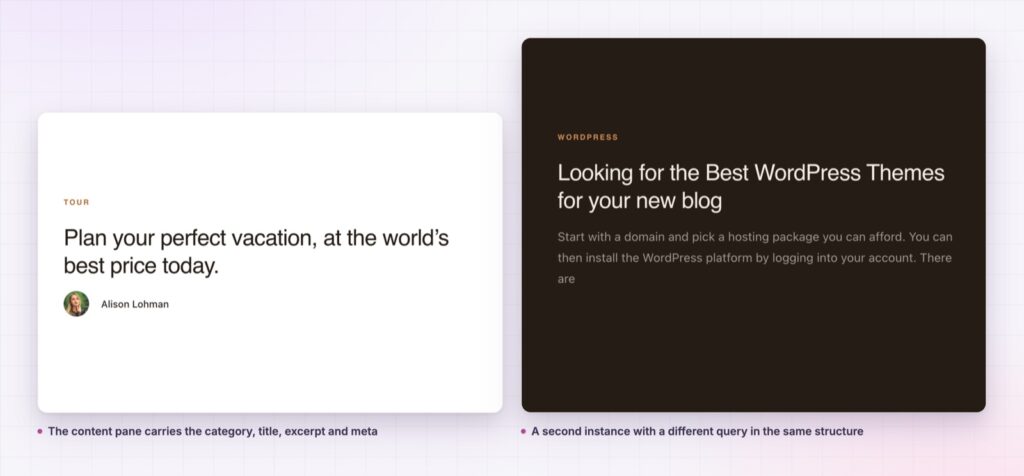
Splitting the band is what removes the compromise. A photograph shown at full strength is doing its job, and a headline on a plain panel is doing its. Neither is being asked to survive the other, so neither needs an overlay, a text shadow or a darkened corner.
Because both panes are driven by one query, the pairing can never drift. There is no risk of the image saying one thing while the copy beside it describes last month’s feature, which is the standard failure of a hand built split hero.
The overlay on a hero image is a tax you pay for putting text where a picture already is. Move the text one pane across and the tax disappears.
The two sliders are kept in sync in code rather than by both listening to a timer, so a manual drag on one side moves the other immediately instead of drifting a frame behind. Both run on Swiper, the same library behind the other sliders in the plugin, which is why the touch behaviour matches everything else on the site.
The navigation choice is worth a moment as well. The arrows render inside the image pane rather than floating over the whole band, which keeps them off the copy and gives them a dark surface to sit on. You can supply your own prev and next icons, and leaving them empty falls back to built in chevrons, so a fresh install never ships with two empty squares while somebody hunts for an icon set.
The query builder means this is not only a blog hero. Point it at a case study type and the image pane becomes the project shot with the result beside it. Point it at events and the pane becomes the venue with the date and the booking link.
It also works below the fold. A mate slider halfway down a long service page gives a section of real photography without breaking the reading rhythm, because the copy pane keeps the text column where the eye expects it.
The column gap is worth treating as a design decision rather than a spacing value. At a small gap the two panes read as one object split down the middle, which suits a hero. At a large gap they read as a picture and a panel that happen to be next to each other, which suits a section further down a page where the band should not dominate. The control is responsive, so the desktop answer and the tablet answer can differ.
If a page needs a set rather than a feature, the siblings cover it. The showcase flow suits a wider set seen at once, and the timeline suits content where the order is the story.
Yes. It is a widget in the free Sky Addons plugin, including the dual slider layout, the parallax content animation and the query builder.
No. Elementor and Sky Addons are enough. It reads the posts already in your WordPress install.
It loads one image per slide at the size you choose, and it uses the slider library already shared across the plugin. Keeping the slide count to four and picking a sensible registered image size is most of the work.
Yes, with the panes stacked. Turn on the option that keeps navigation visible, since there is no hover on a phone to reveal it.
No, and that is deliberate. The layout is built around the image pane, so the toggle is fixed on rather than offering a setting that would break the design.
The mate slider splits a post hero into two synced panes: a full bleed image on one side, the post content with parallax text on the other. Neither side has to compromise for the other, both are driven by one query, and it is free.
See it running on the Mate Slider demo, then read the control reference in the Mate Slider documentation. It is part of the free plugin: see what else is included on the free versus Pro page, and the plans on pricing.

Comments are closed.