
Instagram Feed Carousel: Put the Feed in a Row Instead of a Wall
The Instagram Feed Carousel shows your live posts as a slider rather than a grid: one to five columns, cached, with an active slide state. Sky Addons Pro.
A standard post card is a picture with a box of text under it. It is reliable, it is what most sites use, and it is also why most blog rows look the same. The card has two halves and the eye reads them as two things.
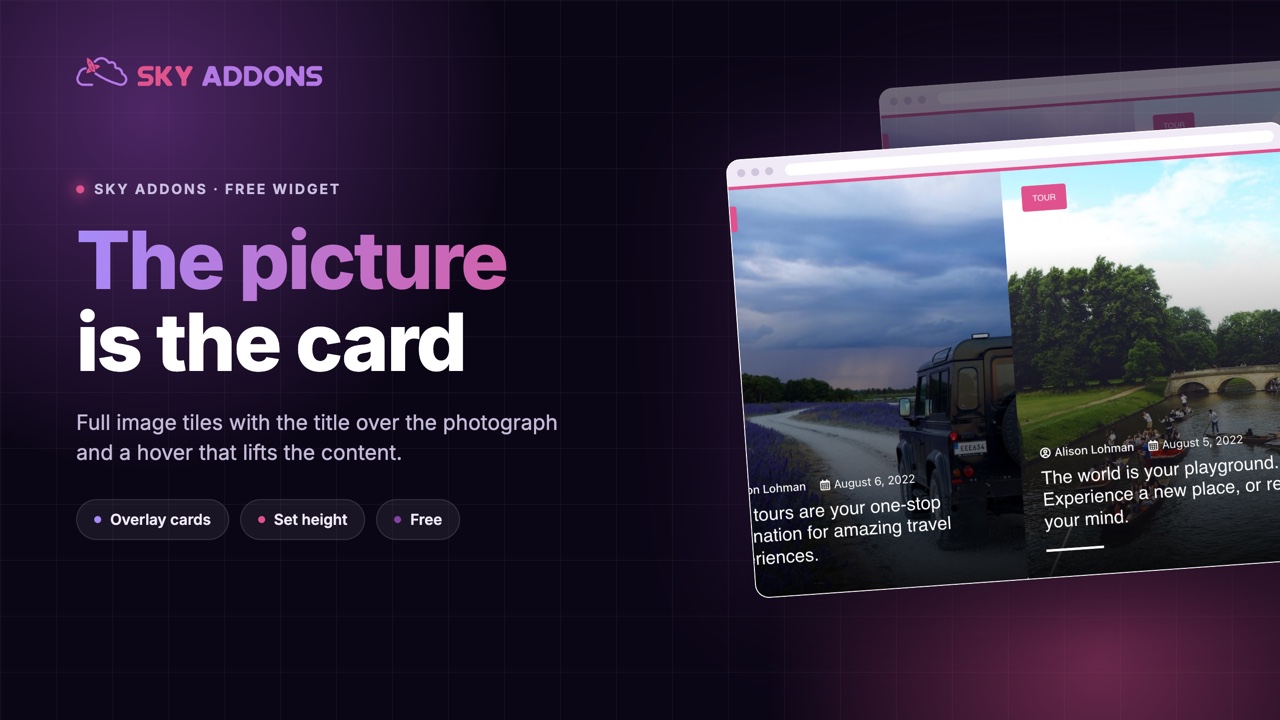
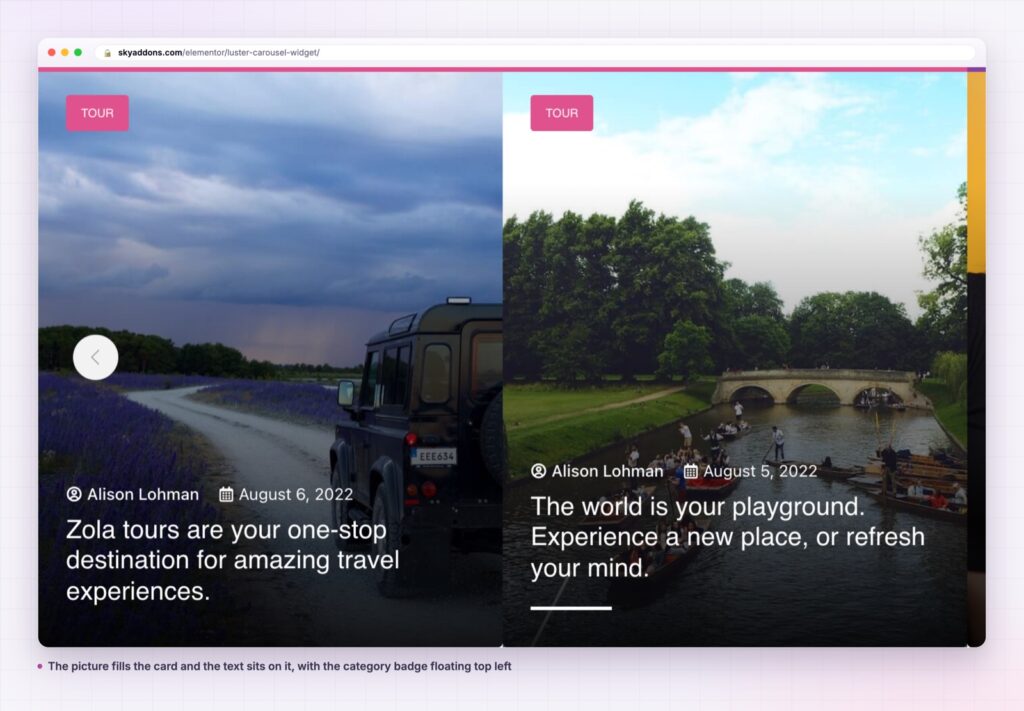
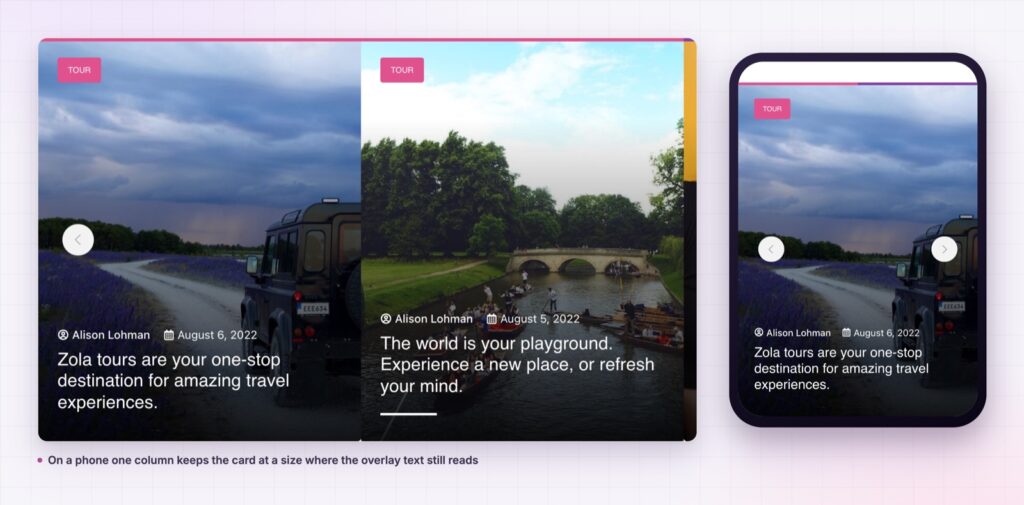
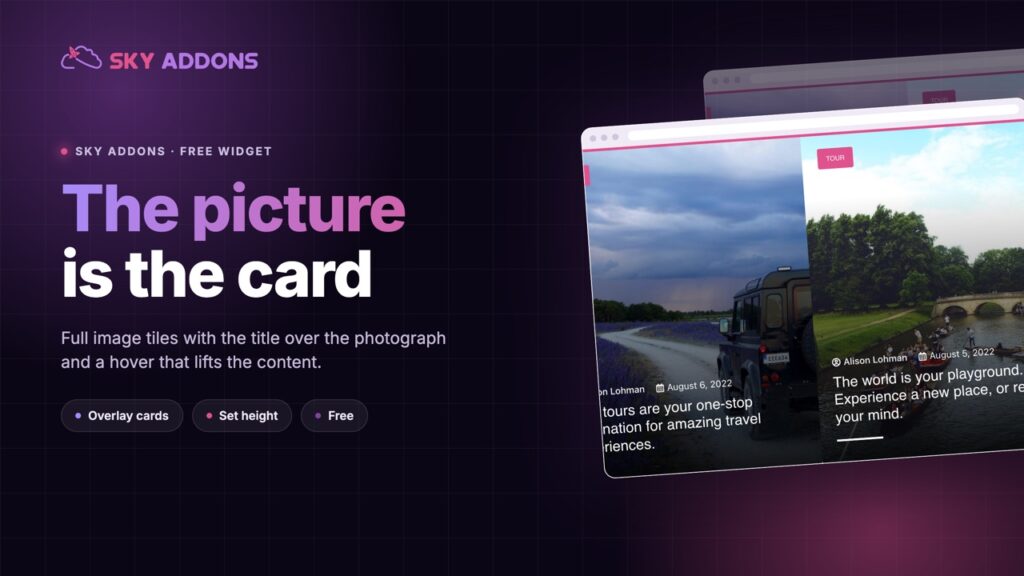
The luster carousel collapses that. The picture fills the whole card, the category badge floats at the top, and the title and meta sit at the bottom over the image itself. On hover the content lifts. There is no box under the photograph, because the photograph is the card.
It is a free widget driven by the shared query builder, so the row updates itself as you publish.
| Standard card | A picture with a caption | Luster carousel | |
|---|---|---|---|
| Image size in the tile | About half | All of it | All of it |
| Where the title sits | In a box below | Below | On the image |
| Hover behaviour | Usually none | None | Content lifts |
| Card height | Grows with the text | Varies | A control, default 420 pixels |
| Reads as one object | No, two halves | Yes | Yes |
The image is the card, and the widget enforces it. The image toggle is fixed on, because removing the picture would leave the design with nothing to sit on. That is an honest constraint rather than a setting that breaks the layout.
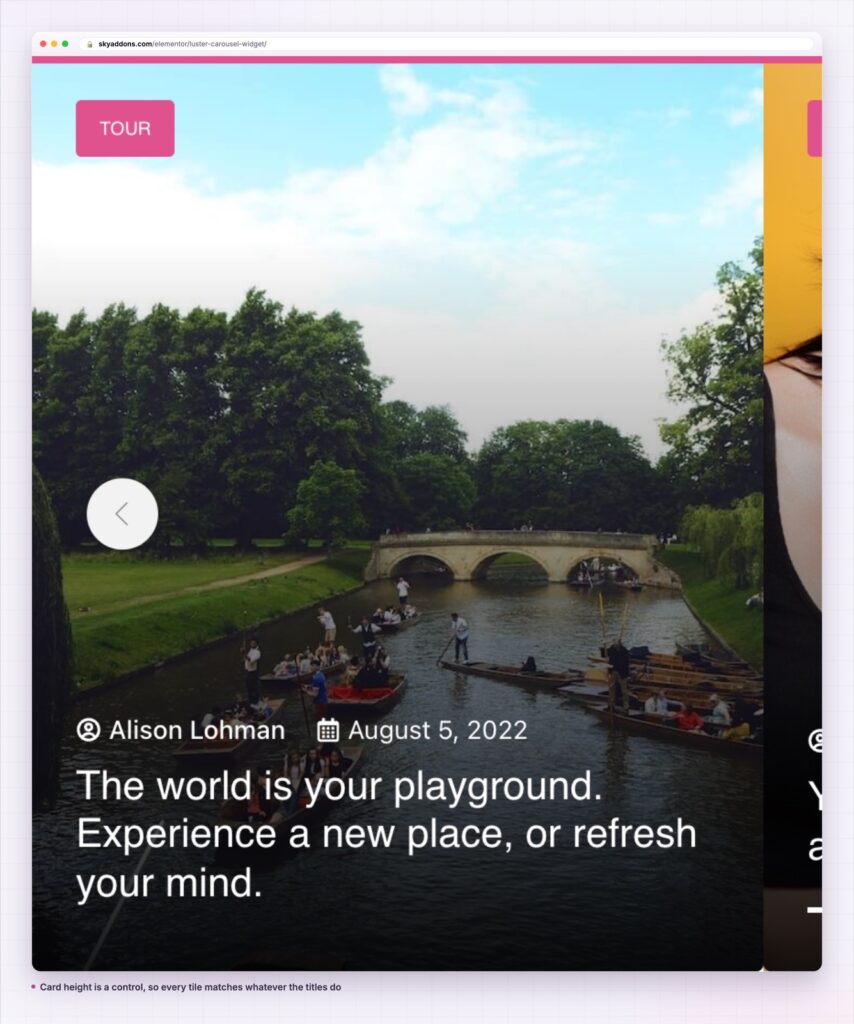
Card height is a control, not an accident. A responsive height, defaulting to 420 pixels, overrides the stylesheet. That is what keeps every tile identical when one post has a three word title and another has fifteen.
The category badge floats over the image. Top left, on the picture, so the label is visible without stealing a line of the card.
Content lifts on hover. The text group moves as one on hover rather than each element animating separately, which is what makes the card feel like an object rather than a stack of elements.
Columns are per breakpoint. The column control feeds the slider directly, so the desktop, tablet and phone counts are three separate decisions.
The excerpt is off by default, and hidden on tablet. That is deliberate: an excerpt over a photograph at tablet width is the fastest way to make a clean card look crowded.
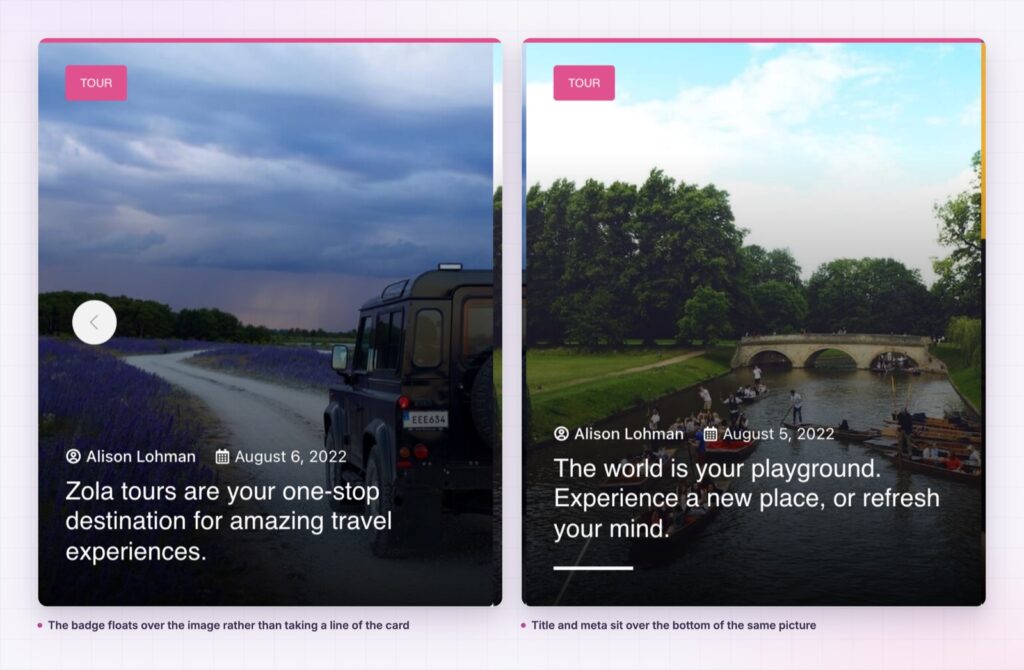
Putting the title on the picture is not decoration, it is compression. One object instead of two halves means the reader takes in the tile in a single glance, which is what a row of six needs to work at all.
The fixed height is what makes it hold together. Cards that grow with their text produce a ragged row, and a ragged row of overlay cards looks like a bug rather than a style. Setting the height once means the design survives whatever your editors write.
A row of cards is read as a pattern before it is read as content. Anything that breaks the pattern, like one tall card in five, costs more than the extra line of text was worth.
Each slide is a permalink to a real post, so the row adds internal links to the page rather than a gallery of images that happen to be clickable.
The hover behaviour is deliberately one movement rather than several. The text group moves together and the button rises into the space it leaves, which is why the card reads as an object responding rather than as three elements animating on their own schedules. It also means the resting state keeps its layout box, so nothing jumps when the pointer arrives.
The item padding is the control most people reach for first and understand last. Because the content sits absolutely over the image, padding has to move the overlay as well as inset the picture, and it does. What it cannot do is show itself without a surface: give the item a background fill and the padding becomes a visible frame, leave it transparent and the same value reads as nothing more than extra gap between cards.
The card is post shaped, so a properties type renders with the photograph, the location taxonomy in the badge and the address as the title. A course type renders the same way with the level in the badge.
It also makes a strong section divider. One row of three tall tiles between two text heavy sections gives a page a visual break that still links somewhere useful, which a decorative image band does not.
A luster carousel is also the right answer when the featured images are inconsistent in subject but consistent in quality. Because every tile is the same size and the text always sits in the same place, a mixed set reads as one collection rather than as a row of unrelated pictures. That is harder to achieve with a standard card, where the picture and the text box each vary and the differences compound.
The video settings group extends it to film archives. A play marker on a full bleed tile is unmistakable at any column count, which is not true of the same marker on a small thumbnail above a text box.
Where a set needs to be seen all at once rather than moved through, the grids cover it: the plugin ships grid siblings reading from the same query builder. Alongside them, a showcase wall suits an image led set and a showcase flow suits one that should look designed rather than listed.
Yes. It is a widget in the free Sky Addons plugin, including the query builder, the height control and the hover behaviour.
No. Elementor and Sky Addons are enough. It reads whatever post types your site already registers.
It loads one image per visible card, and those images are shown large, so the image size you choose matters more here than on a small card. It uses the slider library already shared across the plugin.
Yes. Columns and height are per breakpoint. Since there is no hover on a phone, make sure the resting card is complete on its own.
No, and that is deliberate. The card is built around a full bleed picture, so the toggle is fixed on rather than offering a setting that would break the design.
The luster carousel builds a post row from full image cards: the picture fills the tile, the category badge floats on it, the title and meta sit over the bottom, and the content lifts on hover. Height is a control, so the row stays even whatever your titles do. It is free.
See it running on the Luster Carousel demo, then read the control reference in the Luster Carousel documentation. It is part of the free plugin: see what else is included on the free versus Pro page, and the plans on pricing.

Comments are closed.