
Instagram Feed Carousel: Put the Feed in a Row Instead of a Wall
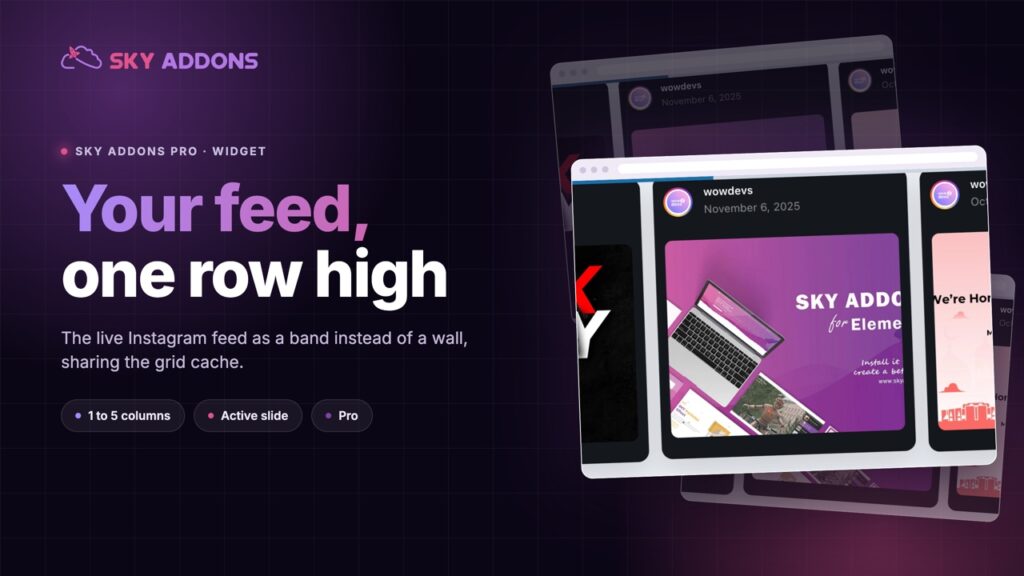
The Instagram Feed Carousel shows your live posts as a slider rather than a grid: one to five columns, cached, with an active slide state. Sky Addons Pro.
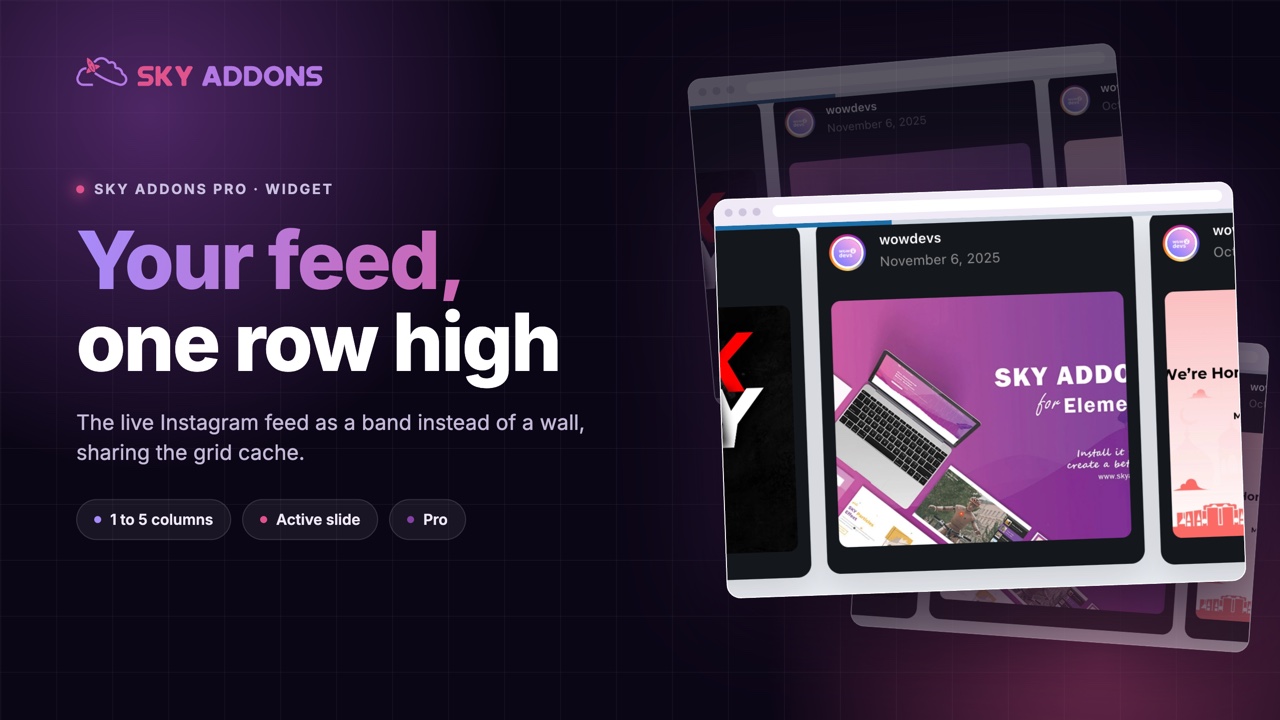
A grid of nine Instagram posts is a commitment. It takes a full screen of height, it pushes your call to action further down, and on a phone it becomes a very long column of squares that most visitors scroll past rather than through.
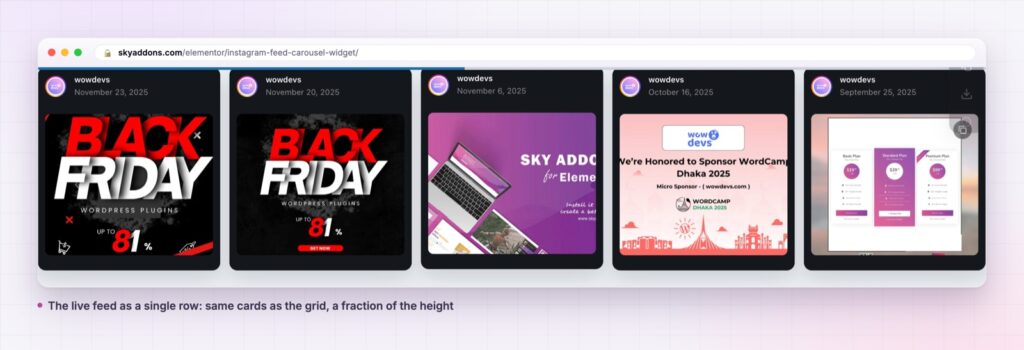
The instagram feed carousel gives the same feed a different shape. One row, as many columns as the design wants, and the rest a swipe away. It takes a band instead of a section, which is usually all the social proof a page actually needs.
It is a Sky Addons Pro widget that shares its data layer with the grid version, so switching between them costs nothing in setup or in API calls.
| Instagram grid | A screenshot of the feed | Instagram feed carousel | |
|---|---|---|---|
| Height used | A full section | One image | One band |
| Stays current | Yes | No, never | Yes |
| Shows more than the first row | Yes, all at once | No | Yes, by swiping |
| Phone behaviour | A long column | A small image | One card, swipeable |
| API cost | One cached fetch | None | The same cached fetch |
It is the same feed, cached the same way. The carousel and the grid share one data layer: the same credentials, the same cache and the same API cost. Swapping one for the other does not double anything.
One to five columns, responsive. The column control feeds the slider directly, and the defaults already step down to two on tablet and one on phone.
An active slide state, not just hover. The item styling has normal, hover and active tabs, plus a scale control for the active slide, so the card in focus can lift out of the row.
Video posts play in place. Muted video autoplay runs when a slide is in view, so a reel in the feed behaves like a reel rather than a still.
The see more toggle works inside a slide. Expanding a caption updates the slider afterwards, so the row does not end up with a card taller than its track.
It survives the editor. The handler destroys the previous instance and its namespaced events before rebuilding, which is what stops duplicated sliders after a few edits in Elementor.
Height is the real cost of a social feed. Most pages add one because somebody asked for it, and then it occupies the space between the argument and the button. A row keeps the proof and returns the space.
Sharing the data layer with the grid is what makes the choice cheap. The decision between a wall and a row becomes a layout decision rather than a new integration, because the fetching, the caching and the Instagram API side are identical.
A social feed is evidence, not content. Evidence should be visible and small, not a full screen of squares between the reader and the thing you want them to do.
The carousel also solves the ordering problem a grid has on a phone. A grid becomes one column and the ninth post is a long way down. A row puts the newest first and the rest one swipe away, which is how people use the app anyway.
The active state is the part worth spending time on. The item styling carries normal, hover and active tabs, and the active one applies to whichever slide is currently in focus rather than to whatever the pointer happens to be over. On a touch screen, where there is no hover at all, that is the only state doing any work, so a row that looks flat on a phone usually means the active tab was never set.
The widget is also careful about being rebuilt. Editing a page in Elementor re-renders a widget repeatedly, and a slider that does not clean up after itself leaves a second instance behind each time, which shows up as a carousel that jumps two slides per click. This one destroys the previous instance and its own namespaced events before it starts, so the editor behaves like the front end.
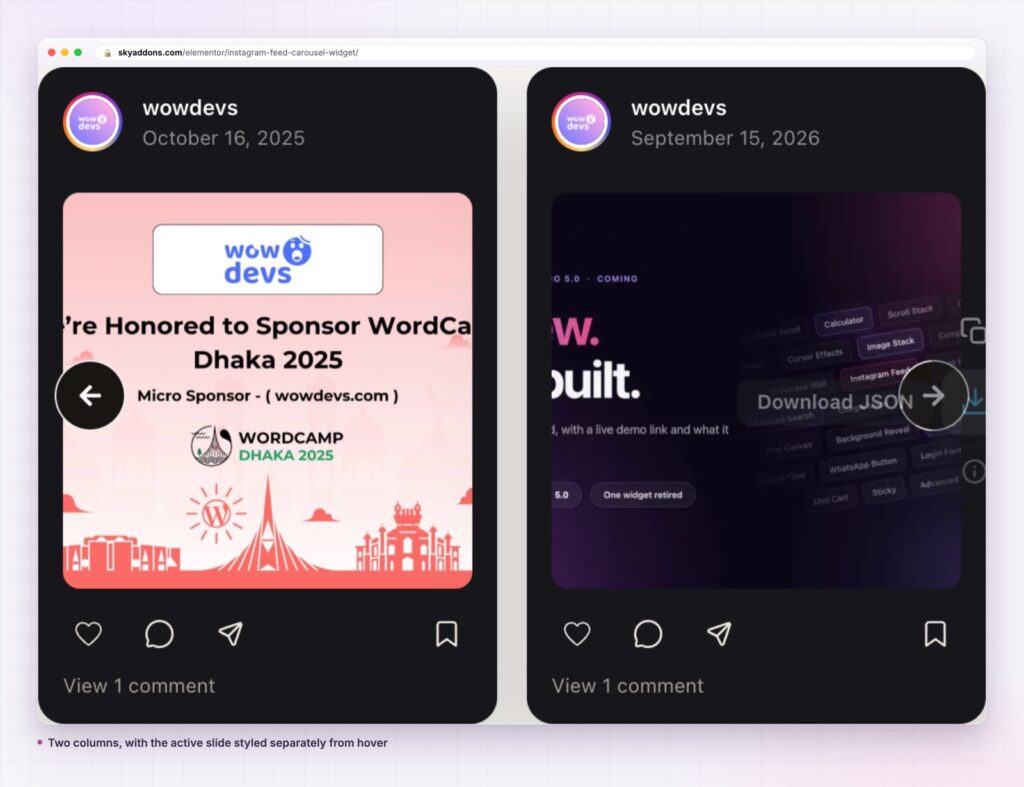
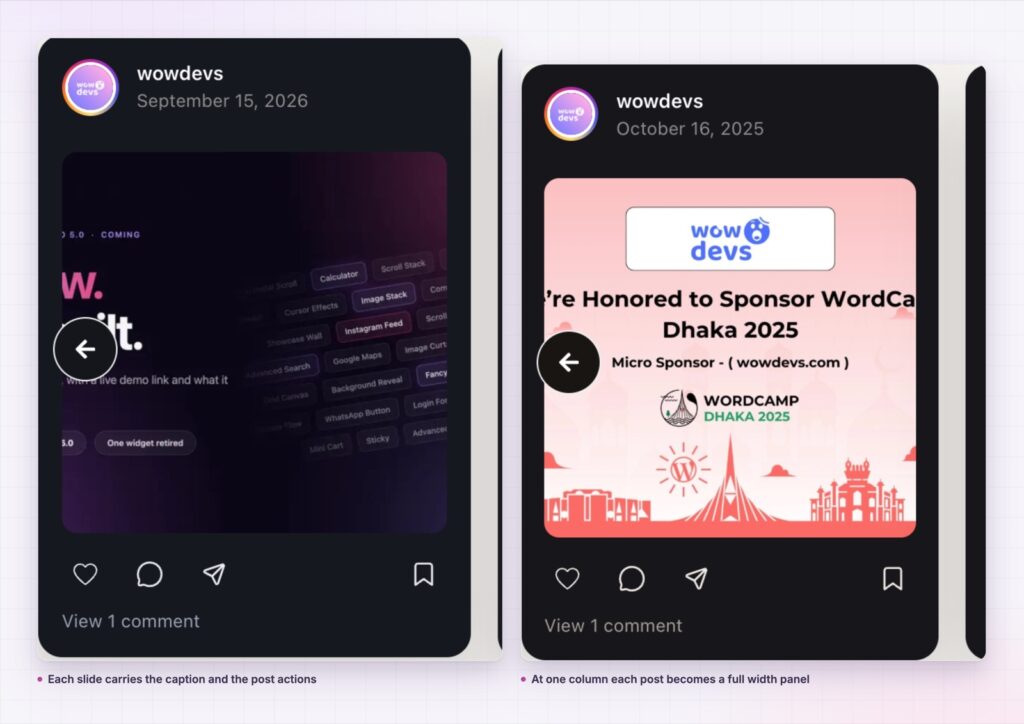
The same widget covers more than a footer. In a narrow column beside copy, two visible slides make a compact proof block. In a full width band with one column, each post becomes a feature panel, which suits an account that posts designed graphics rather than photographs.
It also pairs with the grid rather than replacing it. Use the carousel on pages where height is expensive, and the grid on a dedicated social or community page where the wall is the point. Both read from the same connection, so there is no second setup and no second fetch to pay for.
An instagram feed carousel also suits an account that posts designed graphics rather than photographs. At one column each slide becomes a full width panel, which shows an announcement card or a launch graphic at a size where its own text is readable, something a nine up grid never manages.
For the rest of the social set, the plugin ships the matching widgets. The Instagram feed grid is the sibling here, and a Facebook feed covers the other network with the same model.

No. It is part of Sky Addons Pro, alongside the Instagram feed grid and the Facebook widgets.
No. It needs Elementor and Sky Addons Pro, plus a connected Instagram account.
The feed is fetched and cached rather than pulled on every page load, and the carousel shares that cache with the grid. The images come from Instagram at the size the card needs.
Yes. Columns are responsive and already default to one on a phone, which is the right setting for a swipeable feed.
No, and that is deliberate. A carousel pages itself, so the load more that exists on the grid would be duplicating the navigation the slider already provides.
The instagram feed carousel shows your live Instagram posts as a single row rather than a wall: one to five responsive columns, an active slide state, in place video, and the same cached feed the grid uses. It buys back the height a grid spends, and it is part of Sky Addons Pro.
See it running on the Instagram Feed Carousel demo, then read the control reference in the Instagram Feed Carousel documentation. It is a Pro widget: see the split on the free versus Pro page, and the plans on pricing.


Comments are closed.