
Elementor Showcase Flow: A Gallery That Moves So Nobody Has To Click
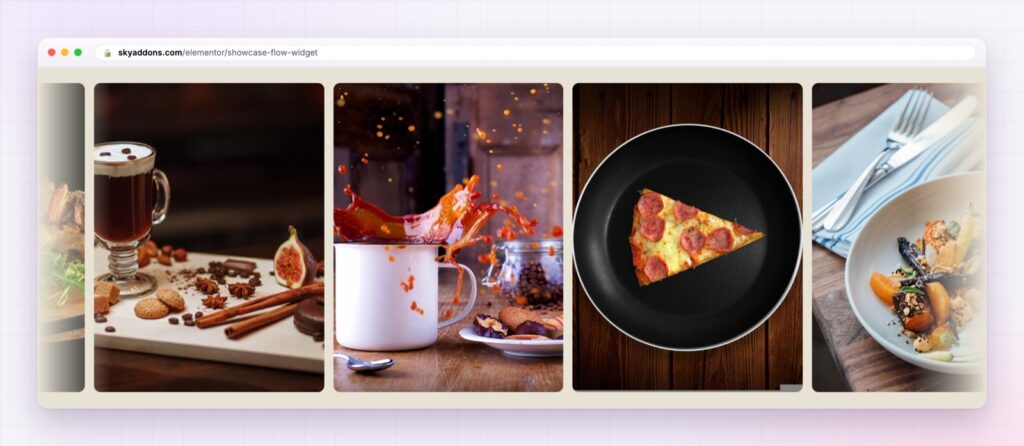
The Elementor showcase flow drifts your work across the page: images, Instagram posts or products, no arrows to click, and a strip visitors can drag.
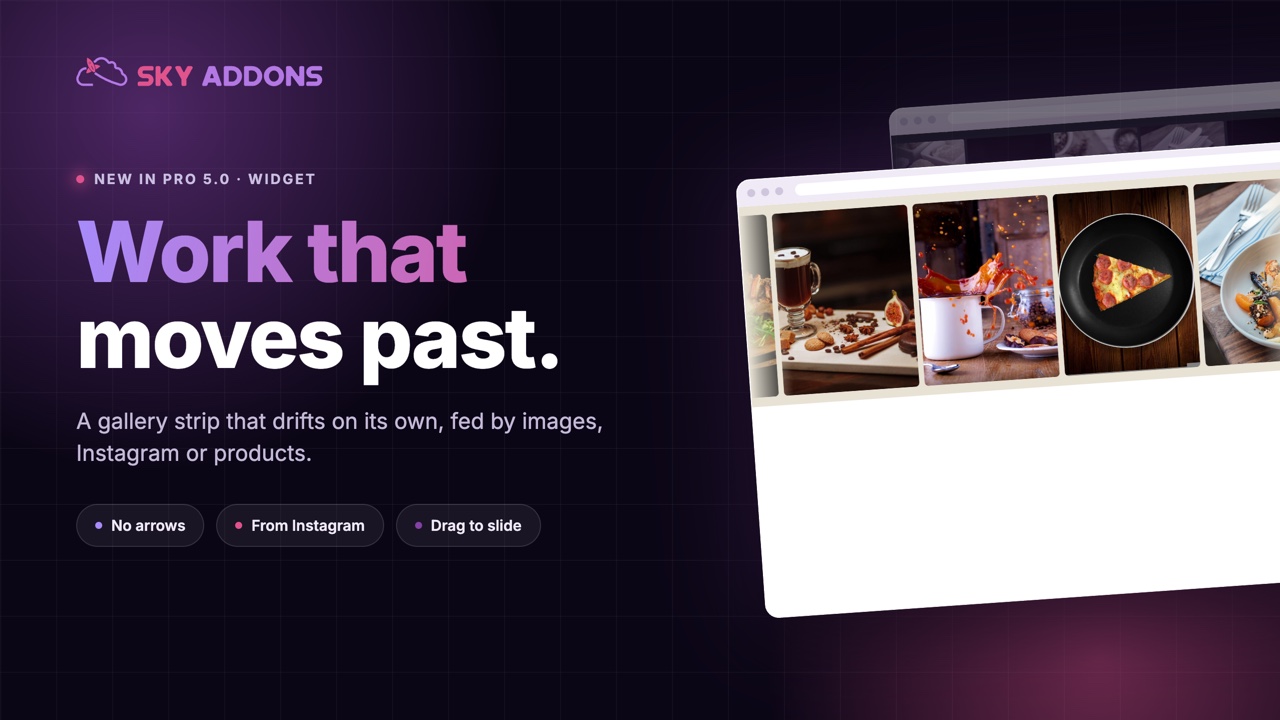
Galleries have a quiet problem. The work is good, the photographs are good, and almost nobody clicks the arrow to see image four. Whatever sits in the first frame is the only thing most visitors will ever see of it.
A drifting strip fixes that by removing the decision. Images move slowly across the section on their own, so a visitor sees eight pieces of work in the time it would have taken them to decide not to press next.
The Elementor showcase flow in Sky Addons Pro 5.0 is that strip, fed from a gallery, your Instagram feed or a post query, and it stops the moment someone wants a closer look.
| A carousel | A showcase flow |
|---|---|
| Waits for a click that rarely comes | Moves on its own, calmly |
| One frame visible at a time | Five or more visible at once |
| Arrows and dots to design around | Nothing to design, nothing to miss |
| Static until touched | Slows and pauses when someone hovers |
| Manual content, always | Gallery, Instagram feed or a post query |
Three sources, including your Instagram. Pick images by hand, pull a set number of posts from your connected Instagram feed, or query posts and render each one through an Elementor loop template. The Instagram option reads the cached feed, so it costs no extra API calls and the page stays fast.
Products and posts, styled your way. With the query source, each item is a loop template you designed. That means a moving strip of products with prices and buttons, not just pictures.
Motion you set, not motion that happens to you. Direction left or right, a speed value, pause on hover, and drag to slide. Slow is almost always right: the strip should feel like a current, not a conveyor belt.
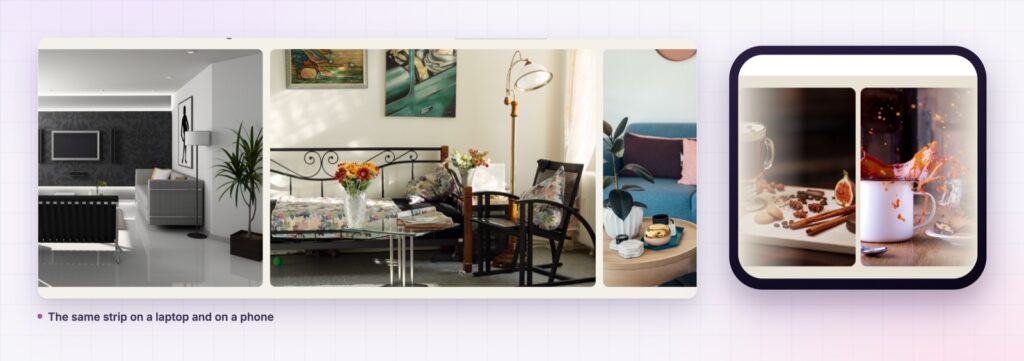
Visible columns from two to eight. Two wide frames for architecture, six or seven small ones for a logo band. The same widget covers both without a new layout.
Filters and overlays built in. Greyscale a press band so the logos behave, tint a food strip to match the section, or fade the edges so the strip drifts out of view instead of stopping at a hard line.
One height, any images. Set the strip height and everything lines up, whatever aspect ratios your photographs happen to be.

A strip that moves slowly reads as confidence. A strip that races reads as an advert. The speed setting is the whole difference.
Moving images hold attention for the same reason shop windows do: you see the range without being asked to do anything. On a web page that matters more than it sounds, because every click you require is a decision somebody can decline.
There is a second benefit for the people who maintain the site. Point the strip at Instagram or at a product query, and the section updates itself. The photographer posts, the shop adds a product, and the home page is current without anyone opening the page builder.
Continuous movement is exactly the kind of thing some visitors switch off, so it is worth knowing how prefers-reduced-motion works before you put a moving strip near the top of a page.
Yes, from your connected feed, using the cached posts rather than new API calls.
Yes. Use the post query source with an Elementor loop template, so each item is your own design.
They can hover to pause and drag to slide. Nothing is hidden behind a click.
It is one widget with your own images. Sizing them properly matters more than the motion does.
Yes, with fewer visible columns and the same drift, and it responds to a swipe.
Most galleries show one image to most visitors. An Elementor showcase flow shows the whole set, slowly, without asking anyone to press anything, and it can feed itself from Instagram or from your products. It is the easiest way to make a page feel alive without making it feel busy.
The Showcase Flow demo runs eleven strips: food, interiors, editorial, retail and a dark portfolio band. Hover one, drag another, and watch how different the same widget looks at two columns and at seven. Every setting is in the Showcase Flow documentation.
If the strip is fed from social, the Elementor Instagram feed is the widget that keeps that connection current. Both are part of the release described in Sky Addons 4.0 and Pro 5.0.
Showcase Flow is a Pro widget, included in every Sky Addons Pro plan. The free versus Pro page covers what the free plugin does on its own.


Comments are closed.