
Elementor Scroll Stack: Make Three Cards Do the Work of a Whole Page
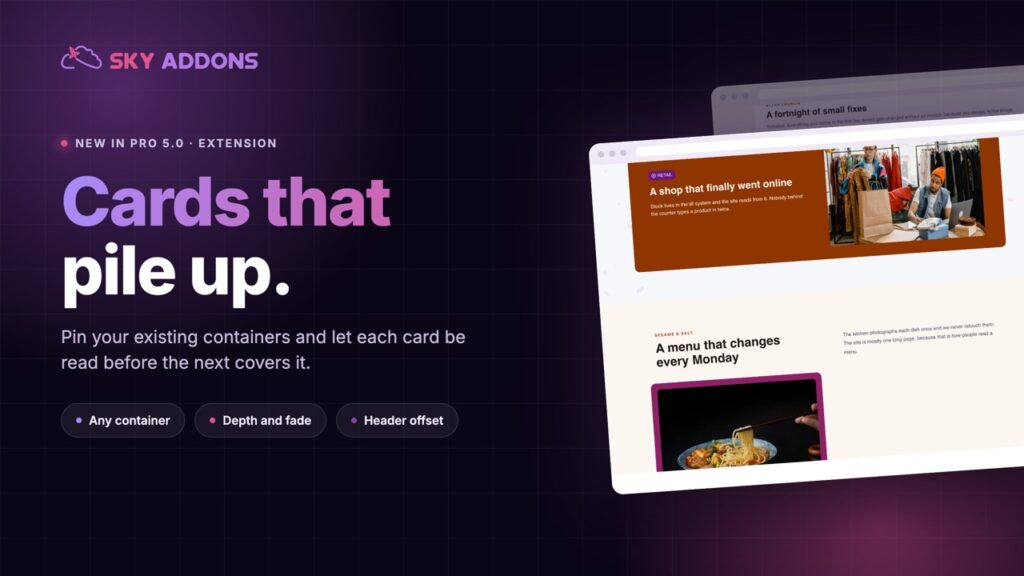
The Elementor scroll stack pins your cards and piles them as the page moves, so features, steps or plans get read one at a time instead of skimmed.
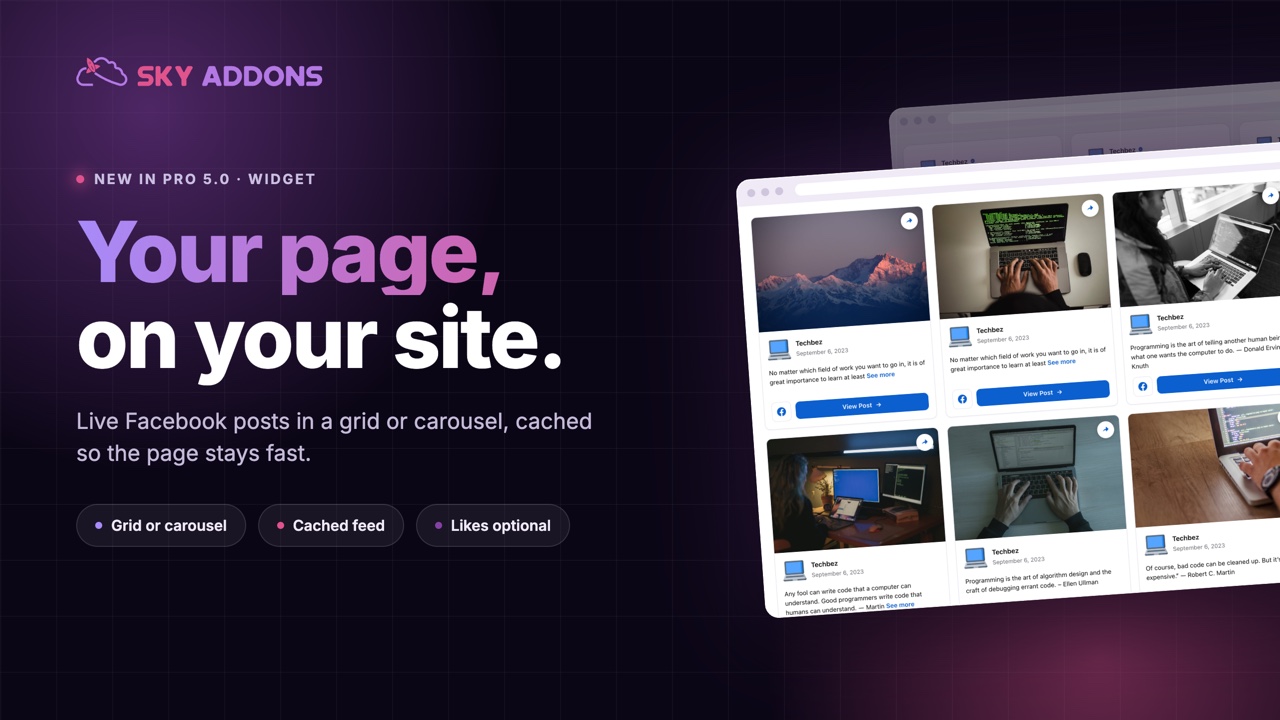
Plenty of small businesses run their whole public life on a Facebook page. Opening hours, event announcements, the photo of the new delivery van, the reply to the customer who asked about parking. The website, meanwhile, says exactly what it said in 2023.
Visitors sense that gap. The page looks fine, but nothing on it proves anyone still works there.
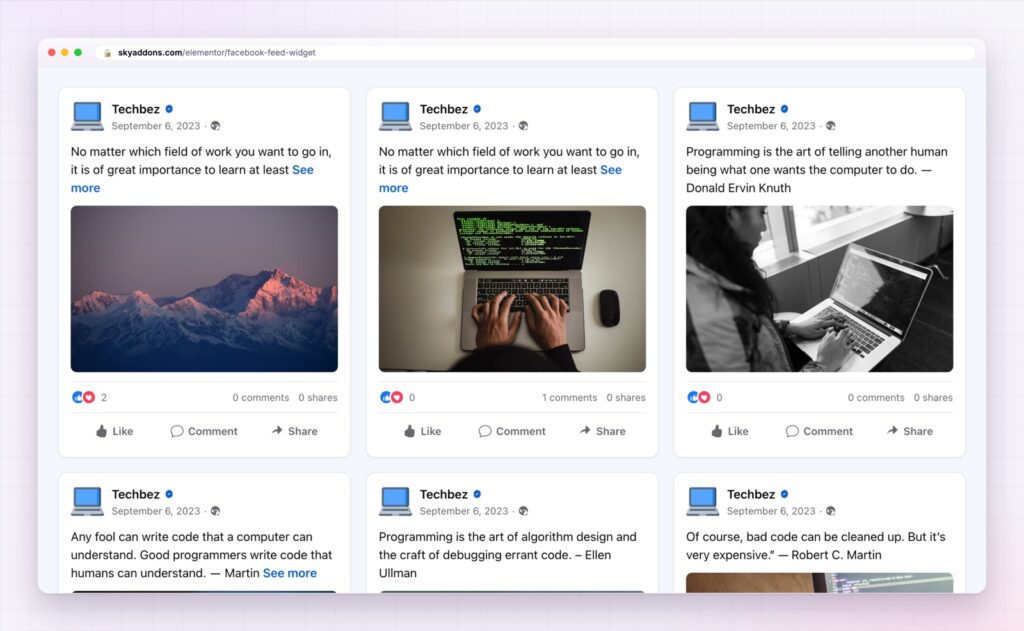
An Elementor Facebook feed closes the gap by putting the active half of your business on the quiet half. Posts appear on the site as you publish them, with likes and comments, and nobody has to remember to update anything.
| Facebook’s own embed | This widget |
|---|---|
| Their design, in your page | Your typography, colours, spacing and radius |
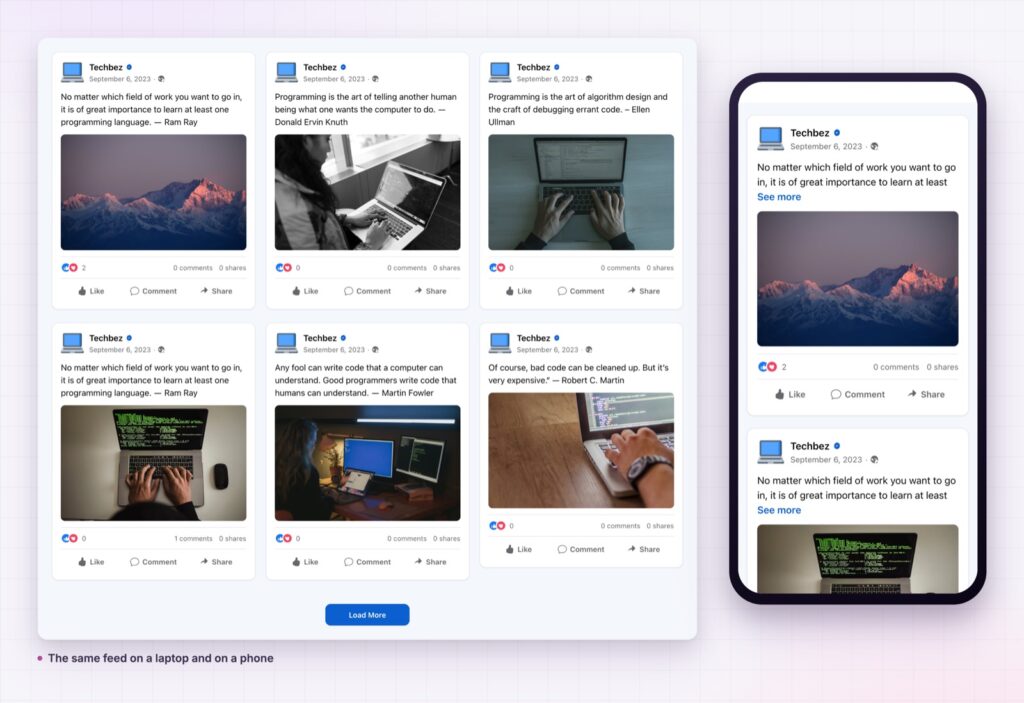
| A fixed box, awkward on phones | A grid or a carousel that fits your layout |
| Loads their scripts and cookies | Reads a cached copy from your own site |
| One look, take it or leave it | Layouts, counts and metadata all optional |
| Slow to render | Renders with the page |
A cached feed, not a live request. The posts are stored on your site and refreshed on a schedule, so your page never waits on Facebook to load. It is the difference between a social section and a slow page.
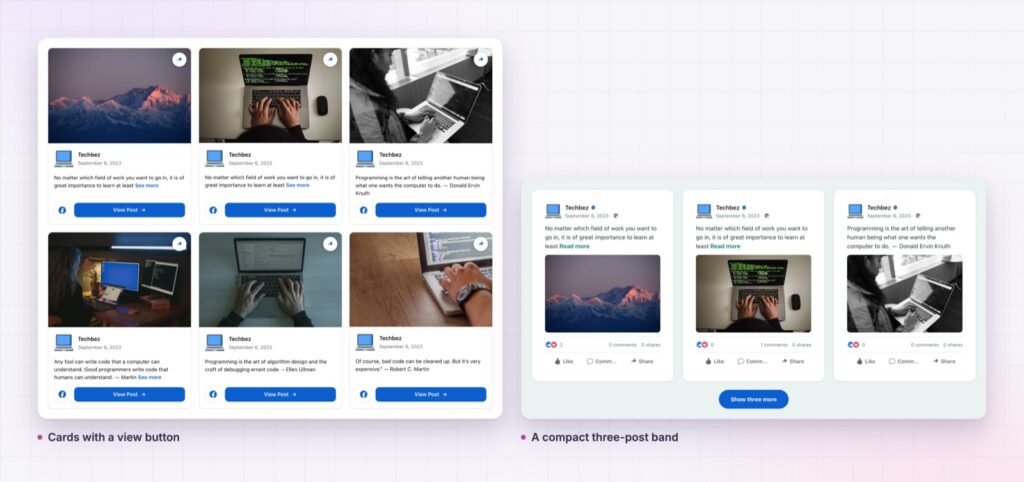
Grid or carousel. A grid band suits an events or news section. The carousel version drops into a footer strip or a narrow column, reading the same feed.
Engagement where it helps. Likes, comments and shares can show or hide per section. A busy page benefits from the numbers; a new page looks better without them.
Real links back. Each post can open on Facebook, which is where the conversation is and where people can follow you.
Text you control. Truncate long posts to a readable length with a read-more link, so one thousand-word announcement does not run the whole section.
Styled to fit the page. Card background, radius, shadow, typography and spacing are controls, so the section looks designed rather than embedded.
After that it maintains itself for as long as you keep posting.
A live feed is honest. If the account has been quiet for six months, the section will say so. Fix the posting habit first, then add the feed.
Recency is a trust signal. Visitors cannot audit your company, so they read the small cues: is anything here from this month, does anyone reply, do other people turn up. A feed answers all three at once, with no copywriting required.
It also solves a maintenance problem that most small sites never solve. The person who posts to Facebook is rarely the person who edits the website. A connected feed means the marketing happens once and appears in both places.
There is a second, quieter benefit. A feed gives you something to point at in a sales conversation: the events you ran, the questions you answered, the customers who replied. Most businesses have that history and simply never show it, because copying it across by hand is a job nobody schedules. Connecting the page turns a year of small posts into evidence that the website can display for as long as it stays up.
Yes. Published feeds come from pages, which is how the platform’s API works.
No. The posts are cached on your server and refreshed on a schedule, so pages render without waiting.
Grid for a full-width news band, carousel for a footer strip. Both read the same connection.
Yes, per section.
The cached posts keep showing while you reconnect, so the section never renders empty.
If your business lives on Facebook and your website looks abandoned, an Elementor Facebook feed fixes that in an afternoon. Connect once, choose a grid or a carousel, and every post you write from then on keeps the site current, cached so the page stays fast.
The Facebook Feed demo shows eight layouts from one page, including grids, a dark band and a compact list, and the carousel demo shows the sliding version. Setup is covered in the Facebook Feed documentation.
If your audience is more visual than conversational, the Elementor Instagram feed does the same job with photographs, and the Elementor WhatsApp button turns readers into conversations. Everything in the release is listed in Sky Addons 4.0 and Pro 5.0.
The Facebook widgets are Pro. Sky Addons Pro covers both layouts, and the free versus Pro page lists what the free plugin includes.

Comments are closed.