
Generic Grid: A Post Grid That Pages Itself Instead of Hiding the Rest
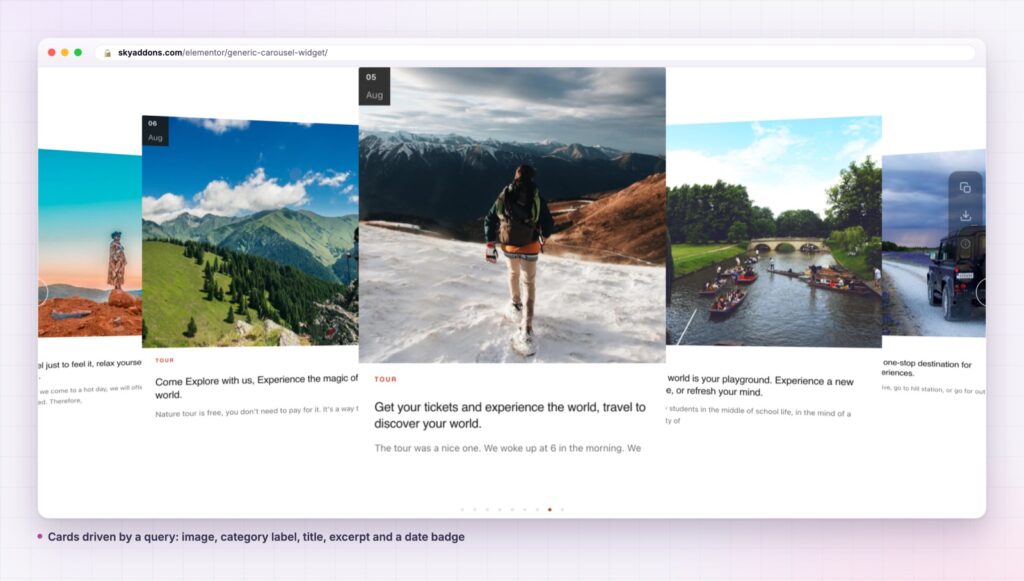
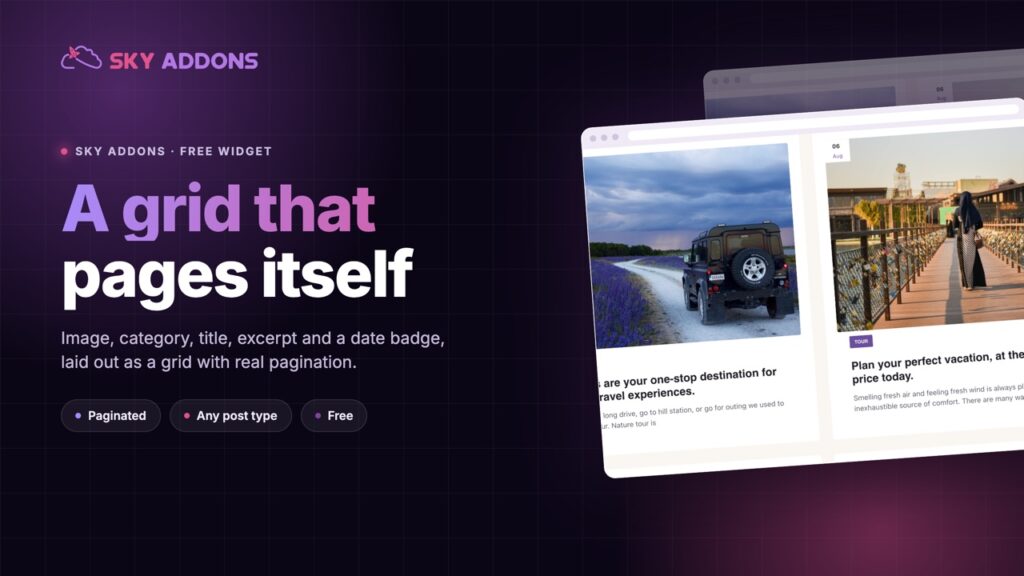
The Generic Grid turns any query into a paginated Elementor post grid: image, category, title, excerpt and a date badge, with real pagination. Free.
Every site ends up needing the same thing twice. A row of recent posts on the home page. A row of case studies on the services page. A row of products on the landing page. Three different widgets usually get used, three different card designs appear, and the site slowly stops looking like one site.
The generic carousel is the plain answer to all three. It takes a query, renders a card per result, and puts them in a slider. There is no “blog” assumption baked into it beyond the fields a WordPress post already has, so pointing it at a custom post type is a dropdown change rather than a different widget.
It is free, and the card it renders is deliberately ordinary: image, category, title, excerpt and a date badge.
| A hand-built row of cards | A grid of the same posts | Generic carousel | |
|---|---|---|---|
| Stays current | No | Yes | Yes |
| Space used | Fixed by card count | Grows with the set | One band, any set size |
| Works for any post type | Rebuild per type | Depends | Query control |
| Card design consistency | Drifts over time | Per widget | One card, one style |
| Excerpt length | By hand | Theme decides | A control |
The query builder does the choosing. Post type, terms, order and offset are controls, so a single widget covers recent posts, one category, or a custom type without a different tool for each.
The card shows what a post actually has. Featured image, category, title, excerpt and a date badge. There is no author line, which keeps the card tight and is the honest description of what it renders.
Excerpt length is yours. A number control decides how much text each card carries, with an option to strip shortcodes so a page-builder excerpt does not leak markup into the card.
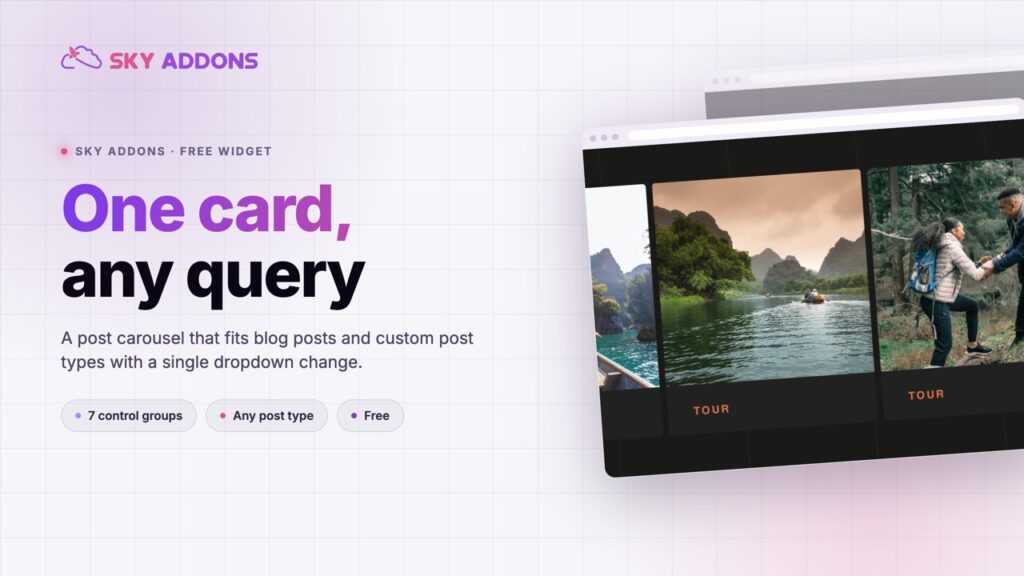
Seven groups of controls, in the order you need them. Layout, Query, Additional, Video Settings, Carousel Settings, Navigation and Pagination. Presentation, content and behaviour stay separated rather than being one long list.
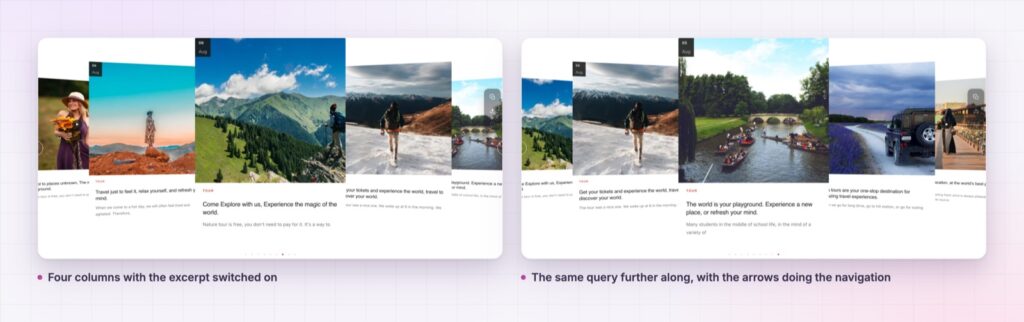
A play button overlay for video posts. The Video Settings group puts a play marker on the thumbnail, which is what makes the same card usable for a video archive.
Image height is a real height. The control writes an actual height alongside the minimum and maximum, which is what lets the image fill its box and crop rather than sitting in dead space at its natural ratio.
Each slide is a real permalink to a real post, so the carousel contributes internal links rather than decorative images. That is the difference between a slider that helps a page and one that merely occupies it.
Keeping the card plain is the point. A card with six optional fields, an author, a reading time and two buttons has to be redesigned every time it lands in a narrower column. A card with an image, a label, a title and a short excerpt fits everywhere, which is why the same widget can carry a news row and a property row without either looking wrong.
The widget you reuse in four places is worth more than four widgets that each look perfect in one place.
The carousel is built on the shared slider controls used across the plugin, so the autoplay, loop and breakpoint settings behave exactly as they do in the other carousels you have already configured.
The image height control is the one worth understanding, because it is what stops a mixed set of photographs from making the row look broken. It writes a real height on the image box as well as a minimum and a maximum, which is what lets the picture fill that box and crop to it. Without a definite height there is nothing for the image to resolve its own height against, so it keeps its natural ratio inside a taller box and leaves dead space under it. Set the height once, and a portrait upload and a landscape upload sit in cards of the same size.
That shared foundation matters more than it sounds. A site that uses the generic carousel in four places gets one set of slider behaviours to learn and one card to style, and a new page built six months later starts from settings somebody already chose. The alternative, which is what most sites end up with, is four carousels from three plugins, each with its own idea of what a breakpoint is and its own arrows in a slightly different place.
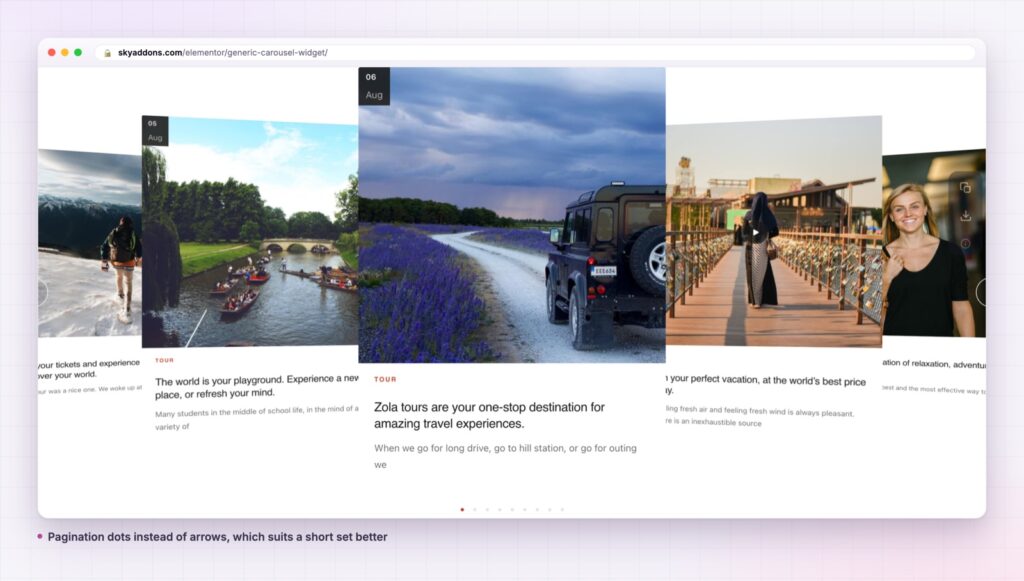
The card is post-shaped, not blog-shaped. A properties post type renders with the photograph, the location taxonomy as the category, the title and a short description. A course type renders the same way with the level as the label. Nothing about the widget needs to know which one it is.
It also works as a related-content block at the bottom of an article, where the query pulls the same category as the current post. That is a single widget in a theme template rather than a plugin dedicated to related posts.
If the same content also needs a static layout, the plugin ships the grid version of this card, so a listing page and a landing page can share one design. Alongside it, a showcase wall covers the case where the set should be seen all at once, and a timeline covers the case where order is the story.
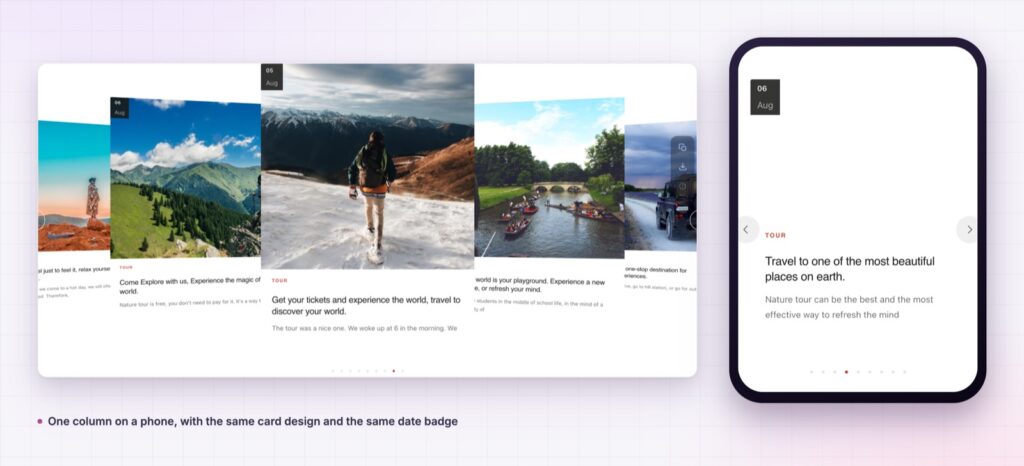
Yes. It is a widget in the free Sky Addons plugin, including the query builder and all the carousel settings.
No. Elementor and Sky Addons are enough. It reads whatever post types your site already registers.
It loads one image per visible card, so the cost is your featured images at the size you select. Choosing a registered image size rather than full size is the single biggest thing you can do here.
Yes. Columns, spacing and image height are all per breakpoint, and one column with a slightly taller image is the usual phone setting.
No. This card renders the image, category, title, excerpt and a date badge. If an author line matters, one of the other post widgets in the plugin is the better fit.
The generic carousel turns any query into a row of consistent post cards: image, category, title, excerpt and a date badge, with seven groups of controls covering layout, content and slider behaviour. It works for blog posts and custom post types with one dropdown, and it is free.
See it running on the Generic Carousel demo, then read the control reference in the Generic Carousel documentation. It is part of the free plugin: see what else is included on the free versus Pro page, and the plans on pricing.

Comments are closed.