
Elementor Background Reveal: Let a Section Arrive Instead of Appearing
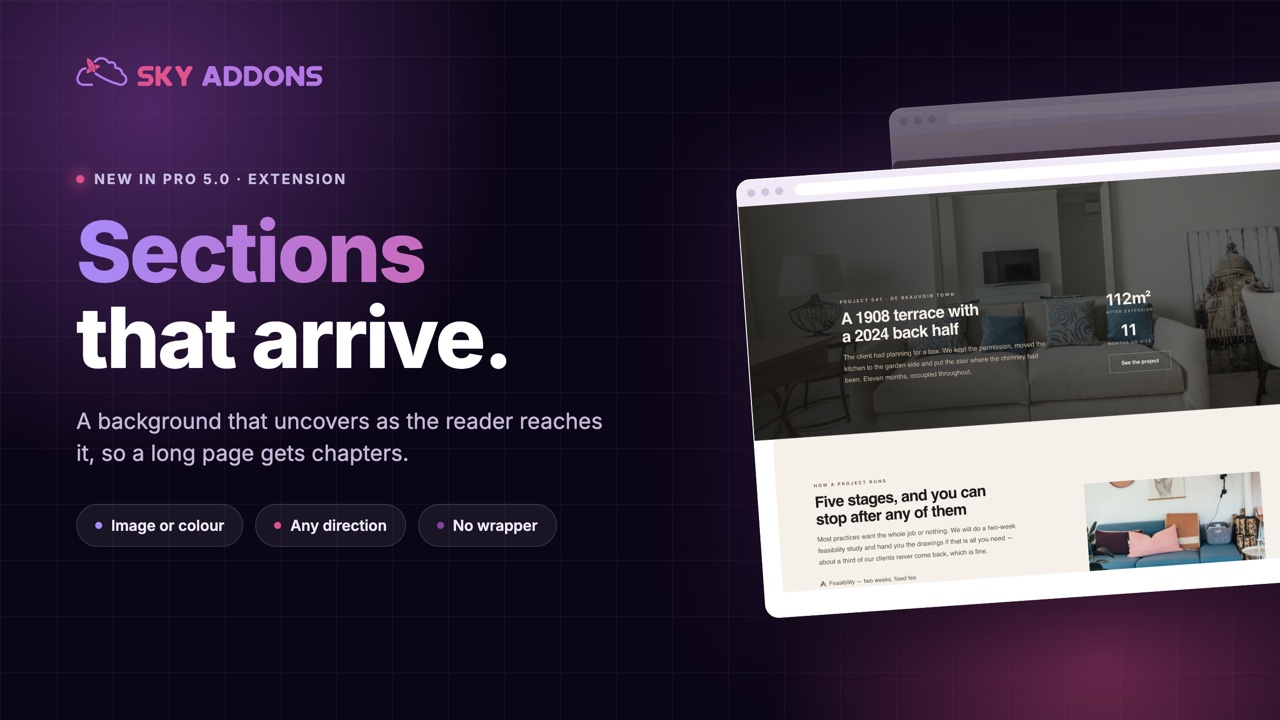
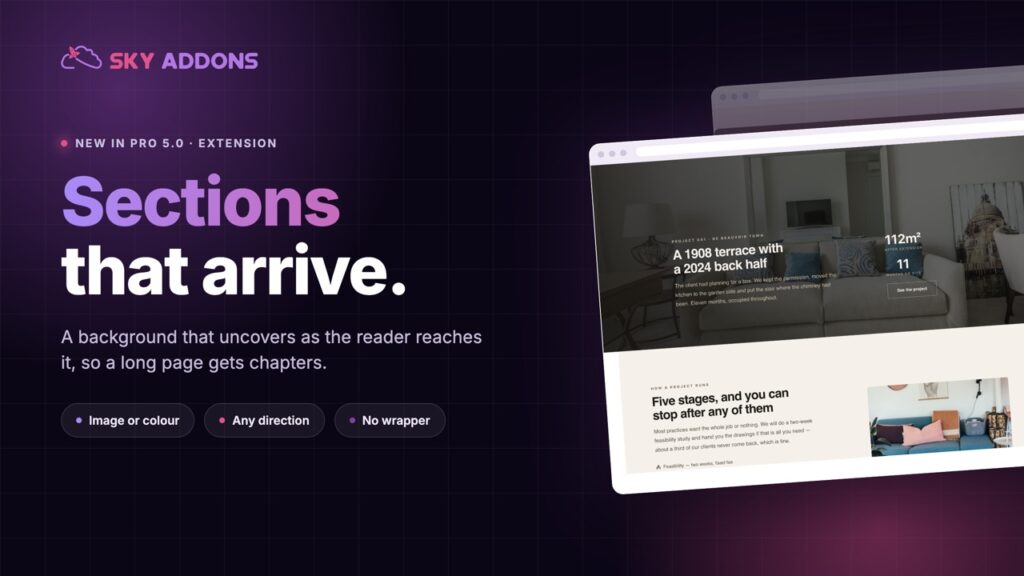
Elementor background reveal uncovers a section image or colour as it scrolls into view, so the page has moments instead of an even wall of content.
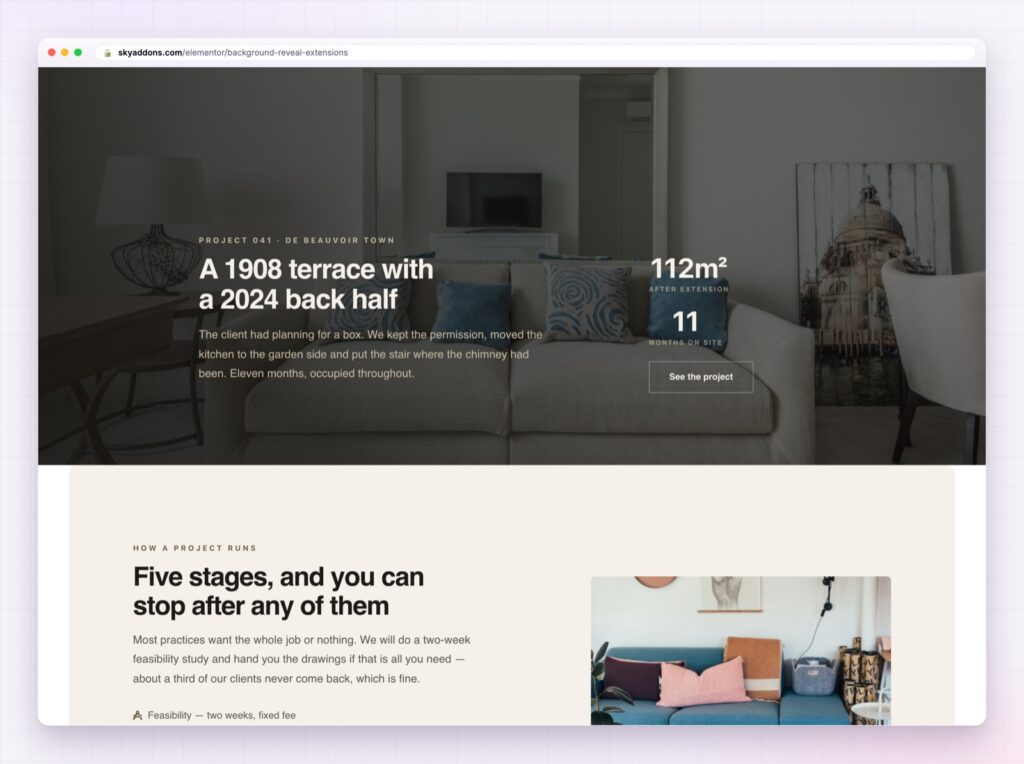
A long page is a sequence, but most long pages do not feel like one. Every section arrives in the same way, at the same speed, with the same weight, so a visitor who has read two of them assumes they have read all of them.
Reveals give a page punctuation. A section whose background uncovers as it comes into view reads as a new chapter, and the reader’s attention resets for a moment, which is exactly what you want before an important part of the argument.
The Elementor background reveal in Sky Addons Pro 5.0 does that to any section: an image or a colour that uncovers itself as the section arrives, with no wrapper and no code.
| A plain section | An Elementor background reveal |
|---|---|
| Arrives like every other section | Reads as a new chapter |
| Attention keeps falling down the page | Attention resets for a moment |
| The background is wallpaper | The background becomes the event |
| Motion needs a video file | Uses the image or colour already set |
Direction and shape. Uncover from a side, from the centre, or diagonally. Diagonals read as designed rather than technical, and they suit sections with an off-centre composition.
Image or colour. A photograph uncovering is dramatic. A solid brand colour uncovering is quieter and works far better on pages that already have a lot of imagery.
Speed tied to the scroll. The reveal completes as the section settles into view, so it never plays while the section is still half off screen.
Offsets. Where the effect starts and ends relative to the viewport, which is the difference between a reveal that feels natural and one that finishes before anyone sees it.
It applies to sections you already built. No wrapper, no rebuild, no new content type.
Reduced motion is respected. Anyone who has asked for less movement sees the finished section immediately.
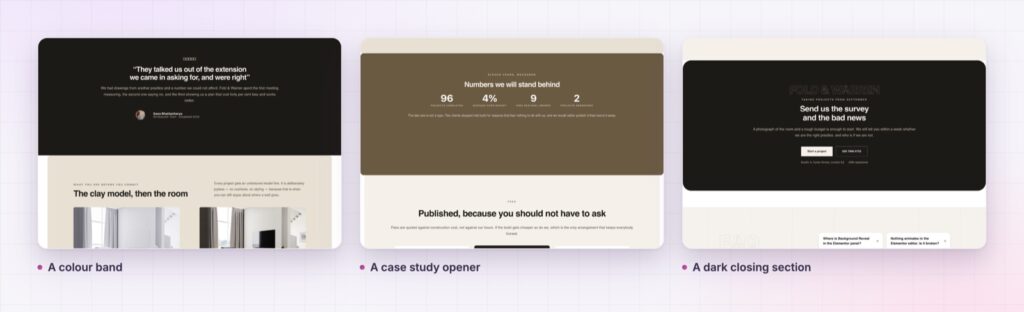
Two reveals on a long page is punctuation. Six is a page that flickers, and readers stop trusting a page that flickers.
Human attention decays across a long page, and the only reliable way to reset it without annoying someone is to change the rhythm. A reveal changes the rhythm for exactly one section, which is why placement matters far more than the settings do.
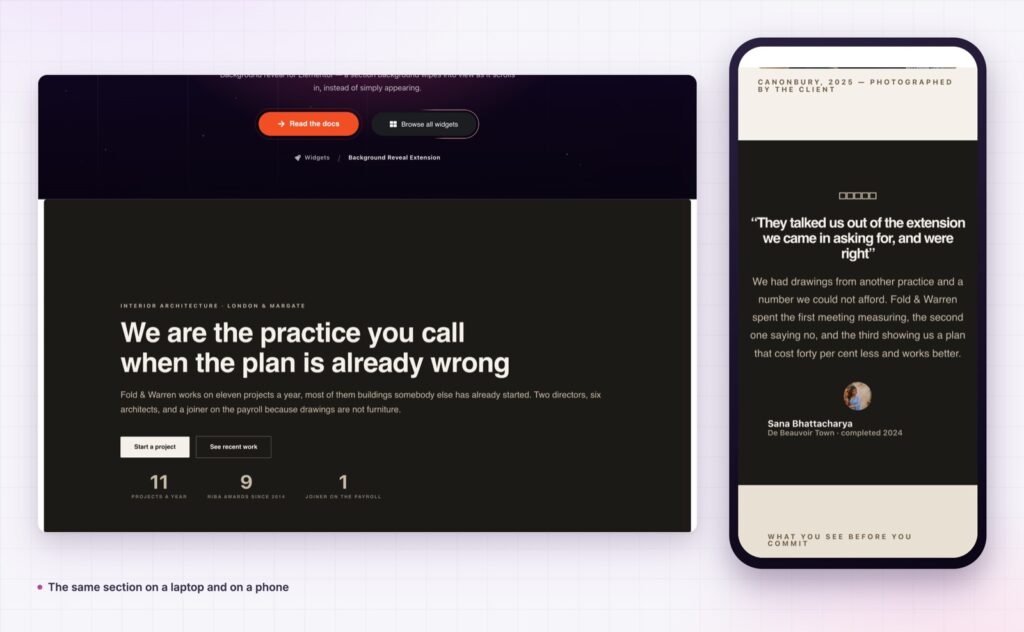
There is a compositional benefit too. A background that arrives lets you use a strong image without it dominating the section from the first pixel of scroll, so the copy still gets read before the photograph takes over.
The other reason it earns its place is cost. Marking a chapter usually means a new design element: a divider, an oversized number, a change of background treatment that has to be maintained everywhere. A reveal does the same job with the section you already have, so the rhythm of the page can change without the design system growing.
Do not use it on sections people need quickly, such as contact details, opening hours or checkout steps. Reveals are for the parts of a page that persuade, not the parts that serve.
Anything triggered by scrolling falls under the WCAG guidance on animation from interactions, which is short and worth reading once.
No. It applies to sections you have already built.
Yes, and on image-heavy pages that is usually the better choice.
No. The content is there; only the background uncovers.
The section shows fully, with no animation.
Two, at most. The effect works by contrast.
Elementor background reveal turns a flat sequence of sections into a page with chapters: the background uncovers as the reader arrives, attention resets, and the section that matters gets noticed. It applies to sections you already built, and used twice per page it changes how the whole thing reads.
The Background Reveal demo runs reveals in several directions across image and colour sections, which is easier to judge by scrolling than by description. Every setting is in the Background Reveal documentation.
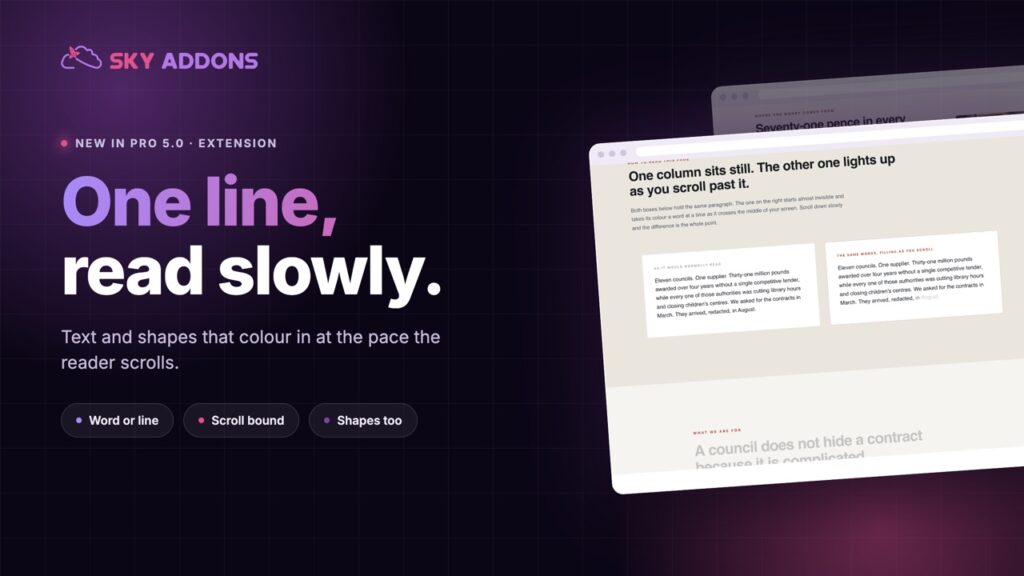
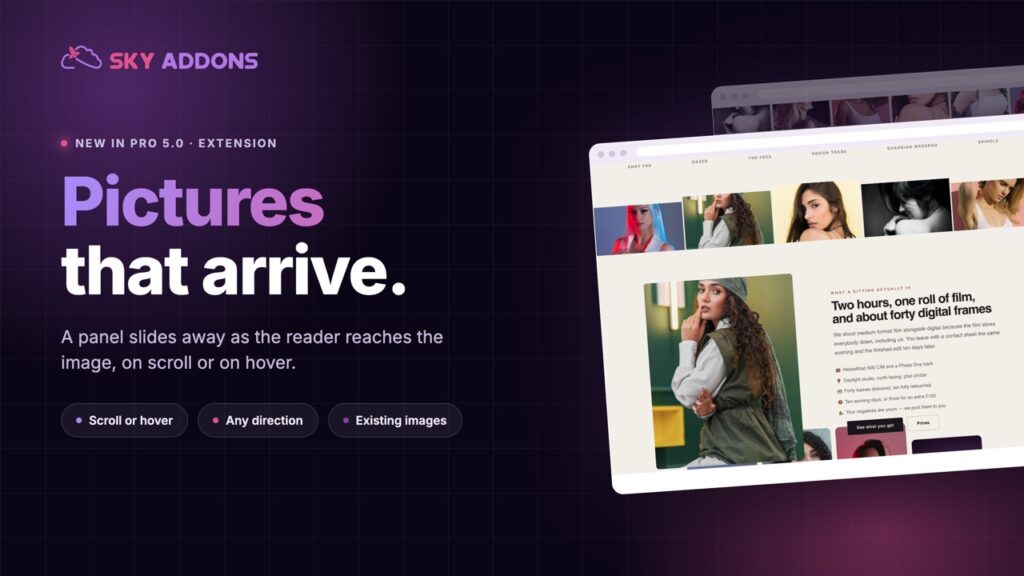
For a reveal on a single image rather than a whole section, use the Elementor image curtain. Both are part of the release described in Sky Addons 4.0 and Pro 5.0.
Background Reveal is a Pro extension, included in every Sky Addons Pro plan, and the free versus Pro page shows what the free plugin covers.

Comments are closed.