
Elementor Table Widget: Publish Real Data Without Fighting the Layout
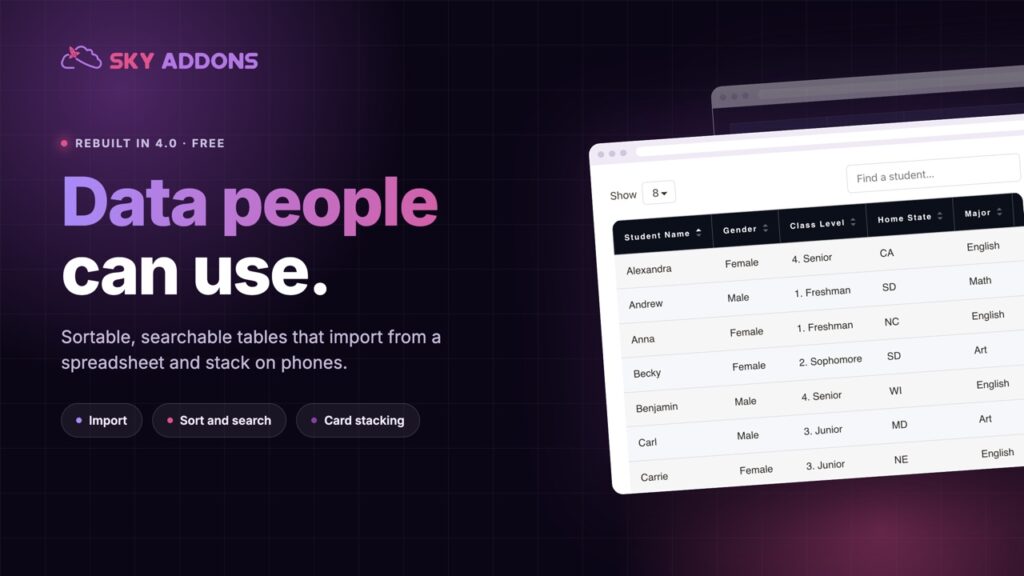
The Elementor table widget publishes real data: sortable columns, search, pagination, spreadsheet import and card stacking on phones. Now in the free plugin.
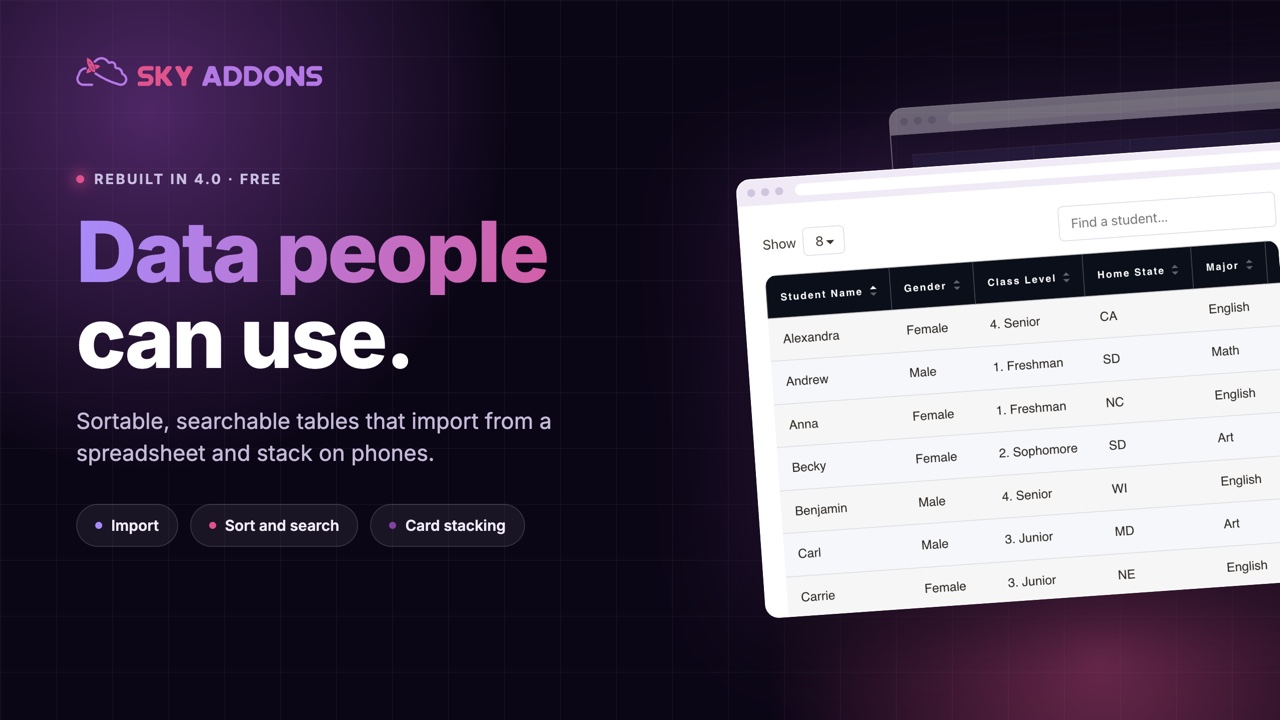
Tables are where good pages go wrong. Somebody needs to publish specifications, opening hours, a price list or a stock sheet, and the options are all bad: a screenshot that nobody can read on a phone, a PDF nobody opens, or a hand-built grid that breaks the first time a row is added.
Meanwhile the data almost always exists already, in a spreadsheet, maintained by someone who has no interest in a page builder.
The Elementor table widget was rebuilt for this release, and it moves out of Pro into the free plugin. Sortable columns, search, pagination, import instead of retyping, and a layout that survives a phone.
| A screenshot or PDF | An Elementor table widget |
|---|---|
| Unreadable on a phone | Stacks into cards or scrolls with a pinned column |
| Invisible to search engines | Real HTML, indexed with the page |
| Editing means reopening a design file | Edit rows in place, or reimport the sheet |
| No sorting or searching | Sortable columns, search and pagination |
| Inaccessible to screen readers | Proper table markup with header cells |
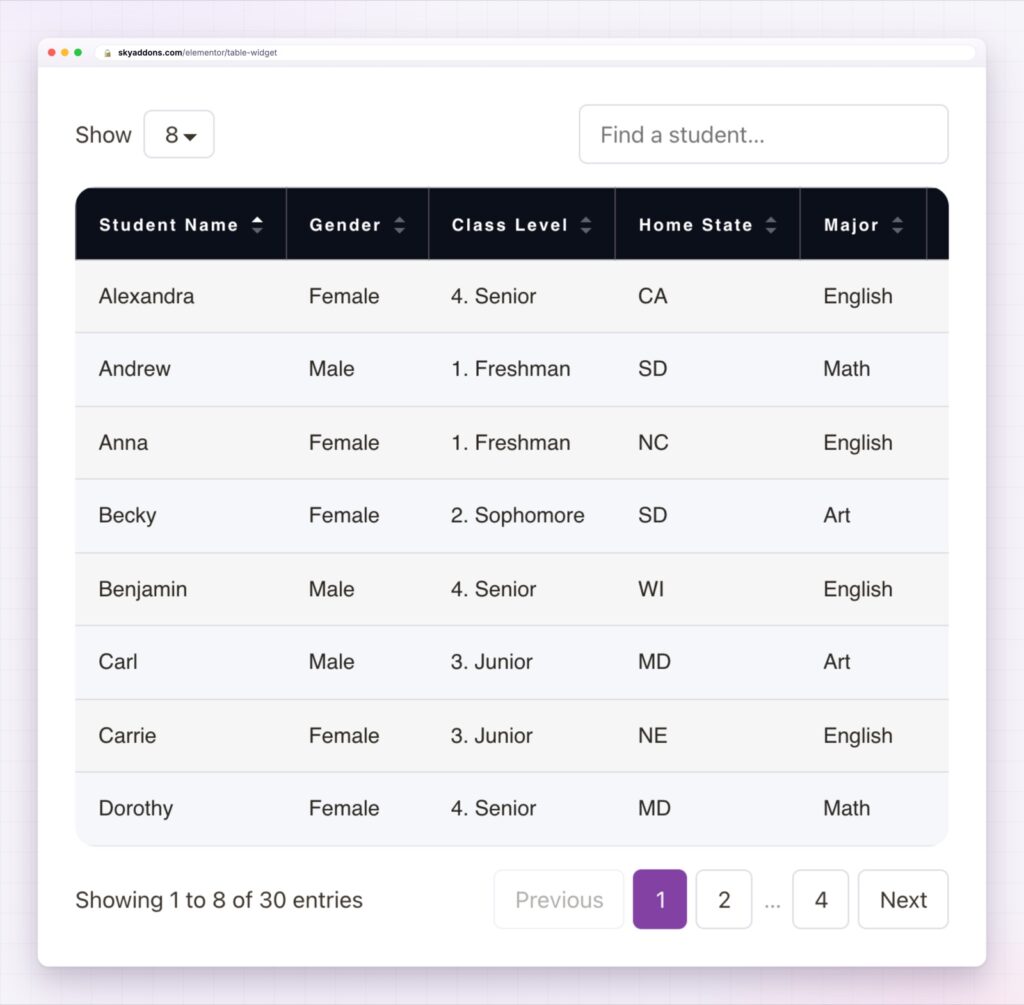
Import instead of retyping. Bring the data in from a spreadsheet rather than rebuilding it cell by cell. On a table with fifty rows this is the difference between a ten-minute job and an afternoon.
Sorting, search and pagination. Long tables become usable: click a column to sort, type to filter, page through the rest. Visitors find their row instead of scanning for it.
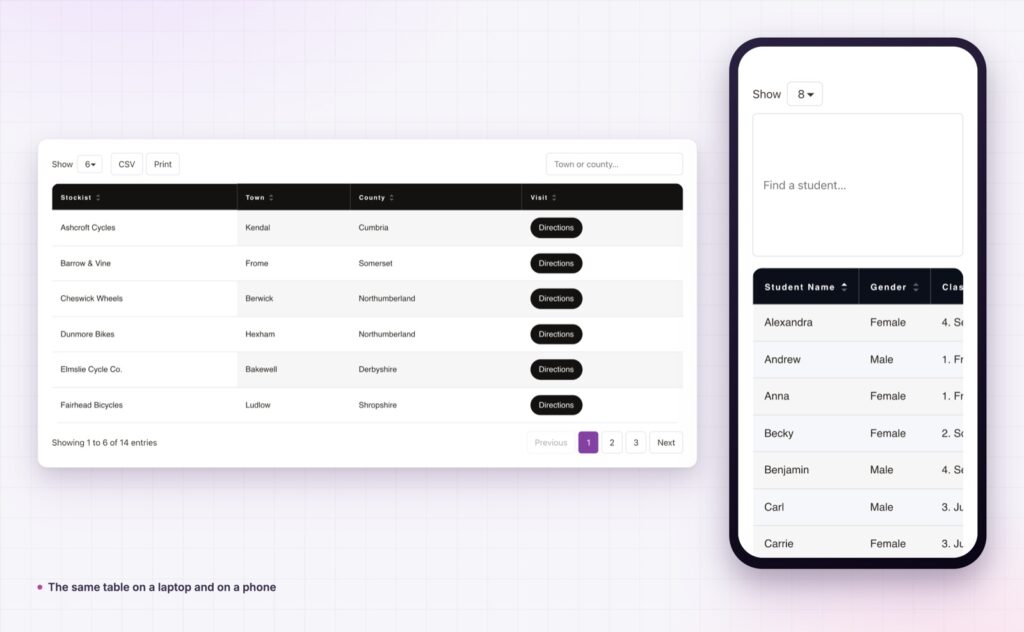
Card stacking on phones. Below your breakpoint each row becomes a small card with labels, which is the only layout that genuinely works for wide tables on a narrow screen. The alternative, a sticky first column with sideways scrolling, is there too.
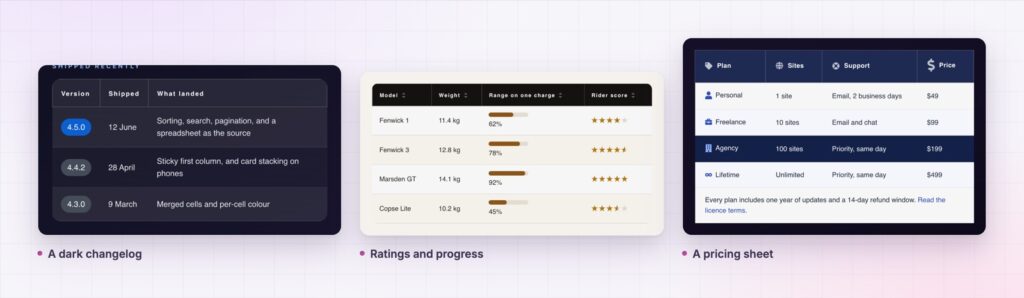
Cells that hold more than text. Icons, images, badges, progress bars, buttons and links, so a specification table can show a rating and a comparison table can show ticks and crosses.
Merged cells and per-cell styling. Grouped rows, section headers inside the table, and one highlighted column, without writing CSS.
Every part is styled. Header, body, stripes, borders, hover, padding and typography, so the table belongs to the page rather than to the plugin.
If a column exists only because it was in the spreadsheet, delete it. Every column you remove makes the table more readable on a phone.
Tables are the one content type where structure matters more than style. Data in a real table gets read, sorted, searched, indexed and announced by screen readers. The same data as an image gets none of that, and it quietly excludes anyone on a phone or using assistive technology. The W3C tables tutorial is worth five minutes before you publish: header cells and captions are what turn a grid of numbers into something a screen reader can announce.
There is a maintenance argument as well. A table someone can update from a spreadsheet stays current; a table that requires a designer goes stale within a quarter, and stale prices cost more than any layout problem.
It is also now free. This widget moved from Pro into the free plugin with the rebuild, which makes it one of the easier wins on any site that publishes numbers.
Yes. It moved from Pro into the free plugin as part of this release.
Yes, which is the fastest way to build anything longer than a few rows.
Rows can stack into labelled cards, or the table can scroll sideways with the first column pinned.
It outputs a real table with header cells, so screen readers can announce each value properly.
Yes, along with icons, badges and progress bars.
The Elementor table widget turns data you already maintain into a page people can actually use: import it, sort it, search it, and let it stack into cards on a phone. It is free in this release, it outputs real accessible markup, and it ends the habit of publishing a screenshot of a spreadsheet.
The Table demo runs eleven tables on one page, including a searchable directory with pagination, a dark specification sheet and a feature comparison. Sort a column and resize the window. Every setting is in the Table documentation.
If the data is plans rather than rows, the Elementor comparison table is the better shape. Both are covered in Sky Addons 4.0 and Pro 5.0.
The table widget costs nothing. Sky Addons Pro adds the motion, social and store widgets, and the free versus Pro page shows where the line falls.



Comments are closed.