
Elementor White Label: Hand Over a Site That Looks Like Your Studio Built It
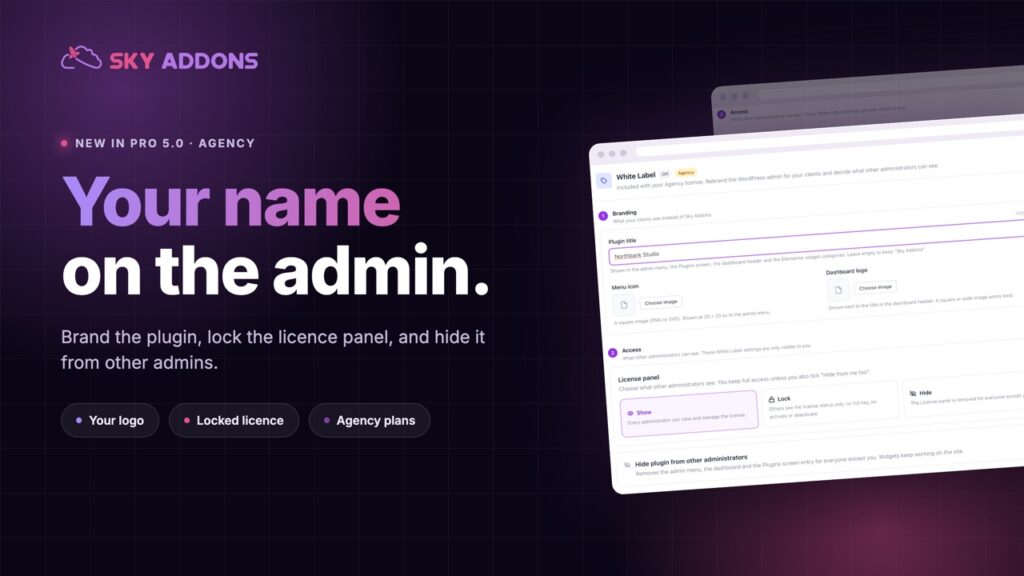
Elementor white label puts your agency name, icon and logo on the plugin, hides it from other admins, and locks the licence panel. Agency plans only.
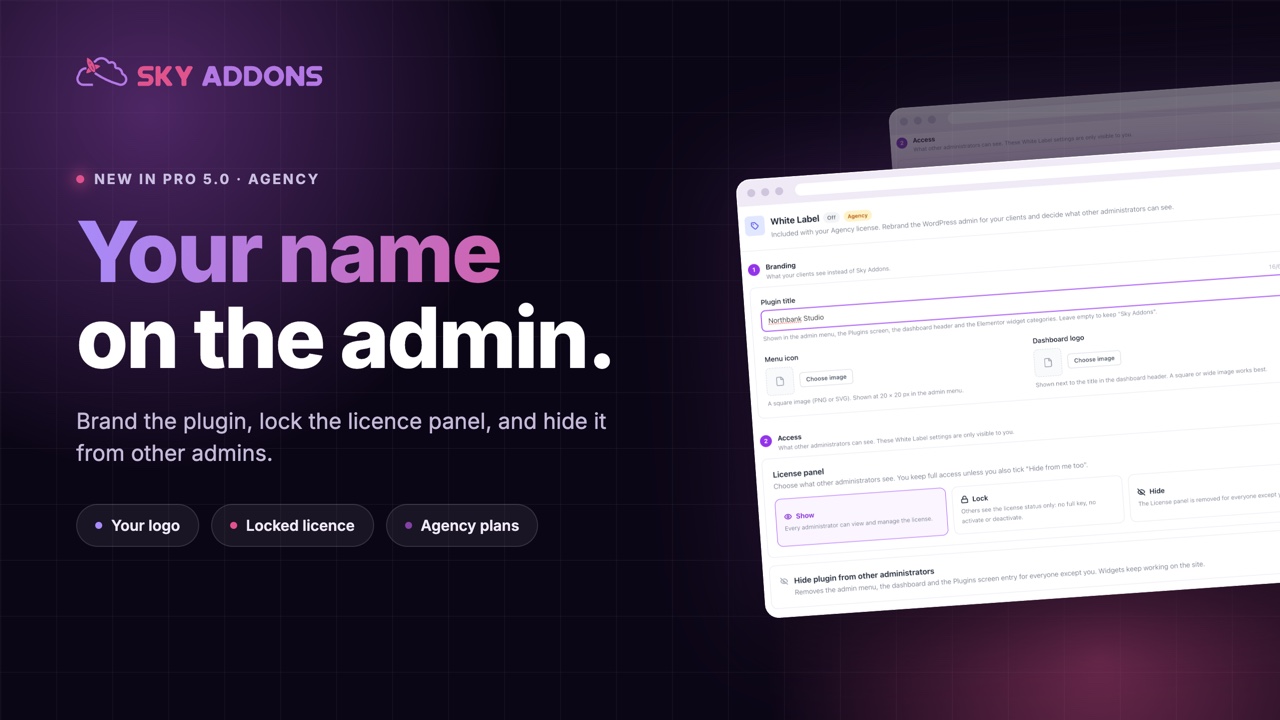
The build goes well, the client loves the design, and then you walk them through the dashboard. Sitting in the menu, next to your carefully considered site, is a plugin with somebody else’s name, somebody else’s logo, and a licence panel they are one curious click away from deactivating.
It is a small thing that quietly undoes a large thing. The client stops seeing a site your studio made and starts seeing a stack of parts they could have bought themselves.
Elementor white label in Sky Addons Pro 5.0 fixes that. Your name, your icon, your logo, in every place a client looks, without touching anything that would break on update.
| Without it | With Elementor white label |
|---|---|
| Client sees a third-party plugin | Client sees your studio’s name |
| Licence panel open to anyone | Panel visible, locked or hidden |
| Support questions go to the plugin author | They come to you, which is the business you are in |
| Another logo in your handover screenshots | Your logo, in the dashboard and the menu |
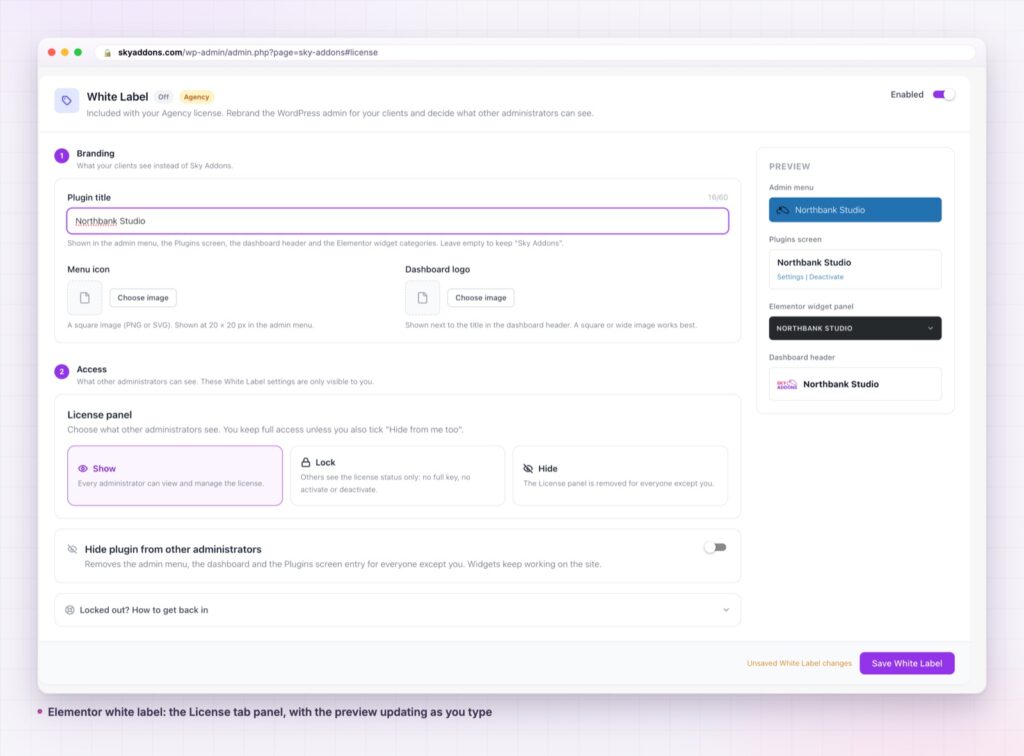
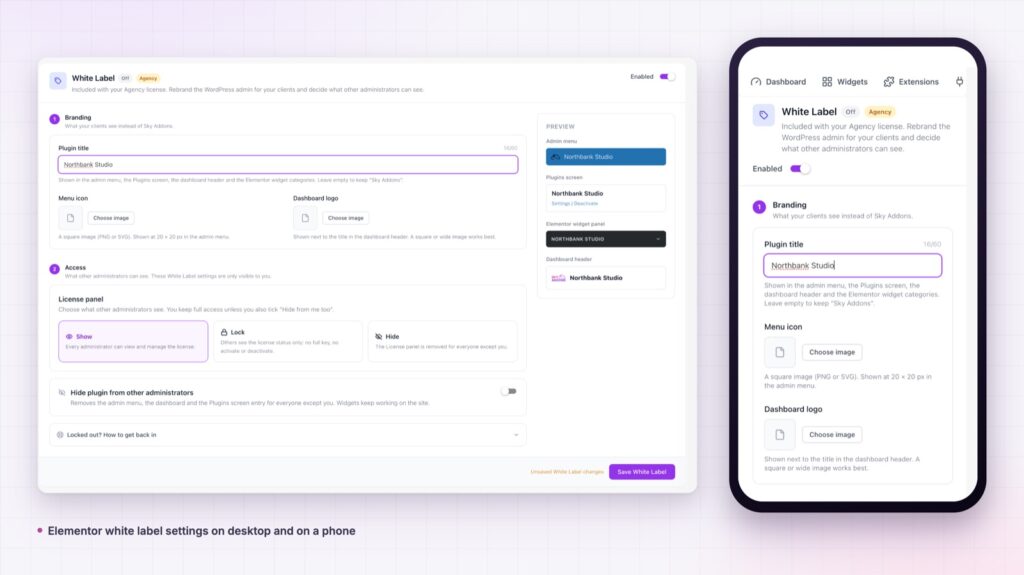
Your name in every place a client looks. The admin menu, the page title, the Plugins screen row, the dashboard header and the Elementor widget categories. Partial branding is worse than none, because clients find the one place you missed.
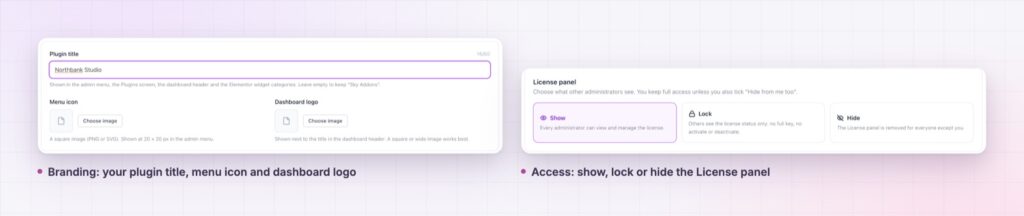
Your icon and your logo. Both taken from the media library. The menu icon is sized for you, and the dashboard logo keeps its aspect ratio rather than stretching.
Show, lock or hide the licence panel. Lock leaves other administrators a read-only panel with a masked key, and it means it: the save and deactivate requests answer with a 403 rather than a hidden button.
Hide the plugin from other administrators. Menu, dashboard and Plugins row disappear for everyone but you, and typing the URL by hand returns a 403 rather than the page.
Updates cannot be switched off by accident. While the plugin is hidden, an admin toggling auto-updates on the Plugins screen cannot drag it along with them.
Nothing under the hood changes. Menu slugs, asset handles, CSS classes, REST routes and option keys all stay the same, so nothing needs migrating and nothing quietly breaks. It is backend only, and the front end never sees it.
Brand the dashboard the same day you brand the site. Clients form their opinion of your work in the first week, and half of that week is spent in the admin.
Agencies are not selling plugins, they are selling the result and the relationship. Every third-party name inside the product is a small reminder that the work was assembled, and a small invitation to shop around at renewal time.
There is also a support argument. A client who sees your name goes to you when something looks wrong, which is what your retainer is for. A client who sees a plugin author’s name emails them instead, and then forwards you an answer that does not fit their site.
One honest caveat: this is not a security feature. It is presentation. Anyone determined to find out what a site runs still can, and a locked licence panel is about preventing accidents, not attacks. Lock yourself out by mistake and one line in wp-config.php puts everything back.
Renaming what a client sees is presentation, not surgery: the menu itself still works the way the WordPress administration menus handbook describes, which is why nothing breaks on update.
Agency plans only, and only while the licence is activated and valid. Other plans see no tab, no upsell card, and none of the code loaded.
No. It is backend only, and the front end is untouched.
Not if you hide or lock the panel. Locked means a 403 on save and deactivate, not just a hidden button.
No. Slugs, handles, classes, routes and option keys are all left alone.
One line in wp-config.php restores everything.
Elementor white label puts your studio’s name, icon and logo across the WordPress admin, keeps the licence panel out of reach, and leaves everything under the hood untouched. It is the difference between handing over a website and handing over a pile of plugins, and it takes about ten minutes per project.
The White Label documentation covers every setting, what each administrator sees at each access level, and what happens when a licence expires. Read it once before your next handover.
If you are pricing this up, the pricing page shows which plans include White Label, and Sky Addons 4.0 and Pro 5.0 covers the rest of the release. For client sites that also need a branded front end sign-in, see the Elementor login form.
White Label is an agency feature. The free versus Pro page shows what every other plan includes.

Comments are closed.