
Generic Grid: A Post Grid That Pages Itself Instead of Hiding the Rest
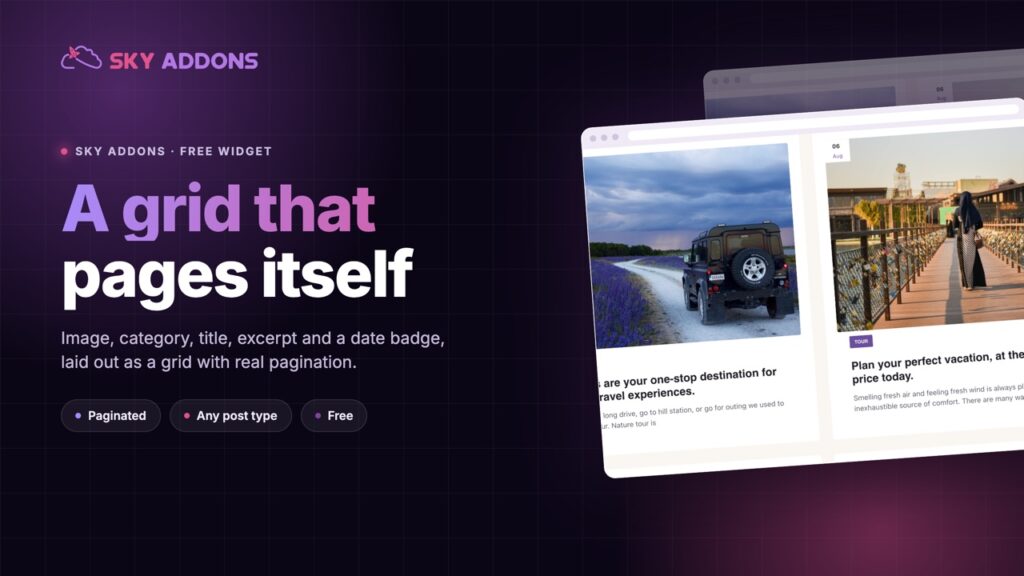
The Generic Grid turns any query into a paginated Elementor post grid: image, category, title, excerpt and a date badge, with real pagination. Free.
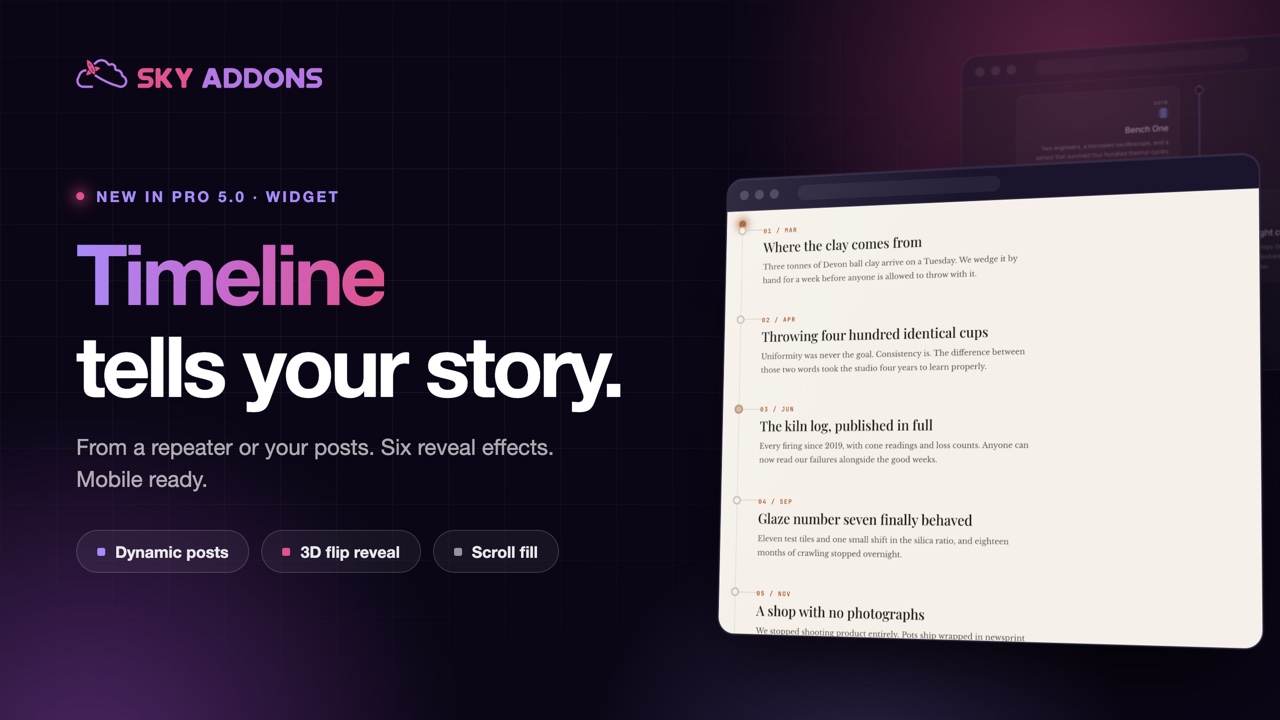
“Founded in 2009. Opened a second office in 2014. Rebranded in 2021.” Written as a paragraph, a company history is the least-read section on any About page. Written as a timeline, the same three facts become a story someone scrolls through to the end.
The difference is not the content. It is that a timeline gives each event its own moment, in order, with the page doing the pacing.
The Elementor timeline widget in Sky Addons Pro 5.0 builds that from a repeater or straight from your posts, and it reveals each entry as the reader arrives at it.
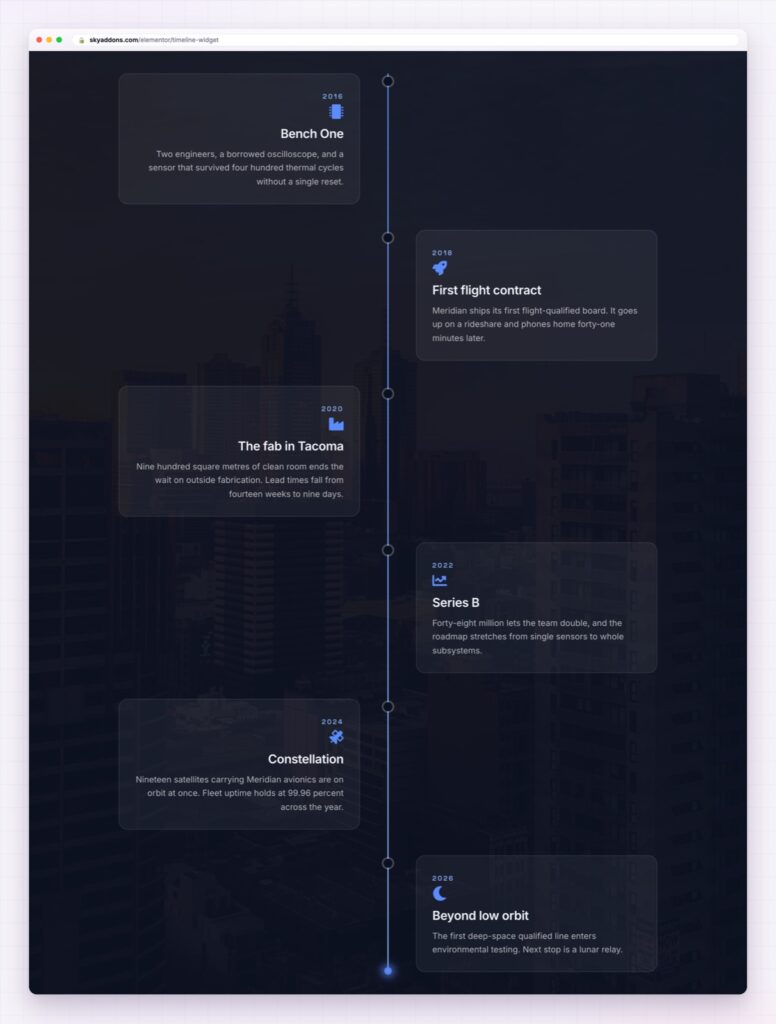
A bulleted list gives every item the same weight and no sense of travel. A timeline adds three things a list cannot: direction, so the reader knows where they are; spacing, so a gap in time is visible; and arrival, because each entry appears as it comes into view rather than sitting there already read.
That last point matters more than it sounds. Movement on arrival is what makes a reader keep going, and it is why timelines get read to the end while lists get skimmed.
Write entries as headlines, not summaries. “We stopped taking retainers” pulls people down the page. “Business model update” does not.
Entries from a repeater or from posts. Type them in by hand for a company history, or point the widget at a post type and let a changelog build itself every time you publish.
Six reveal effects. None, fade, slide up, slide from the side, zoom and a 3D flip. The flip is the one clients notice; fade is the one that suits most business sites. Either way it is a dropdown, not a custom animation.
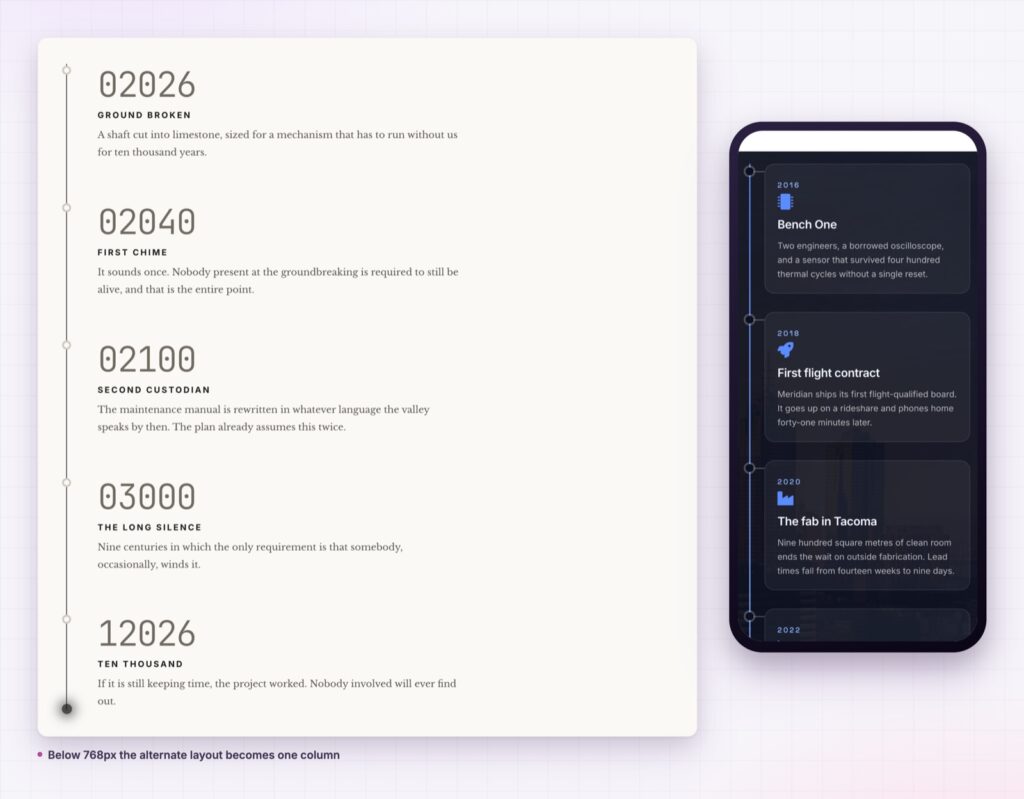
An alternating spine on desktop. Cards left and right of a central line on wider screens, so a long history stays interesting to look at. Below the tablet breakpoint it becomes one clean column, because a zigzag on a phone is just noise.
Focus and spotlight. The entry a reader is on can lift slightly, and clicking one can hold it in focus. Small touches, but they turn a static graphic into something people interact with.
Styling that matches your brand. The spine, the nodes, the cards, the dates and the icons are all controls: colour, thickness, radius, spacing, typography. No custom CSS to hand over to the next developer.
Motion that knows when to stop. Visitors who ask for reduced motion get the content without the decorative animation, which is both good manners and the WCAG position on motion.
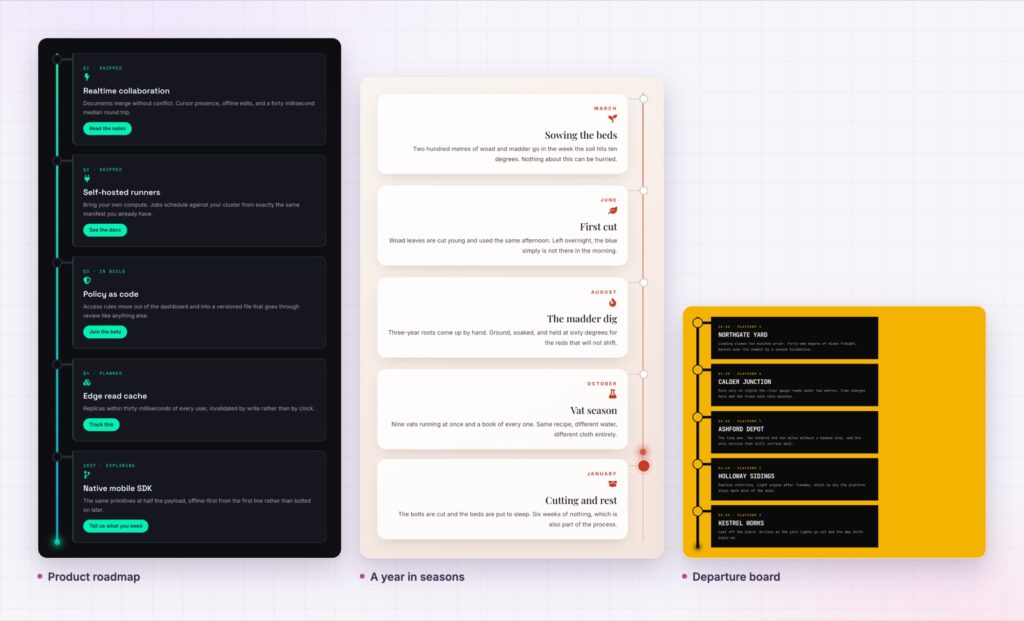
Point the widget at a post type, set the query, and every release note you publish appears on the timeline in order. That single decision removes a recurring task from your month, and it keeps the public roadmap honest because the page cannot fall behind the posts.
It also means the changelog page becomes a landing page for people searching for a feature you shipped, which is traffic you would otherwise never see.
Yes. Choose a post type and the entries come from your published content, in order.
The spine runs vertically, with an alternating layout on wider screens and a single column on phones.
The reveals are lightweight, and they stand down for visitors who ask for reduced motion.
Spine, nodes, cards, dates, icons and typography are all controls.
No. Sky Addons works with the free version of Elementor. The timeline itself is a Pro widget in Sky Addons.
A timeline is the difference between a list nobody finishes and a story people scroll to the end. The Elementor timeline widget gives you the spine, the reveal, the responsive behaviour and the styling, from a repeater when you want control or from your posts when you want it to maintain itself.
The Timeline demo runs ten different builds, from a company history on a photograph to a black and yellow departure board. Pick the one closest to your brand and work from there. Every setting is in the Interactive Timeline documentation.
If your story is better told sideways, the Elementor horizontal scroll section covers the same ground with panels. Both are part of the release described in Sky Addons 4.0 and Pro 5.0.
The timeline is a Pro widget, included in every Sky Addons Pro plan, and the free versus Pro page shows what comes without paying.

Comments are closed.