
Elementor Video Player: Video Pages People Actually Watch
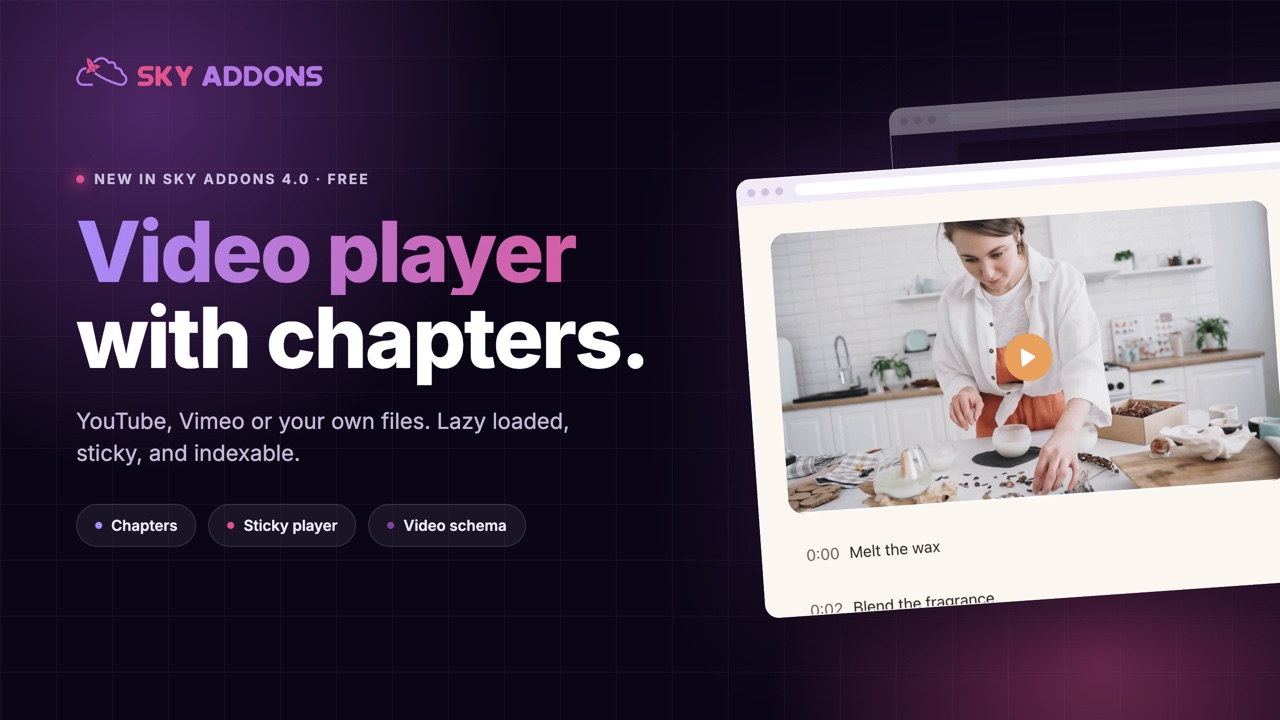
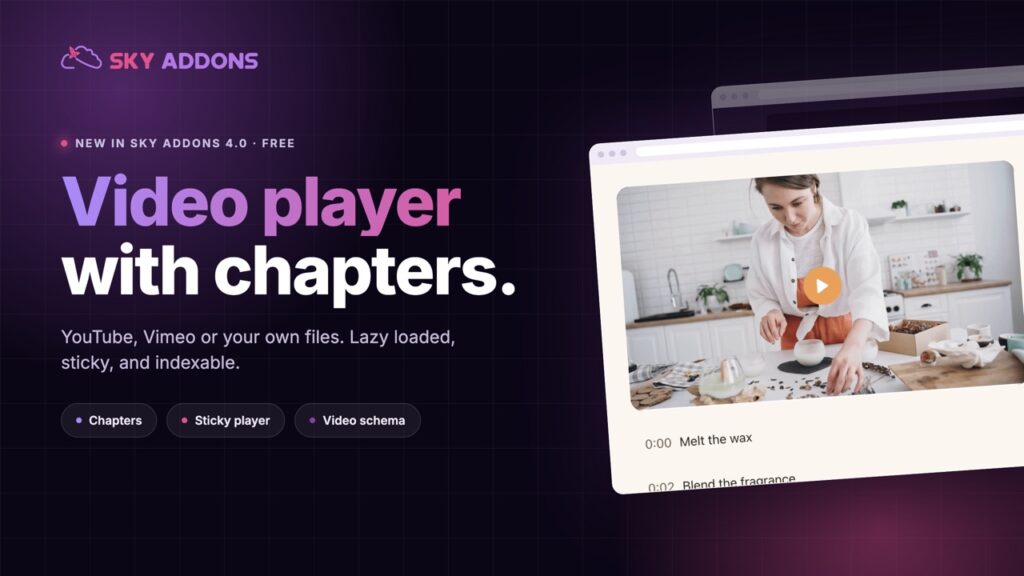
The free Elementor video player keeps video pages fast and watchable: the right source, a poster that loads first, and chapters that find the right minute.
A two-minute demo sells better than a page of description. A recorded walkthrough answers the support question you get every week. A founder talking to camera does something a written quote never will.
Then the video goes on the page, and the page gets slower, the platform’s branding turns up in the middle of your design, and the ten-minute recording gets abandoned at forty seconds because nobody can find the part they came for.
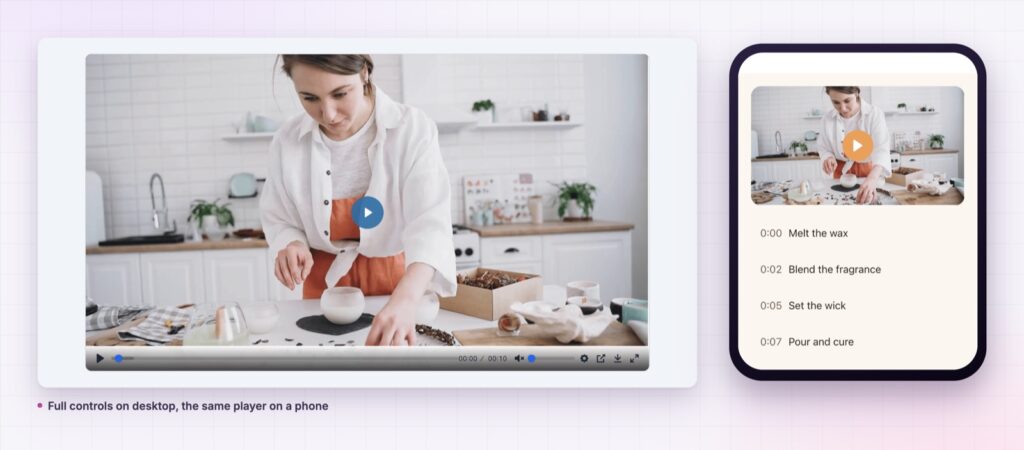
The Elementor video player in Sky Addons 4.0 is free, and it exists for the second half of that story. Same video, a page that stays fast, a player that looks like your site, and a way for people to jump straight to the minute they want.
| A plain embed | This player |
|---|---|
| Loads player code before anyone presses play | Shows your poster and loads on play |
| Looks like the platform, not your site | Every part is styled by you |
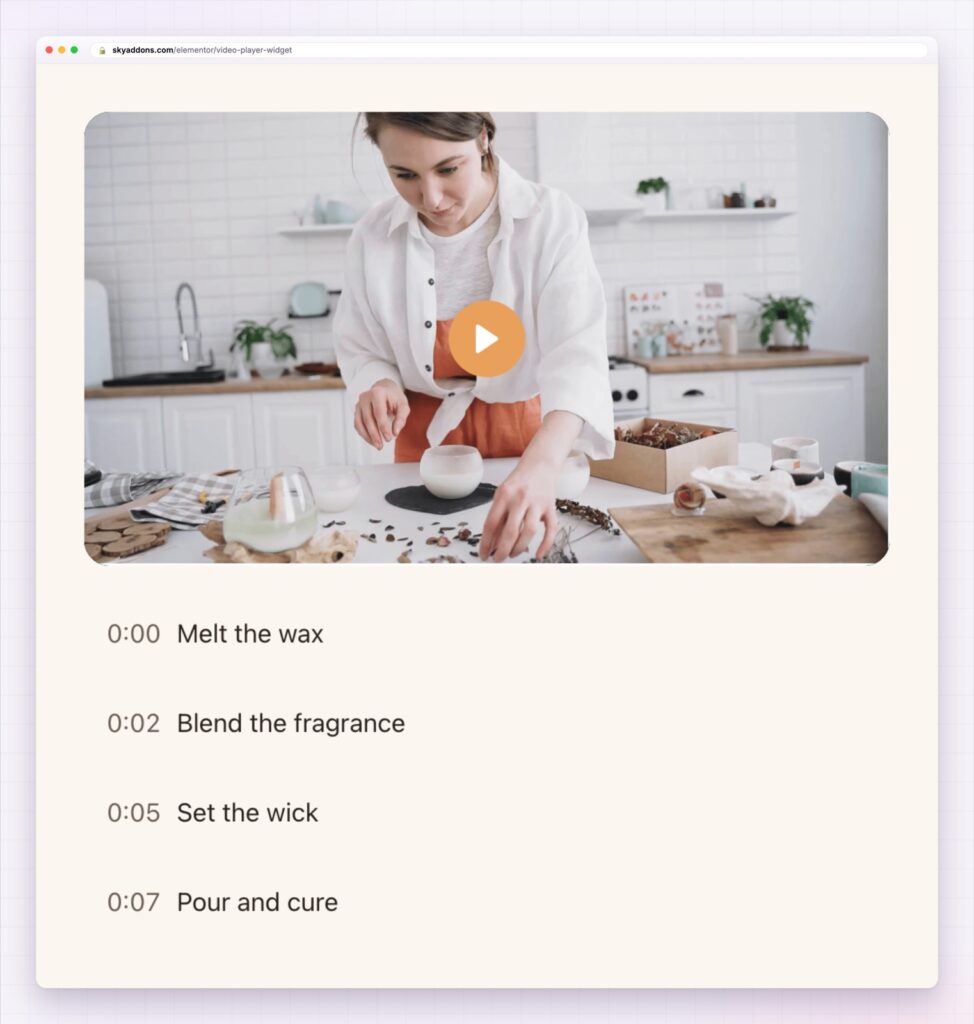
| Long videos get abandoned | Chapters let people jump to what they came for |
| Scrolls away, and playback stops being useful | Shrinks into a corner and keeps playing |
| Invisible to search | Outputs video structured data |
Lazy loading, on by default. The page shows your poster image and only loads the player when someone presses play. That single default is the difference between a video page that scores well and one that does not.
Four sources, one design. YouTube for reach, Vimeo for client work, self-hosted for short demos you control, or any external file. The player looks identical whichever you choose, so a page can mix them without looking assembled.
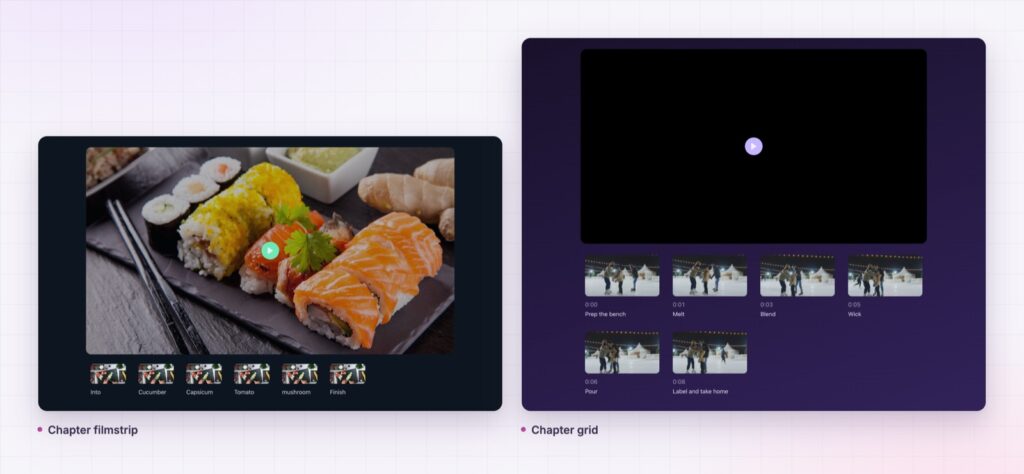
Chapters that people use. Either a list you build, or the block of timestamps you already wrote for a YouTube description, pasted straight in. For self-hosted video the player can even pull a thumbnail out of the file for each chapter.
A sticky corner player. While someone reads your written steps, the video shrinks into a corner and carries on. On the right page it keeps people watching to the end. On every page it becomes the thing that follows you around a news site.
Privacy handled for you. YouTube is served from the no-cookie domain and Vimeo is asked not to track, without you configuring anything.
Video that search engines can read. Fill in the title, description, upload date and duration and the widget outputs VideoObject structured data, so the video can appear as a rich result. Google’s video structured data documentation explains which fields matter and how it can look in search.
Write chapter labels as actions. “Melt the wax” tells someone what they will see. “Part two” does not.
Video pages fail in one of two ways: they load slowly, or they lose the viewer before the useful part. Lazy loading fixes the first. Chapters fix the second, because a visitor who can see “Fitting the bracket, 3:20” jumps there instead of leaving.
There is a search effect as well. A video with structured data, a transcript alongside it and chapter labels that name real tasks gives search engines several ways to understand the page, and gives you a page that answers a question better than a wall of text would.
Yes, it ships in Sky Addons 4.0, the free plugin, and works with the free version of Elementor.
Yes, along with YouTube, Vimeo and any external file, with the same styling.
Chapter navigation works with every source. Thumbnails captured from frames are self-hosted only.
Not with lazy loading on, which is the default. The player code waits until someone presses play.
Yes, if you fill in the video SEO fields. The widget writes the structured data for you.
Video earns its place when the page stays fast and the viewer can find the part they came for. The Elementor video player gives you both by default, styles the player to match your site, keeps it playing while people read, and hands search engines the data they need. It is free, and it replaces a plugin most sites install for far less.
The Video Player demo runs nine players on one page: YouTube, Vimeo, self-hosted, chapter lists, a filmstrip and a sticky example. Every setting is written up in the Video Player documentation.
If the page is selling rather than teaching, put an Elementor testimonial widget under the video so the demo and the proof sit together. Both are free widgets in the release described in Sky Addons 4.0 and Pro 5.0.
The video player costs nothing. Sky Addons Pro adds the motion, social and store widgets, and the free versus Pro page shows exactly what sits on each side.

Comments are closed.