
Tags Cloud for Elementor: Chips or a Word Cloud, From Real Tags
A tags cloud for Elementor in two styles: linked chips or a shaped word cloud, built from post tags, any taxonomy, or a list you type yourself.
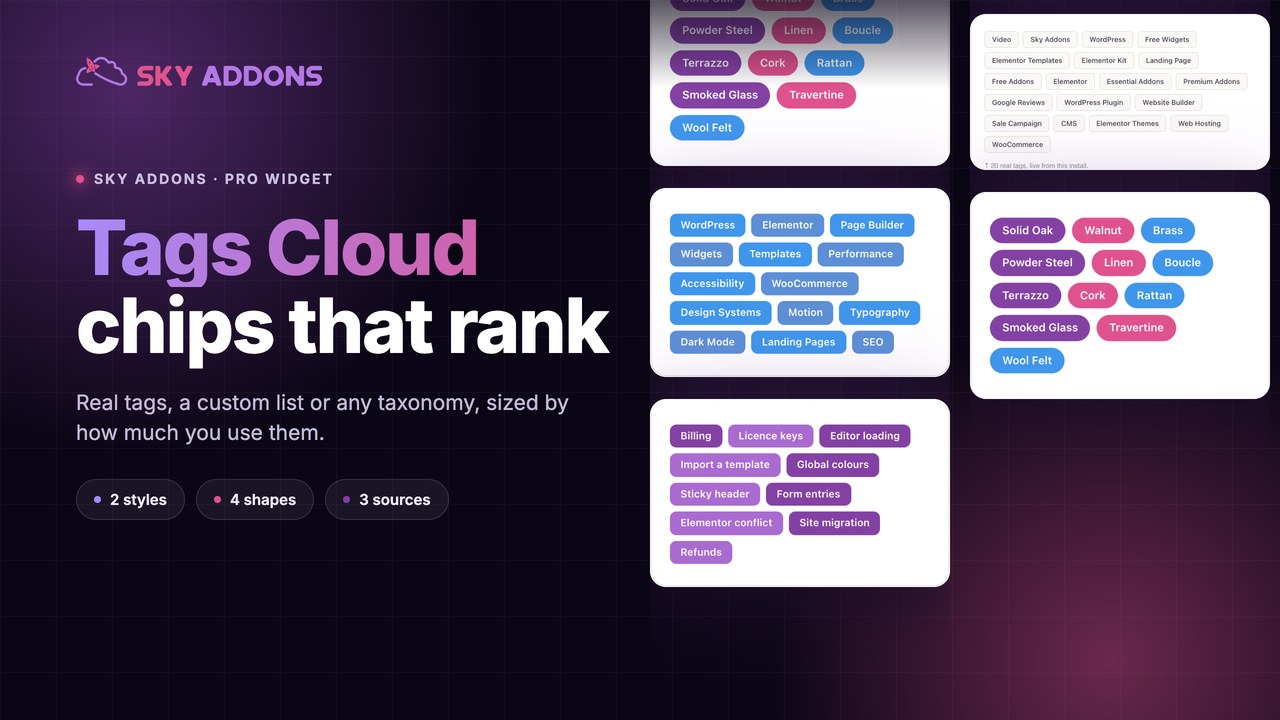
The default WordPress tag cloud is one of the oldest widgets on the web and it looks it: a paragraph of links at mixed sizes, inheriting whatever the theme decided, impossible to style without fighting a stylesheet.
The idea underneath is still good. A set of tags tells a visitor what a site is about faster than a paragraph of positioning copy, and every tag is a door into more content. The problem was always presentation.
A tags cloud widget fixes the presentation and adds the two things the original lacked: a choice of style, and a choice of source.
| Approach | Sources | Styling | Shapes | Links |
|---|---|---|---|---|
| Core tag cloud | Post tags only | Theme decides | None | Archives |
| Plugin cloud widgets | Tags, sometimes taxonomies | Limited panel | Rarely | Archives |
| Hand-written chip list | Anything you type | Yours to maintain | None | Anywhere |
| Tags Cloud widget | Tags, any taxonomy, custom list | Full Elementor controls | Four, in word cloud style | Archives or your own URLs |
The custom list row is the one that surprises people. A tags cloud does not have to be tags at all: it can be a typed list of labels with their own links, which makes it a keyword navigation block rather than a taxonomy widget.
Two styles from one control. Default renders a list of chips. Typography renders a shaped word cloud on a canvas. They look nothing alike and they take the same source.
Three sources. Default post tags, a custom list you type, or a taxonomy from a post type you choose. The custom list format is a label and a URL per entry, separated by commas.
Four canvas shapes. In the word cloud style, the arrangement can be a circle, square, star or theta. Grid, factor and rotation control how tightly the words pack and how many are turned.
Sort order that means something. Highest, lowest or random. Highest puts your most used tags first, which is usually the honest signal; random is for decoration.
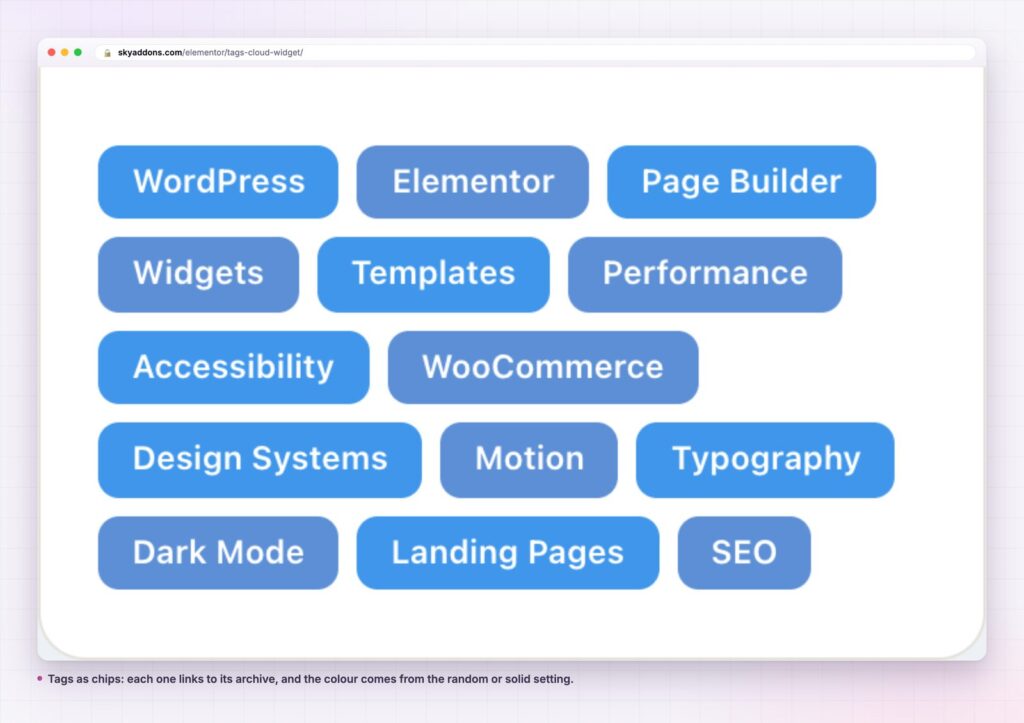
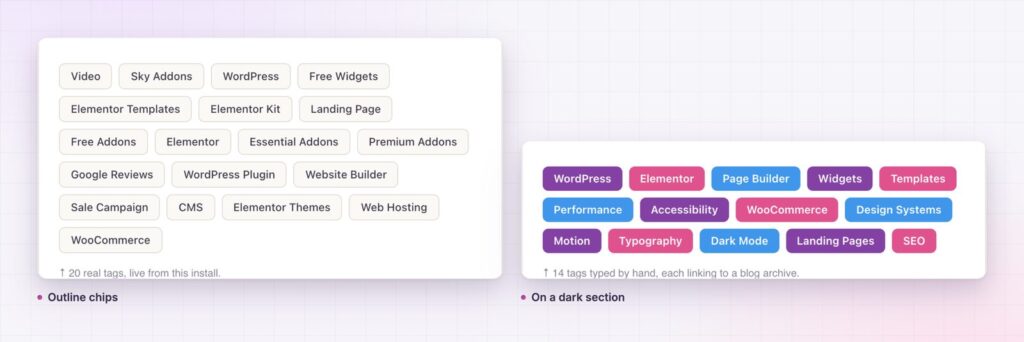
Colour that is not a fight. The chip style takes a random palette or a solid colour, with normal and hover states, spacing, alignment, padding and radius. No stylesheet required.
Links open where you say. One switch sets whether tags open in a new window, which matters more for a custom list of outbound links than for archives.
Label|https://example.com, Label|https://example.com.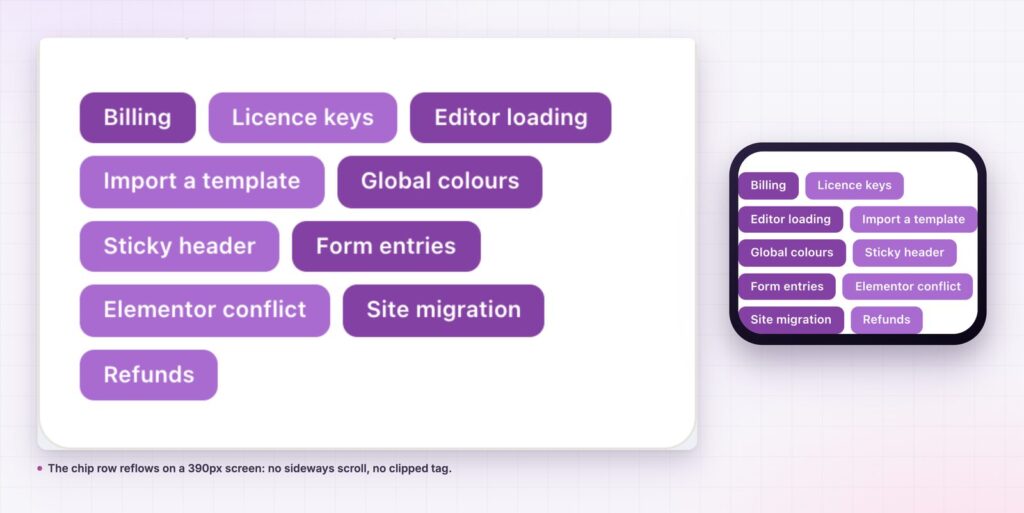
A tag row is a navigation device disguised as decoration. It answers a question a visitor has within a few seconds of arriving, which is whether this site covers the thing they care about, and it answers it with words they recognise rather than a menu they have to parse.
For a site with a real archive, the chips are also the cheapest internal linking you will ever add. Every chip is a link to an archive that collects related posts, and the WordPress taxonomy system does the collecting for free.
A visitor reads twelve tags faster than one paragraph, and learns more about the site from them.
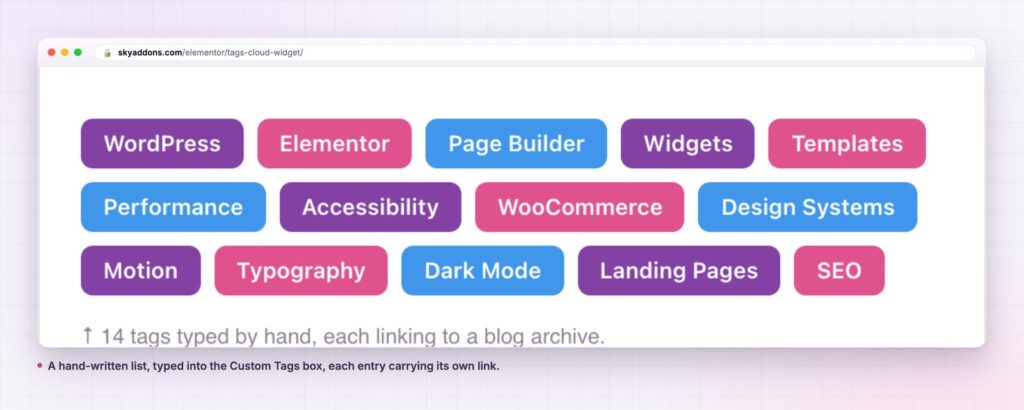
The custom source turns this into a general purpose chip row. Common uses: service keywords on a home page, each linking to a service page; a list of cities for a local business; document types on a resource page; filters on a shop that point at pre-filtered archives.
The word cloud style has a narrower but real use. On an about or report page, a shaped cloud of the terms a business works with reads as an illustration rather than navigation, and it costs nothing to produce compared to commissioning one.
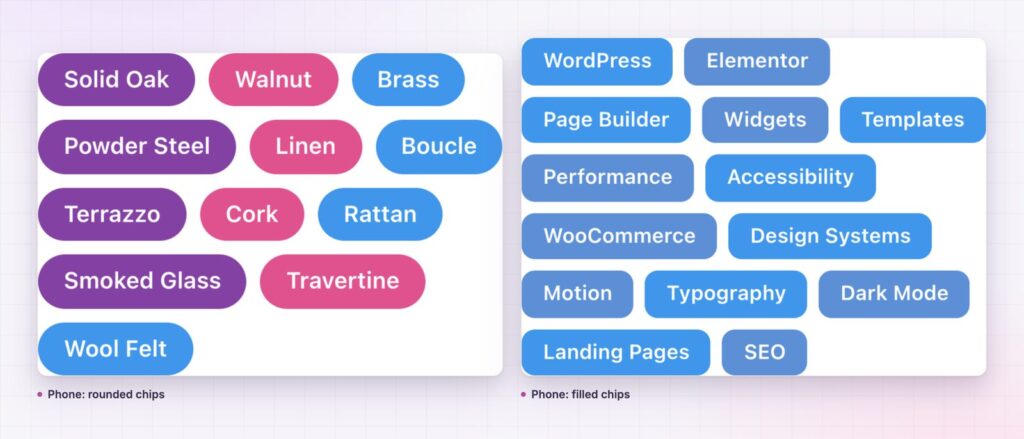
The two styles share a source and nothing else. They solve different problems, and picking the wrong one is the most common way this widget disappoints.
Chips are navigation. They are links in a row, readable at a glance, and every one is a door into an archive. Use them anywhere a visitor might reasonably want to sidestep into a topic: under a post, on an archive header, in a footer, as a topic band on a home page. Keep them to twelve to twenty entries, keep labels to two words, and sort by highest so the row reflects what the site actually publishes.
The word cloud is illustration. It renders on a canvas, arranges terms into a circle, square, star or theta, and packs them by weight. It reads as a picture of a subject area rather than as a menu, which makes it right for an about page, a report cover or a section opener, and wrong for a sidebar where visitors expect to click.
Three controls decide whether a word cloud looks composed or chaotic. Grid sets how tightly words pack; lower numbers crowd them. Factor scales the difference between the largest and smallest terms, which is what creates the shape’s contrast. Rotation decides how many words are turned, and a small value reads as design while a large one reads as a puzzle.
Give the canvas real height. A cloud squeezed into a short container drops terms rather than shrinking them, and the ones it drops are the smallest, which are usually the interesting ones.
Whichever style you choose, check the source first. A cloud built from post tags on a site that never tagged anything renders empty, and that looks like a broken widget rather than an empty taxonomy.
No, it is a Sky Addons Pro widget. The free plugin covers list and navigation widgets such as Tidy List and List Group; the free versus Pro page has the full split.
Yes. Set the source to Post, choose the post type, and the widget uses its taxonomy, which covers product categories and custom taxonomies.
Yes. Custom Tags takes entries in the form Label|URL, separated by commas, so the row can link anywhere you like.
It renders on a canvas with a minimum height you set. Give it enough height at the phone breakpoint or switch that breakpoint to the chip style.
The chip style is a list of links. The word cloud style loads a small drawing library on pages that use it, and nothing elsewhere.
A tags cloud should look like part of the page and point somewhere useful. This one does both: chips or a shaped word cloud, built from post tags, any taxonomy or a list you type, with full control over colour, spacing, shape and order. Keep it to about a dozen entries and it becomes the fastest navigation block on the page.
Try the tags cloud demo, read the Tags Cloud documentation, or see the pricing page. For structured lists there is the tidy list widget, and for an in-page index, the table of contents.


Comments are closed.