
Social Share for Elementor: Thirty Networks, One Row, No Tracker
Social share buttons for Elementor with thirty networks, custom labels and icons, a copy link button, and no third-party script loading on your page.
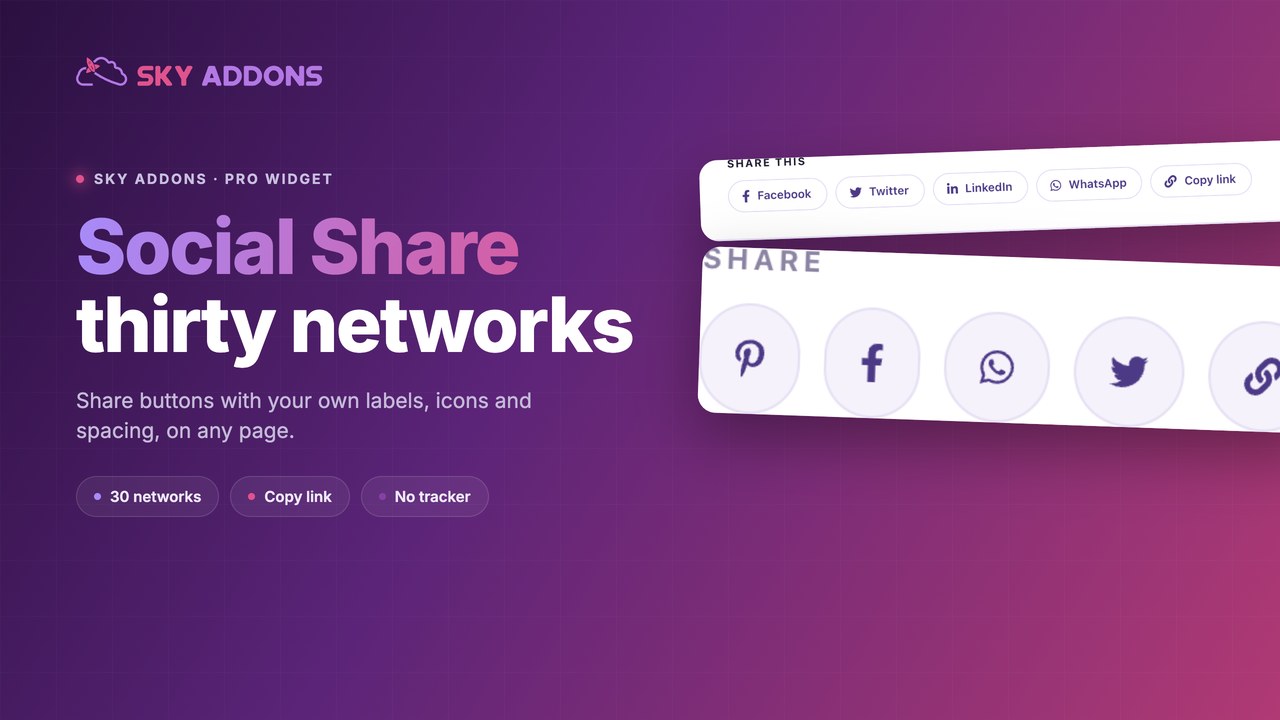
Share buttons are a small thing that most sites get expensively wrong. The usual route is a plugin that loads scripts from four social networks, adds a counter nobody looks at, and leaves a row of buttons that match nothing else on the page.
A share row does not need any of that. A share link is a URL. Clicking it opens the network’s own share screen with your page address already in it. No script from Facebook, no counter, no cookie.
That is what this widget does, for thirty networks, with the styling left in your hands.
| Approach | Third-party scripts | Networks | Styling | Counters |
|---|---|---|---|---|
| Social network embeds | Several, per network | Their own | Theirs | Yes, and slow |
| Share plugin | Usually one or more | Many | Theme dependent | Often |
| Hand-coded links | None | As many as you write | Yours | No |
| Social Share widget | None | 30 | Elementor controls | No |
The hand-coded row is the honest comparison, because that is what the widget produces. The difference is that you do not maintain thirty share URL formats by hand, and the styling is a panel rather than a stylesheet.
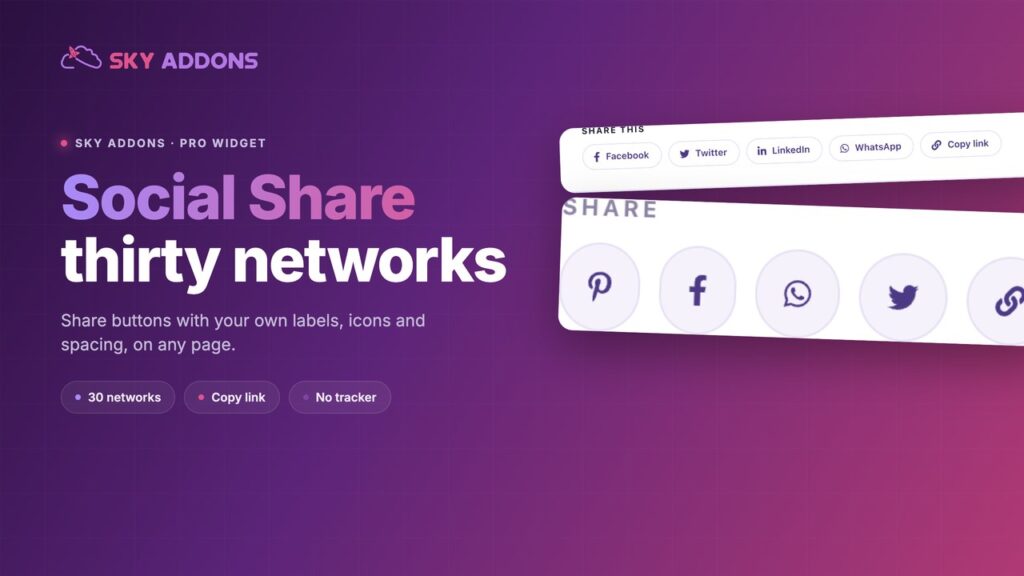
Thirty networks. Facebook, X, LinkedIn, WhatsApp, Telegram, Pinterest, Reddit, Tumblr, Pocket, VK, Weibo, Line, Viber, Skype, WeChat, XING, Digg, Evernote, Flipboard, Instapaper, Mix, Meneame, Odnoklassniki, LiveInternet, LiveJournal, Renren, Surfingbird, Moi Mir, WordPress and a copy link option. Regional networks matter more than western lists admit, and the choice is there.
Copy link is one of them. The single most used share action on a phone is sending a URL into a message. The link entry in the network list covers it without a separate plugin.
Custom labels and icons per item. Each row in the repeater can carry your own wording and your own icon. A Facebook button can say Share with friends, a WhatsApp button can say Send to a friend, and the icon can be whatever the brand uses.
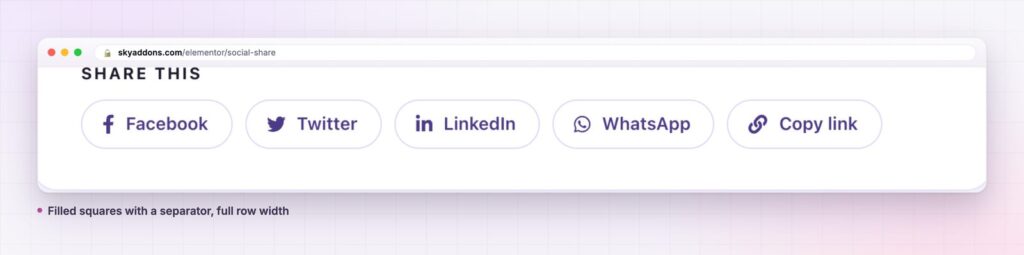
Separators. Show a separator, choose the default or a custom character, and set its size and colour. That one control is the difference between a row of buttons and a discreet inline list.
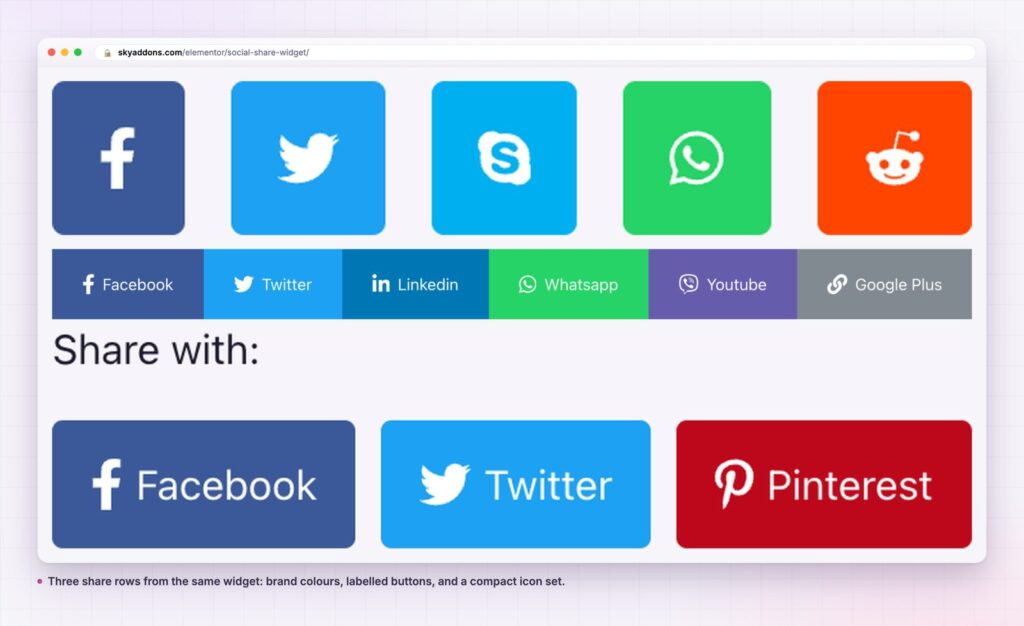
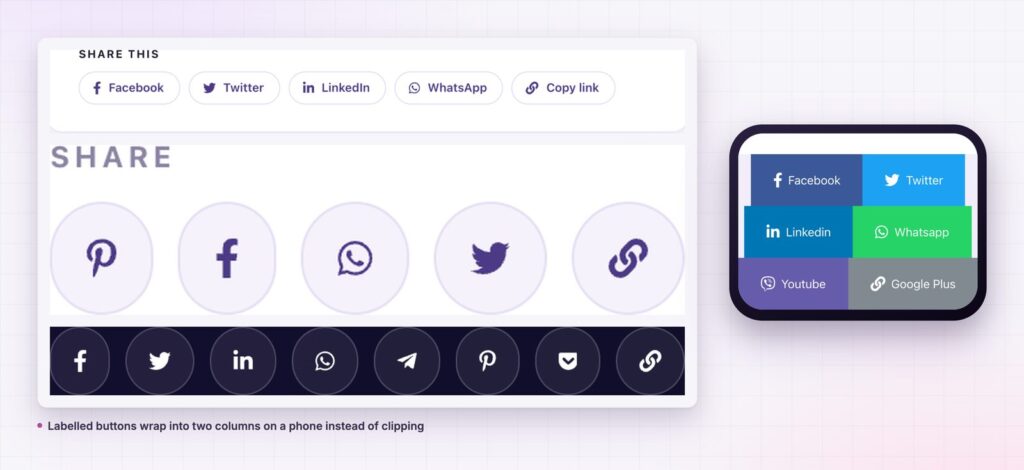
Alignment and shape. Alignment, spacing, border radius, an advanced border radius field for per-corner values, opacity, hover animation, icon size and label spacing. Buttons can be squares, pills, circles or plain text links.
Nothing loads from a social network. No SDK, no iframe, no pixel. The Web Share API is what browsers now use for native sharing, and a row of direct share links is the same idea applied to the desktop.
Sharing is not a broadcast behaviour any more. Most links travel from one person to one other person through a message, which is why WhatsApp, Telegram and copy link outperform the row of network logos that was designed for 2013.
Keeping the row light is the second half of it. A page that loads four social SDKs to display four buttons is paying a real cost in requests and cookies. A row of links costs nothing and does the same job, which is to open the share screen a visitor already knows how to use.
Nobody shares because the button was pretty. They share because it was there, in the right place, at the moment they decided to.
The repeater takes a custom icon and a custom label per item, which means the row does not have to be about social networks at all. A print icon, an email icon and a copy link button make a document toolbar. A WhatsApp button with a support label makes a contact strip.
The separator control opens another use: an inline text row that sits under a byline, reading Share this, then four small labels divided by thin rules, with no button shapes at all. That is the version that suits editorial sites, and it is the same widget.
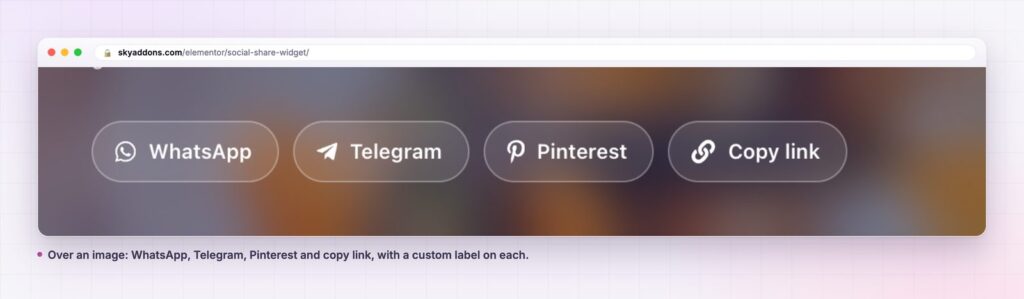
Share buttons fail more often from placement than from styling. Three positions do most of the work, and each answers a different moment.
Under the title catches the reader who recognises the subject immediately and wants to send it to someone before reading it themselves. It suits news, offers and anything time sensitive. It is also the position most likely to be ignored on a long read, because nobody shares an article they have not started.
At the end of the content catches the reader who finished. This is the highest intent position on a blog, a guide or a case study, and it is where a labelled button such as Send to a friend outperforms a row of logos.
Beside the product or listing is the one most shops forget. On a product page the share action is usually a person sending a link to whoever is paying, which means copy link and WhatsApp matter and Facebook does not.
Two details decide whether any of these convert. The first is the number of buttons: four is a choice, eight is a wall, and a wall gets skipped. The second is the tap target. On a phone, an icon-only circle at 44 pixels is comfortable; a text link at body size is not.
If the page is long, the answer is not to add a second row in the middle. It is to pick the end of the content and give the row enough space around it to read as a deliberate invitation rather than a leftover from the theme.
No, it is a Sky Addons Pro widget. The free plugin includes Social Icons for linking out to your own profiles; the free versus Pro page explains the split.
No. The buttons are links to each network’s share screen. Nothing is requested from a social network while your page loads.
No. Counts require a third-party service and add requests and latency; the widget does not have them.
Yes, in current browsers. It copies the page address to the clipboard so the visitor can paste it into any message app.
Yes. Each item has an Enable Custom Icon switch and an icon picker, plus a custom label field, so the row can carry a brand icon set instead of the defaults.
A social share row should be a handful of links, styled like the rest of the page, with nothing loading from a social network. This widget covers thirty networks plus copy link, gives each button its own label and icon if you want, and exposes alignment, spacing, radius and separators. Choose four networks, put the row where the reading ends, and leave the SDKs out of it.
See the social share demo, read the Social Share documentation, or compare plans on the pricing page. For profile links rather than sharing, use the social icons widget; for one-tap contact, the WhatsApp button.

Comments are closed.