
Mate Carousel: A Post Row That Still Reads at Six Across
The Mate Carousel runs a post row at one to six columns with two card layouts, driven by a query. Free, responsive per breakpoint, and no hand editing.
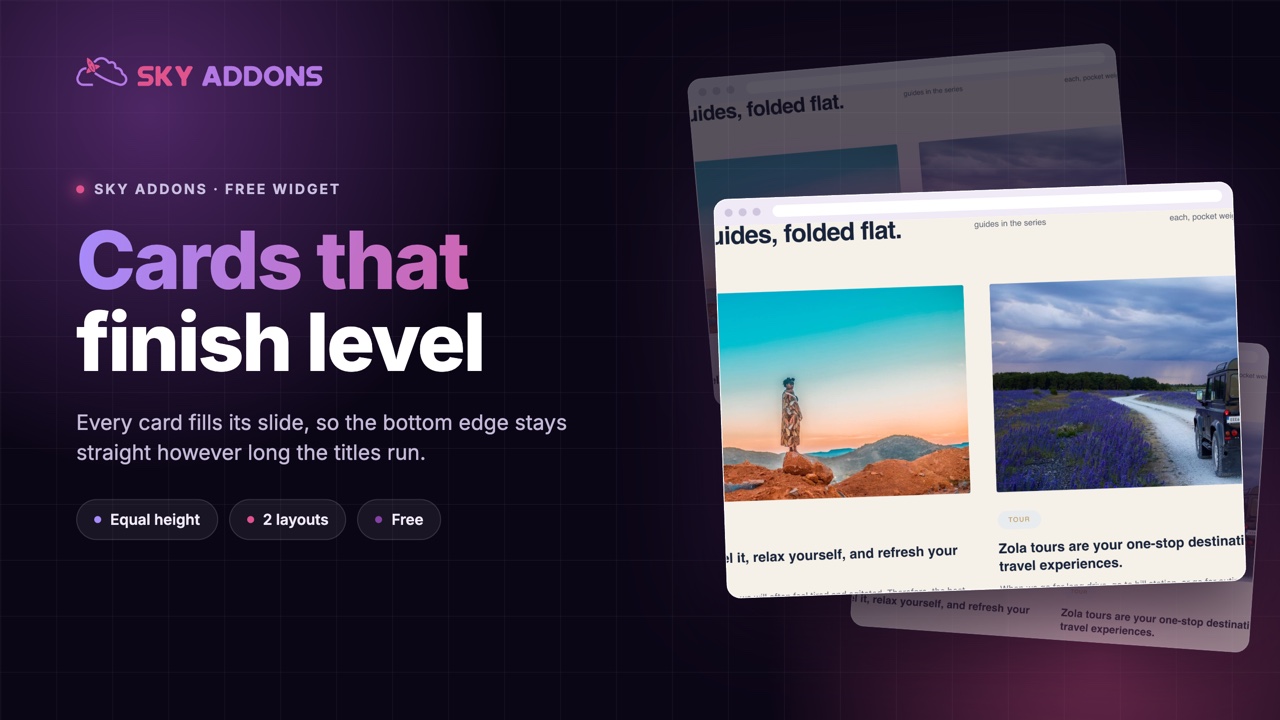
The thing that makes a post row look unfinished is almost never the card design. It is one card being forty pixels taller than the rest because its title ran to three lines. The eye reads the ragged bottom edge before it reads a single word.
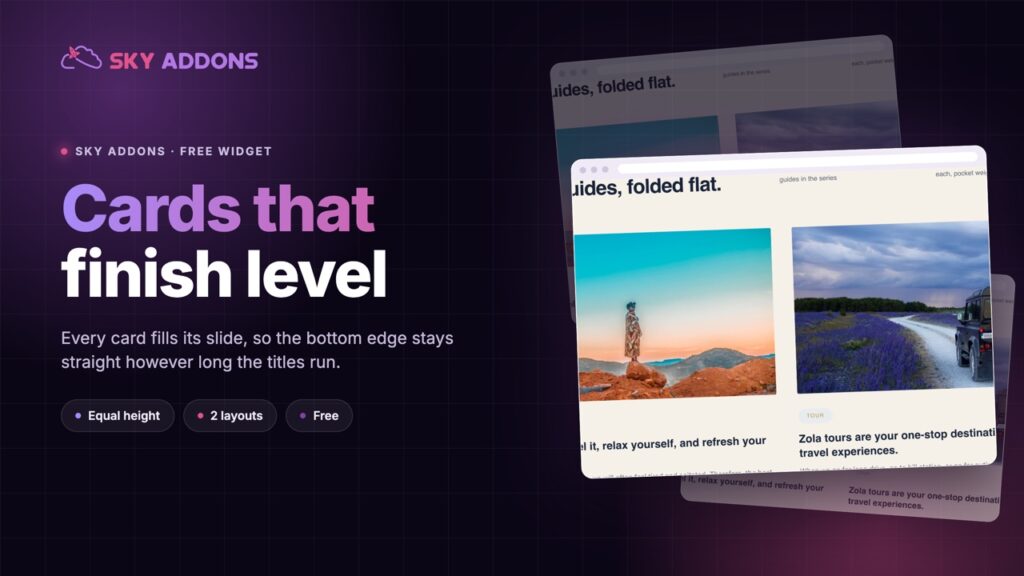
The sapling carousel is built around that problem. Each card fills the full height of its slide, so a two word title and a fifteen word title produce cards of exactly the same size. The row keeps its line whatever the editors publish, without anyone having to write shorter headlines.
It is a free widget on the shared query builder, so the row updates itself as you post.

| A row of plain cards | A fixed height crop | Sapling carousel | |
|---|---|---|---|
| Bottom edge | Ragged with mixed titles | Even | Even |
| Long titles | Push the card taller | Cut off | Fit, card stays the size |
| Setup | None | Per card | One control set |
| Layout options | One | One | Two |
| Stays current | Depends | Depends | Query driven |
The middle column is the usual workaround, and it costs you words: cropping the title to force alignment means some posts arrive on the page half named.
Cards fill their slide. The item takes the full width and height of the slide, which is what produces the even bottom edge rather than a fixed height that cuts content off.
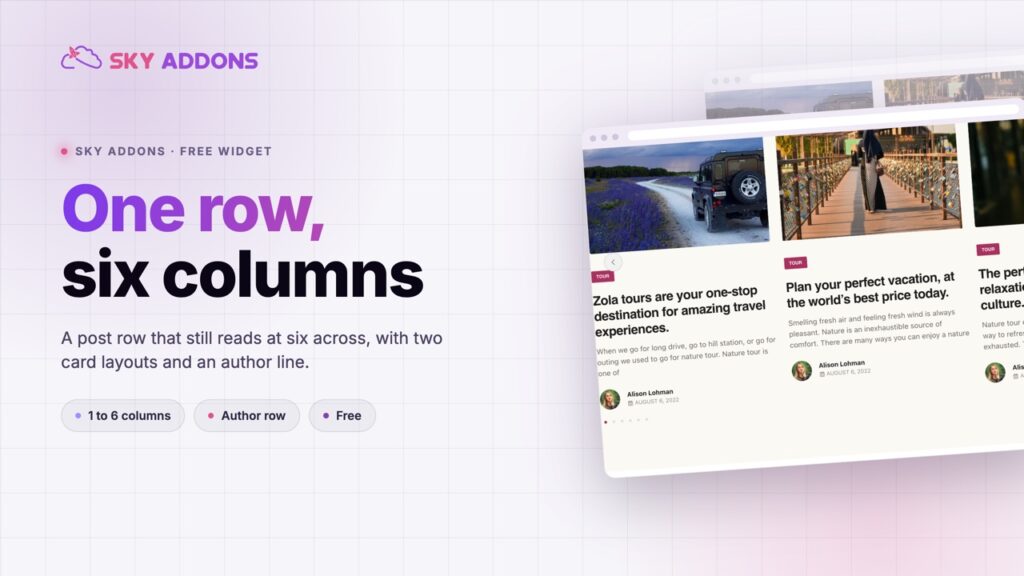
Two content layouts. The layout switch changes the card structure, so the same widget covers a tight three across row and a wider two across feature.
A real padding default that matches the markup. The item padding starts at a value that mirrors the class already in the markup, so an existing page keeps rendering exactly as it did while the control is still yours to change.
The author has a place. An author thumbnail and name can sit beside the date, which suits a blog with several contributors.
Columns are per breakpoint. Desktop, tablet and phone counts are three separate decisions, feeding the slider directly.
The excerpt is a number, with shortcodes optional. Excerpt length is a control, with a strip shortcodes switch so a page builder excerpt cannot leak markup into a card.
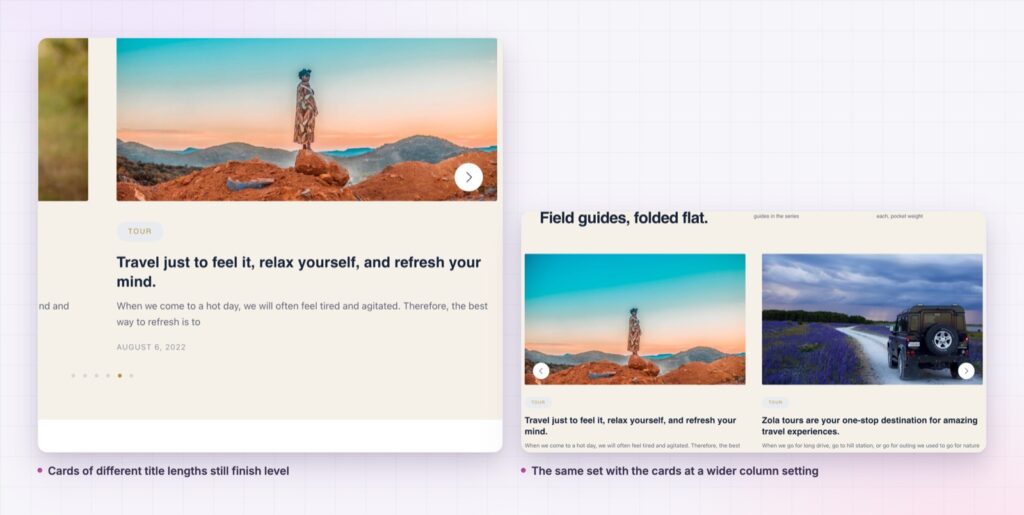
Equal height is not a cosmetic preference. A row of cards is a pattern, and the eye checks the pattern before it reads the content. One card out of line reads as a fault in the page, which costs more attention than the extra line of title was worth.
Solving it in the layout rather than by truncating titles means nobody has to write to a character count. Editors publish what the post is called, and the row absorbs it.
The fastest way to make a page look unfinished is a row of cards with a ragged bottom edge. The second fastest is cropping the titles to fix it.
Each slide is a permalink to a real post, so the row contributes internal links rather than decorative images, and the shared slider settings mean a second instance elsewhere on the site behaves identically.
The padding default is a small piece of care worth explaining. It is set to the same value as the utility class already present in the card markup, which means an existing page renders exactly as it did before the control existed. Elementor serves a page’s CSS from a cache that only rebuilds when the page is saved, so a default that did not match would leave older pages looking unpadded until somebody opened and re-saved every one of them.
The video settings group covers mixed archives. A play marker on the thumbnail tells a reader at a glance which entries are films, which matters on a row where every card otherwise looks identical by design.

The card is post shaped rather than blog shaped, so a properties type renders with the photograph, the location taxonomy as the label and a short description. A course type renders the same way with the level as the label.
It also works well as a related-content strip in a theme template, with the query pulling the same category as the current post. That is one widget doing what a related-posts plugin usually does, with a card that already matches the site.
The two content layouts earn their place as the column count changes. One keeps the card compact enough for three or four across, the other opens it up for two, and because a sapling carousel keeps every card the same height either way, switching between them is a design decision rather than a layout risk. Look at both at your real column count and with your real titles, not with placeholder text, because the whole point of the widget is how it handles the titles you actually publish.
A sapling carousel also suits a page where several rows sit above one another, such as a magazine style home page with a band per category. Because each row keeps its own level bottom edge, three stacked rows read as a grid of sections rather than as three separate attempts at the same thing.
Where the same set should be seen all at once rather than moved through, the grid siblings read from the same query builder. Alongside them, a showcase wall suits an image led set and a showcase flow suits a feature strip.
Yes. It is a widget in the free Sky Addons plugin, including the query builder, both content layouts and all the carousel settings.
No. Elementor and Sky Addons are enough. It reads whatever post types your site already registers.
It loads one image per visible card and uses the slider library shared across the plugin. Image size is the thing to watch, not the widget.
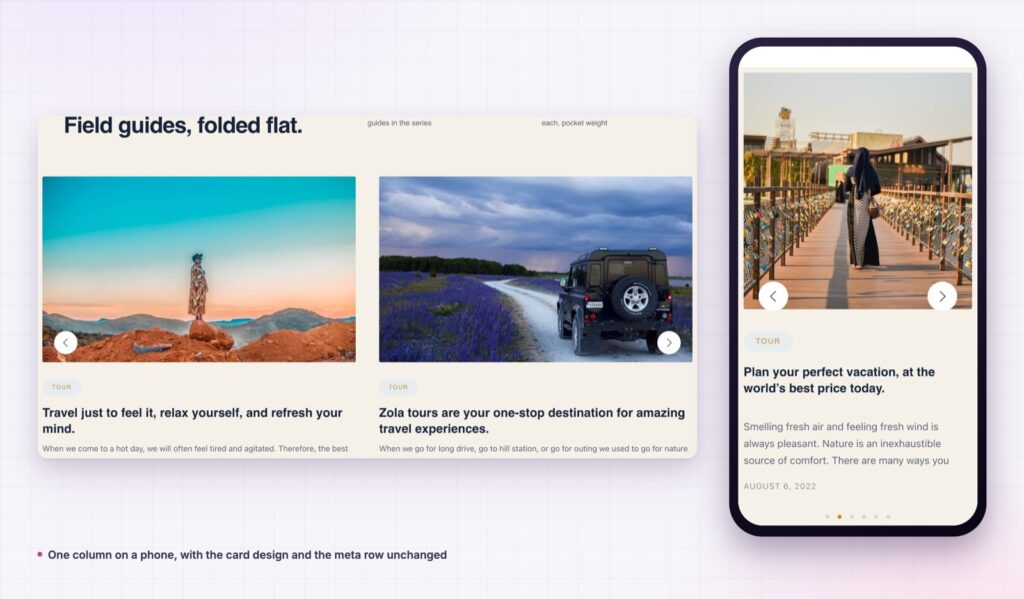
Yes. Columns, spacing and alignment are per breakpoint, and one column with a slightly taller image is the usual phone setting.
Yes. The card fills its slide rather than sizing to its content, which is what keeps the bottom edge even when one title runs longer than the rest.
The sapling carousel is a query driven post row whose cards fill their slides, so the bottom edge stays level however long the titles run. Two content layouts, per breakpoint columns, optional author and excerpt, and it is free.
See it running on the Sapling Carousel demo, then read the control reference in the Sapling Carousel documentation. It is part of the free plugin: see what else is included on the free versus Pro page, and the plans on pricing.


Comments are closed.