
Elementor Modal Popup: Answer the Question Without Losing the Page
Build an Elementor modal popup that opens on a click, a delay, a scroll or exit intent, holds any layout you can design, and shows once per visitor.
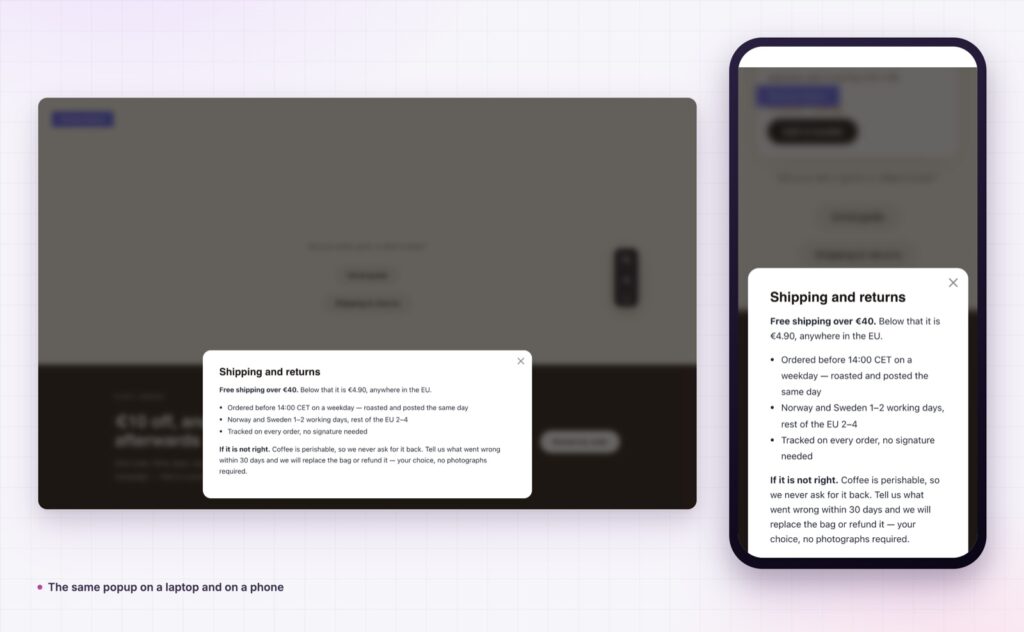
Somebody reading your product page wants to know the delivery cost. The answer lives on another page. They click, they read, they never come back, and the basket they half filled is gone.
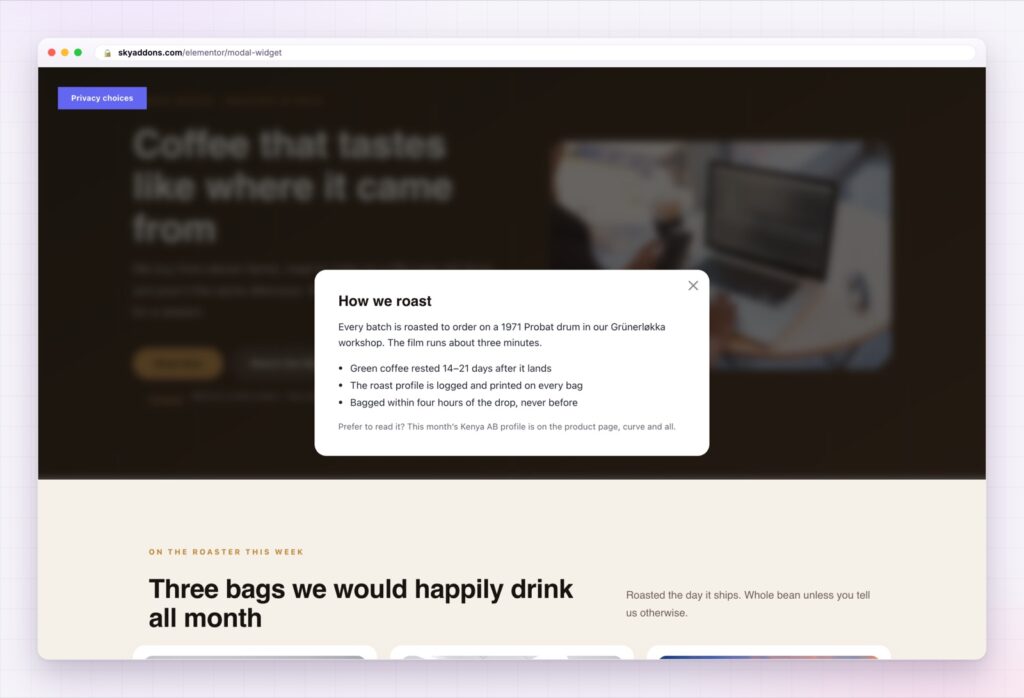
That is what a modal is for. It answers the question in front of the page rather than instead of it, and when the reader closes it they are exactly where they were, still halfway through buying.
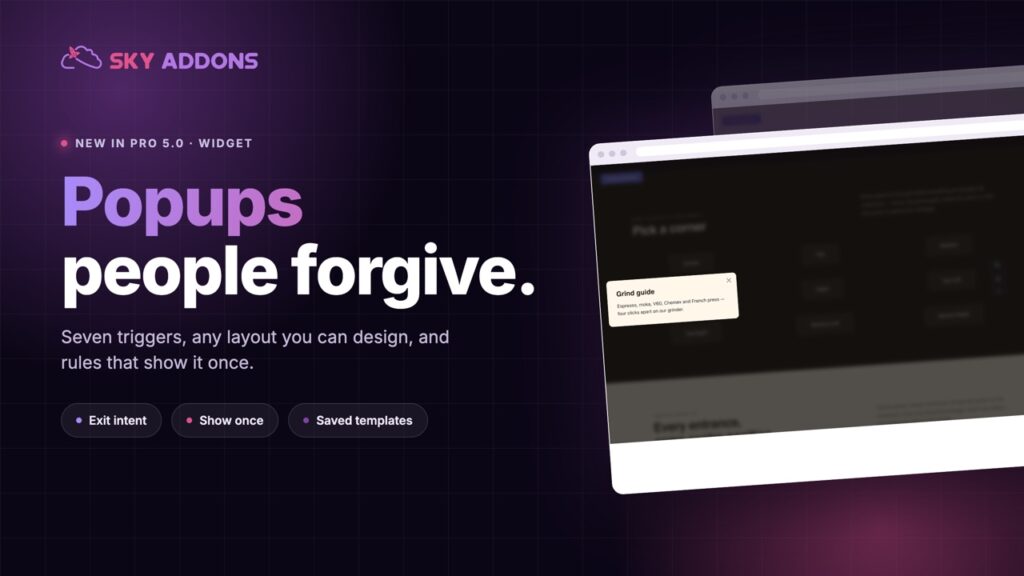
The Elementor modal popup in Sky Addons Pro 5.0 covers both jobs a popup has to do: the helpful one, where a click opens detail without a page load, and the commercial one, where an offer appears at the right moment and then leaves people alone.
| Another page | A modal |
|---|---|
| A page load, and a way to get lost | Content over the page, and the page is still there |
| The basket or form gets abandoned | Nothing is interrupted |
| Two pages to maintain | One place, opened from anywhere |
| Nothing controls when it appears | Timing, scroll depth and exit intent are settings |
| Shows to everyone, every time | Shows once per visitor, for as long as you choose |
Seven ways to open it. Button click, page load, after a delay, at a scroll distance, on exit intent, from any CSS selector on the page, or from a hash in the URL. That last one matters more than it sounds: link to yourpage/#offer from an email and the popup opens itself.
Any content, including a saved template. Write the content in the widget, point it at a saved Elementor template, or load HTML from a URL. A template means your designer builds the popup once and every page reuses it.
Rules that keep it welcome. Show once per visitor with a cookie that lasts as many days as you choose, start from the second or third visit rather than the first, schedule it between two dates for a sale, and suppress it on any URL you list. A popup that respects those rules is one people forgive.
Nine positions and a dozen entrances. Centre, edges and corners, with fade, zoom, slide, bounce, flip, rotate, flow and unfold. Corner and slide-in popups feel like a notification; centred popups feel like a decision.
Behaviour that is not hostile. Close on overlay click and close with the escape key are both on by default. Auto close after a set time, redirect on close, and a draggable panel are there when you want them.
A sticky reopen button. Someone closes the offer, then changes their mind. A small reopen button means they do not have to reload the page to find it again.
If your popup appears one second after arrival, on every page, to every visitor, it is not a conversion tool. It is a bounce rate.
The same offer performs completely differently depending on when it appears. Two seconds after arrival, it interrupts someone who has not yet decided whether to stay. After a four hundred pixel scroll, it reaches someone who is reading. On exit intent, it reaches someone who has already decided to leave, so there is nothing left to interrupt.
The cookie rules matter just as much. A returning customer who has already seen the offer twice does not need it a third time, and the fastest way to make a popup annoying is to show it again to somebody who closed it yesterday.
If you want the mechanics behind a modal people do not fight, the MDN guide to the dialog element covers focus handling and the Escape key, which is most of what separates a considerate popup from an annoying one.
No. The widget covers triggers, timing, rules and styling on its own.
Yes. A modal can hold anything you can build, including a saved template with a form or a video player in it.
Yes, using the hash trigger. Send people to a page with #yourpopup on the end and it opens on arrival.
That depends on how you set it. Used on click, or on exit with a cookie, a modal is helpful. Used on load, on every page, it is the pattern search engines and visitors both dislike.
Yes. Set a start and end date and it takes care of itself.
A modal keeps the reader where they are while answering the question that would have taken them somewhere else. The Elementor modal popup gives you seven triggers, any content you can design, and the rules that decide who sees it and how often. Used well it recovers sales. Used badly it is the reason people hate popups, and the settings that prevent that are all here.
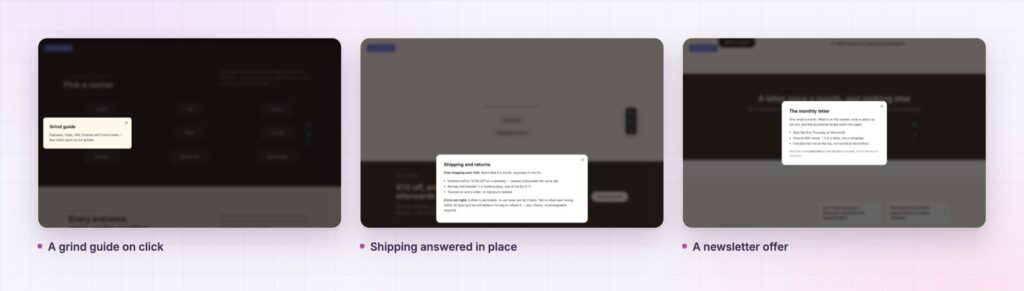
The Modal demo opens every position and every entrance, plus real examples: a grind guide, a shipping answer, a subscription offer and a newsletter panel. Click through a few and you will know which pattern suits your page. Every setting is listed in the Modal documentation.
If the popup is there to capture leads, the Elementor calculator widget makes a strong thing to put inside one, because a quote is worth giving an email address for. Everything else in the release is in Sky Addons 4.0 and Pro 5.0.
The modal is a Pro widget, included in every Sky Addons Pro plan, and the free versus Pro page shows what the free plugin covers.

Comments are closed.