
Elementor 404 Page: Turn a Dead End Into a Second Chance
Design a 404 page in Elementor instead of editing 404.php, keep the real HTTP status code, and give lost visitors somewhere useful to go next.
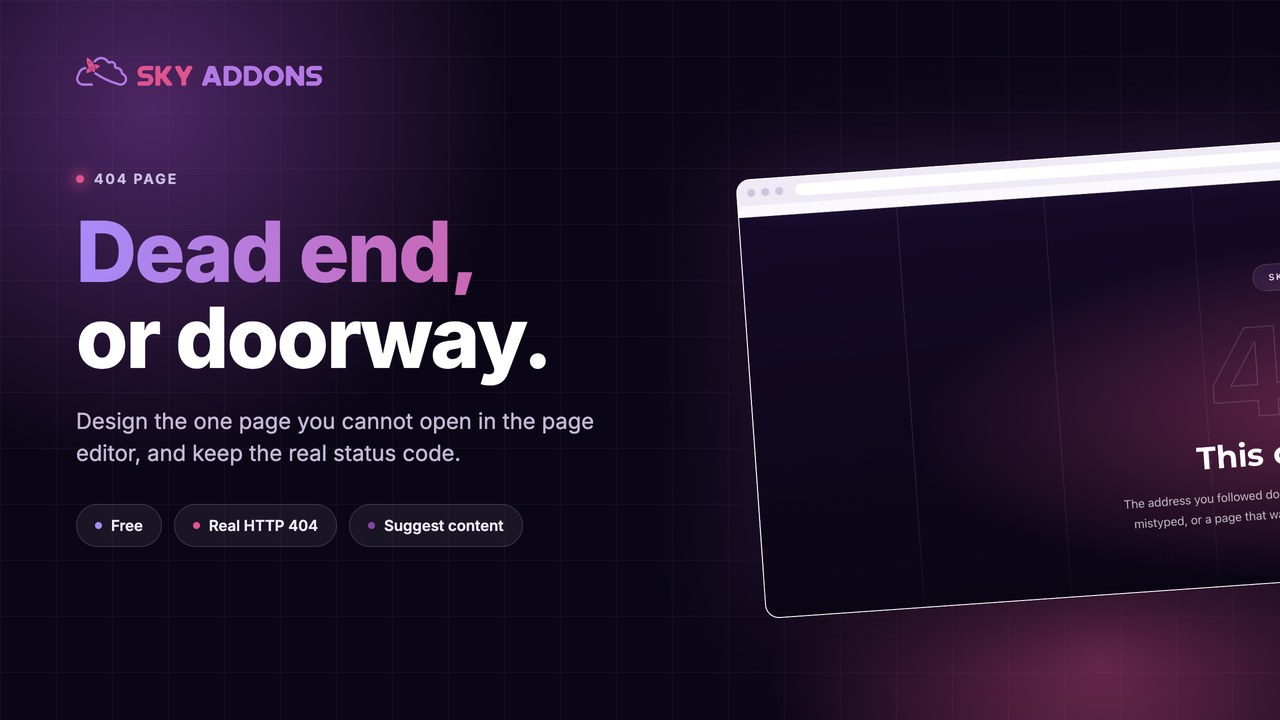
Every site has a 404 page. Almost nobody has looked at theirs.
It is the one page you cannot open in the page editor, because it has no post ID and no URL of its own. So it stays exactly as the theme shipped it: grey text saying nothing was found, a search box, and no way back into anything useful.
Meanwhile people land there constantly. A renamed post. A link in an old email. A typo in something someone printed two years ago. An external site linking to a URL you changed. Each of those is a visitor who wanted something specific from you and hit a wall.
A 404 template fixes that without touching a single theme file.
Theme 404.php | 404 page template | |
|---|---|---|
| Editing it | PHP in a child theme | Elementor canvas |
| Brand match | Whatever the theme does | Your design |
| Suggested content | Rarely | Any widget, including post lists |
| Survives a theme switch | No | Yes |
| Needs a developer | Usually | No |
| Correct HTTP status | Yes | Yes, preserved |
A custom 404 page is not decoration. It is the difference between a visitor leaving and a visitor finding the thing they were actually looking for.
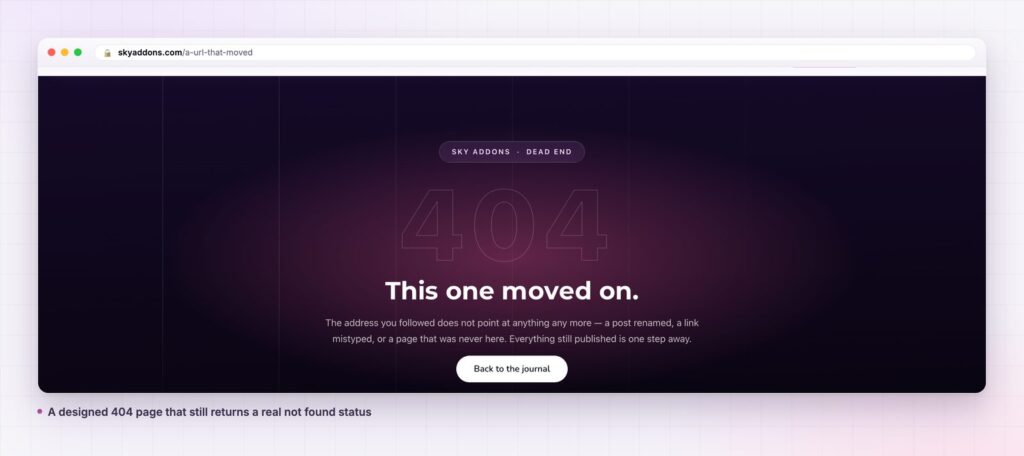
It keeps the real status code. This is the part cheap solutions get wrong. Some approaches redirect to a pretty page that returns HTTP 200, which tells search engines the missing URL is fine and leaves it indexed forever. Google calls that a soft 404, and it is worse than the ugly default. A 404 template replaces what renders, not what the server reports, so the response stays a genuine 404 status.
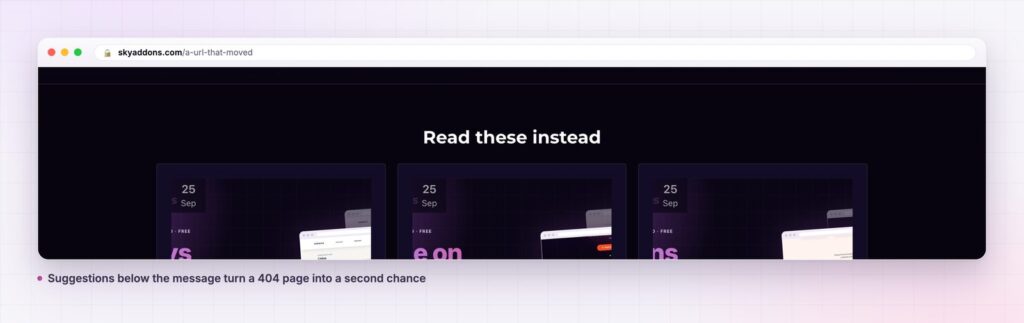
You can put real content on it. The most useful thing on a not found page is a way forward: recent posts, popular articles, the top level sections of the site. Because it is an Elementor document, a post list or a grid widget works there exactly as it does anywhere else. The 404 page on this site ends with a row of recent articles under a heading that says read these instead, which turns a dead end into a choice.
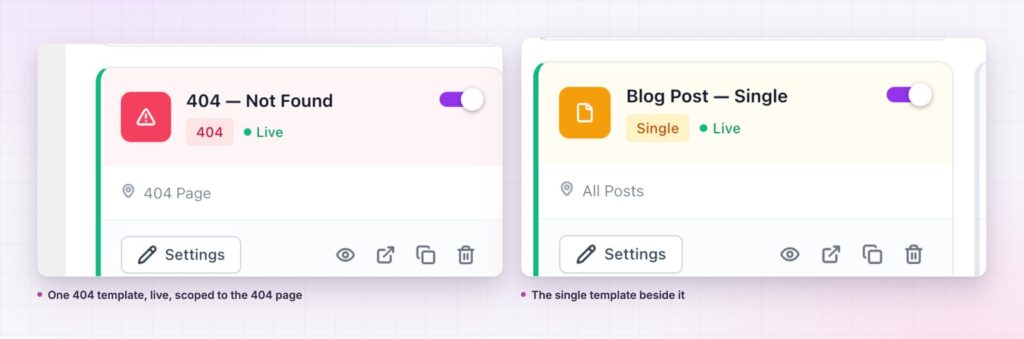
One condition, no thinking. The template type is 404 and the condition targets the not found page. There is nothing to configure beyond switching it on.
It survives the theme. Change themes and the template comes with you, because it was never in the theme.
Keep it to four things, in this order.
Say what happened, in a human sentence. Not “Error 404: Page Not Found”. Something that acknowledges the visitor did nothing wrong, because they did not.
Give one obvious way back. A single button to the place most visitors want: the blog, the shop, the home page. One, not six.
Then offer specifics. Recent or popular posts, or the main sections. This is where the page earns its keep, because a general apology helps nobody but a relevant link rescues the visit.
Keep the search box, small. It is useful for the minority who know exactly what they want, and useless as the primary option, which is how most themes use it.
What to leave off: jokes that age badly, large illustrations that push the useful links below the fold, and anything that implies the visitor made a mistake.
A 404 page that offers relevant content converts a portion of lost visits instead of losing all of them. Even a modest recovery rate matters, because this is traffic you already paid for in some way: someone linked to you, or wrote about you, or remembered you well enough to type the address.
There is a maintenance benefit too. A branded not found page makes broken links visible to you rather than quietly embarrassing. When your 404 page looks like part of the site, people report reaching it.
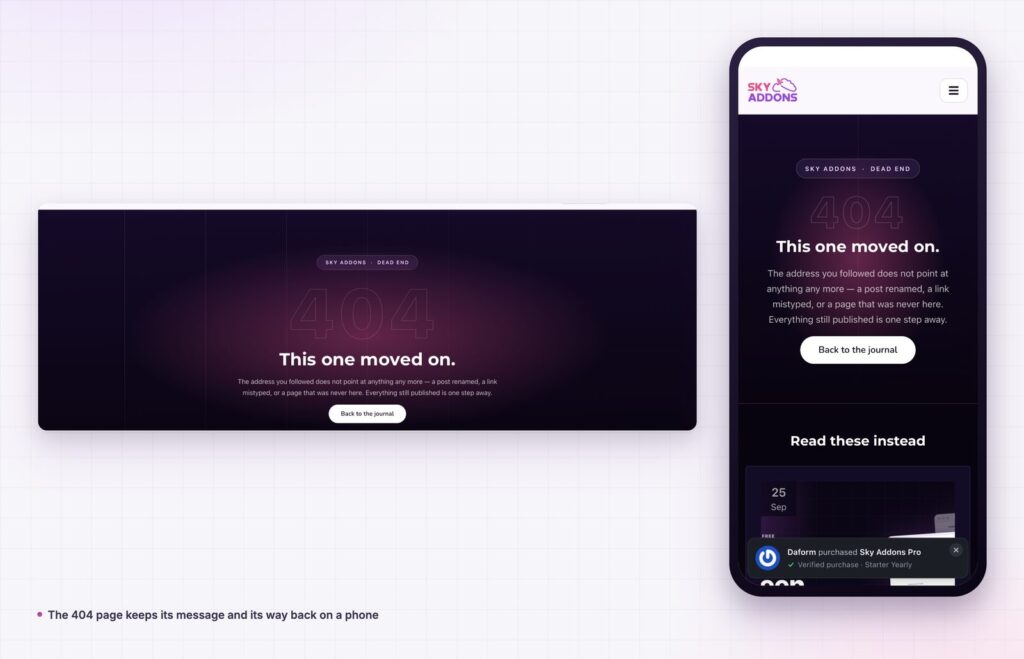
Designing the page is half the work. The other half is knowing what sends people there, because the right suggestions depend on what people were looking for.
Two sources tell you almost everything. Google Search Console reports the URLs it crawled and got a not found response for, which covers everything the wider web still links to. Your own analytics, filtered to the not found template, covers real visitors and tells you which misses actually cost you something. The two lists rarely match: crawlers chase ancient URLs nobody clicks, while real people hit a handful of addresses over and over.
Patterns show up fast. If most misses share a path prefix, an old section moved and the fix is a redirect rule, not a nicer dead end. If they are scattered single URLs from years ago, that is background noise and the template is the whole answer. If a single address dominates, something current is broken: a link in your own navigation, a button on a landing page, or an address printed somewhere you cannot edit.
That last case is the one worth acting on immediately, and it is also the argument for looking at the page at all. A site can lose a meaningful share of a campaign because one URL in one email was wrong, and without a branded page nobody notices, because everyone who hits it assumes the site is broken and leaves without telling you.
Once you know your common misses, the suggestions on the page stop being generic. Put the section people were actually trying to reach in front of them, and the recovery rate stops being theoretical.
Yes. It is one of the six template types in the free Sky Addons theme builder. The free versus Pro page sets out what Pro adds elsewhere.
No, free Elementor is enough.
No, provided the status stays 404, which it does. The template changes what renders, not what the server returns.
The 404 template has display conditions like any other template, including user roles, so a logged in member can see a different not found page from a logged out visitor.
For URLs you deliberately changed, yes, a redirect is better. A 404 page is for everything else, which is most of it.
A 404 page is the only page on your site you cannot design in the page editor, which is why it is the one that never gets designed. A 404 template moves it into Elementor, keeps the correct HTTP status so search engines still understand the URL is gone, and lets you put real suggestions in front of someone who was looking for something specific.
It takes twenty minutes and it is the cheapest recovery of otherwise lost traffic available to you.
The 404 page documentation has the full detail. For the rest of the template types read Elementor Theme Builder, and for the navigation that stays on the page see Elementor Header Builder and Elementor Footer Builder. Licences are on the pricing page.

Comments are closed.