
Confetti Effects: Give an Elementor Page a Moment Worth Celebrating
Confetti Effects fires six kinds of celebration on an Elementor page, on load, on view, on click or after a form sends. Five triggers, no code needed.
Scroll down almost any long marketing page and the images move exactly as fast as the text beside them. That is correct behaviour and it is also completely flat. Nothing on the page suggests one thing sits in front of another, so a 4,000 pixel page reads as one sheet of paper.
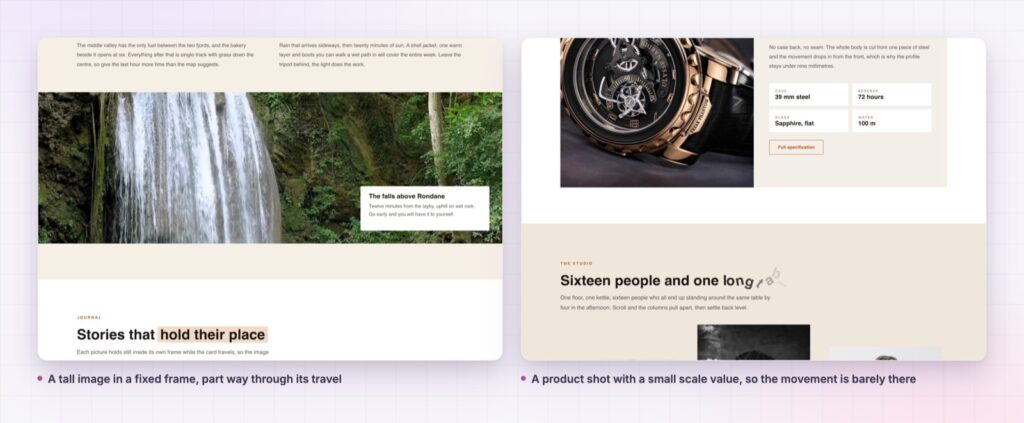
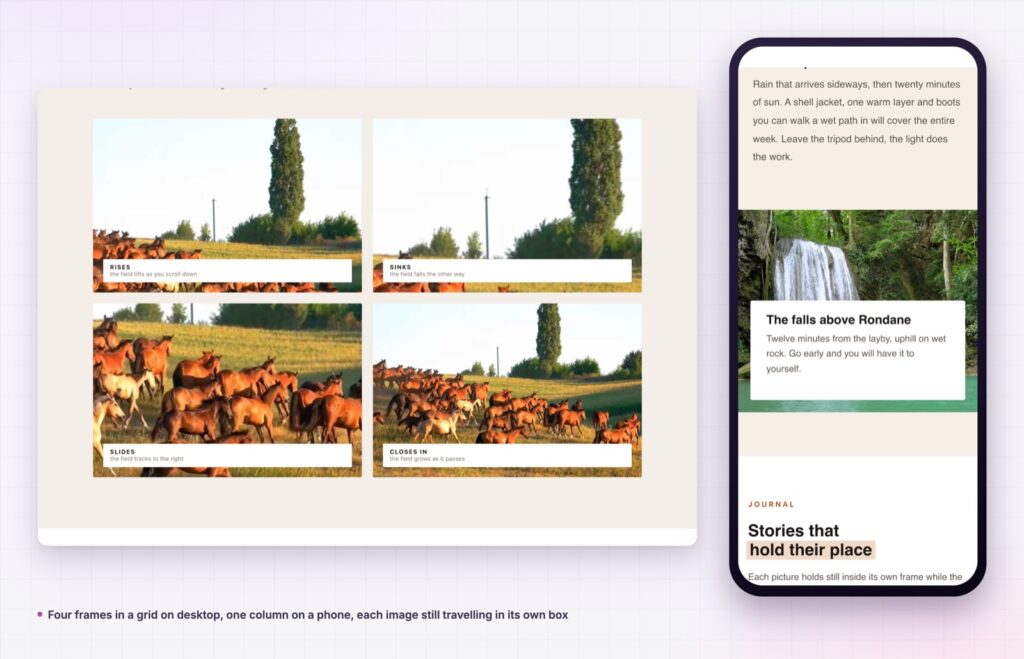
Simple parallax fixes that at the smallest possible scale. It takes the image or video already inside an Elementor widget and moves it at a different rate to the scroll, inside its own frame. The frame stays where you put it. The picture drifts within it. That tiny difference is what the eye reads as depth.
It is an extension in the free Sky Addons plugin, added to the Advanced tab of every widget, so there is no special parallax widget to learn and nothing to rebuild.
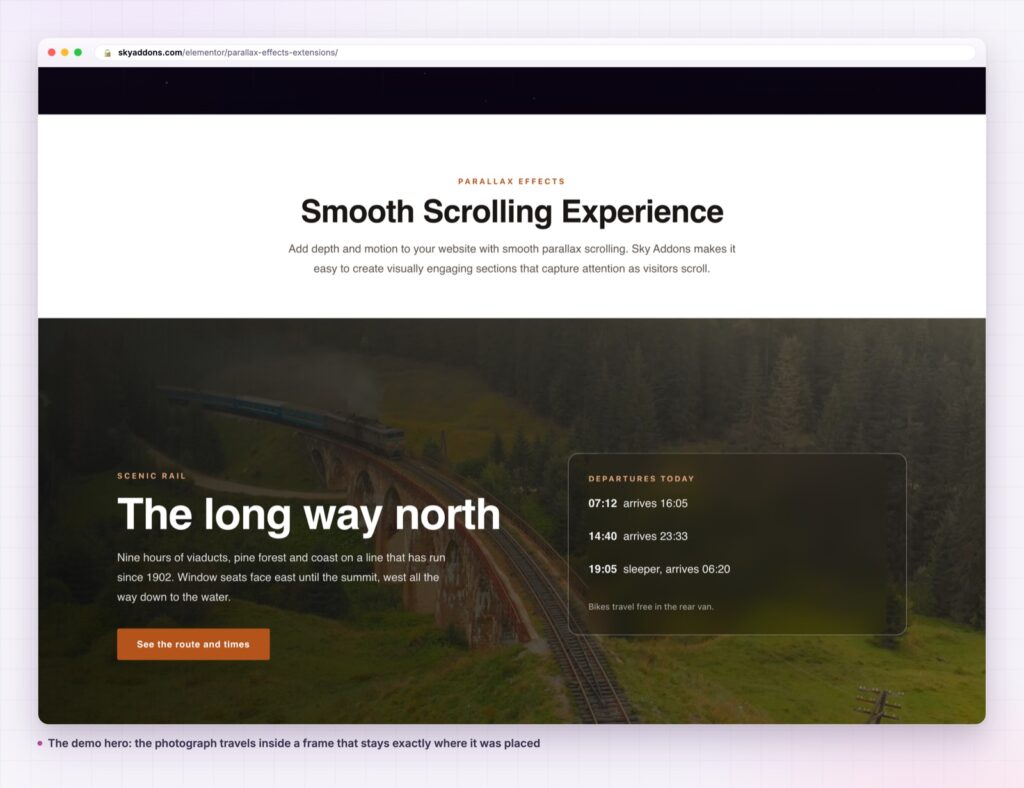
<video> as well as <img>, so a muted clip can drift inside a rounded frame.The rule of thumb: simple parallax suits anything a reader scrolls past on the way to something else. On a hero that is visible before any scroll happens, there is no scroll to drive it.
| Full-section background parallax | JavaScript scroll library | Simple parallax | |
|---|---|---|---|
| What moves | The whole section background | Whatever you write a rule for | The image or video in one widget |
| Setup | Section background settings | Custom code | One toggle in the Advanced tab |
| Works on a video | Rarely | With work | Yes, switch the media type |
| Respects reduced motion | Depends | Depends | Built into the library |
| Risk to layout | Section height shifts | High | Contained to the widget frame |
Section-level parallax is the familiar version, and it is a blunt instrument: the whole band moves, the copy inside it can drift out of alignment, and you get one effect per section. Simple parallax is per widget, so a single row can hold three images drifting in three directions.
Eight directions, not one. Orientation covers up, down, left and right plus the four diagonals. A column of images all drifting up looks mechanical. Alternating up-left and up-right down the page does not.
Scale stops the empty edges. The slider runs 1 to 3 and defaults to 1.4. Because the image travels inside its frame, it has to start slightly larger than the frame or you would see a gap at one edge. Scale is that safety margin, and lowering it is what makes the movement more obvious.
Delay adds inertia after the scroll stops. It runs 0 to 5 seconds in tenths. At 0 the image is locked to the scroll position. Raise it and the picture keeps gliding for a moment after the wheel stops, which is the difference between a mechanical effect and a soft one.
Transition shapes that inertia. A set of easing presets drives the delay, with a custom field for a raw easing string when a brand motion spec calls for one. It only applies when Delay is above zero.
Max Transition caps the travel. Set it as a percentage of the viewport, 0 to 99, and the image stops moving past that point. It is the control that keeps a tall image from wandering too far on a very long page.
Overflow lets the media escape its box. Off, the image is clipped to a wrapper. On, it can translate outside the frame, which suits a deliberately overlapping collage.
The extension initialises one instance per media element inside the widget and hands the work to simpleParallax.js, version 7.0.0, which does the transform maths on a single property. Nothing is re-laid out, so the browser is not recalculating your page geometry on every scroll frame.
Resize handling belongs to the library and is already debounced, which is why there is no separate resize control to set and nothing to re-tune when a visitor rotates a tablet.
A parallax that moves the whole section shouts. A parallax that moves one photograph inside its own frame is the one people describe as “feeling expensive” without being able to say why.
The library also watches prefers-reduced-motion and shuts the effect down for visitors who have asked their system for less animation, then brings it back if they change the setting. That is handled inside the library rather than being something you remember to build.
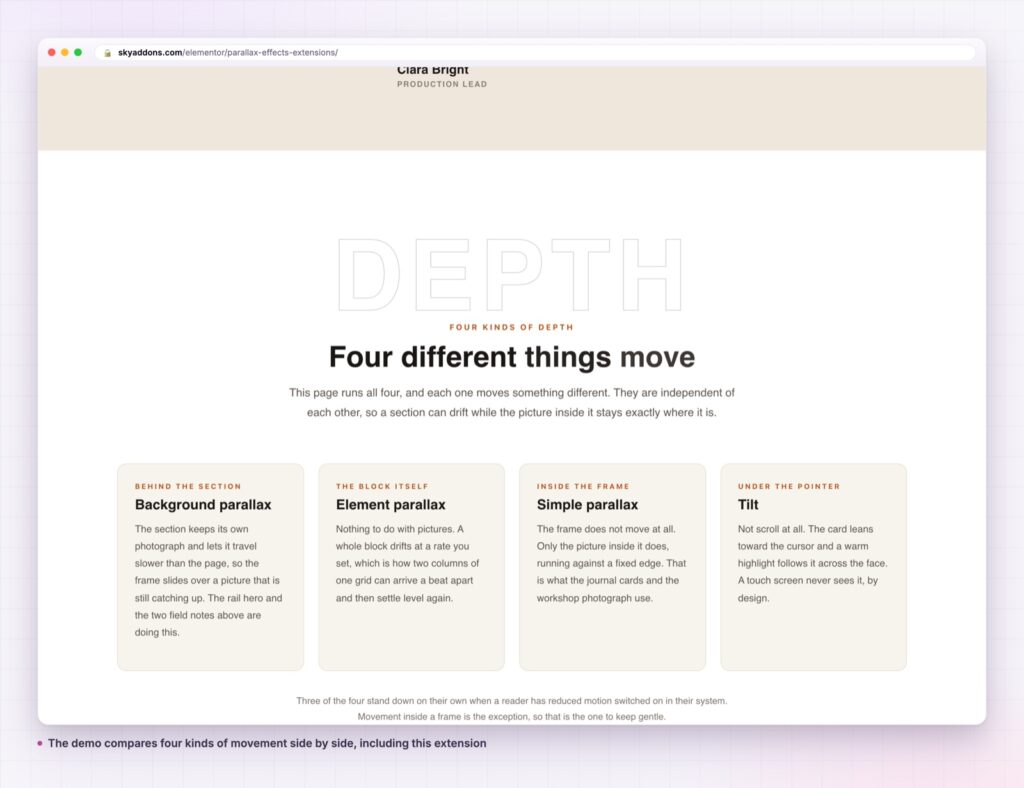
Because the panel lives on every widget, the extension reaches further than an image block. A card widget with a picture at the top can carry it so the picture drifts inside the card while the card itself stays still. A team member widget can take it at a low scale, where the movement is subtle enough to read as a camera breath rather than an effect.
Two selector fields cover the harder layouts. Custom Container points the extension at a scrollable ancestor other than the window, for a panel that scrolls inside itself. Custom Wrapper names an existing ancestor to clip against, so you can reuse a frame you already built instead of letting the extension inject one.
It also sits well beside effects that work on a different axis. A scroll stack handles the cards as a group while simple parallax handles the picture inside each card, and a horizontal scroll section can hold images that still drift vertically as the band moves sideways.
Yes. It is part of the free Sky Addons plugin, listed under extensions rather than widgets, and every control described here is in the free version.
No. Elementor and Sky Addons are enough. The parallax library ships with the plugin and is enqueued only for widgets where the toggle is on.
It adds one small script for the widgets that use it, and the animation runs on a transform rather than a layout property, which is the cheap way to move something in a browser. A page with no parallax widgets never loads the library at all.
Yes, and it is worth being selective there. A phone screen shows less of the scroll at once, so the travel is less visible while the work is the same. Many pages look better with the effect kept for the widest breakpoint.
No. The extension targets real <img> and <video> elements inside a widget. A CSS background is not an element, so for a full-section wash use the section’s own background parallax instead.
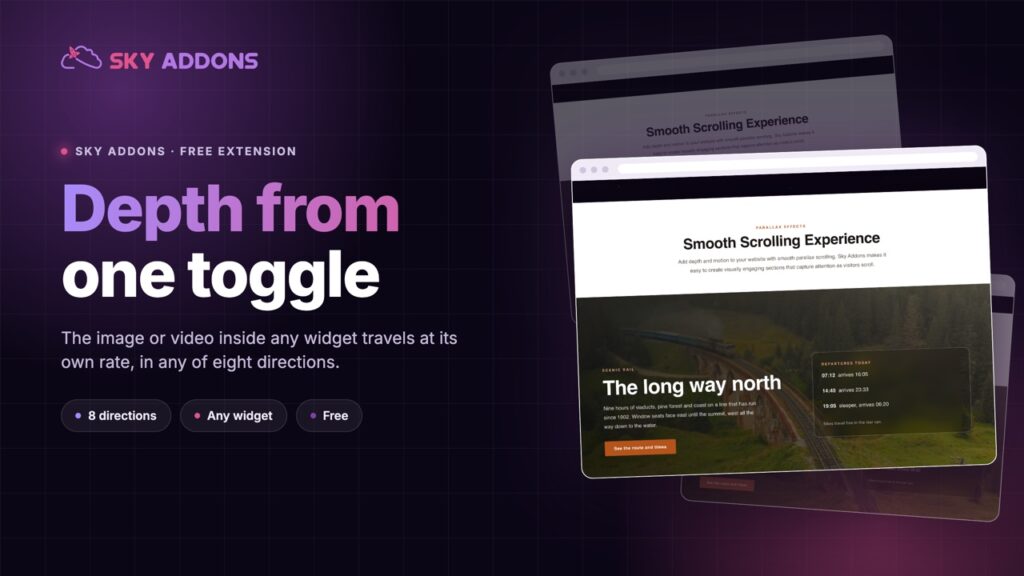
Simple parallax moves the image or video inside a single Elementor widget at its own rate as the page scrolls, in any of eight directions, with optional inertia and a cap on how far it travels. It is one toggle in the Advanced tab of a widget you already built, and it is free.
See it running on the Parallax Effects demo, then read the control reference in the Simple Parallax documentation. It is part of the free plugin: see what else is included on the free versus Pro page, and the full plans on pricing.


Comments are closed.