
Rounded Cursor for Elementor: A Cursor That Says What the Click Will Do
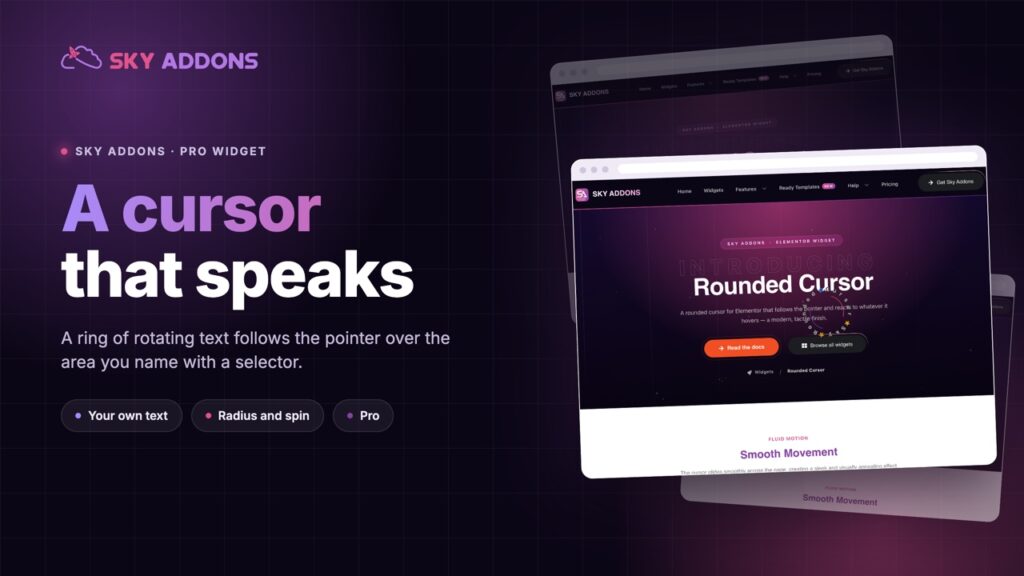
A rounded cursor follows the pointer with rotating text, so a gallery or hero says what the click does. Two controls set the radius and the spin.
A visitor hovers a full width gallery. Nothing about the page tells them the images are clickable, or what clicking will do. The standard pointer is a system icon that says nothing about your site, and a caption under the image is read after the decision, not before it.
Studio and agency sites solved this years ago with a custom cursor. A circle follows the pointer over a defined area, with a word rotating around it: View, Drag, Explore, Play. It is the thing people notice and cannot name when they say a site feels expensive.
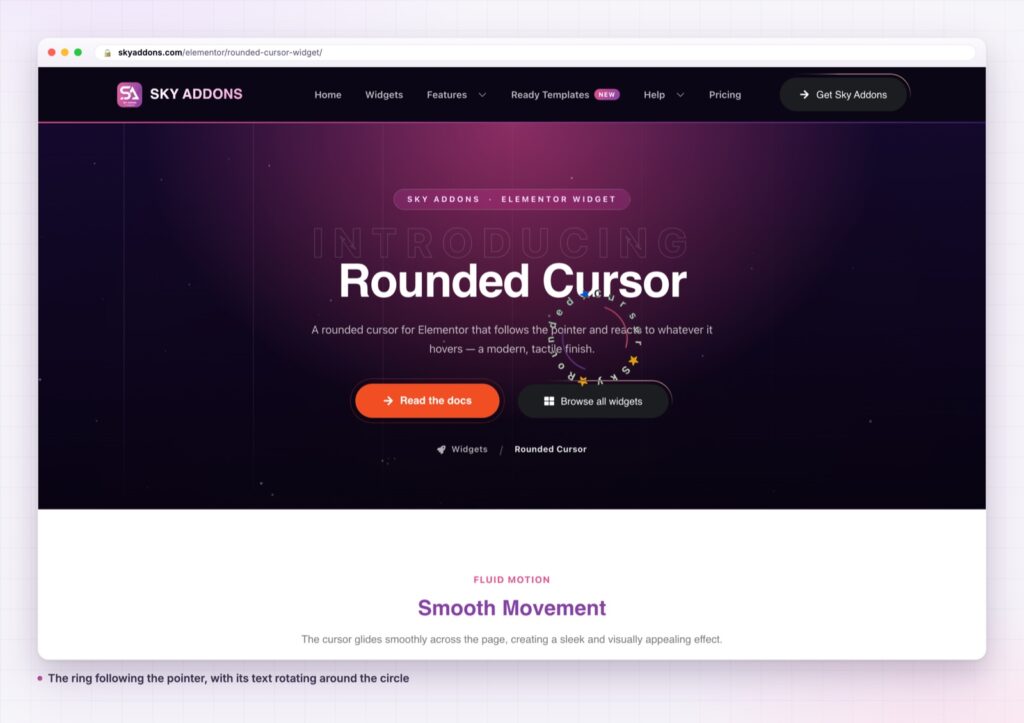
Rounded cursor is a Sky Addons Pro widget that adds one, over the area you choose, with the text you write.
| Approach | What you get |
|---|---|
| The system pointer | Says nothing about the site or the action |
| A CSS cursor image | A static picture. No text, no motion, no state |
| A hover caption or overlay | Read after the decision, and it covers the image |
| A custom cursor script | A library, a script block and a touch device bug to fix |
| Rounded cursor widget | A defined target area, your own text, and two controls for size and spin |
It applies to the area you name. A target selector control decides where the cursor activates. Give it a class and the ring appears over that gallery only. Give it several selectors and it covers each. Leave it broad and it covers the page. Descendant selectors work, so a specific button inside a specific hero is a valid target.
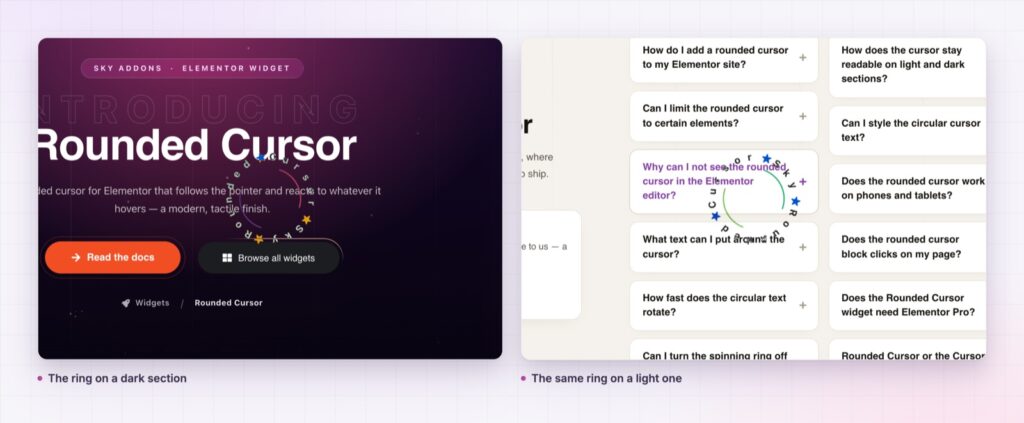
Your own text, rotating. The text field takes rich text, and the characters are split and arranged around the circle so they rotate as a ring. This is the part that carries the meaning: Drag on a slider and View on a gallery tell the visitor two different things with the same component.
Two controls that decide the feel. Radius sets the size of the ring, defaulting to 80. Rotate speed sets how fast the text turns, defaulting to 5. Larger and slower reads as considered, smaller and faster as energetic, and the whole character of the effect comes from those two numbers.
It refuses to run where it should not. The handler bails on touch devices, where there is no pointer to follow, and it respects the reduced motion preference, so visitors who have asked their system for less movement do not get a spinning ring. The cursor also stays invisible until the pointer first moves, so there is no flash in the corner on load.
A bad selector cannot break the page. If the target selector is not valid, it falls back to the document rather than throwing. In the editor the widget shows a placeholder instead of running, so the canvas stays usable.
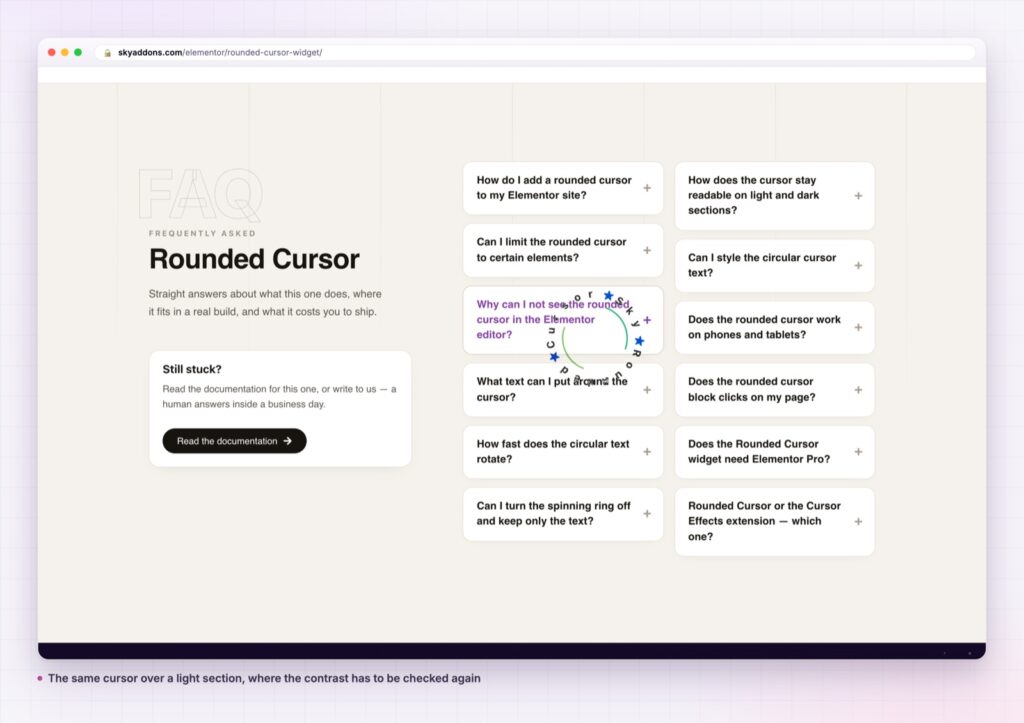
The cursor is the one element that is always exactly where the visitor is looking, because they are steering it. Putting a single word there is the shortest possible route from intention to information, and it arrives before the click rather than after.
It also solves a specific problem that captions do not. On a full bleed gallery or a draggable slider there is often nowhere to put an instruction without covering the work. The cursor is instruction that occupies no layout at all, and it disappears the moment the pointer leaves the area.
The cursor is the only interface element the visitor is already paying attention to. Almost every site leaves it as the operating system shipped it.
against the viewport edge leaves half of it clipped. A little padding around a gallery is usually all it needs, and it is the difference between a ring that looks placed and one that looks cut off.
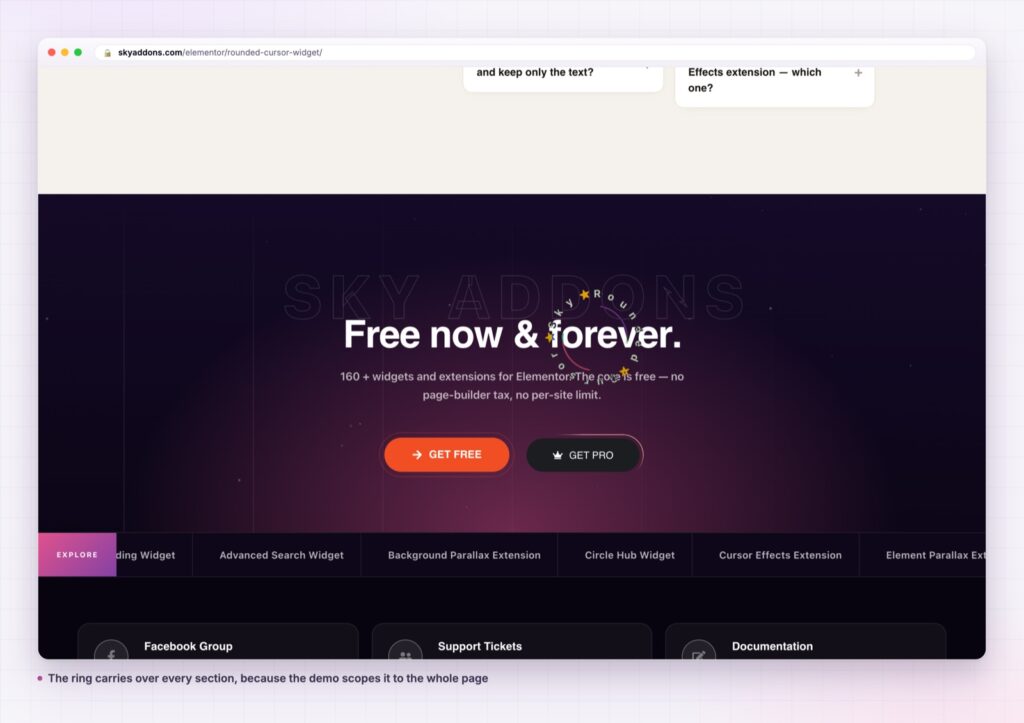
Because the target is a selector rather than a widget, the ring can cover anything on the page: a map, a video embed, a product shot, a case study tile, a section of a one page site. One widget can cover several areas at once by listing more than one selector.
The text is the variable that makes it reusable. The same widget is a View ring on a portfolio, a Play ring on a video section and a Book ring over a venue photograph. Nothing about the component changes except the word, which is what a good interface pattern should look like.
For the browser signal that stops it running for motion sensitive visitors, the MDN reference on prefers-reduced-motion explains what the preference means and why respecting it matters.
One more use is worth naming: a ring can mark an area as draggable that gives no other clue. Sliders without visible arrows, horizontal scroll sections and canvas areas all share the problem that nothing on screen says they move. A Drag ring is the cheapest possible fix, and it appears only for the visitors who have a pointer to drag with.
No. It is a Sky Addons Pro widget. The free versus Pro page has the comparison and pricing the plans.
No. Elementor, Sky Addons and a Pro licence. The text splitting and animation libraries ship with the plugin.
It loads two small libraries on pages where it is used and follows the pointer with a transform, which is the cheap way to animate. It does nothing at all on touch devices.
No, by design. There is no pointer on a touch screen, so the widget stands down rather than leaving a ring stuck in a corner. Keep a visible caption or button for those visitors.
Yes, and you should. The target selector limits it to the elements you name, so a gallery can have a ring while the article above it keeps the normal pointer.
Rounded cursor follows the pointer with a circular ring of rotating text over any area you name with a selector. Radius and rotate speed set its character, the text sets its meaning, and it stands down on touch devices and for visitors who have asked for reduced motion. It is a Pro widget.
Move the pointer over the rounded cursor demo, then read the rounded cursor documentation. For other pointer work see cursor effects, and for the galleries it usually sits over, reveal effects and custom clip path.

Comments are closed.