
Display Conditions for Elementor: One Page That Changes for Who Is Looking
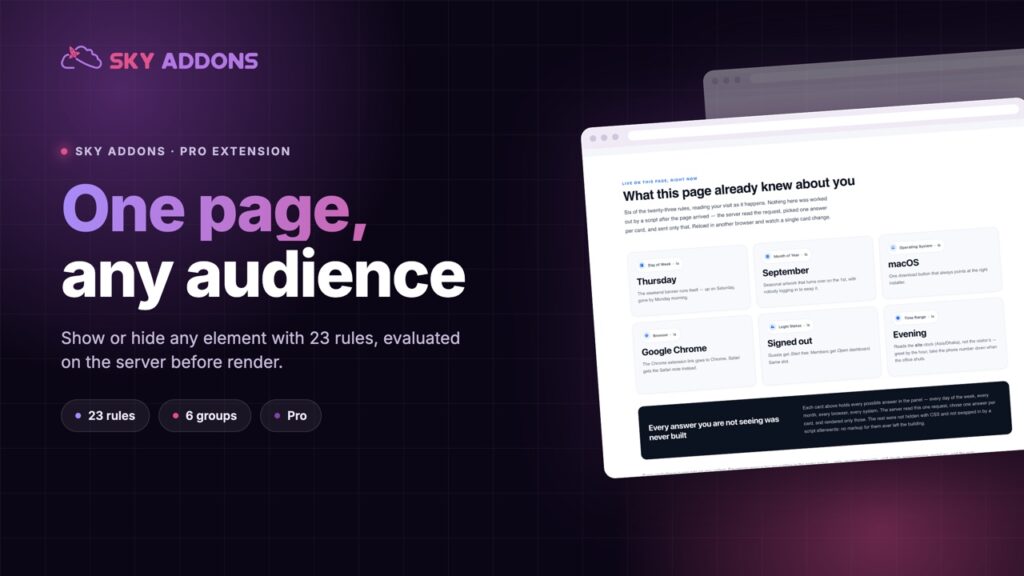
Display conditions show or hide any Elementor element using 23 rules covering login, role, date, device, URL, visit count, country and language.
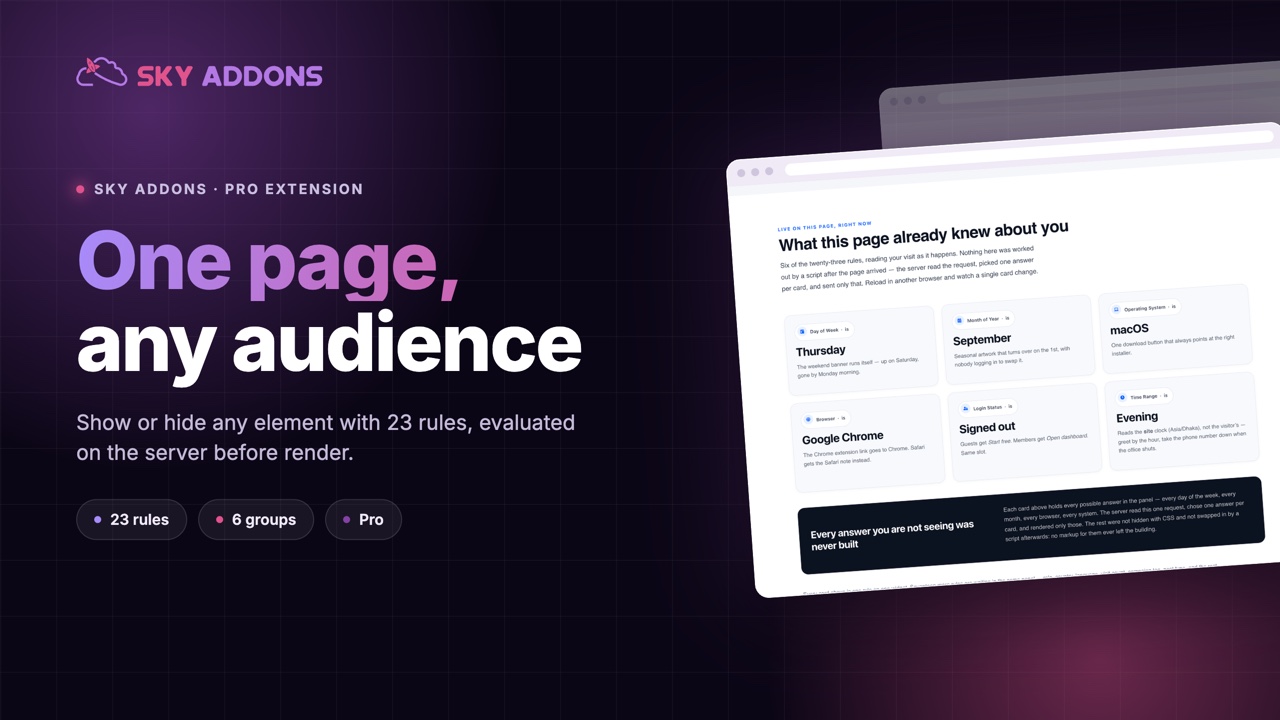
You need one banner for logged out visitors and another for members. A promotional strip that appears on Friday and disappears on Monday. A download button only for the people who have earned it. A different call to action for a returning visitor than for a first one.
The normal solution is to duplicate the page. Then to duplicate it again for the next variation, and to keep four nearly identical pages in step forever. Everyone who has done it knows how that ends: one copy gets updated and the others quietly drift.
Display conditions is a Sky Addons Pro extension that adds a rules panel to every element. The element is shown or hidden based on the conditions you set, on the server, before the page is sent. One page, many audiences.
| Approach | What it costs |
|---|---|
| Duplicating the page per audience | Every edit must be repeated. One copy always falls behind |
| A membership plugin’s shortcode | Content is hidden, but the layout around it still has to be built twice |
| Hiding with CSS | The content is still in the page source. It is not hidden, only invisible |
| A custom PHP template | A developer for every change, and a theme file to maintain |
| Display conditions | A rules panel on any element, evaluated on the server before render |
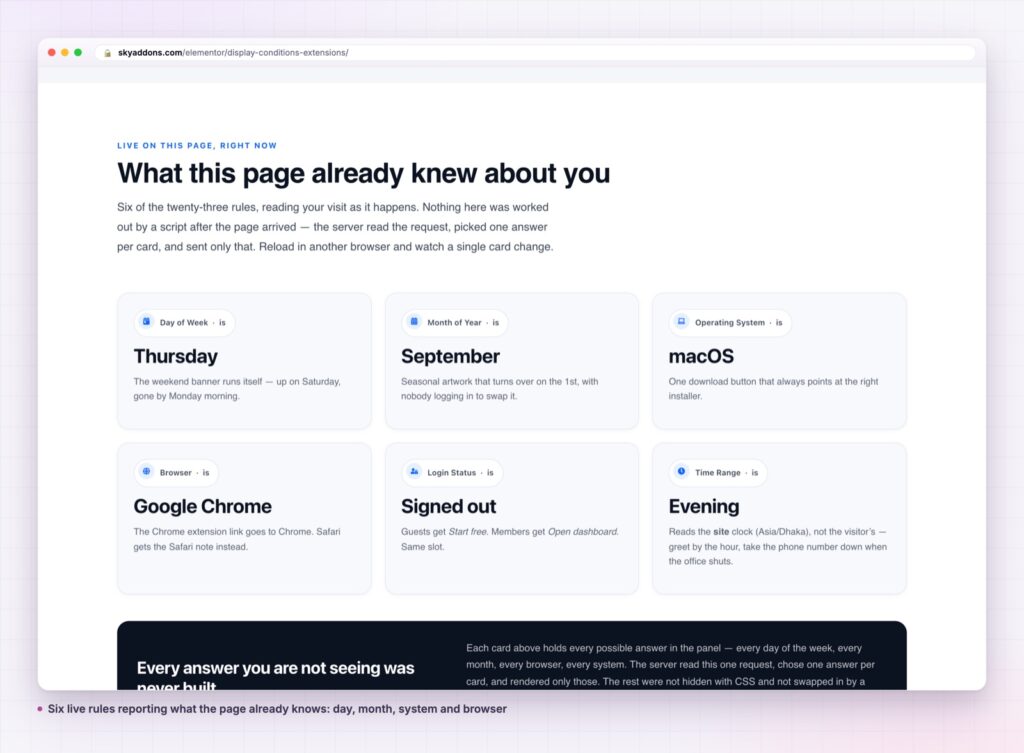
Twenty three conditions, covering the real cases. Authentication, specific user, role, post, post type and static page. Date, a time range, a before date and time, month, time and day of week. Operating system and browser. External URL, URL parameters, URL string and search engine referrer. Visit count and session count. Language, country, and a shortcode condition for anything the list does not cover.
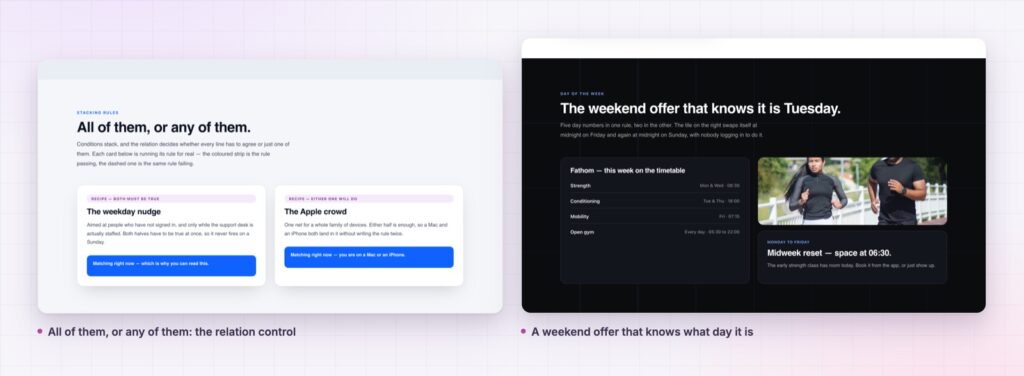
Stack them with all or any. Each element holds a repeater of conditions, plus a relation control. All means every rule must pass, which is how you target narrowly. Any means one is enough, which is how you cover several audiences with one block. Each row also has an is or is not operator, so every condition works in both directions.
Show or hide, decided once. One control sets whether a passing rule set reveals the element or removes it. Writing the rule for the audience you want, then flipping to hide, is usually clearer than inverting every row.
It happens on the server. The element is filtered before rendering, so a hidden element is not in the HTML at all. This is the real difference from a CSS approach, where the content is downloaded, present in view source, and merely not painted.
It knows about caching. Elements with conditions are marked as dynamic so Elementor’s element cache does not serve a stored copy that ignores the rules. This is the detail that breaks most home grown solutions.
The editor stays visible. In the editor every element renders regardless of its conditions, so you can still select and style a block that would be hidden on the front end.
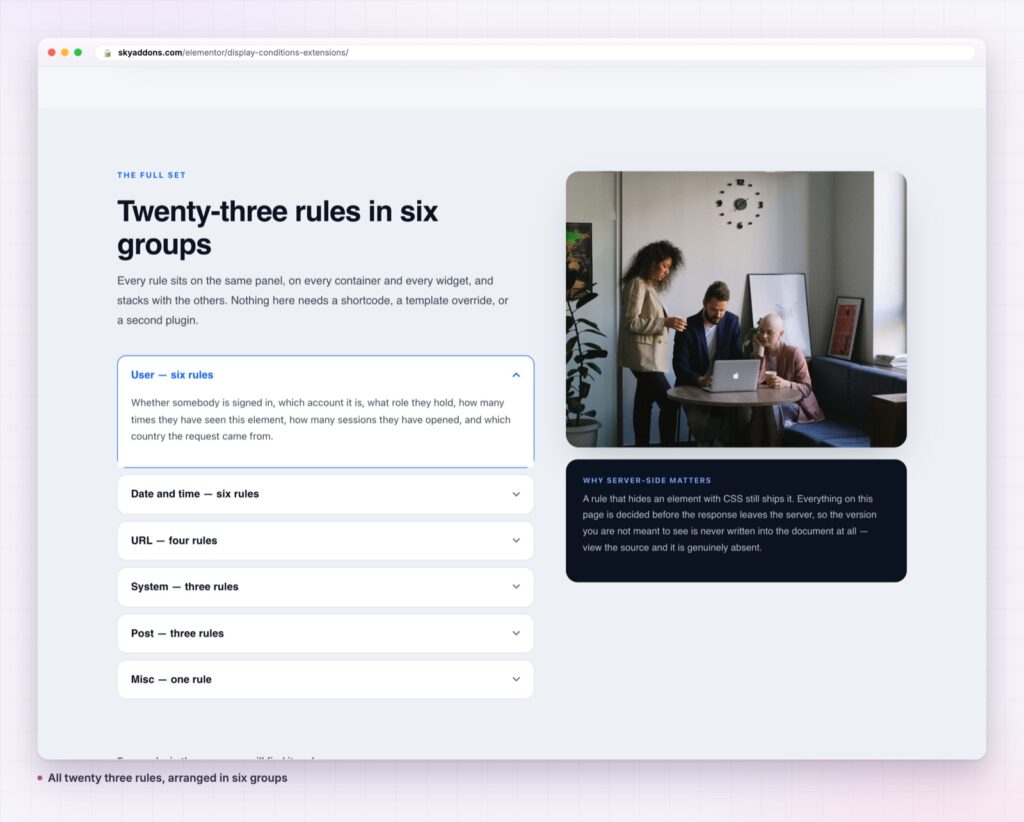
Filtering before render rather than after is what makes this a content tool instead of a styling trick. Hidden content that is still in the page source is not private, it is not smaller, and it still counts against what search engines read. Removing it server side means the visitor receives a page built for them.
The rules are also evaluated strictly. A condition that cannot answer is skipped rather than counted as a failure, which prevents a plugin being deactivated from silently hiding half a page. Combined with the cache bypass, a conditional element behaves the same on the first visit and the thousandth.
Personalisation on most sites means a slightly different page per audience and four copies to maintain. The version that survives contact with a real team is one page where a few blocks know who is looking.
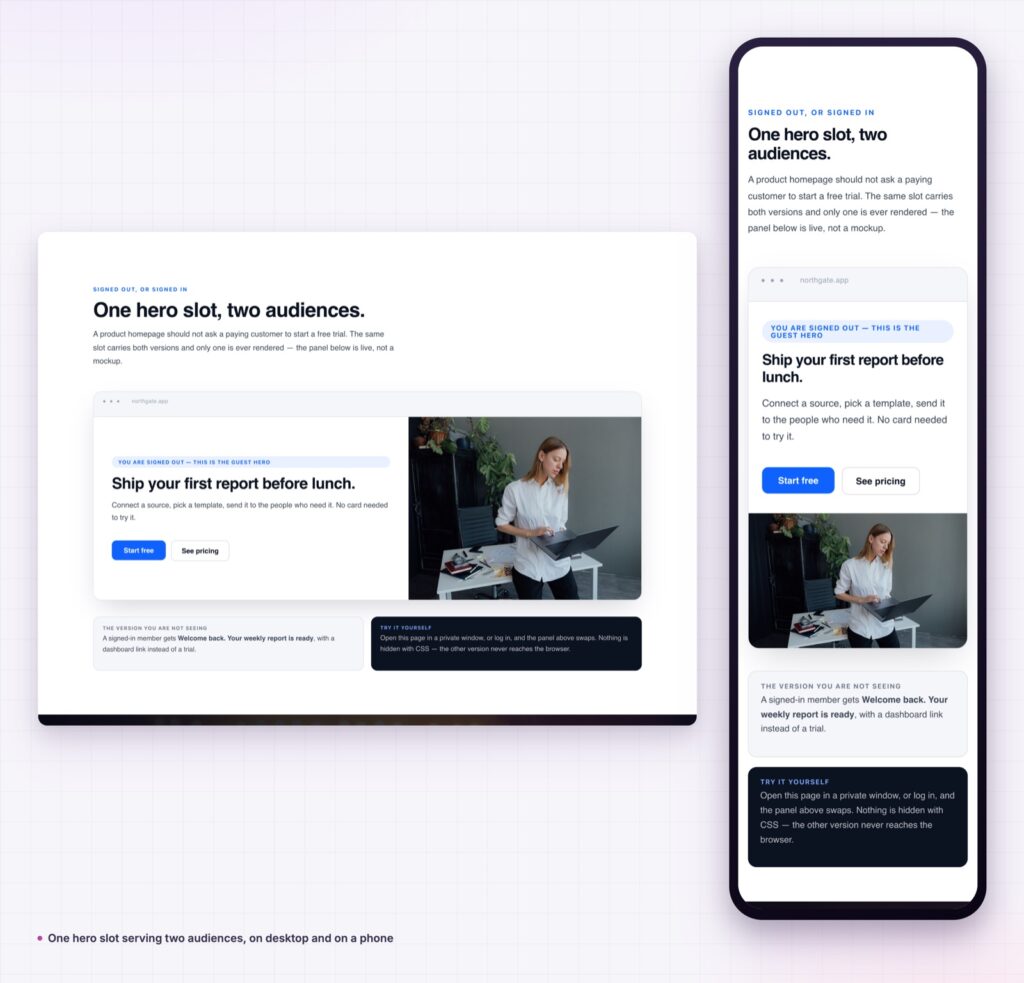
Anything on the page. A whole section, a container, a single button, a price, a shipping note, a countdown, a form. Because the extension is attached to every element type rather than a widget, the granularity is yours to choose.
It also works in theme builder templates, which is where it becomes structural rather than tactical. One header with a member area link that only members see. One single post template with an author block that appears only when the post has an author bio. One footer with a country specific legal line. Each is a single template that behaves correctly for everybody.
For the platform level behaviour the conditions build on, the WordPress developer handbook page on conditional tags explains what the site can actually know about a request.
The conditions also compose with each other in ways single rules cannot. A returning visitor from a particular campaign, on a weekday, who is not signed in, is four rows and one relation setting. That combination is what separates a rules panel from a simple logged in check: the useful audiences are rarely described by one fact, and writing them as a short stack is far easier to read later than nesting the logic into separate pages.
No. It is part of Sky Addons Pro. The free versus Pro page sets out what the licence includes, and pricing has the plans.
No. Elementor, Sky Addons and a Pro licence. Some conditions become more useful alongside a membership or ecommerce plugin, but none is required.
Each condition is a check at render time, and most are trivial. The bigger effect is positive: hidden elements are never rendered, so the page sent to the visitor is smaller.
Yes. There are operating system and browser conditions for device specific rules. For pure layout differences, Elementor’s own responsive visibility controls are the lighter tool.
Two usual reasons. You are looking in the editor, which always shows everything, or you are logged in as an administrator and the rule is about authentication. Check in a private window.
Display conditions adds a rules panel to every Elementor element, with 23 conditions covering login state, role, content, date and time, device, URL, visit count, language and country. Rules stack with all or any, each can be inverted, and the element is filtered on the server so hidden content never reaches the browser.
See the rules in use on the display conditions demo, then read the display conditions documentation. For conditional navigation, see full page menu, and for the blocks the rules usually control, wrapper link.

Comments are closed.