
Fellow Slider: Put a Post Player and Its Playlist Side by Side
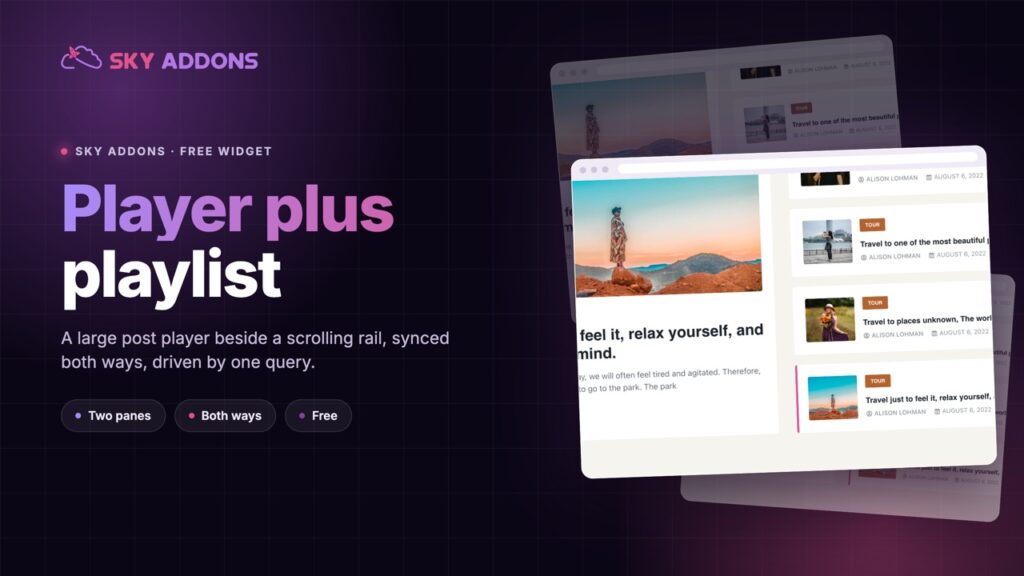
The Fellow Slider pairs a large post player with a scrolling playlist beside it, synced both ways. It runs on a query and ships in the free plugin.
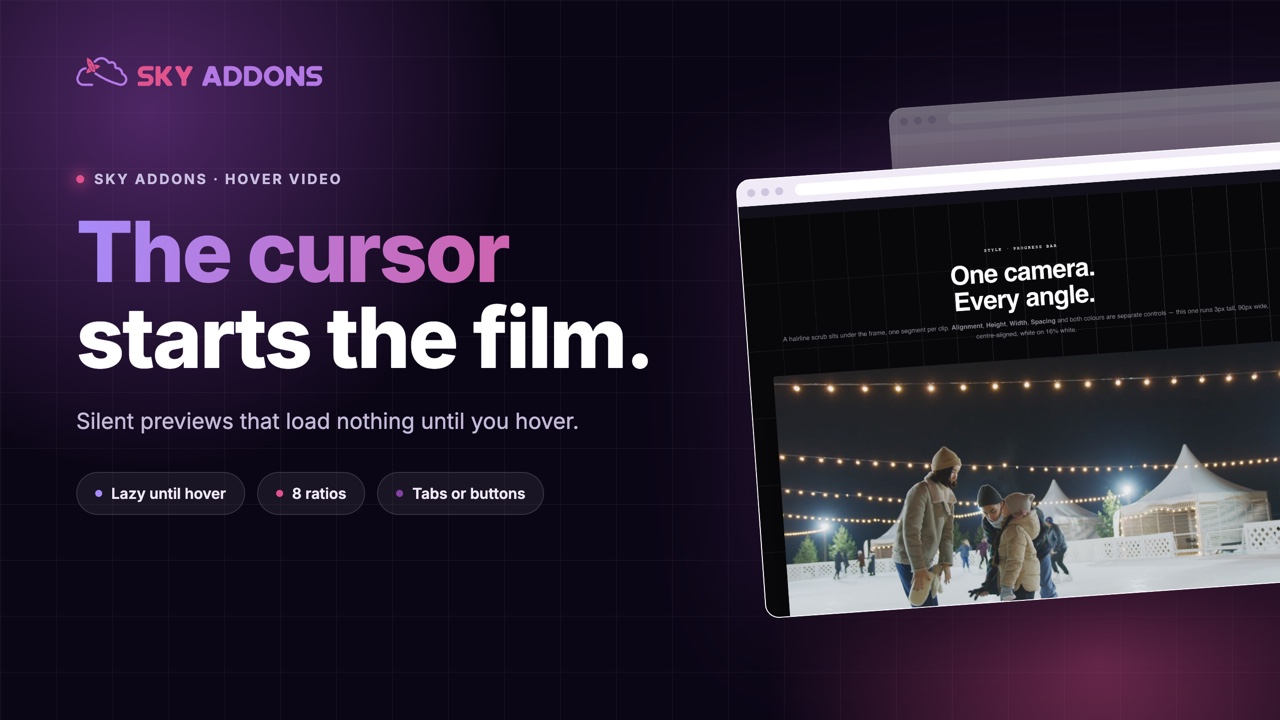
Asking somebody to press play is asking for a decision. Most visitors will not make it. They do not know how long the video is, whether it has sound, or whether it is going to be an advert for the thing they are already reading about.
A preview that starts as the cursor arrives skips the decision entirely. The visitor sees motion, understands what the thing is, and decides whether to care. That is the pattern every streaming service uses on its browse screen, and it works for the same reason on a product page.
The Elementor hover video does it properly: silent by default, loading nothing until the cursor is actually there.
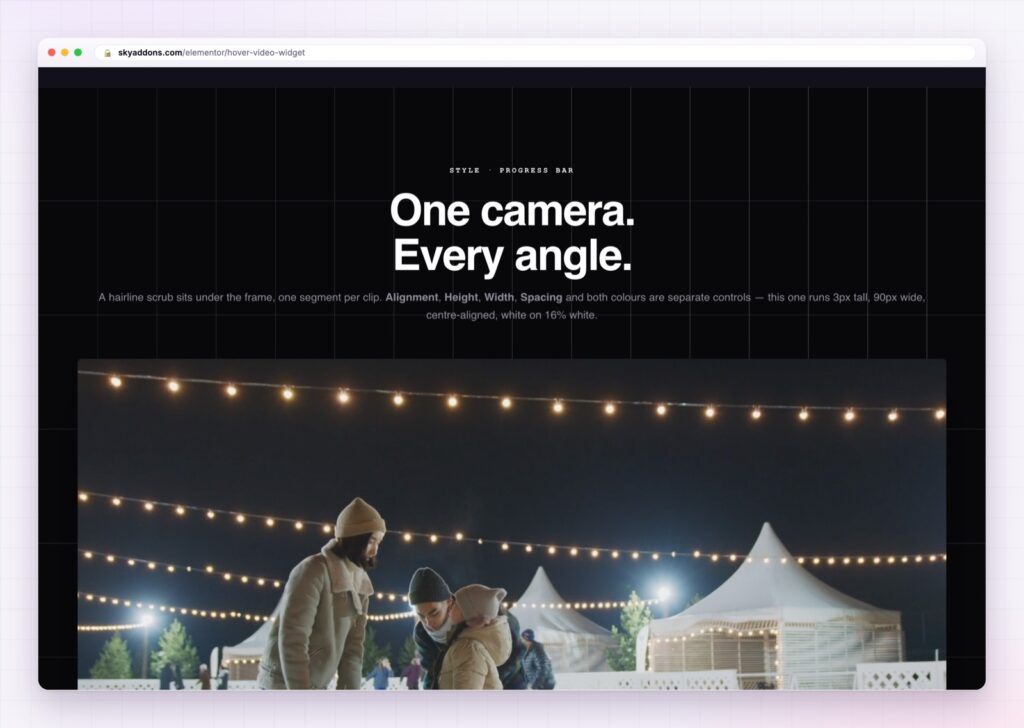
| A normal video embed | An Elementor hover video |
|---|---|
| Visitor has to decide to press play | Preview starts as the cursor arrives |
| Player scripts load on page load | Nothing loads until the first hover |
| Sound surprises people | Silent by default |
| One video per widget | Several films switched by tabs or buttons |
| Fixed shape | Eight aspect ratios, set per breakpoint |
Lazy loading that actually means nothing loads. Until somebody hovers, the widget shows a poster. No iframe, no provider script, no video data, no third party connection. On a page carrying four hover videos this is the difference between a fast page and a page that spends its first two seconds talking to YouTube.
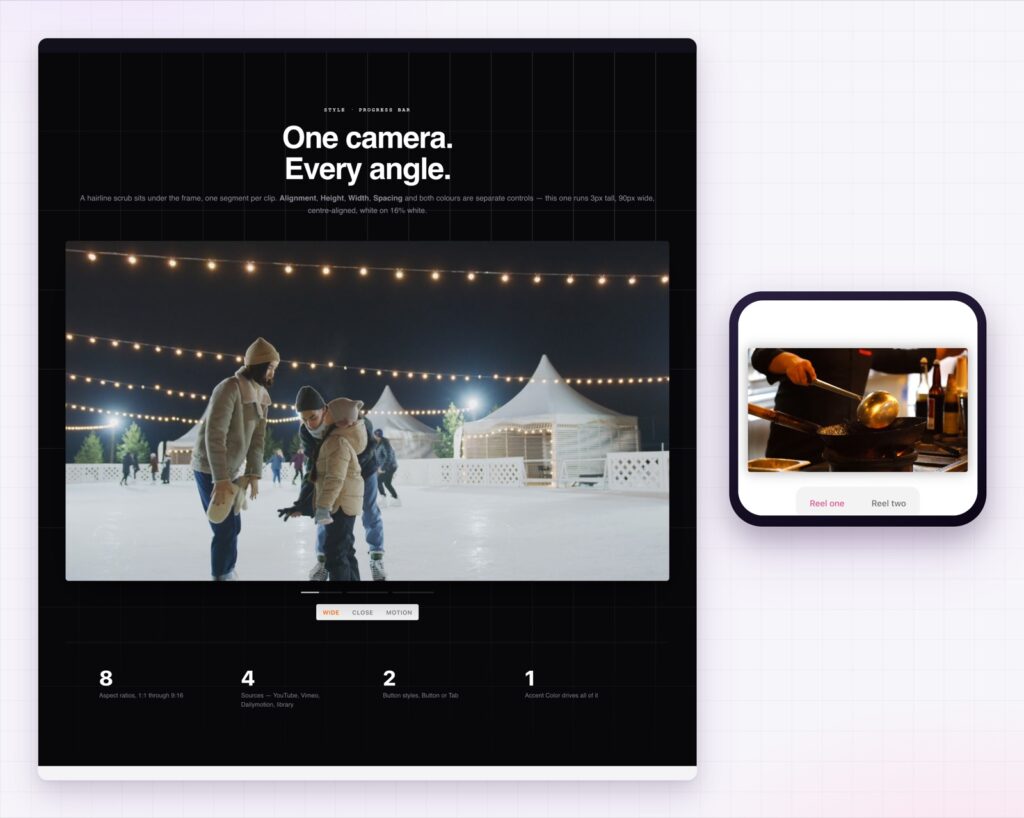
Several videos, switched without a click. Add as many as you need and switch between them with buttons or tabs. Hovering a tab starts that film, so a three feature section becomes three films the visitor can compare by moving the mouse.
A progress bar that doubles as a scrubber. Show the progress bar and let hovering along it move through the film, so somebody can skip to the part they want without pressing anything.
Pause when the cursor leaves. On by default, and it is the behaviour people expect. The film stops when attention moves away, which keeps the page calm and saves bandwidth.
Autoplay the first video, muted. If you want the section to be alive before anyone interacts, the first film can start on its own. Browsers only permit muted autoplay, so it starts silent, which is the right default anyway.
Eight aspect ratios and a minimum height. From 21:9 down to 9:16, set per breakpoint. A wide cinematic preview on a desktop can become a portrait clip on phones without a second section.
YouTube, Vimeo, Dailymotion or your own file. Paste a link or point at an upload. Posters can be your own image rather than the provider’s frozen frame.
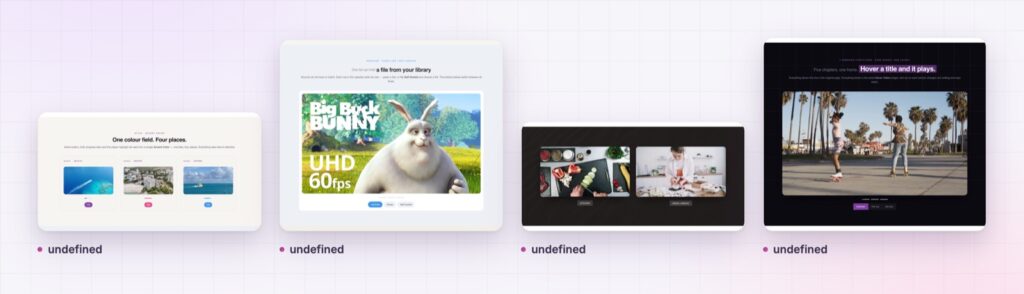
The poster is the real design work here. It is on screen whenever nobody is hovering, which on most pages is nearly all the time.
Hover is a low commitment signal. Moving a cursor over something is not a decision in the way that clicking is, so a preview triggered by hover reaches people who would never have pressed play. You get the explanatory value of video without asking for the commitment video normally requires.
Silence is what makes it acceptable. A muted preview is information; an unmuted one is an ambush. Keeping sound behind an explicit control is the difference between a section people enjoy and a section people scroll past quickly.
The loading behaviour is the part that is easy to overlook and expensive to get wrong. A third party video embed can add a large amount of script and several connections before the visitor has seen anything. Deferring all of it until the first hover follows the same reasoning as the native lazy loading attribute described by MDN, and it means a page with four previews still loads like a page with four images.
Phones deserve a mention. There is no cursor on a touch screen, so a hover video becomes a tap to play video there. Plan the section so it still makes sense that way, and make sure the poster carries the message on its own.
No. The hover video is part of Sky Addons Pro.
No. With lazy loading on, nothing is requested from the provider until the first hover. Only the poster is on the page before that.
Not on its own. Previews are silent and the visitor turns sound on if they want it.
There is no hover on a touch screen, so the preview starts on tap instead.
Yes, switched by buttons or tabs, and hovering a tab starts that film.
The Elementor hover video turns a preview into something a visitor gets for free: the film starts as the cursor arrives, silent, with nothing loaded from the provider until that moment. Several videos can share one widget and switch from tabs, eight aspect ratios cover every shape from cinematic to portrait, and the poster carries the section the rest of the time.
The Hover Video demo runs twenty-one previews on one page, including tab switching, portrait ratios and full width sections. Every control is listed in the Hover Video documentation.
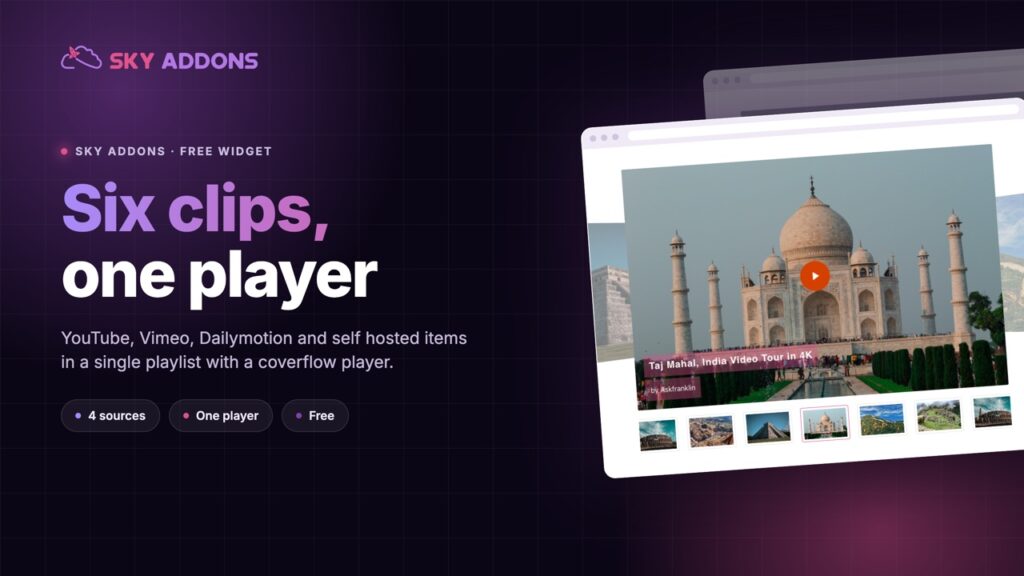
For a film somebody sits and watches, the Elementor video player is the right widget, and the Elementor video gallery handles a playlist of them.
The hover video is part of Sky Addons Pro. The free versus Pro page shows where the line falls.

Comments are closed.