
Elementor Video Gallery: One Player, One Playlist, No Autoplay Chaos
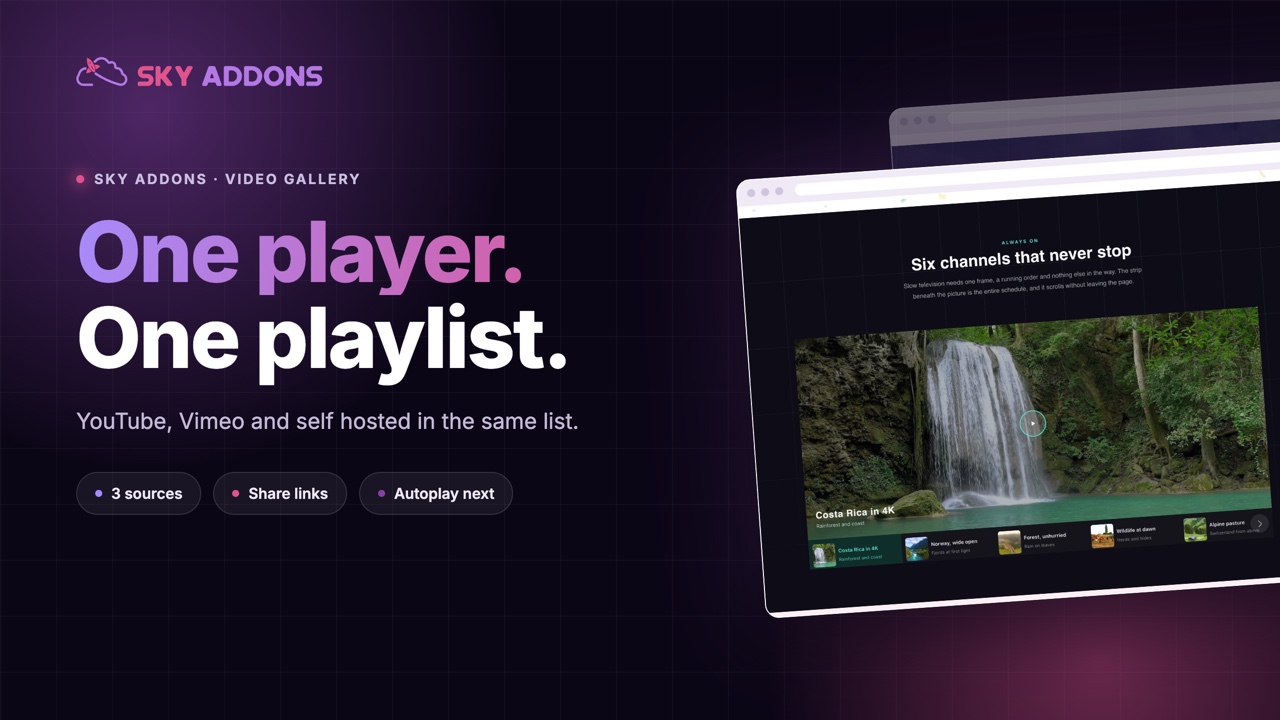
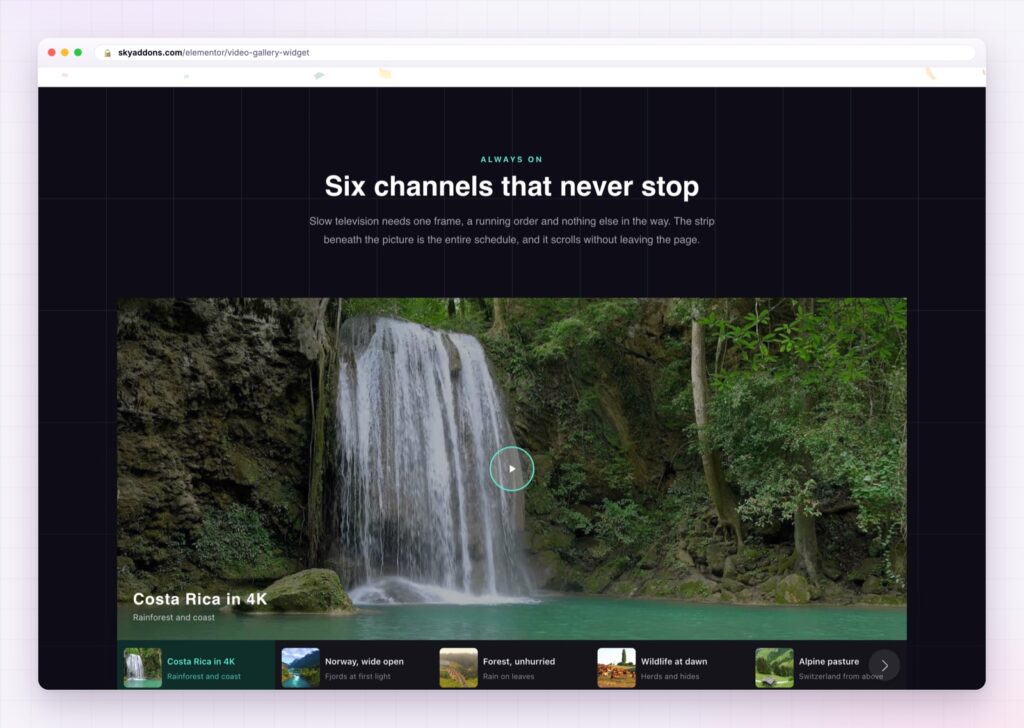
The Elementor video gallery puts one player next to a scrolling playlist: YouTube, Vimeo and self hosted in the same list, with shareable video links.
Sites that have more than three videos usually handle them badly. Either every video gets its own embed stacked down the page, which means eight players and eight sets of third party scripts, or the videos get pushed to a YouTube channel and the visitor leaves to watch them.
Neither is what you want. Somebody watching a course preview, a product walkthrough or a set of client testimonials wants to finish one and start the next without hunting for it.
The Elementor video gallery is the shape that actually fits: one player, one playlist beside it, and everything in the same design as the rest of the page.
| Eight separate embeds | An Elementor video gallery |
|---|---|
| Eight players, eight script loads | One player, one playlist |
| Visitor scrolls to find the next video | Next video is one click away, or plays automatically |
| YouTube and self hosted need different widgets | YouTube, Vimeo and self hosted in the same list |
| No way to link to one specific video | Every video gets a shareable link |
| Each embed styled separately, badly | One accent colour drives the whole section |
Three sources in one playlist. YouTube, Vimeo and self hosted files sit in the same list. A testimonial filmed on a phone and uploaded to the media library plays next to a polished YouTube film, and the visitor never sees the difference.
Shareable links to a single video. Each item takes a share slug, which gives you a URL like ?sa-video=onboarding-tour. Send that link and the page opens with that video loaded. This is the feature that turns a gallery into something support and sales teams actually use.
Autoplay next, with a loop you control. Finish a video and the next one starts, which is how people expect a playlist to behave. Loop the playlist or let it stop at the end.
Player controls you switch on individually. Progress bar, current time, volume and mute, quality and speed settings, picture in picture, fullscreen, and auto hiding controls. Turn off what you do not want rather than accepting a provider’s default bar. Picture in picture applies to self hosted files.
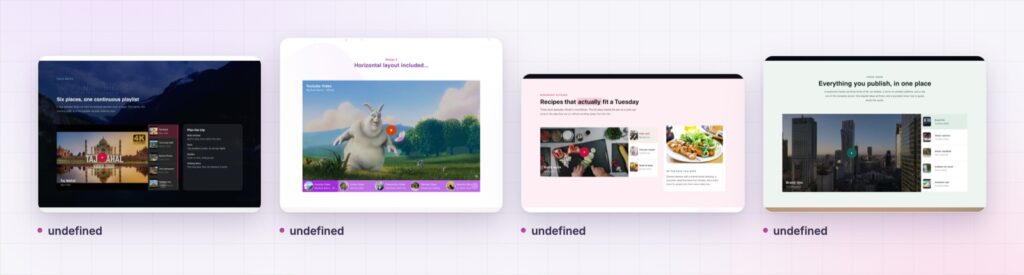
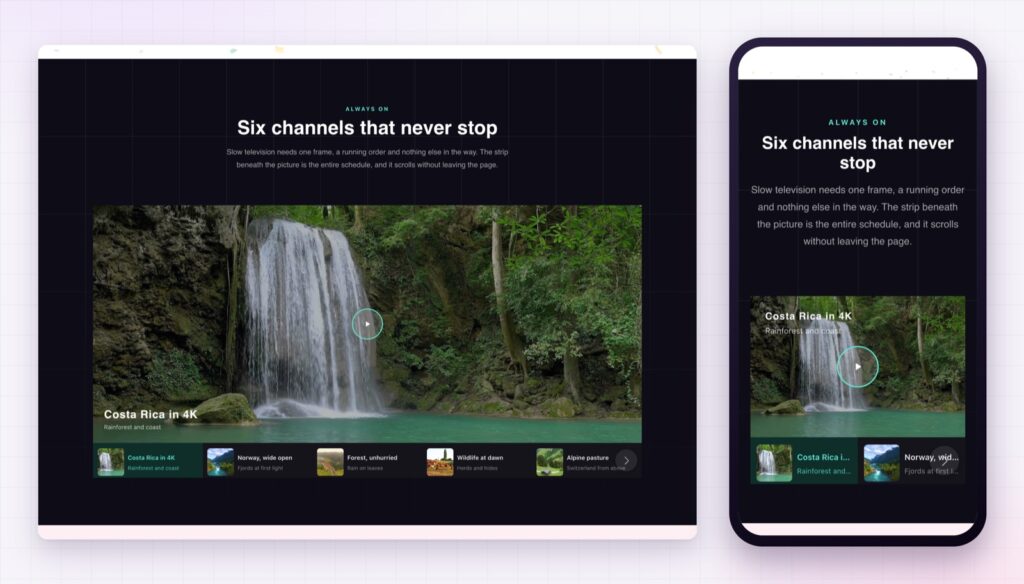
Two layouts and six aspect ratios. Vertical puts the playlist beside the player, horizontal puts it underneath. Aspect ratio runs from 21:9 to 9:16 and is set per breakpoint, so a cinematic desktop section can become a portrait one on phones.
One accent colour for the whole section. Set it once and it drives the player’s own controls as well as the gallery styling, so the section does not end up half your brand and half the player’s default blue.
Write the video titles as answers, not as filenames. “How to import your existing data” gets watched. “Tutorial 3 final v2” does not.
A playlist keeps people in one place. The second video is the hardest one to get somebody to watch, because it usually requires them to go looking. Putting it in a visible list beside the player removes that step, and watch time rises for a reason that has nothing to do with the videos themselves.
There is a performance argument too. Eight embeds mean eight connections to a third party and eight sets of player code. One player with a swapped source is a single load, and posters carry the rest of the visual weight.
The share slug is the quiet one. A gallery that only works as a whole is a page. A gallery where every video has its own URL becomes a library your team can link into from an email, a chat reply or a help article. The Web Video Text Tracks specification is worth a look if captions matter to you as well, because captions decide whether that link is useful to everybody who receives it.
No. The video gallery is part of Sky Addons Pro.
Yes. YouTube, Vimeo and self hosted files can sit in the same playlist, in any order.
Yes. Give the video a share slug and the URL ?sa-video=your-slug opens the page with that video loaded.
It loads one player rather than one per video, and posters carry the section until somebody presses play.
Yes. The layout, aspect ratio and minimum height are all responsive, and the playlist moves below the player on narrow screens.
The Elementor video gallery replaces a stack of embeds with one player and one playlist, mixing YouTube, Vimeo and self hosted files in the same list. Share slugs give every video its own link, autoplay next keeps people watching, and a single accent colour makes the whole section look like it belongs to your site rather than to a video platform.
The Video Gallery demo runs ten galleries on one page, including vertical and horizontal playlists and a portrait layout. Every control is listed in the Video Gallery documentation.
For a single film rather than a playlist, the Elementor video player is the simpler choice, and the Elementor hover video is the one for silent previews that play as the cursor passes.
The video gallery is part of Sky Addons Pro. The free versus Pro page shows where the line falls.




Comments are closed.