
Elementor Iframe Widget: Embed Anything and Make It Look Deliberate
The Elementor iframe widget embeds any URL in a browser, laptop, phone or TV frame, with lazy loading and sandbox control so the page stays fast and safe.
Every site ends up embedding something it does not own. A booking calendar, a live map, a status dashboard, a client’s staging build, a form that lives in another system. The page is designed carefully, and then a grey rectangle with its own scrollbar lands in the middle of it.
The embed is not the problem. The presentation is. An embedded URL dropped straight onto a page reads as a hole in the design, and visitors treat it that way.
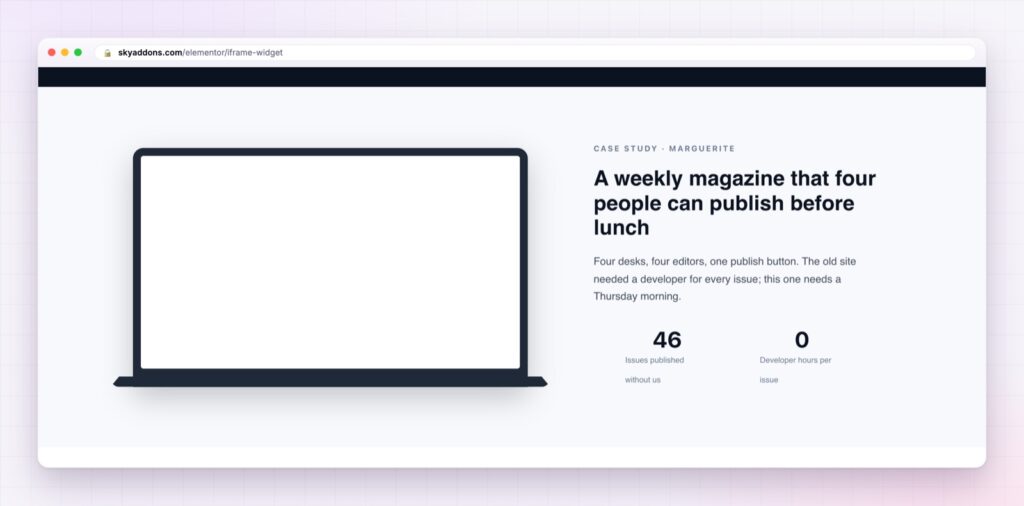
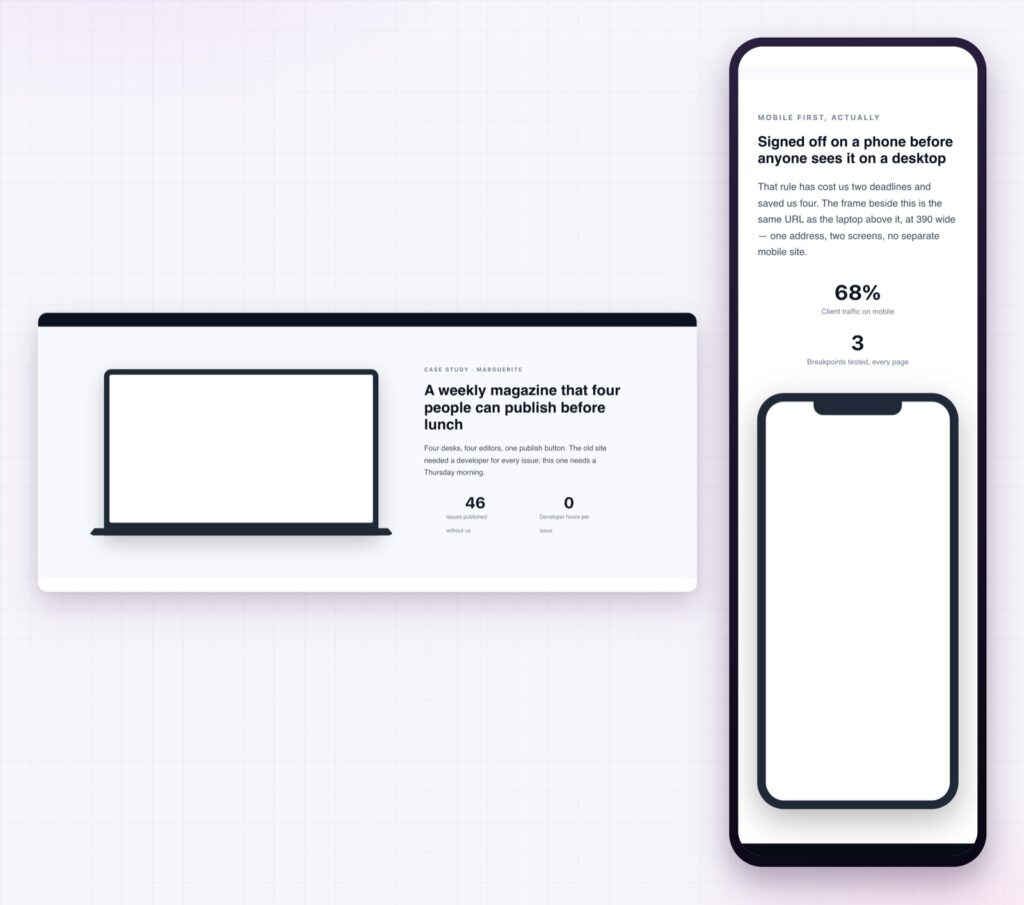
The Elementor iframe widget takes the same URL and gives it a frame: a browser window with a real address bar, a laptop, a phone, a tablet, a TV. The embed stops looking like a leak and starts looking like a screenshot that happens to be live.
| A pasted embed code | An Elementor iframe widget |
|---|---|
| Grey box with a stray scrollbar | Browser, laptop, phone, tablet or TV frame |
| Loads on every page view | Waits until the visitor scrolls to it |
| Fixed height that breaks on phones | Eleven aspect ratios, responsive per breakpoint |
| Full trust given to the embedded site | Sandbox with eleven permissions you choose |
| Editing means touching HTML | Every setting is a control |
Ten frames, so context comes for free. None, Browser, Desktop Window, Laptop, Code Window, Phone, Tablet, Surface, TV and Watch. A phone frame tells the visitor “this is the mobile experience” before they read a word, and a code window says “this is the developer view”. You get the explanation without writing the caption.
Browser chrome that matches the story. Six browser skins: macOS Light, macOS Dark, Windows, Chrome, Edge and Safari. You set the address bar text yourself, so it can read yourclient.com rather than the staging URL you are actually loading. The traffic light dots toggle on and off.
Lazy loading that is genuinely lazy. The URL sits in a data-src attribute and only becomes a real request when the visitor reaches it. Nothing from the embedded site is fetched before that: no scripts, no cookies, no third party connection. On a long landing page carrying three embeds, this is usually the single biggest thing you can do for the load time.
Sandbox permissions you decide. Turn sandboxing on and pick from eleven flags, including allow-scripts, allow-forms, allow-same-origin and allow-popups. The point is to grant only what the embedded page actually needs. Most embeds work fine with scripts and forms alone.
Eleven aspect ratios, or a fixed height. From 21:9 down to 9:21, set per breakpoint, so a wide dashboard on a desktop can become a tall phone view without a second widget. Fixed height is there when you need it, with an auto height option for same-origin embeds.
Custom attributes, with the dangerous ones blocked. You can add your own key|value attributes for anything a provider asks for. The widget refuses src, sandbox, onload, onerror and any attribute starting with on, so a copied snippet cannot quietly add an event handler.

A device frame is a claim about where the content belongs. Put a desktop dashboard in a phone frame and a careful visitor will notice the mismatch, even if they cannot say why the section feels off.
An embed is borrowed content, and borrowed content always looks borrowed unless you do something about it. The frame is the something: it signals that you chose to show this, at this size, in this context. That is the whole difference between a page that includes a product and a page that links to one.
The performance argument matters just as much. A third party iframe can pull in a megabyte of scripts and several cookies before the visitor has scrolled anywhere near it. Deferring the request until it is actually visible is the behaviour the MDN iframe reference describes for native lazy loading, and it is on by default here rather than being something you remember to add.
Sandboxing is the third piece. An embedded page runs its own code in your visitor’s browser. Restricting it to the permissions it needs costs nothing and closes off a lot of unpleasant behaviour, from surprise popups to navigation hijacking.
X-Frame-Options and will simply refuse to appear. Test the URL before you build the section around it.No. The iframe widget is part of Sky Addons Pro, alongside the other layout and media widgets.
Any site that permits framing. Sites that send X-Frame-Options: DENY, including most banks and some social networks, will not load in any iframe anywhere.
Not before the visitor reaches it. Lazy loading holds the URL in a data attribute, so nothing is requested until the widget scrolls into view.
Yes. Aspect ratio, height and maximum width are all responsive, so you can switch to a taller shape at the phone breakpoint.
You can set the address bar text to whatever you like. The browser still loads the real URL, so this is presentation, not concealment.
The Elementor iframe widget turns a borrowed URL into part of your design: ten device frames, six browser skins, eleven aspect ratios and an address bar you write yourself. Lazy loading keeps the embed out of the critical path until somebody actually scrolls to it, and sandboxing keeps the embedded page inside the permissions you granted. It is the difference between showing a product and linking to one.
The Iframe demo runs fifteen embeds on one page: laptop, tablet, phone and watch frames, browser skins in light and dark, and a sandboxed example. Every control is listed in the Iframe documentation.
If the thing you are embedding is a video rather than a page, the Elementor video player handles that properly, and the Elementor video gallery handles several at once.
The iframe widget is part of Sky Addons Pro. The free versus Pro page shows exactly where the line falls.

Comments are closed.