
Elementor Video Player: Video Pages People Actually Watch
The free Elementor video player keeps video pages fast and watchable: the right source, a poster that loads first, and chapters that find the right minute.
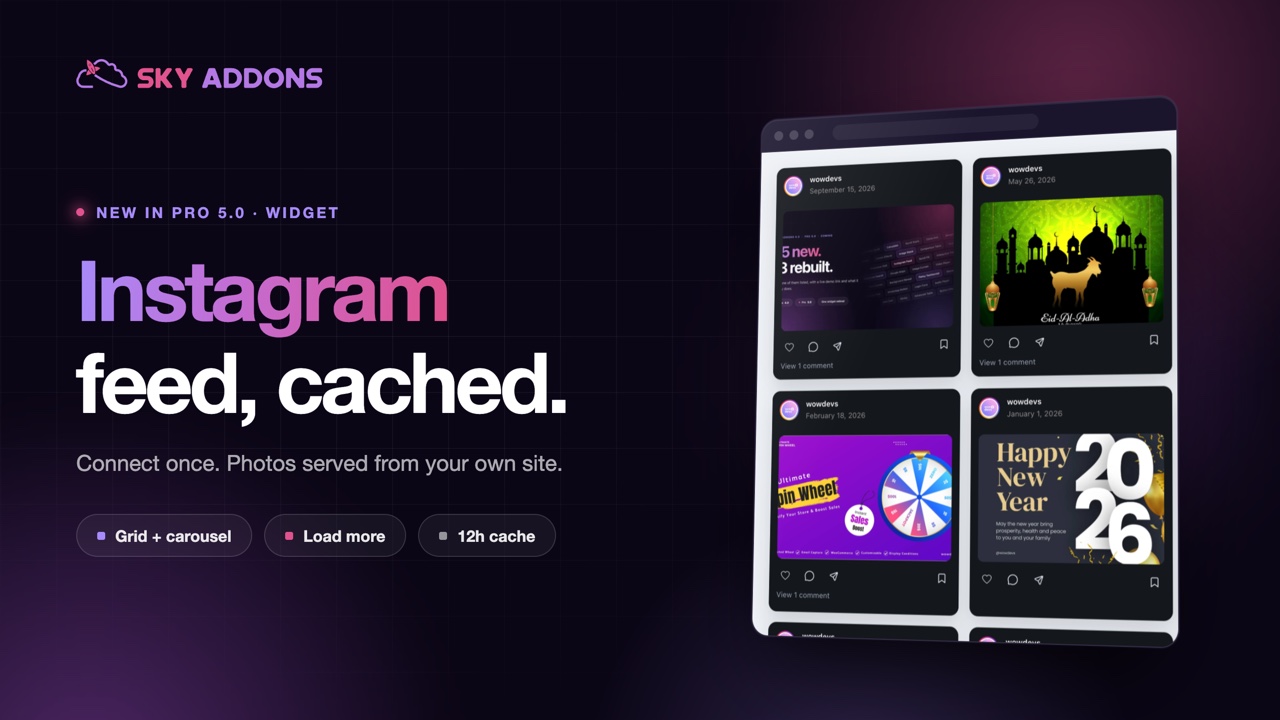
Every business site eventually grows a stale Instagram section. Someone screenshotted six posts in March, the grid has not changed since, and the newest thing on the page is eight months old. Visitors notice. A dead social section quietly says the business might be dead too.
A live feed says the opposite. It shows recent activity, real customers and work in progress, and it does it without anyone remembering to update the website. The Elementor Instagram feed in Sky Addons Pro 5.0 connects once and then keeps the page current on its own.
| Screenshots | A social plugin | This widget |
|---|---|---|
| Out of date within weeks | Current | Current |
| No link back to the account | Usually linked | Linked |
| Nothing to maintain | Another plugin, another update cycle | Part of the addon set you already run |
| Zero cost to performance | Often loads its own script bundle | Cached, so the page does not wait on the platform |
The middle column is the interesting one. Most sites add a whole plugin to solve one section. If you already run an Elementor addon pack, that is a plugin you do not need.
Connect once. You authorise the account once, and the widget keeps pulling from it. No monthly reconnection ritual, no pasted embed codes.
Cached, not live on every visit. The feed is stored and refreshed on a schedule, so your page does not wait for an external service to answer before it renders. That is the difference between a social section and a slow page.
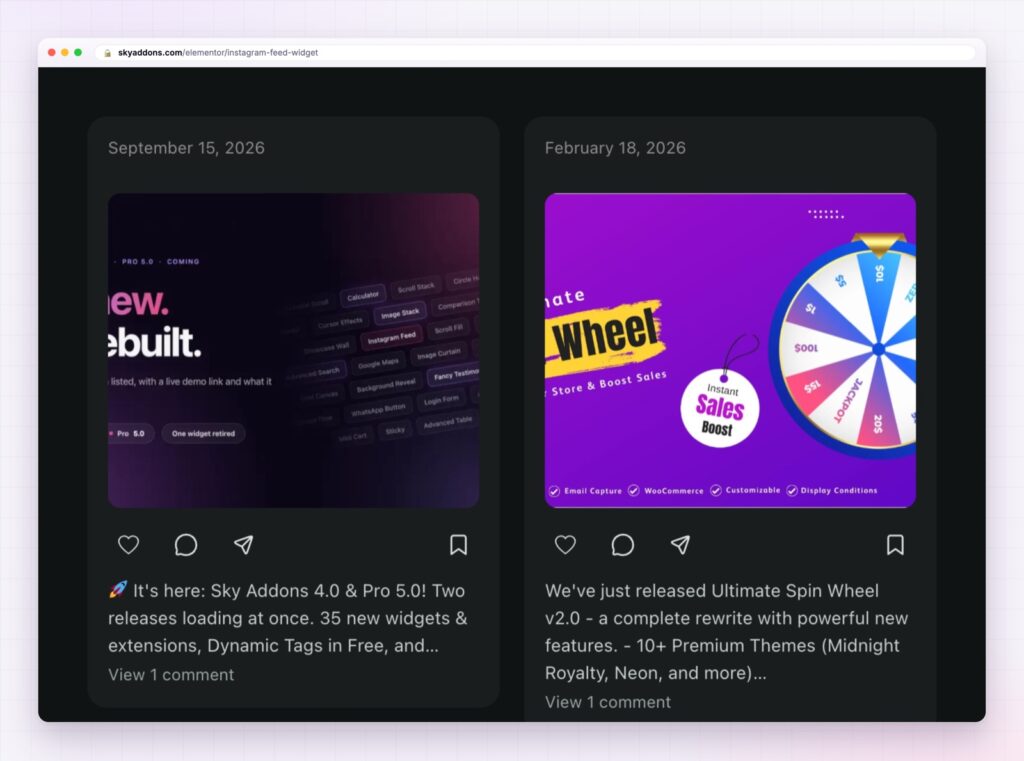
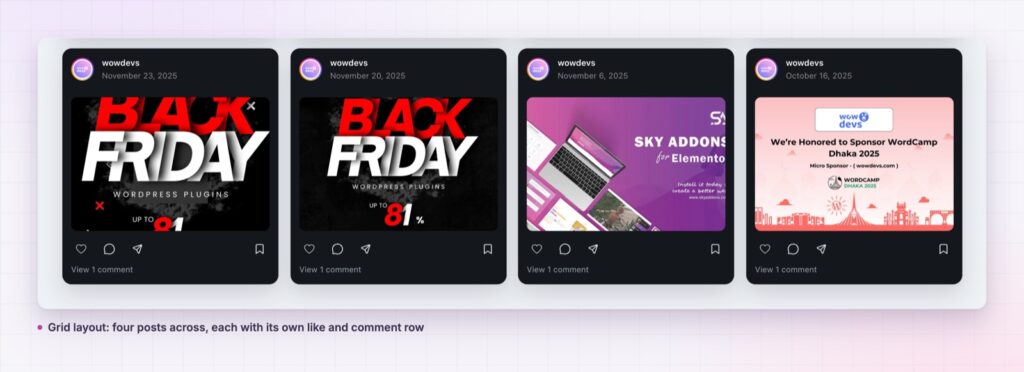
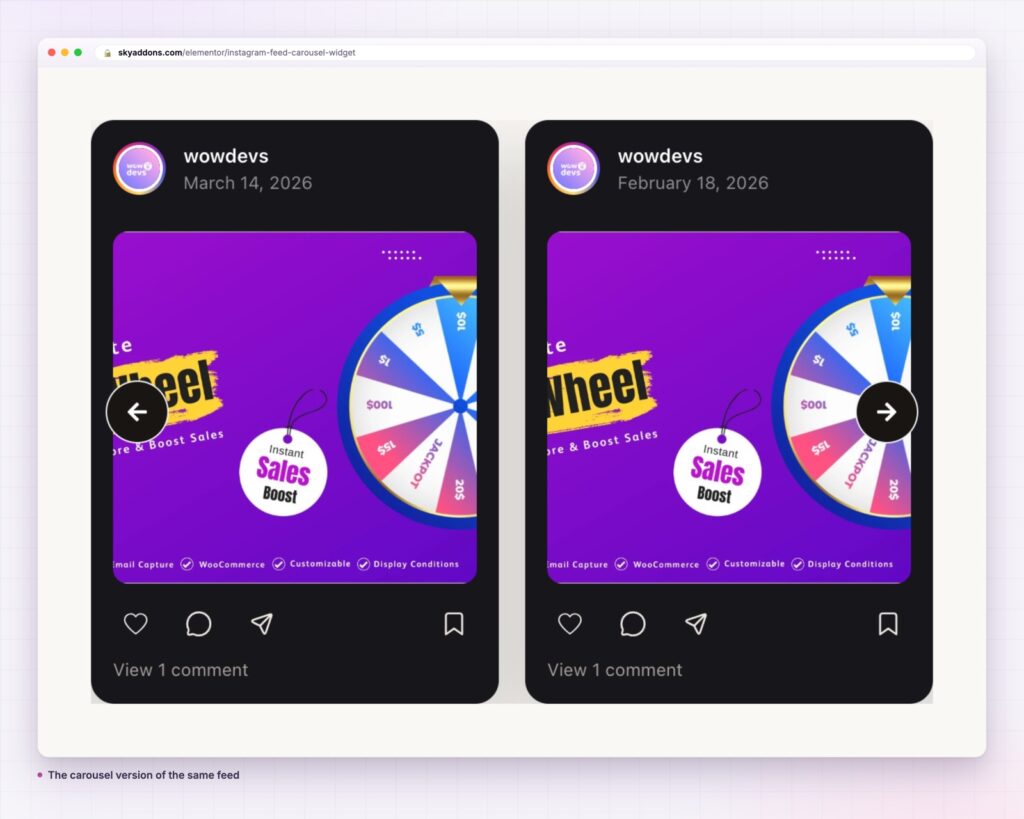
Grid or carousel. The grid suits a gallery band across a page. The carousel suits a footer strip or a narrow column. Both read the same feed, so you can use one of each on a site without doubling anything.
Captions, likes and comments, if you want them. Show the engagement when it flatters you, hide it when the account is new. A clean grid of images is a perfectly good section on its own.
It links back. Every post can open the original, which sends interested visitors to the place where they can follow you.
That is the entire setup. The next time someone posts, the website updates itself.
Nine posts is usually the right number. Enough to look active, few enough that the page does not become an Instagram client.
Three things, in order of importance. It proves the business is alive, which is the single most common doubt a visitor has about a small company. It shows the product in real settings, which is more persuasive than studio photography. And it gives regulars a reason to look at the page again, because it is different every time they visit.
There is a discipline attached: a feed on your site is only as good as the account behind it. If the account posts once a quarter, a live feed will say so honestly.
A professional or business account is the normal route, because that is what the platform’s API supports for published feeds.
No. The feed is cached on your server and refreshed on a schedule, so pages do not wait on an external request.
Grid for a full-width band, carousel for a footer strip or a sidebar. Both use the same connection.
Yes, and you can turn either off. New accounts usually look better without counts.
The cached posts keep showing while you reconnect, so the page never renders an empty box.
A stale social section damages trust; a live one builds it. The Elementor Instagram feed connects your account once, caches the posts so pages stay fast, and gives you a grid or a carousel that keeps itself current. It costs one setup and then maintains itself as long as you keep posting.
The Instagram Feed demo shows nine layouts from one account, including card, grid and masonry variations, and the carousel demo shows the sliding version. Setup is covered in the Instagram Feed documentation.
Pair it with the Elementor WhatsApp button and the proof and the conversation sit on the same screen. Everything else in the release is listed in Sky Addons 4.0 and Pro 5.0.
The Instagram widgets are part of Pro. Sky Addons Pro covers both, and the free versus Pro page sets out the rest.



Comments are closed.