
Elementor Cursor Effects: The Detail That Makes a Site Feel Built
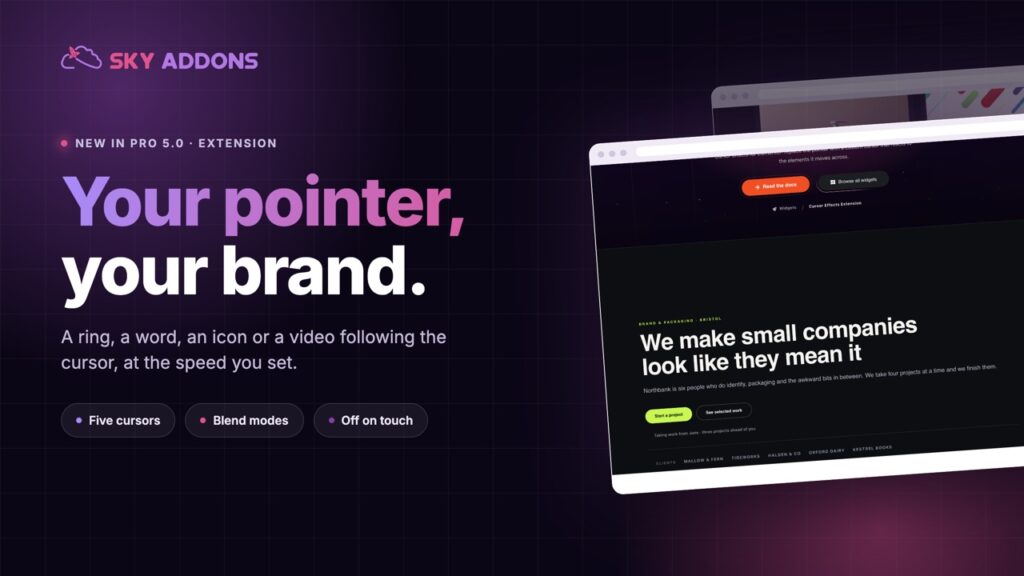
Elementor cursor effects swap the pointer for a ring, a word, an icon, an image or a video, with a follow speed you set and sensible defaults on mobile.
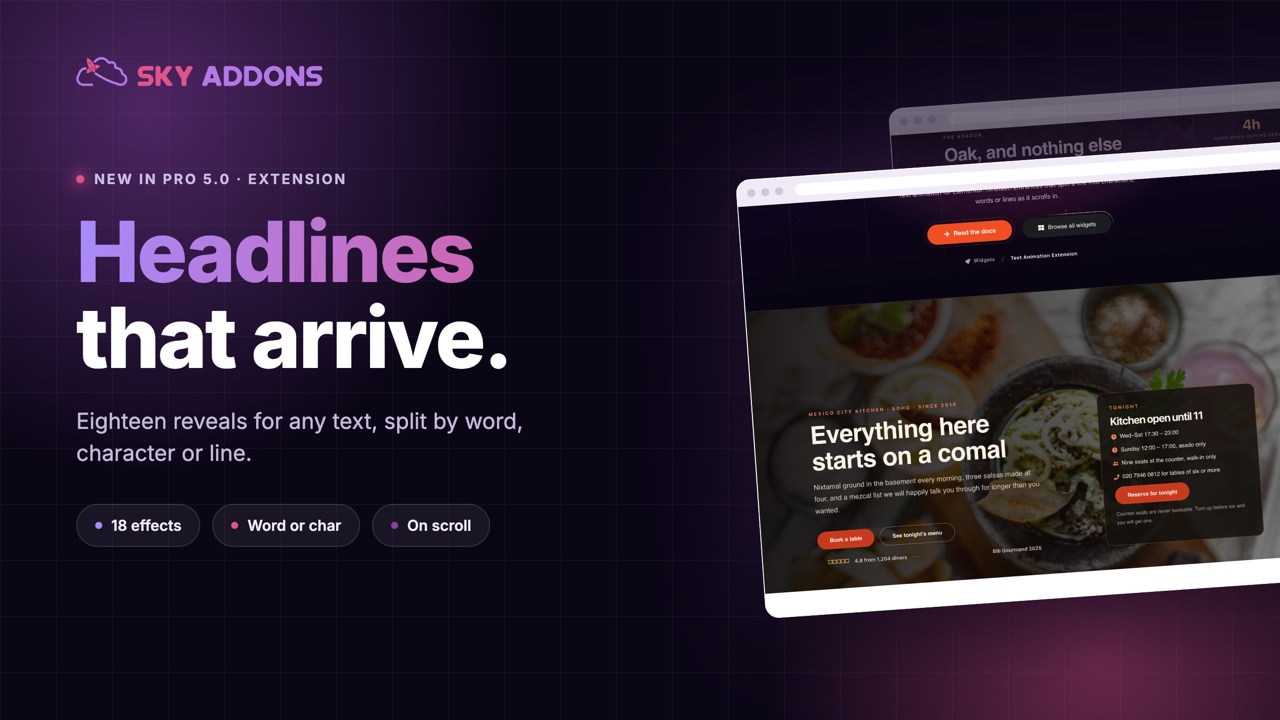
A hero headline is the most expensive sentence on a website. It gets rewritten five times, argued over in a meeting, and then dropped onto the page where it simply exists, in the same way a paragraph of terms and conditions exists.
Motion is what makes the difference between a sentence being displayed and a sentence being read. Words arriving one after another buy you the second of attention that the rest of the page depends on.
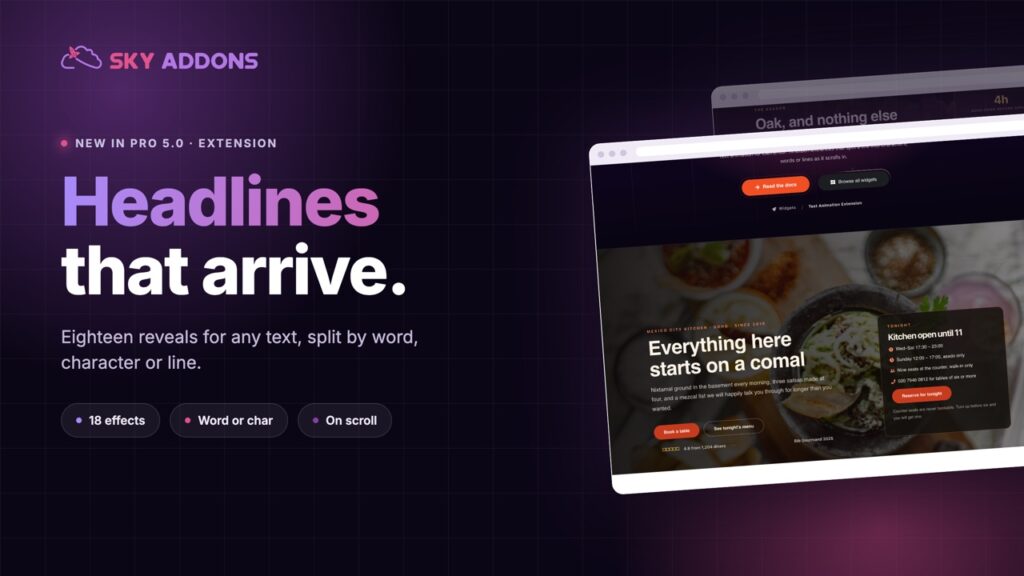
Elementor text animation in Sky Addons Pro 5.0 adds that to any text element you already have, split by word, character or line, with eighteen effects and no code.
| Static headline | Animated headline |
|---|---|
| Registered as furniture | Registered as something happening now |
| Read in one glance, if at all | Read at the pace of the animation |
| Nothing marks the section start | Motion signals “this part matters” |
| The same on every scroll | Arrives when the reader arrives |
Eighteen effects, grouped by intent. Fades in four directions plus a blur, scale effects including an elastic pop, 3D flips and a perspective drop, and the signature set: split text in 3D characters, a barrel roll, a wave, a character cascade, a line reveal behind a mask and a reveal slide. Most business sites need two of these; the rest exist for the projects that need to look expensive.
Split by word, character or line. The same effect reads completely differently depending on the split. Words feel like speech, characters feel mechanical, lines feel editorial. Line reveal always uses lines, because that is what a mask needs.
It applies to text you already wrote. Any heading or text element on the page. No new widget, no rebuilding a hero to add motion to it.
Custom transforms when you need them. Opacity, scale, offsets and rotation, applied only where you set them, for the case where none of the eighteen presets is quite right.
Timing you control. Duration, delay and stagger, which is how you make a sentence arrive in one breath instead of one word at a time for six seconds.
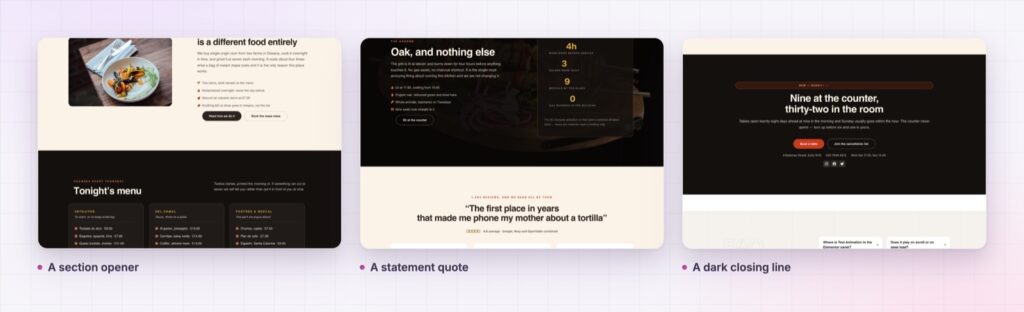
If a visitor notices the animation instead of the sentence, it is too much. The job is to deliver the words, not to perform.
Movement is the oldest attention cue there is, and the web mostly wastes it on carousels nobody asked for. Text animation spends it on the one thing you actually want read.
There is a second, quieter benefit: pacing. A page where each section opens with a short reveal feels authored rather than assembled, because something marks the boundary between one idea and the next. That is difficult to achieve with typography alone.
Motion also carries a responsibility. Visitors who ask their operating system for reduced motion should get the words without the movement, and the MDN guide to prefers-reduced-motion explains why that preference exists and who relies on it.
Yes, on text elements you already have, without rebuilding the section.
Yes, split by characters, words or lines, and the choice changes the feel more than the effect does.
The animation is lightweight. The bigger risk is layout shift, so reserve the space.
Yes, so the text animates when the reader arrives at it rather than before.
Respect the reduced-motion preference, and check the page with it switched on.
Elementor text animation is a small change with a large effect: the sentence you paid the most attention to finally gets some. Eighteen effects, three ways to split the text, timing you control, applied to the text elements already on your page.
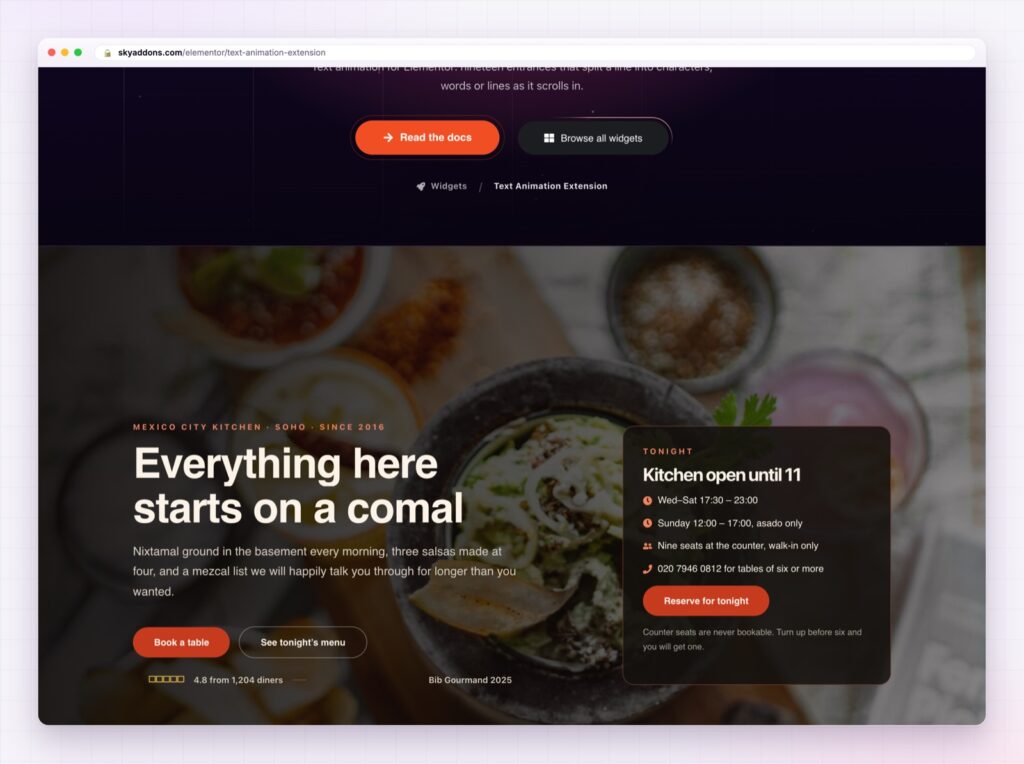
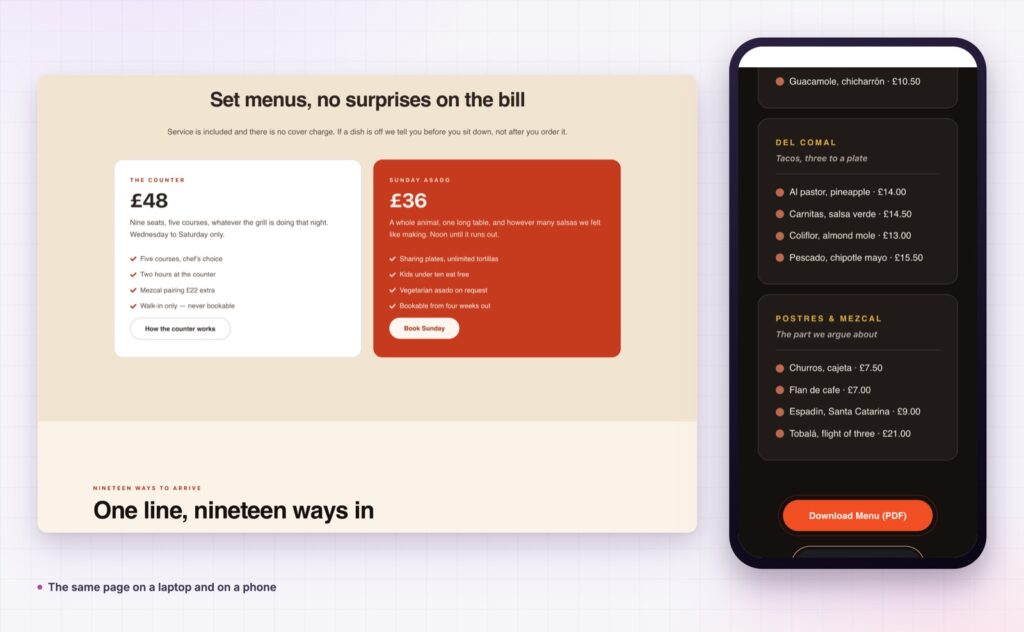
The Text Animation demo is a full restaurant site rather than a list of effects, which is the right way to judge it. Watch which lines move and, more importantly, which ones do not. Every setting is in the Text Animation documentation.
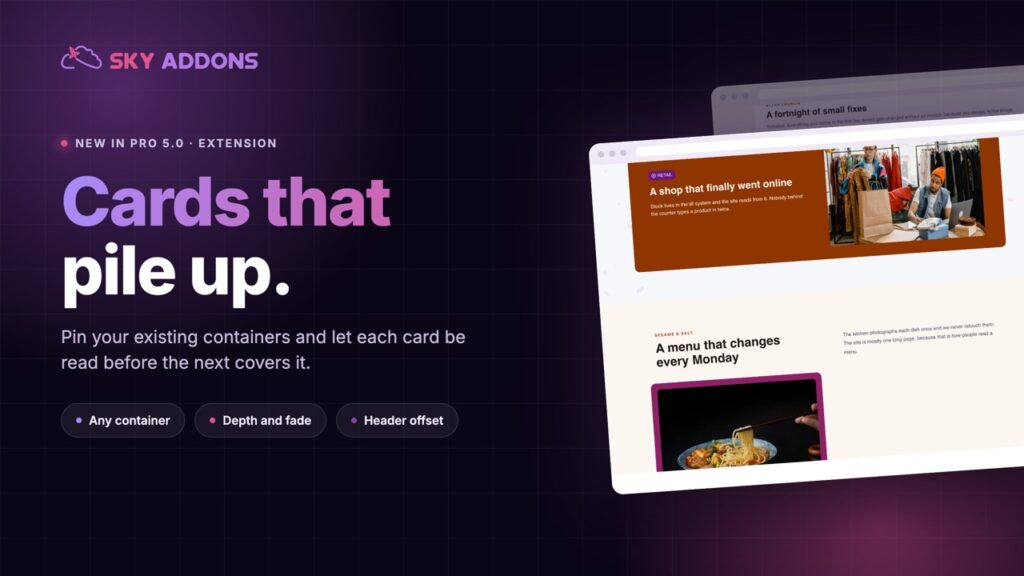
For motion that paces a whole section rather than a sentence, look at the Elementor scroll stack. Both are in the release described in Sky Addons 4.0 and Pro 5.0.
Text Animation is a Pro extension, included in every Sky Addons Pro plan, and the free versus Pro page shows what the free plugin covers.

Comments are closed.