
Elementor Scroll Stack: Make Three Cards Do the Work of a Whole Page
The Elementor scroll stack pins your cards and piles them as the page moves, so features, steps or plans get read one at a time instead of skimmed.
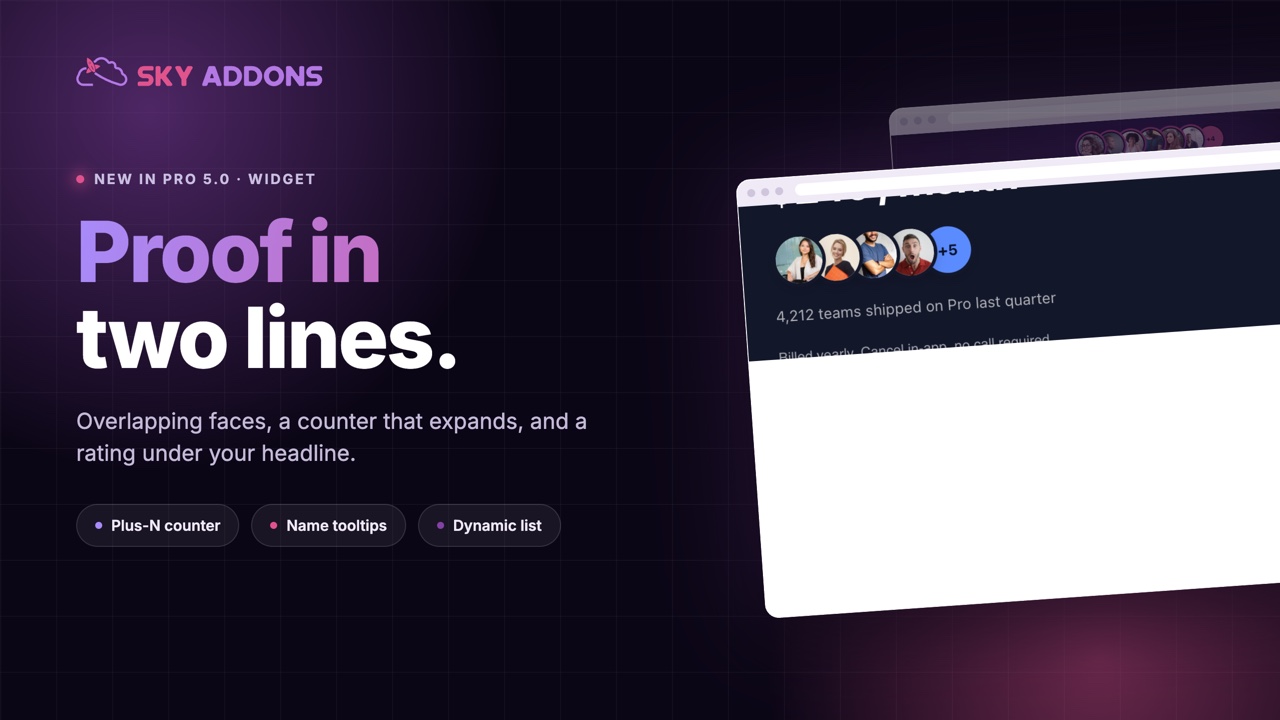
Look at almost any successful software or service home page and you will find the same small thing under the headline: a row of overlapping faces, a counter, and a short line of text. “Joined by 4,212 teams.” It takes up two lines of space and does more persuading than the three paragraphs below it.
It works because it is evidence in the place where people are still deciding whether to read on. And it is one of the few elements where small is the point.
The Elementor image stack in Sky Addons Pro 5.0 builds that strip properly: overlapping avatars, an overflow counter that can expand, tooltips with names and roles, and an optional rating line.

| A plain claim | An image stack |
|---|---|
| “Trusted by thousands” | Faces, a count, and a line you can read in a second |
| Nothing to look at | Real people, which the eye goes to first |
| Static text | Hover for a name and a role, click through to a profile |
| Takes a full section | Fits under a headline |
| Ages badly | Can be fed dynamically and stay current |
An overflow counter that expands. Show five faces and a plus-N bubble for the rest. Clicking the bubble reveals the hidden avatars in place, which turns a static claim into something people poke at, and the counter itself can link anywhere.
Names and roles on hover. Each avatar carries a name and an optional second line, shown as a tooltip card and used as the image’s alt text, so the strip is meaningful to screen readers as well.
Social proof beside the faces. A rating and a line of text sit to the right, the left or below the stack, so the strip fits a wide hero or a narrow column.
Online indicators. A small dot per person, for community pages and support teams where “someone is here right now” is the message.
Images or icons. Photographs for customers, icons or logos when the proof is companies rather than people.
A dynamic source. Instead of typing the list, feed it from a query so the strip reflects your latest members, authors or customers.

“Joined by 4,212 teams” outperforms “trusted by thousands” every time. If the number is small, say something else: “Built with twelve studios this year” is honest and still persuasive.
Social proof is strongest when it is specific and when it arrives before doubt does. A stack does both: it is visual, so it registers before anyone reads, and it sits in the space where people are deciding whether to scroll at all.
There is also a design reason. A hero has a headline, a sentence and a button, and it usually needs one more thing to stop it feeling thin. A proof strip is that thing, and unlike a logo band it does not need brands you have not signed yet.

Proof images still need sensible alt text, and the W3C images tutorial is the shortest guide to deciding what each one should say.
Yes. It can expand the remaining avatars in place, and it can also link to a page.
Yes, with an optional second line, shown as a tooltip and used for the alt text.
Yes, with the dynamic source, so the strip can follow a query rather than a hand-typed list.
Yes, images or icons, so a company proof strip works the same way.
No. Sky Addons works with the free version of Elementor. The image stack is a Pro widget in Sky Addons.
The Elementor image stack is the smallest high-value element on a home page: faces, a counter, a sentence and a rating, all in two lines under the headline. It is quick to build, easy to keep current, and it answers the question every visitor has before they read anything else.
The Image Stack demo shows six versions, from a light proof strip to a dark hero band and a wide team row. Hover the avatars and click a counter to see it expand. Every setting is in the Image Stack documentation.
For longer proof further down the page, pair it with the Elementor testimonial widget, which is free. Both are part of the release described in Sky Addons 4.0 and Pro 5.0.
Image Stack is a Pro widget, included in every Sky Addons Pro plan, and the free versus Pro page shows what the free plugin already covers.



Comments are closed.