
Elementor Form Builder: A Form That Sends Where You Need It
The Elementor form builder posts straight to Zapier, Make or n8n as well as email, with invisible reCAPTCHA, rate limiting and a switch to pause submissions.

Most sites need one form. A contact form, a quote request, a callback. The usual route is to install a forms plugin, learn its interface, build the form there, then place it in a page and spend an hour making it look like the rest of the design.
The design part is where it usually stops looking worth it. A form from a separate plugin brings its own markup and its own styling assumptions, and matching them to a carefully built page is tedious work.
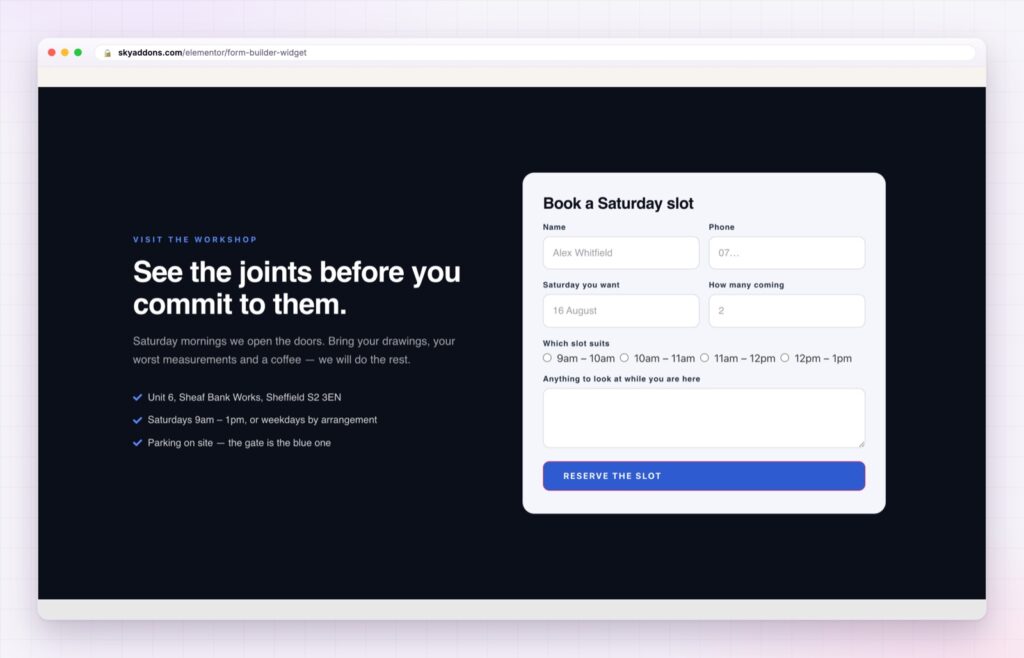
The Elementor form builder puts the whole thing in the widget. Fields, layout, validation, spam handling and delivery, all as controls next to the section you are building.
| A forms plugin | An Elementor form builder |
|---|---|
| Build in one screen, style in another | Fields and styling in the same widget |
| Styling fights the plugin’s own CSS | Every state is an Elementor control |
| Delivery usually means email only | Email, a webhook, or both |
| Stopping submissions means unpublishing | A switch that shows your own message |
| Another plugin to update and audit | Part of the addon set you already have |
Eight field types, laid out in columns. Text, number, email, textarea, hidden, disabled, select and radio. Each field takes a column width from a twelve step list, so first name and last name sit side by side without a container. Hidden fields carry a campaign or page source into the submission.
Webhooks to Zapier, Make or n8n. Point the form at an endpoint your administrator has configured and every submission is posted as JSON. The payload can be nested under a wrapper key or flat, whichever the receiving tool expects. The endpoint URL and its signing secret stay in site settings and never reach the page.
Email as well, or instead. Keep emailing while the webhook runs, or switch email off for webhook only delivery. There is also a choice about what happens when the endpoint is down: fail the submission visibly, or accept it quietly so the visitor is never punished for your automation outage.
Invisible reCAPTCHA plus rate limiting. Google’s invisible reCAPTCHA is verified server side, and forms with a webhook are rate limited as well, so a flood of submissions is refused before it reaches your automation.
A pause switch with your own message. Temporarily stop submissions and every submit is refused server side with the text you wrote, while the form stays visible. That is the right behaviour when a campaign ends, an inbox is unattended over a holiday, or a booking window closes.
A real submitting state. The button can change its text while the request is in flight, and the success and error results have their own colour, background and border controls. These are the small pieces that make a form feel like software rather than a page element.
Every field you add costs you submissions. If nobody reads the answer within a week of it arriving, the field should not be there.
Forms are where interest turns into contact, and they are also where it leaks away. Length is the biggest cause: each extra field is another reason to stop. Building the form in the same widget as the section makes it easier to keep it short, because you are looking at the page while you decide.
Delivery is the other half. Email is fine for a contact form and wrong for anything that needs to reach a CRM, a spreadsheet or a Slack channel. A webhook posts the submission as JSON to whatever is listening, which is how modern tools expect to receive data. The Zapier webhooks documentation is a reasonable starting point if you have not wired one up before.
The pause switch is a small feature with a specific value. Every agency has had the client who wanted a form closed for two weeks, and the usual answers, unpublishing the page or deleting the widget, are both worse than showing a sentence explaining why it is closed.

No. The form builder is part of Sky Addons Pro.
Yes. An administrator configures the endpoint once in the Sky Addons API settings, and the form posts JSON to it, nested or flat.
Yes. Invisible reCAPTCHA is verified server side, and forms with a webhook are rate limited as well.
Yes. A switch refuses every submit with your own message while the form stays on the page.
If you want one. Email can run alongside the webhook or be switched off entirely.
The Elementor form builder keeps the form in the same place as the design: eight field types in a twelve step column grid, styling for every state including submitting, and delivery by email, by webhook to Zapier, Make or n8n, or both. Invisible reCAPTCHA and rate limiting handle abuse, and a pause switch closes the form without unpublishing anything.
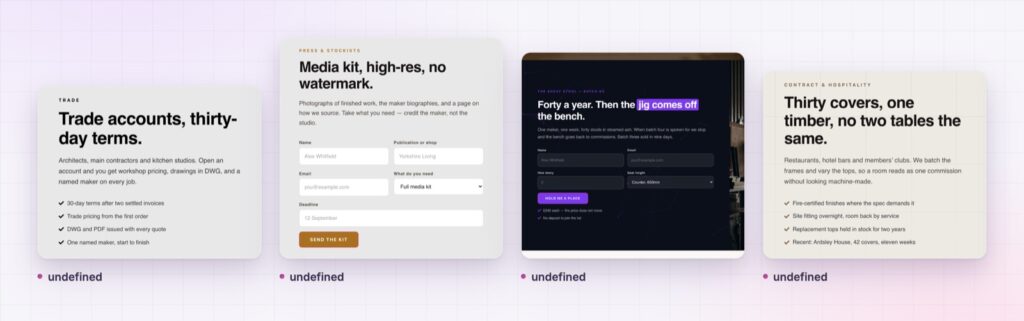
The Form Builder demo shows the widget styled several ways, including a two column contact form and an inline signup. Every control is listed in the Form Builder documentation.
If you want people to sign in or sign up rather than write to you, the Elementor login form and Elementor registration form are the matching widgets.
The form builder is part of Sky Addons Pro. The free versus Pro page shows where the line falls.




Comments are closed.