Scroll, text, hover and reveal animations for Elementor, set with switches on the widgets you already have. 30+ effects, 13 of them free, GSAP-powered in Pro.


Sky Addons is an Elementor animation plugin and an addon pack in one. Nobody wants an animation library. You want this headline to write itself in, that section to pin while the cards stack, and the hero to move with the mouse. Find the motion below and open its live demo.
Sections that answer the scroll: text that fills, cards that stack and pin, panels that slide sideways.
Layers and single elements that move at different speeds while the page scrolls.
Headlines that type, rotate and highlight, and text that enters letter by letter.
Buttons, images and cards that react when a visitor moves over them.
Wipes, curtains and masks that uncover an element as it enters the viewport.
Gradients that shift, particles that drift and elements that float in place.
Galleries and sliders that keep moving, with flow, blur and 3D transitions.
A custom cursor, elements that stay pinned, and a bar that tracks reading progress.
Most animation plugins hand you new widgets and ask you to rebuild the page with them. Sky Addons effects attach to what is already there — Elementor core widgets, and widgets from other addon plugins — so a heading, an image or a whole section starts moving without being replaced.
Said honestly: Text Animation and Button Effects are built for headings, text and buttons, not for every widget. The scroll and text effects in Pro run on GSAP with ScrollTrigger and SplitText, and you never write a line of it.
And you can turn any of it off. Every widget and every extension has its own switch in the Sky Addons dashboard; a module that is switched off never registers its hooks and never ships its CSS or JavaScript.
A demo page shows one finished effect. This clip shows the part before it: tilt, glass, gradient text and motion being switched on, on widgets that were already there.
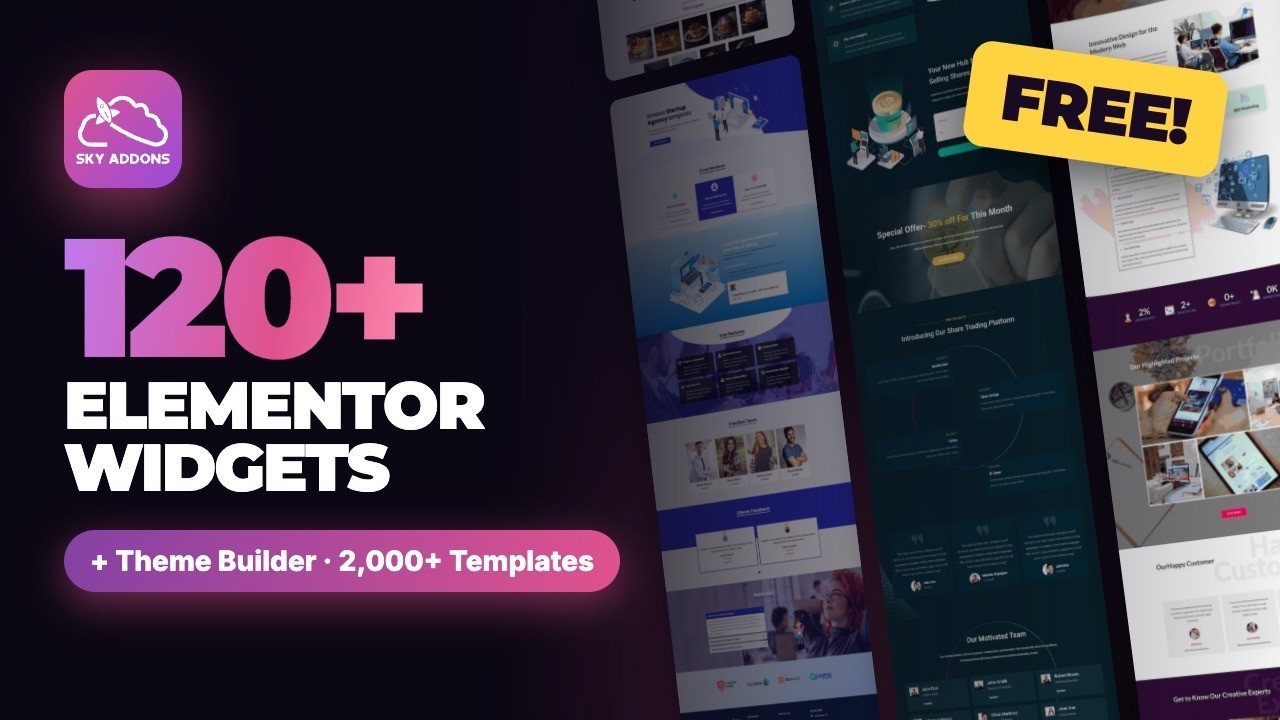
Effects and extensions that work on the widgets already on your pages. Nothing to rebuild, nothing to replace.
The full directory, filterable by category, with a live demo behind most cards.
What the free core covers, what Pro adds, and what a licence costs per site.
The free template library, sorted by industry, inserted from inside Elementor.
What moves, what is free, what runs on GSAP, and what it costs your page speed.
Search the docs, or open a ticket and someone on the team will reply.
Install Sky Addons, open the widget you want to animate in the Elementor editor, and switch on the effect in its Sky Addons controls. You set speed, direction and trigger with controls. There is nothing to code.
Yes, and an addon pack as well. It has 30+ animation effects for scroll, text, hover and reveal, alongside 120+ widgets and a free Theme Builder, in one plugin.
13 effects are free: Animated Heading, Gradient Text, Tilt Effect, Floating Effects, Reveal Effects, Ripples Effect, Button Effects, Simple Parallax, Sticky, Reading Progress, Animated Gradient Background, Portion Effect and Momentum Slider.
Yes, in Pro. Scroll and text effects such as Scroll Fill, Scroll Stack, Horizontal Scroll, Element Parallax and Text Animation run on GSAP with ScrollTrigger and SplitText. You set them with controls and never write GSAP code.
Yes. Pro has Scroll Fill, Scroll Stack, Horizontal Scroll, Element Parallax, Background Parallax and Smooth Scroll. The free plugin has Sticky, Simple Parallax, Reading Progress and Reveal Effects, which play as elements enter the viewport.
Yes. Animated Heading is free and gives typewriter, rotating and highlighted-word headlines. Text Animation in Pro adds per-letter and per-word entrance animations. Gradient Text is free.
Yes. Tilt Effect, Ripples Effect and Button Effects, with ten pure-CSS hover effects, are free. Pro adds Cursor Effects, Rounded Cursor and Hover Video.
Yes. Most effects are extensions that attach to Elementor core widgets and to widgets from other addon plugins. Text Animation and Button Effects are built for headings, text and buttons.
No. Sky Addons works with the free Elementor plugin. Sky Addons Pro needs Elementor 3.0 or newer and the free Sky Addons plugin, and nothing else.
Every effect has its own switch, and the Asset Manager loads only what a page uses. An effect you leave switched off never loads.
No. Every animation is set with controls in the Elementor editor: trigger, speed, direction and delay. No CSS, no JavaScript.
Pro has yearly and lifetime plans. Every plan includes all of Pro, with a 14-day money-back guarantee. See pricing
Elementor widgets and extensions by wowDevs — built for people who would rather ship than fight a page builder.
One short email when something ships. No drip sequence.