
Garage Door Website Template: Book the Broken Spring Call Before Breakfast
A garage door website template with 8 ready pages: same-day booking, a price guide, door styles and a How It Works page. See every page of LiftLine.
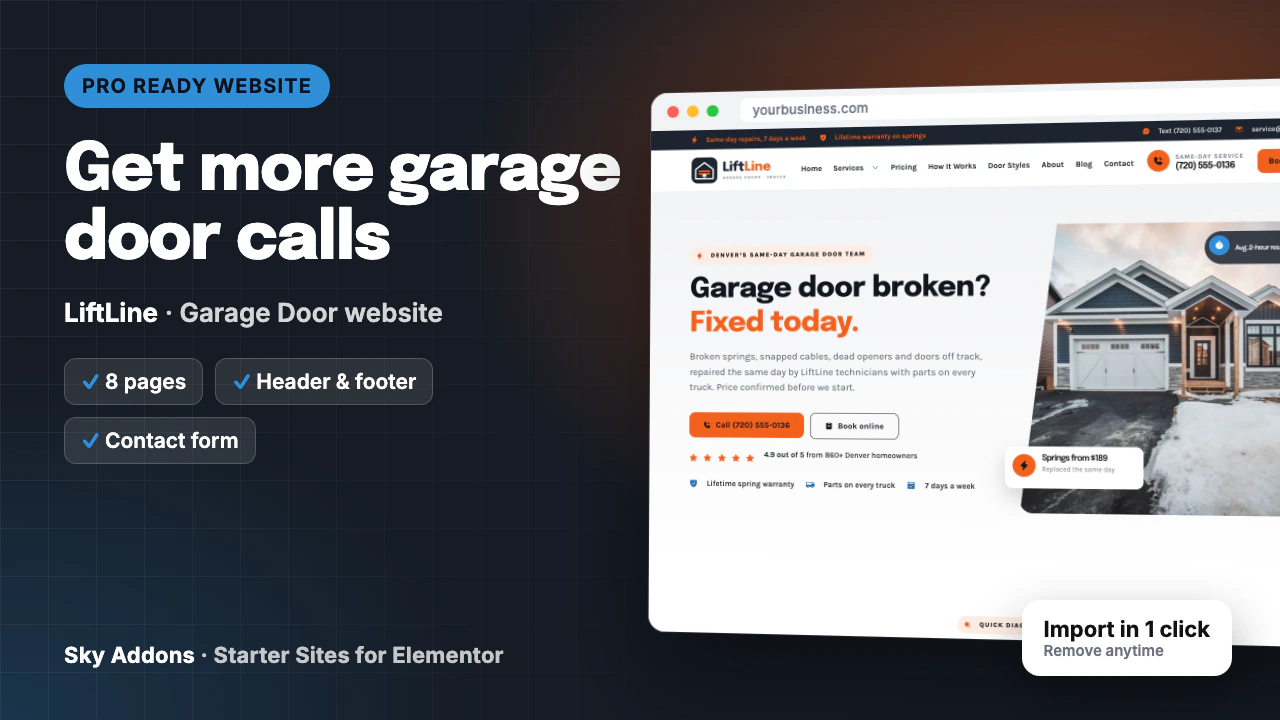
6:40 on the first freezing morning of the year. A homeowner presses the remote, hears a bang like a dropped shelf, and the door will not move. The car is inside, work starts at eight, and she is standing in the garage in a coat over her pyjamas, searching on her phone. She calls the first company whose site tells her what the bang probably was, what a spring costs and whether someone can come today.
That call goes to whoever answers those three questions fastest. Most door companies answer them well on the phone and badly online. A garage door website template built around same-day repair, posted prices and new door sales puts those answers on the screen before anyone dials.
Here is LiftLine, a garage door website template from Sky Addons Pro, opened page by page: what each of its eight pages does, which figures are sample content, and what you change.
LiftLine is a complete ready website for a garage door repair and installation company, built in Elementor with Sky Addons widgets. It imports from inside WordPress with every page, the header and footer, menus and booking forms already connected.
| Feature | Detail |
|---|---|
| Pages | Home, Services, Pricing, How It Works, Door Styles, About, FAQ, Contact |
| Header and footer | Sky Theme Builder: top bar with same-day and warranty notes, text line and email, phone and Book online button |
| Booking forms | Sky Addons Form Builder: Book my visit on four pages and a Request a callback form on each service page |
| Content types | Services (nine samples), each with its own page |
| Plugins it installs | Secure Custom Fields, free from WordPress.org |
| Theme | Hello Elementor, unless you keep your current theme |
| Plan | Pro: needs Sky Addons Pro active |
| Mobile | Every page adapts, with Call now and Book online pinned to the bottom |
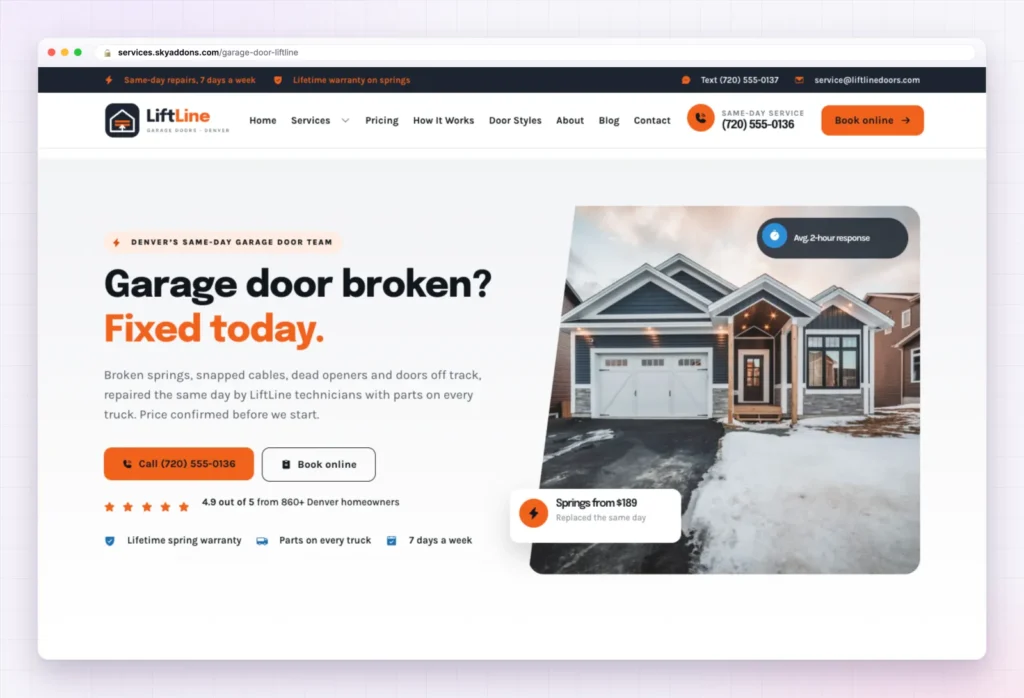
The demo is a same-day door company in Denver, and the layout fits most of the trade:
The hero reads “Garage door broken? Fixed today.” with a call button, Book online, a review line and three trust points: lifetime spring warranty, parts on every truck and 7 days a week.
The best section on this garage door website template comes next. “What is your door doing?” lists six symptoms in plain words, from “Loud bang, door won’t open” (likely a broken spring) to “Drafts, snow or mice” (new seals). A panicked homeowner recognises their problem in two seconds.
Below it come six service cards, a repair data chart on springs, three new door style cards, the three step process, reviews, blog guides, a booking form, a Door stuck right now? call band, the service area and FAQ. The rating, response time, spring price and repair data are sample content.
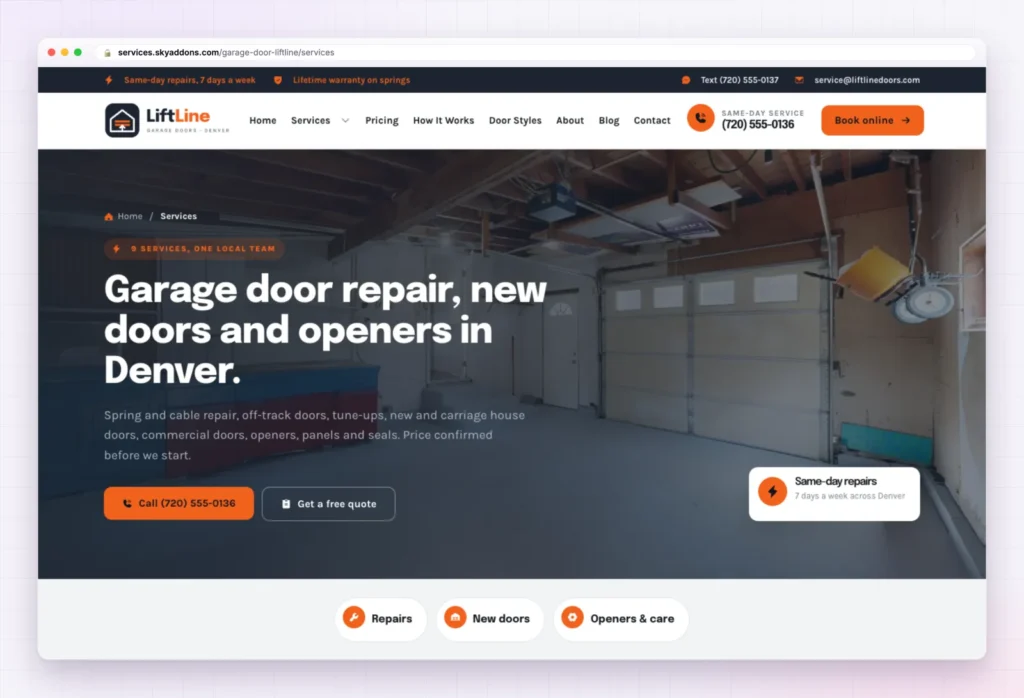
“Garage door repair, new doors and openers in Denver.” sorts nine sample services under three buttons:
A “Repair or replace?” table then explains when a repair makes sense and when a new door does. Each service is one entry in the services content type, and each service page carries its own callback form.
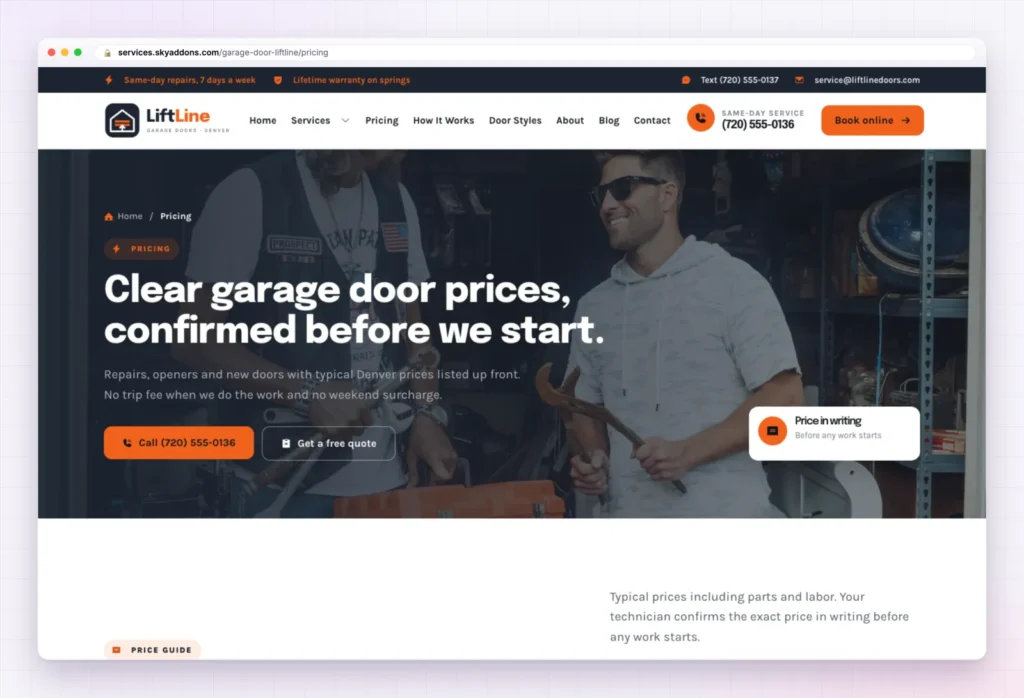
“Clear garage door prices, confirmed before we start.” leads into three price tables: repairs (springs, cables, off-track resets, tune-ups), openers and parts, and new doors from single steel to modern glass. Three spring repair cards follow, then a DoorCare plan with two tune-ups a year, priority scheduling and a repair discount, and four billing questions.
Every price and plan term in this garage door website template is sample content. Use your real numbers or “from” prices; the structure is what stops the “how much?” phone tag.
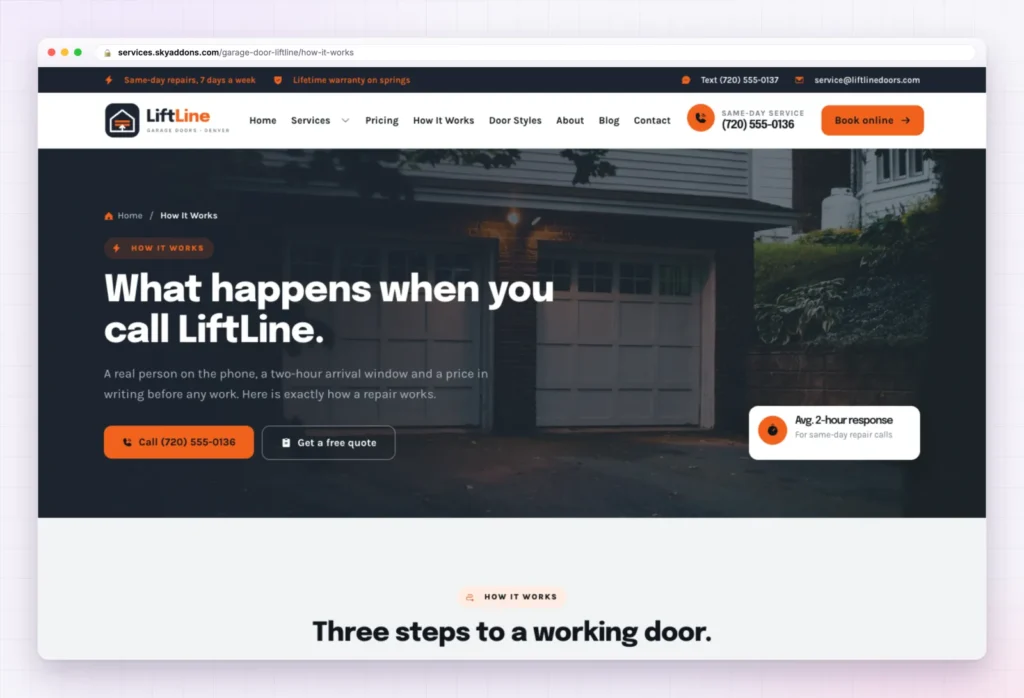
People who have been overcharged once want to know what happens next. “What happens when you call LiftLine.” answers with a six stage timeline of a typical broken spring call, “From a loud bang to a working door by lunch.”: you call, the time window arrives by text, the technician arrives, the price is put in writing, the spring is replaced, the door is balanced and tested.
The LiftLine standard on every visit lists six habits, such as a whole-door inspection, safety testing of the auto-reverse and sensors, and a photo report. Keep only the habits your crews really follow.
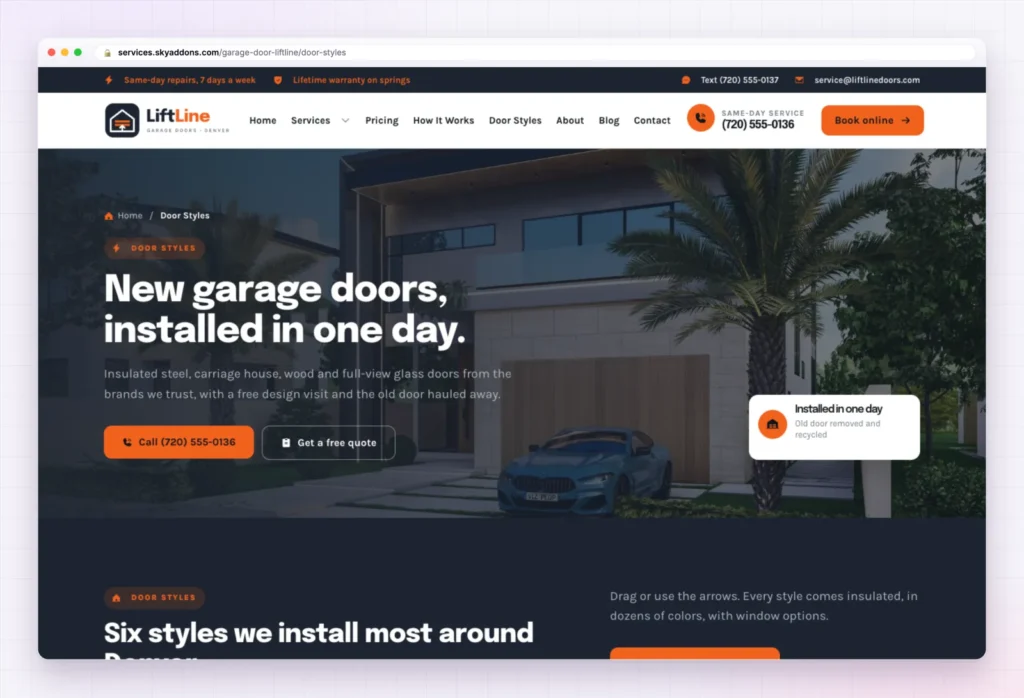
New doors grow the business. “New garage doors, installed in one day.” shows six styles (full-view glass, modern steel, carriage house, wood and glass, craftsman and raised panel) with a Book a free design visit button.
A drag slider compares a classic and a modern door. “Insulation matters at 6,000 feet.” explains insulation with four typical R-values, from uninsulated steel to two inch polyurethane. For homeowners weighing insulation, ENERGY STAR’s seal and insulate guidance is a fair, neutral reference.
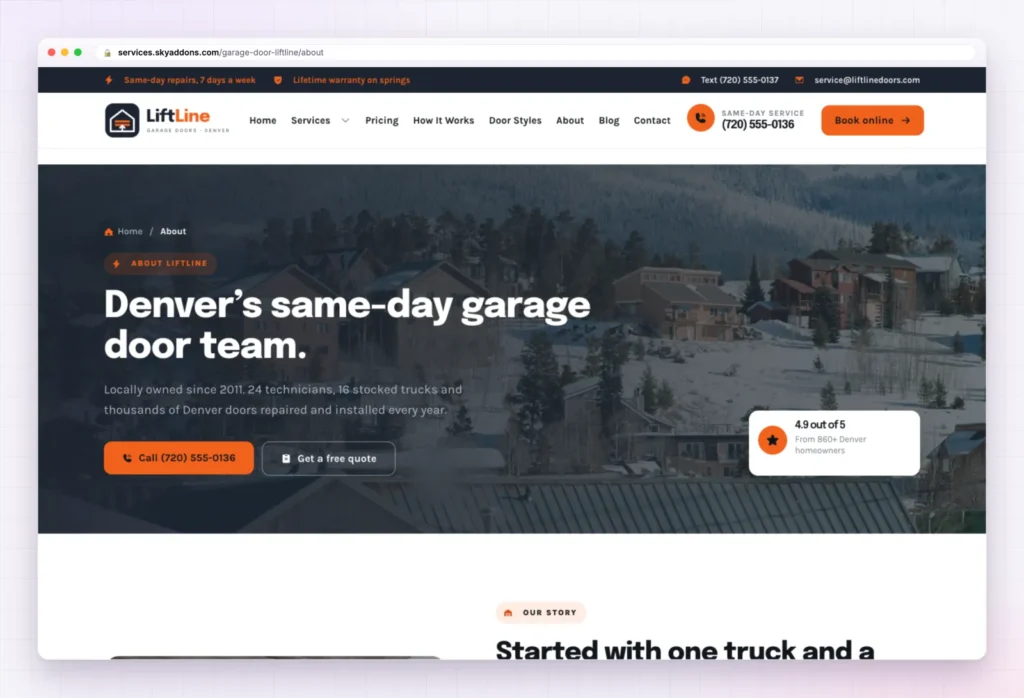
“Denver’s same-day garage door team.” opens with a founding year and a count of technicians and trucks. The story tells how the founder left a national franchise to run one properly stocked truck. Four promises on every job follow (same day, price in writing, stocked trucks, honest advice), then a chart of first-visit fix rates by part, four crew types, and reviews.
Every count, percentage and rating here is sample content. If you run two trucks, say two.
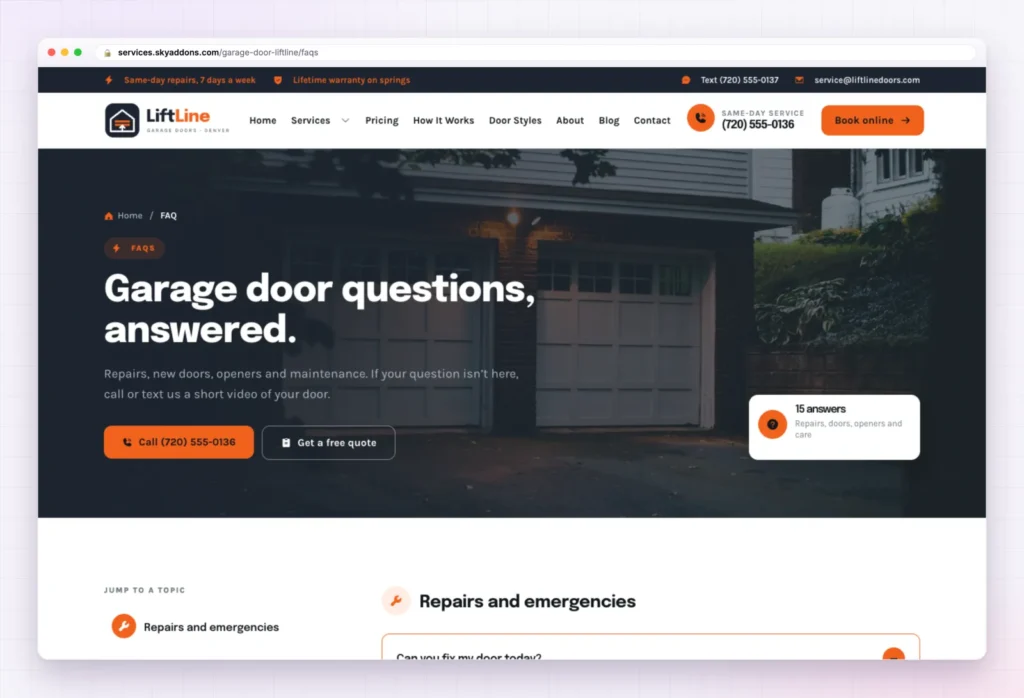
“Garage door questions, answered.” groups fifteen questions with a Jump to a topic menu: repairs and emergencies, new garage doors, openers and smart control, and maintenance and warranty. One of them is “My spring broke. Can I open the door?”.
Keep the spring answer firm: torsion springs hold dangerous tension, so do not force the door, call a technician. DASMA, the door manufacturers’ association, publishes a garage door safety sheet you can point customers to.
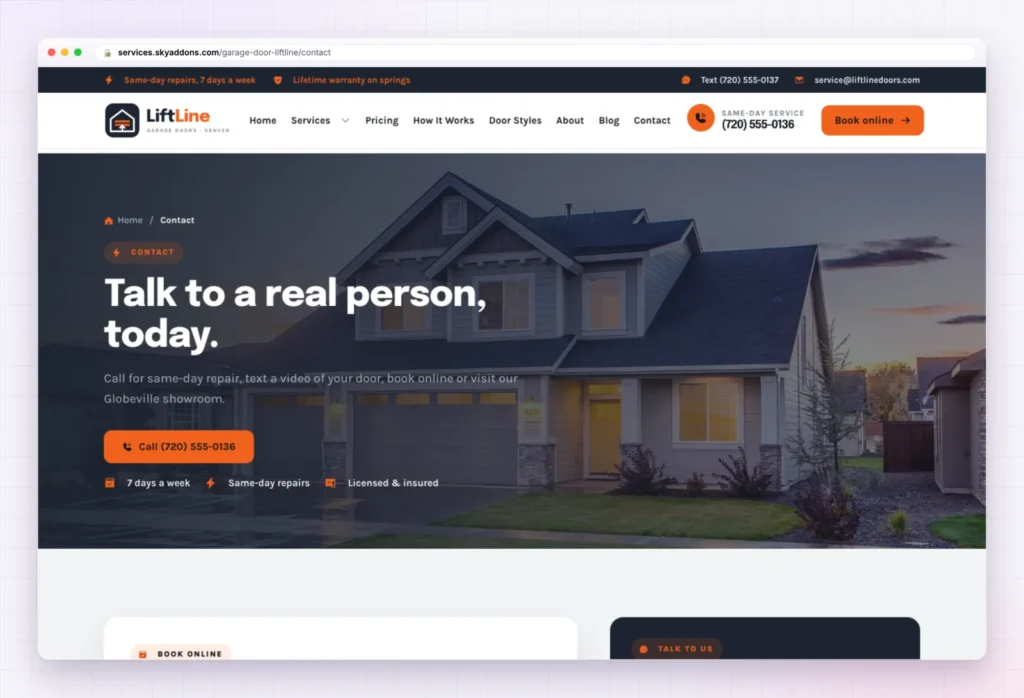
“Talk to a real person, today.” offers four routes: call, text a video, book online or visit. The Schedule a visit form asks for name, phone, email, neighbourhood or ZIP, what is going on with the door (from broken spring to new garage door) and a note. It warns that a door stuck open needs a call instead, which is good triage.
Hours, three contact cards and the service area sit beside it. Set each Form Builder widget’s Email Receiver to your scheduler’s inbox.
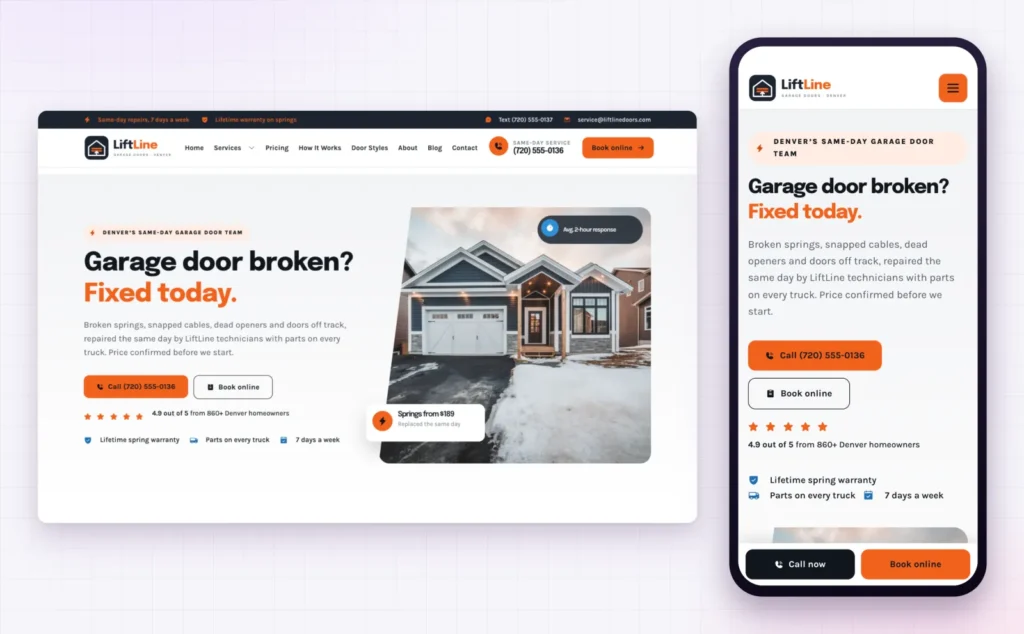
The broken spring call almost always starts on a phone, in the garage. On a small screen this garage door website template stacks the headline, keeps the call button first and pins Call now and Book online to the bottom of every page. The text-a-video option works there too.
Nobody shops for a garage door company on a good day. They shop with the car trapped inside, and they pick the site that tells them what is wrong and what it costs.
The hard part of a garage door website template is the order: symptom, price, trust, booking. That order arrives built.
| Shipped in the kit | Left for you |
|---|---|
| Eight pages laid out and linked | Company name, logo and truck colours |
| Top bar, header and Book online button | Phone, text line, email and hours |
| Symptom picker and booking forms | Who receives each form |
| Nine services in the services content type | The work you actually do |
| Price tables, spring cards and plan block | Your prices, fees and plan terms |
| Door styles, R-value table and slider | The brands and styles you install |
| Phone bar with Call now and Book online | Reviews, counts and crew photos |
If it is not right, Remove this import puts your old front page, colours, header, footer and theme back.
LiftLine is a Pro kit. It imports when Sky Addons Pro is active alongside the free Sky Addons plugin.
Yes. The import is add-only, and Remove this import later restores your previous front page, colours, header, footer and theme.
Yes. Change the global colours and fonts in Elementor and every page updates.
Yes. Each page has a phone layout, with Call now and Book online fixed to the bottom.
No. Prices, symptoms, services and photos are all edited by clicking them in Elementor.
LiftLine is an eight page garage door website template that answers what is wrong, what it costs and when you can come, then sells new doors on the side. Add your numbers, brands and photos and import it with Sky Addons Pro. It comes out cleanly if it does not fit.


Comments are closed.