
Agency Website Template: Give Your Own Studio the Site You Build for Clients
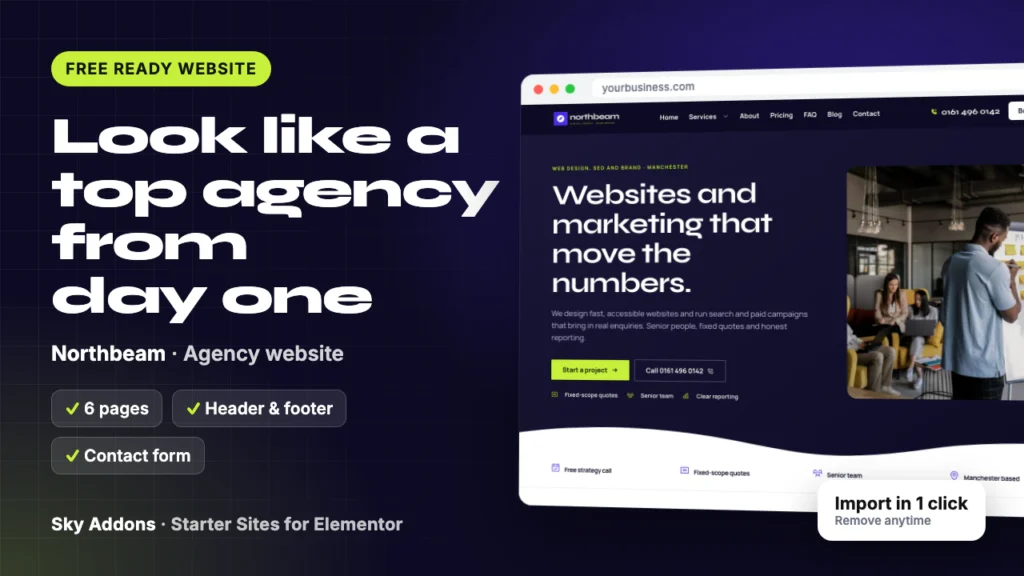
A free agency website template for small studios: 6 ready pages, fixed-price plan cards, a team page and a project form. See every page of Northbeam.
A driver hears a grinding noise, searches on a phone, and calls the first shop that looks trustworthy. If your site is old, slow on a phone, or has no prices, that driver calls someone else.
You know you need a better website. You also have cars on the lifts and no time to spend six weeks with an agency.
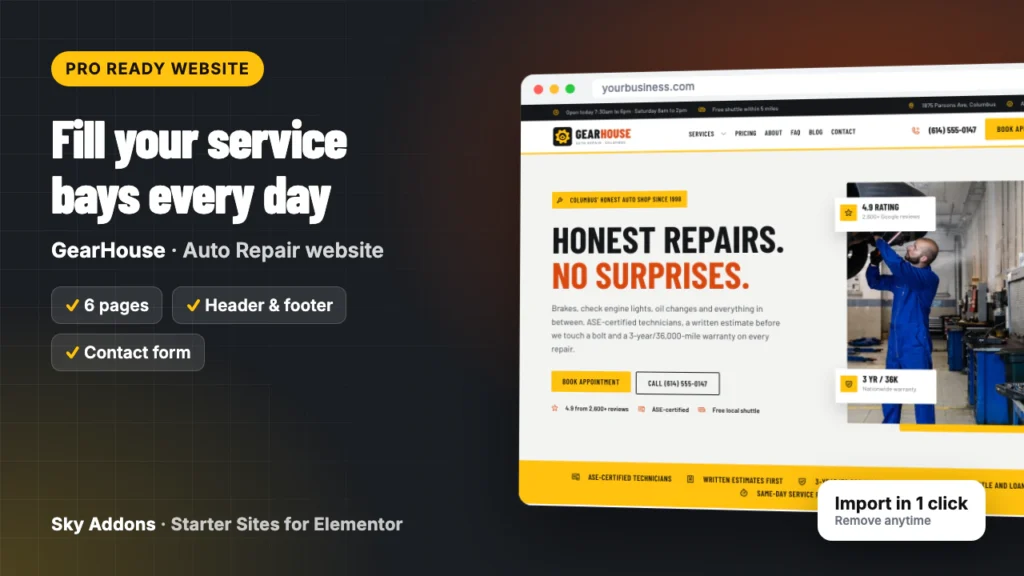
This post walks through GearHouse, an auto repair website template from Sky Addons Pro. It shows every page you get, what each one does for your shop, and how little is left to change before the site is yours.
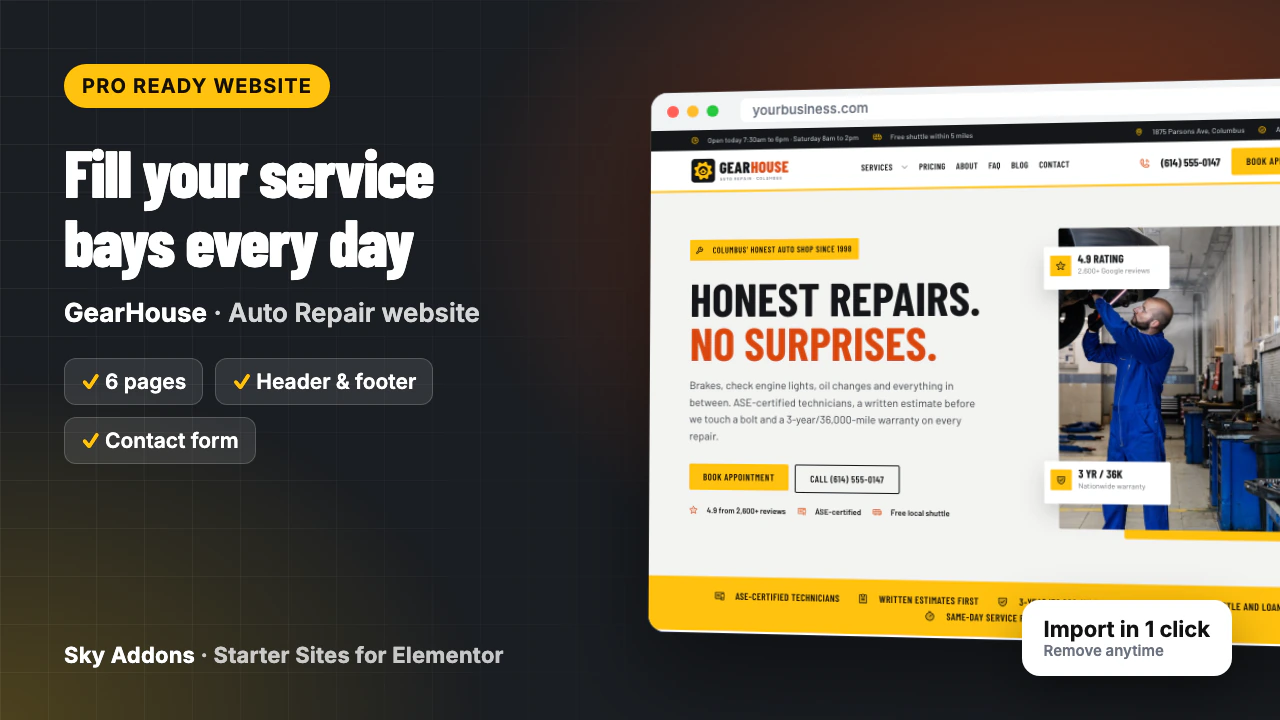
GearHouse is a complete ready website for an independent repair shop, built in Elementor with Sky Addons widgets. You import it in one go from inside WordPress. Pages, header, footer, menus and the appointment form arrive joined up, so you edit a finished site instead of building one.
| What you get | Details |
|---|---|
| Pages | Home, About, Services, Pricing, FAQ, Contact |
| Header and footer | Sky Theme Builder: hours bar, address, phone, Book appointment button, Services menu |
| Appointment form | Built with the Sky Addons form widget: name, phone, email, vehicle, service, mileage, drop-off and a note |
| Content types | Services (12 samples), each with its own page and a short booking form |
| Plugins it installs | Secure Custom Fields, free from WordPress.org |
| Theme | Hello Elementor, unless you keep your current theme |
| Plan | Pro: needs Sky Addons Pro active |
| Mobile | Every page works on a phone, with a sticky Call now and Book bar |
The demo is written for a six-bay family shop in Columbus, but this auto repair website template fits most independent garages:
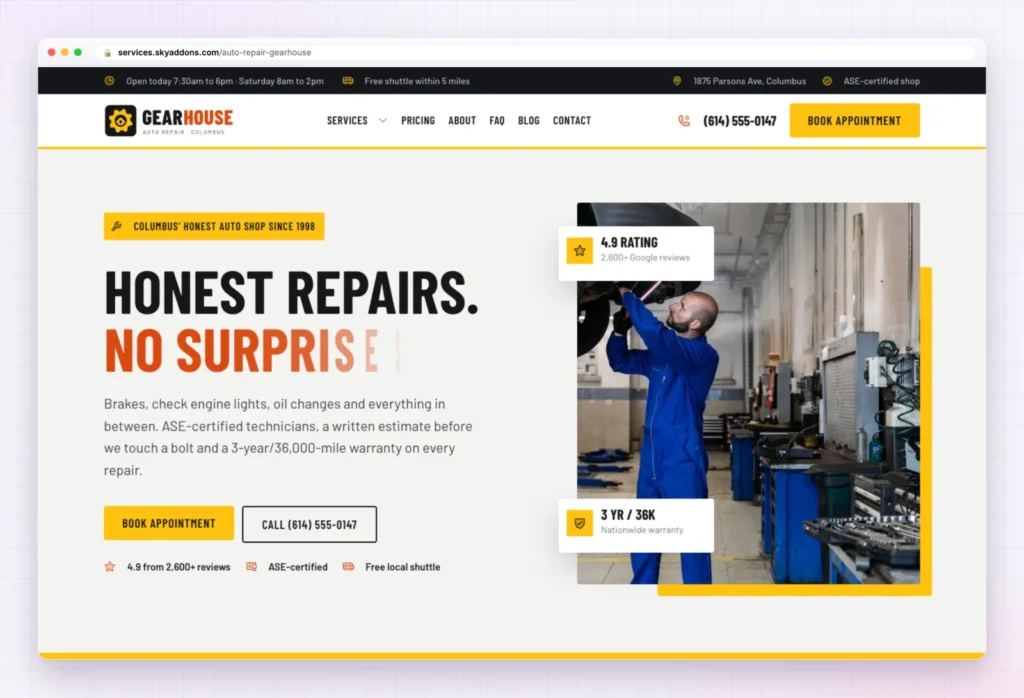
The Home page of this auto repair website template opens with “Honest repairs. No surprises.”, a short line about brakes, check engine lights and oil changes, and two buttons: Book appointment and Call. Under them sit three trust points: rating, certification and a free local shuttle.
The rest of the page answers a nervous driver’s questions in order:
You change the headline if it does not suit your shop, the hours, the address, the trust points and the reviews.
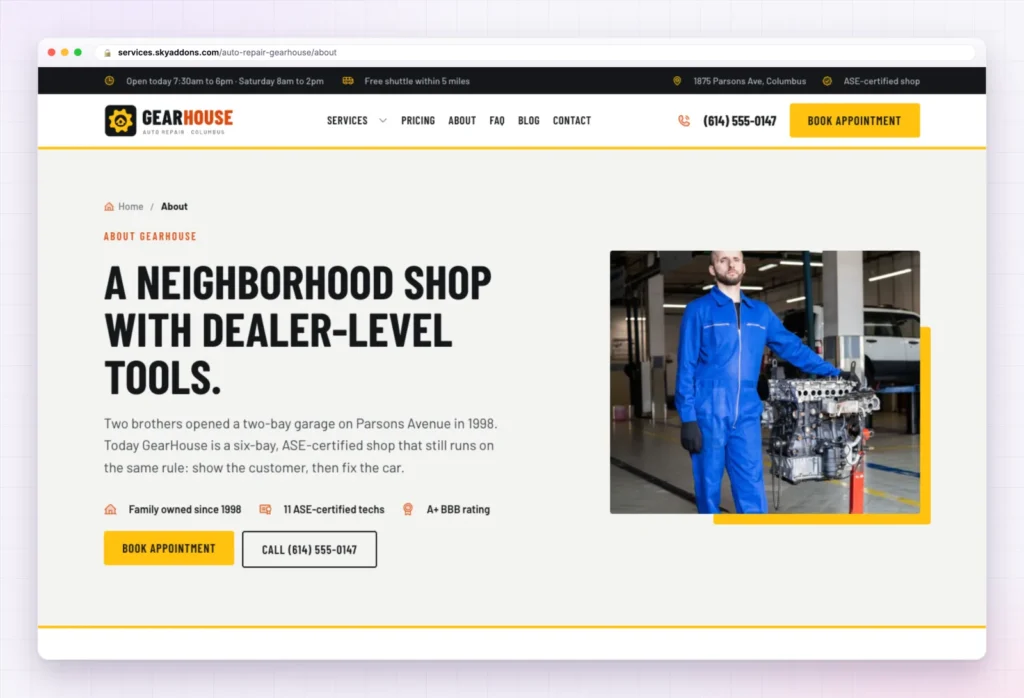
Drivers worry about being upsold. The About page answers that with “A neighborhood shop with dealer-level tools” and a founder story built on one rule: show the customer the problem first.
Below it come six reasons to choose the shop, four team members, and a six-step timeline of the shop’s history.
There is also a hiring section with pay, benefits and an Apply today button, useful when good technicians are hard to find. You change the story, names, photos, timeline and job offer. Every figure in it is sample content.
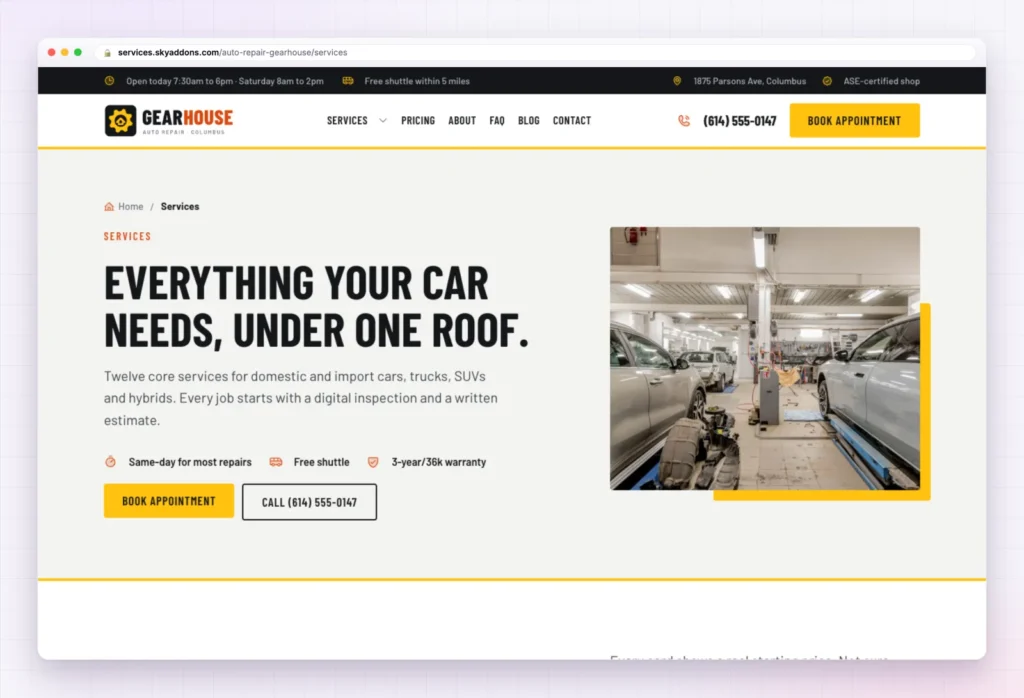
The Services page lists all twelve sample services in four groups, so a driver finds their problem fast:
The page ends with “Four rules on every repair order”, such as estimate before work. Services are a content type, so each one is a single entry to edit. Delete the ones you do not do, rename the rest, and rewrite each service page.
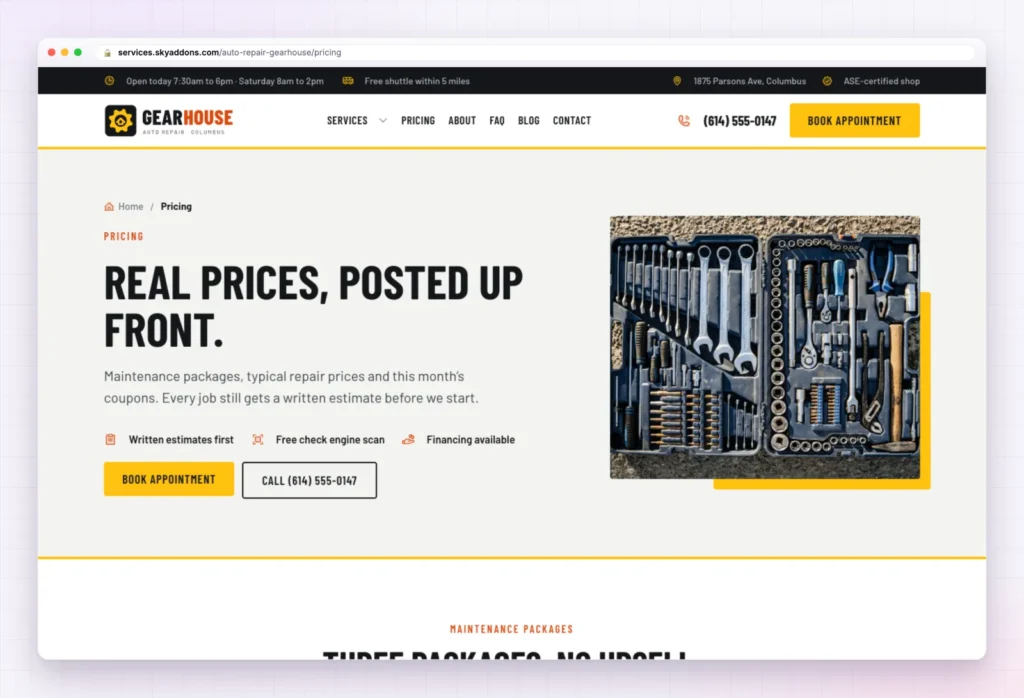
Fear of the bill keeps drivers away until a small problem turns into a big one. The Pricing page meets that fear with “Real prices, posted up front”.
It holds three maintenance packages (Oil and Go, Road Ready and Full Service), a table of what common repairs cost, four monthly coupons with codes, three ways to pay (interest-free financing, itemized invoices, fleet accounts) and five cost questions, such as whether the diagnostic fee is credited to the repair.
Every price, coupon and financing term in the auto repair website template is sample content. Put in your own numbers, and delete the coupons or financing if you do not offer them.
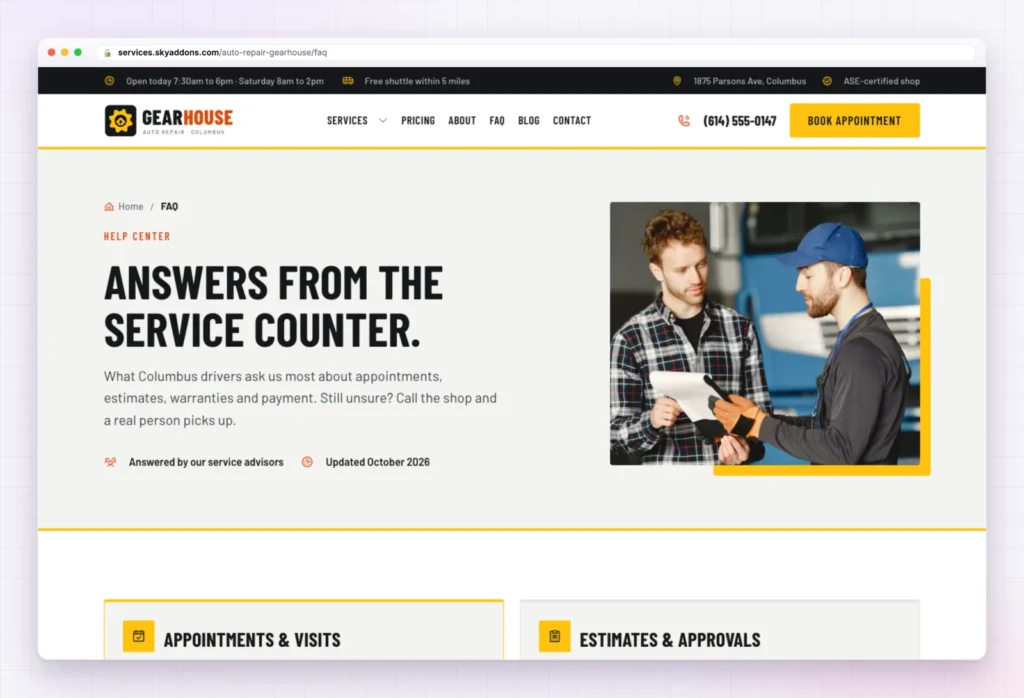
The FAQ page sorts sixteen questions into four groups: Appointments and visits, Estimates and approvals, Warranty and parts, and Payment and pricing.
Then comes a section drivers will thank you for: “What that light means, and what to do”. It explains six dashboard warnings, from a solid or flashing check engine light to the oil pressure and brake lights.
Write the answers in your own words and check each one against what your shop really offers.
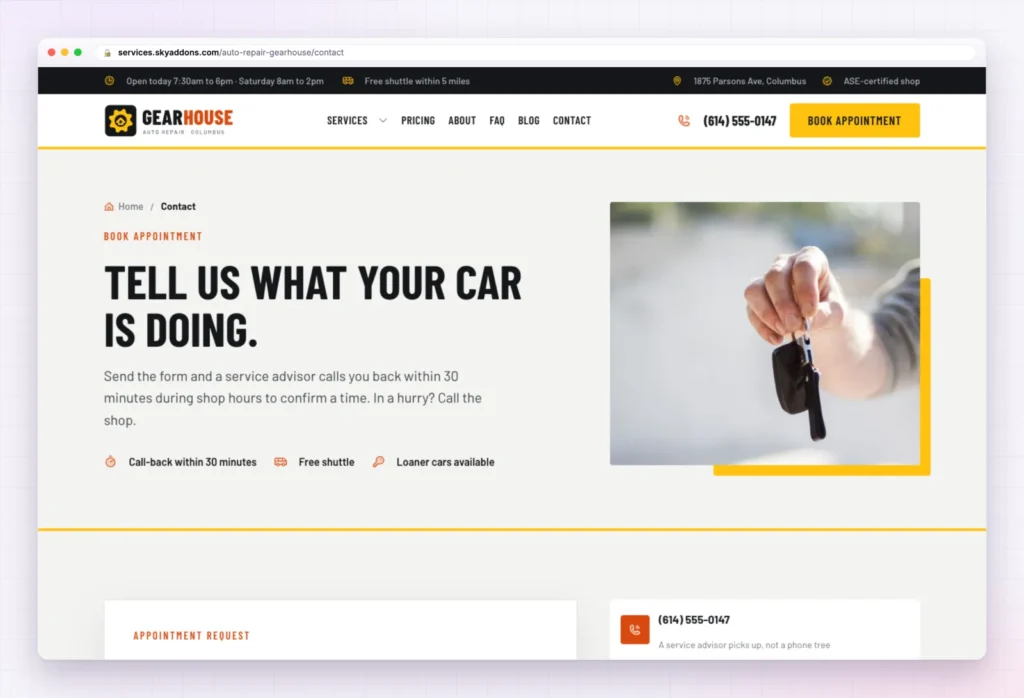
The Contact page opens with “Tell us what your car is doing.” Below it, the Book your visit form asks for a name, phone, email, vehicle, what the driver needs, mileage, a drop-off time and a short description of the noise, smell or warning light.
Next to the form sit the shop phone, opening hours and a tow card, with a map and Get directions button below. Change the address, phone, hours and tow details (all sample content), and edit the form’s service choices to match your menu.
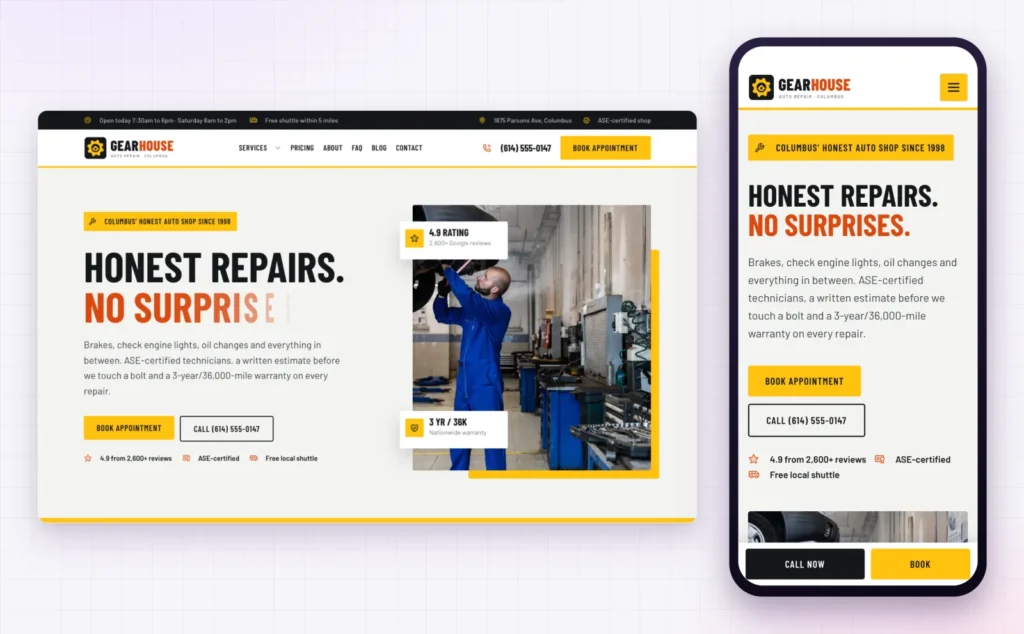
A driver with a warning light on the dashboard is almost always searching on a phone. On a small screen, GearHouse folds the menu into a button, stacks the headline, and keeps a Call now and Book bar fixed at the bottom of the screen.
That matters for local search too. Google’s guide to adding or claiming your Business Profile asks for a website link, and the page a driver lands on should work on the phone in their hand.
The hard part of an auto repair website template is the layout, the order of sections and the joining up. That is done.
| Already done | You change |
|---|---|
| Six pages laid out and linked | Logo and shop name |
| Header with hours bar, phone and Book appointment button | Phone number and address |
| Services menu and footer | Opening hours and shuttle area |
| Appointment form with vehicle and mileage fields | Prices, packages and coupons |
| Services content type with twelve samples | The services you really offer |
| Global colours and fonts | Photos of your bays and your team |
| Phone layout with sticky Call now and Book bar | Reviews, warranty terms and FAQ answers |
Drivers do not choose the cheapest shop. They choose the one they trust not to surprise them. Posted prices and a real phone number do more for that trust than any slogan.
Changed your mind? Remove this import puts the site back as it was: imported items deleted, your old front page, colours, header, footer and theme restored. Nothing you had before is deleted or overwritten.
No. GearHouse is a Pro kit, so it needs Sky Addons Pro active alongside the free Sky Addons plugin.
No. The import only adds. Remove this import puts the site back as it was, and pages you edited after importing are kept unless you tick the box.
Yes. The kit sets global colours and fonts, so a change in Elementor’s site settings applies wherever the design uses them.
Yes. Every page has a phone layout, and a Call now and Book bar stays at the bottom of the screen.
No. Everything is built with Elementor and Sky Addons widgets, so you edit text, photos and buttons by clicking on them.
GearHouse is a finished six page auto repair website template with services, posted prices, a warning light guide and an appointment form already in place. You change your name, number, prices and photos, switch the form on, and the site is ready for drivers. It imports in one click with Sky Addons Pro and comes out just as easily.

Comments are closed.