
HVAC Website Template: Answer the Heat Wave Call Before Your Competitor Does
An HVAC website template with 6 ready pages, emergency booking forms, flat-rate pricing and a membership plan. See every page of AirWise before you import.
“Hi, our AC quit about an hour ago, it’s 94 inside and we have a newborn. Please call back.” That voicemail lands at 4:52pm. The office closed at 4:30, your on-call tech is in an attic across town, and by the time anyone hears it the family has booked the company whose website let them request service in thirty seconds.
HVAC companies do not lose summer jobs on skill. They lose them on response, and the website is the first responder when the phones are jammed. An HVAC website template built around emergency requests, upfront pricing and a membership plan does that work while your people are on roofs.
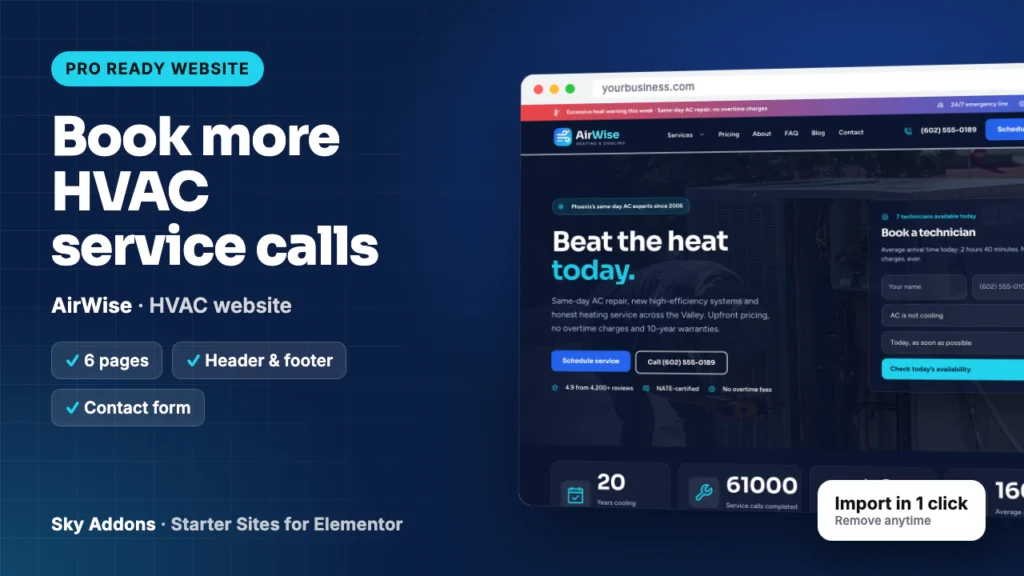
Here is AirWise, an HVAC website template from Sky Addons Pro, taken apart page by page: what each of its six pages does when the heat hits, and the short list of things you change before launch.
AirWise is a complete ready website for a heating and cooling contractor, built in Elementor with Sky Addons widgets. It imports from inside WordPress with every page, the header and footer, menus and service forms already connected.
| Part | What arrives |
|---|---|
| Pages | Home, Services, Pricing, About, FAQ, Contact |
| Header and footer | Sky Theme Builder: alert bar, 24/7 line and licence number, Services dropdown, phone and Schedule service button |
| Service forms | Sky Addons Form Builder: a quick “Book a technician” form on the Home page and a full service request on Contact |
| Content types | Services (twelve samples), each with its own page |
| Plugins it installs | Secure Custom Fields, free from WordPress.org |
| Theme | Hello Elementor, unless you keep your current theme |
| Plan | Pro: needs Sky Addons Pro active |
| Mobile | Every page adapts, with Call now and Schedule fixed at the bottom |
The demo is a family-owned AC company in Phoenix, and this HVAC website template works just as well for:
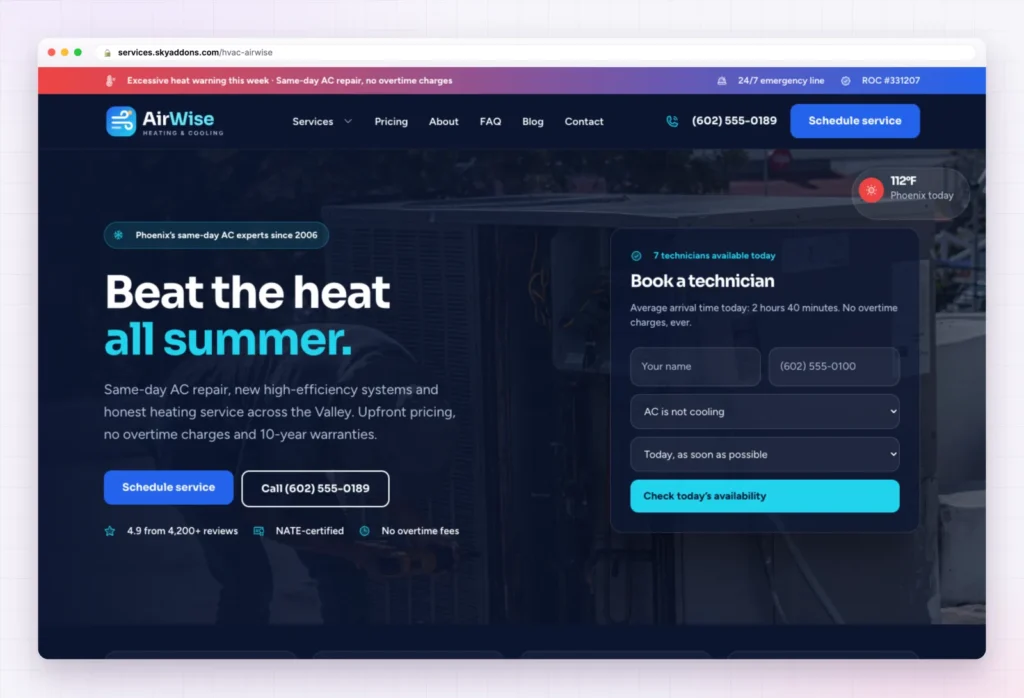
The first screen works like a front office. A red alert bar announces a heat warning and same-day repair with no overtime charges. The headline, “Beat the heat all summer.”, sits beside a Book a technician card that asks for a name, phone, what is wrong (such as “AC is not cooling”) and when, with a Check today’s availability button. A temperature badge and a technicians-available line add urgency.
Below, the page answers the questions a sweating homeowner has:
Every figure here is sample content: the review score, arrival time, technician count, rebates, chart data and temperature badge. In your HVAC website template, use your own numbers or remove them.
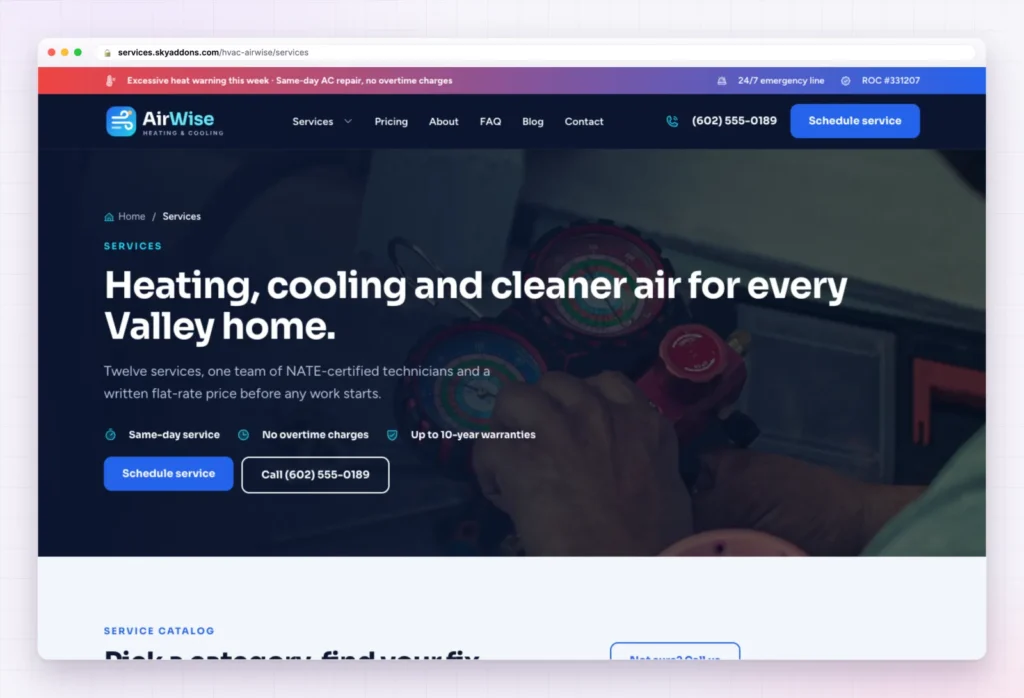
“Heating, cooling and cleaner air for every Valley home.” groups twelve sample services so a homeowner finds their problem fast:
A membership box, a chart that scores central AC, heat pumps and mini-splits from 1 to 10, and a section about trucks across the service area follow. Each service is one entry in the services content type, so you rename, remove or add work without touching the design.
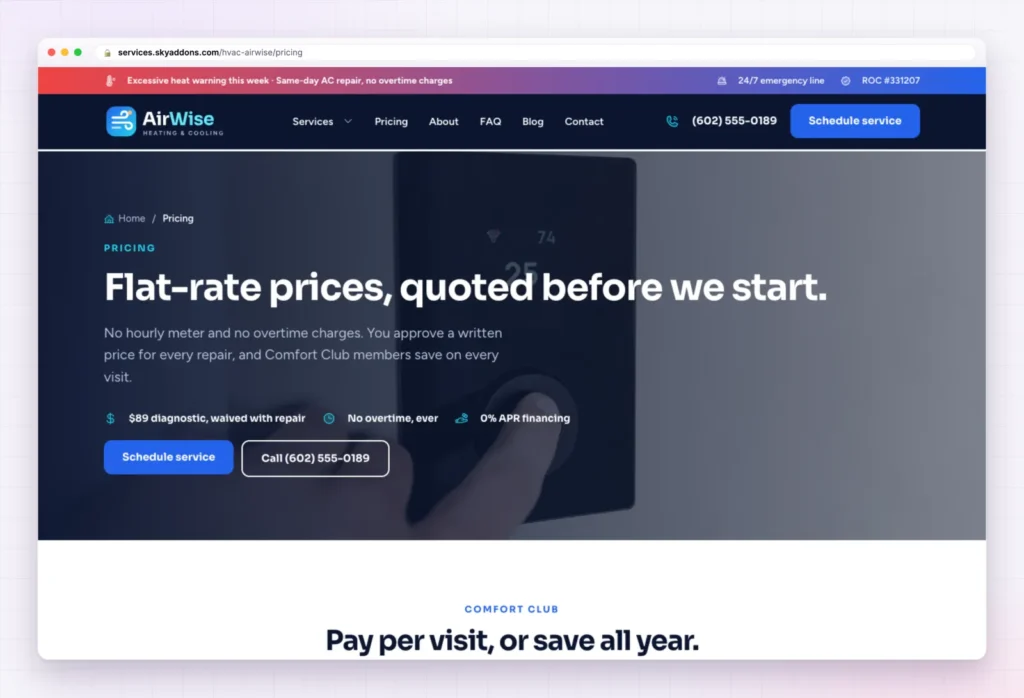
Price fear makes homeowners call three companies. “Flat-rate prices, quoted before we start.” answers it with three notes: a diagnostic fee waived with repair, no overtime and 0% financing.
Three cards (Pay as you go, Comfort Club and Comfort Club Plus) sit under “Pay per visit, or save all year.” Then come a typical-year comparison, a table of common repair costs, a financing section and five cost questions. Memberships also give an HVAC company steadier work between seasons, so this HVAC website template gives the plan real space. All prices, fees and financing terms are sample content.
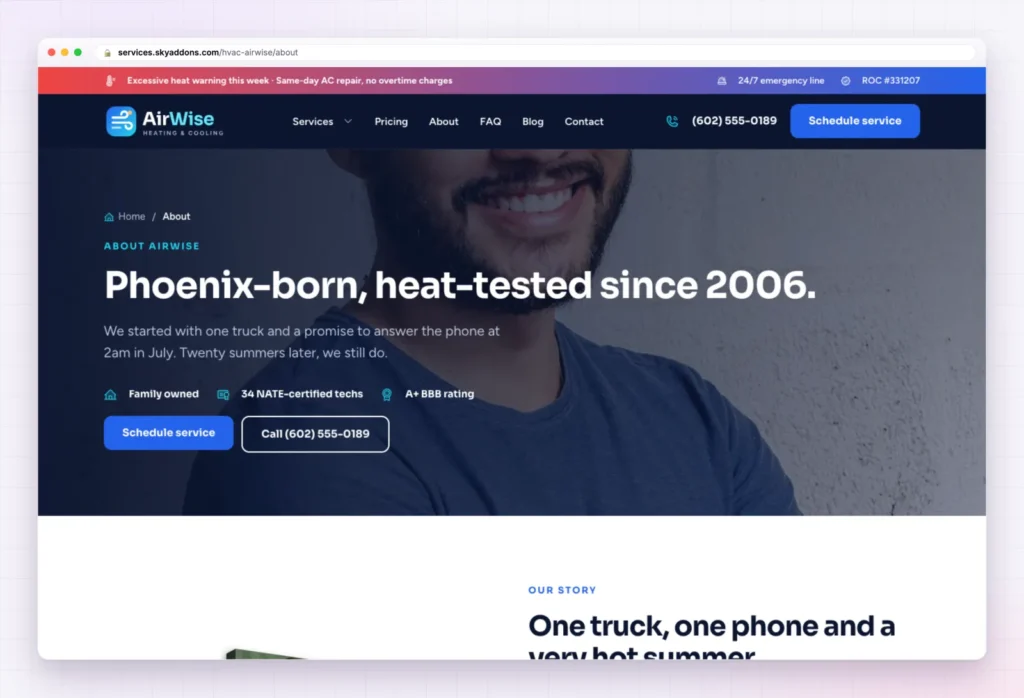
“Phoenix-born, heat-tested since 2006.” opens a founding story about one truck and a promise to answer the phone at 2am in July. Three promises on every call follow: certified technicians, trucks stocked to finish the job today, and honest options in writing.
A chart of a season’s calls by job type, four team profiles and a careers section close the page. That last section, “Build a career, not just a job.”, lists training, pay and benefits with a See open roles button. When finding technicians is as hard as finding customers, a hiring pitch on your own site earns its place. Replace every figure, badge and benefit with your own.
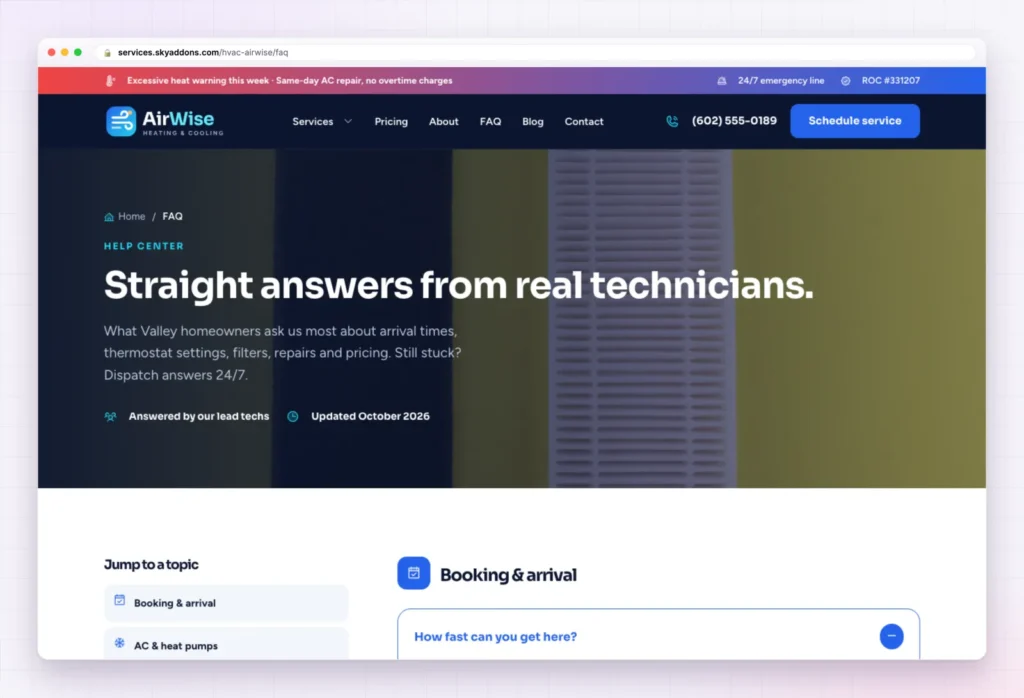
“Straight answers from real technicians.” groups sixteen questions under four topics, with a Jump to a topic menu: booking and arrival, AC and heat pumps, air quality and maintenance, and pricing and warranties. Examples include “What temperature should I set in summer?”, “How long does an AC last in Arizona?” and “Do you work with home warranty companies?”. Three cards at the bottom point to dispatch, a message form and prices.
The hero carries an “Updated” date. Change it whenever you edit the answers.
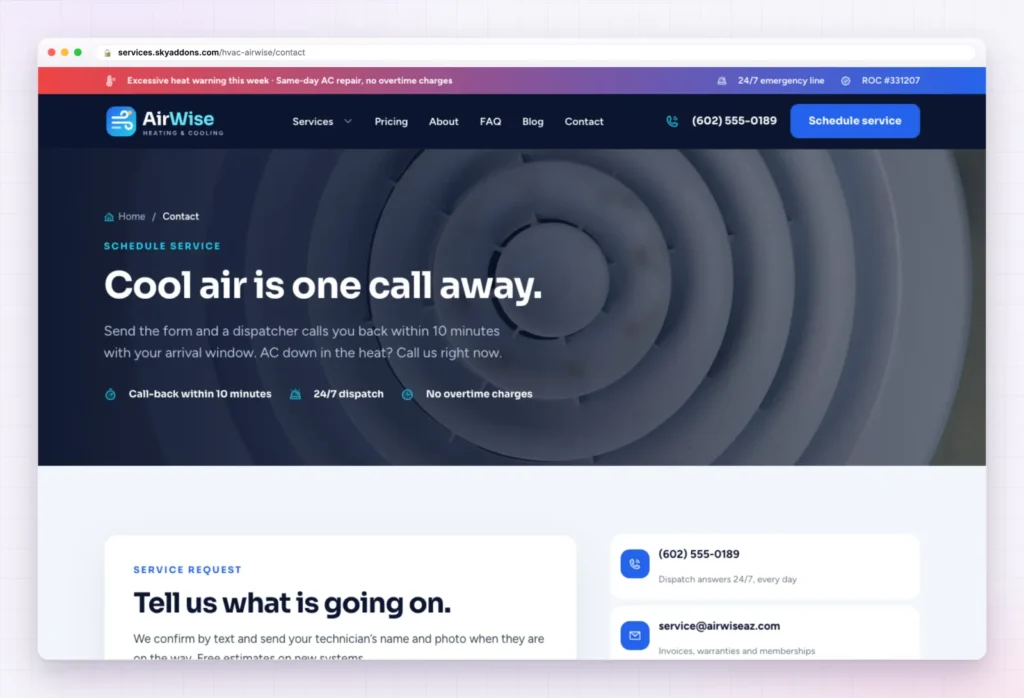
“Cool air is one call away.” leads into “Tell us what is going on.”, the full service request built with the Sky Addons Form Builder. It asks for name, phone, email and ZIP code, what is needed, the system’s age, how soon (today, this week, just planning) and a description. Your dispatcher knows the job before calling back.
Beside it sit the phone and email cards, hours for dispatch, office and showroom, and a card headed “No cooling and someone at risk?” that asks homeowners with seniors, babies or medical needs to say so. A map closes the page.
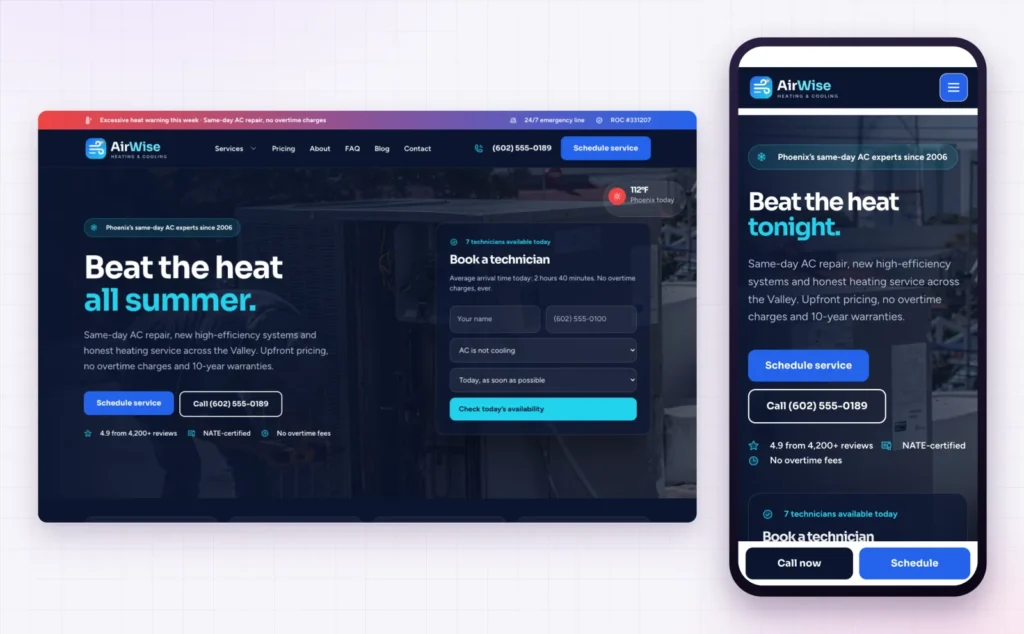
Few people look for AC repair at a desk in July. On a phone AirWise stacks the headline, keeps Schedule service and the call button high, and fixes Call now and Schedule to the bottom of the screen. One tap reaches dispatch from any page.
The hard part of an HVAC website template is the order of urgency: emergency first, price second, trust third. That order is built in.
| Already handled | You fill in |
|---|---|
| Six pages laid out and linked | Logo and company name |
| Alert bar, header and Schedule service button | Phone numbers and licence number |
| Quick booking form and full service request | Service area, address and hours |
| Twelve services in the services content type | The work you really do |
| Membership plan cards and pricing tables | Prices, fees, financing and warranties |
| Global colours and fonts | Team photos, trucks and review figures |
| Phone bar with Call now and Schedule | Chart data, or remove the charts |
In a heat wave, the homeowner hires whoever answers first with a clear price. Your website can answer before you pick up.
Second thoughts? Remove this import puts everything back: imported items deleted, with your old front page, colours, header, footer and theme restored.
AirWise is a Pro kit. It imports when Sky Addons Pro is active alongside the free Sky Addons plugin.
No. The importer is add-only. Remove this import later deletes what it added and restores your previous front page, colours, header, footer and theme.
Yes. Swap the blues for your truck colours in Elementor’s global settings and every page updates.
Yes. Each page has a phone layout, and Call now and Schedule stay pinned to the bottom.
No. You edit every heading, price and photo by clicking it in Elementor.
AirWise is a finished six page HVAC website template that handles the emergency call, the price question and the trust check in that order. Services, membership pricing, a technician FAQ and two service forms are in place. Add your numbers, prices, licence and photos, import with Sky Addons Pro, and remove it as easily if it does not suit.

Comments are closed.