
Barber Website Template: A Booked-Up Shop Site Without Hiring a Designer
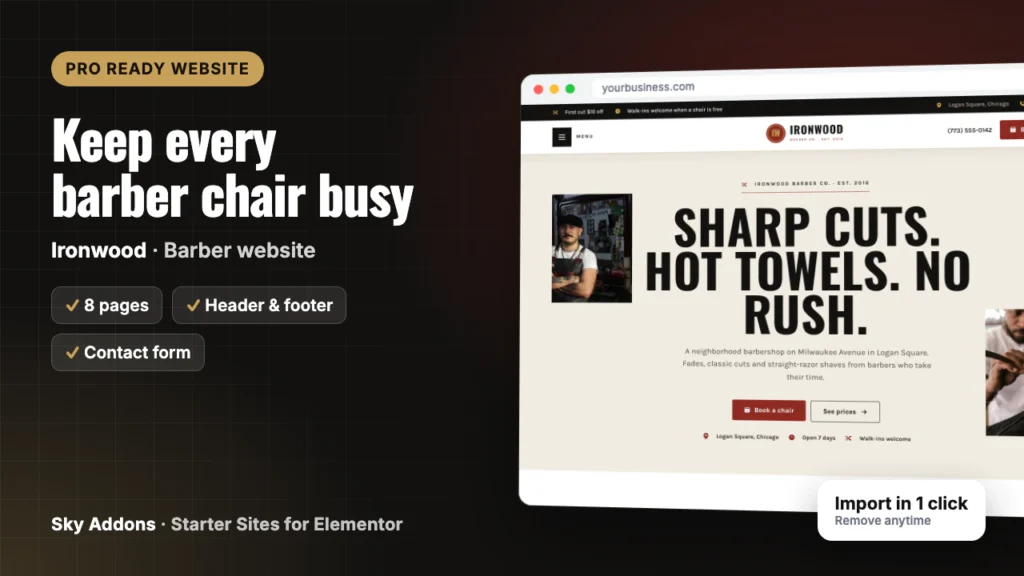
A barber website template for Elementor with 8 ready pages, booking form, price list and gallery. Swap in your name, prices and photos and open the doors.
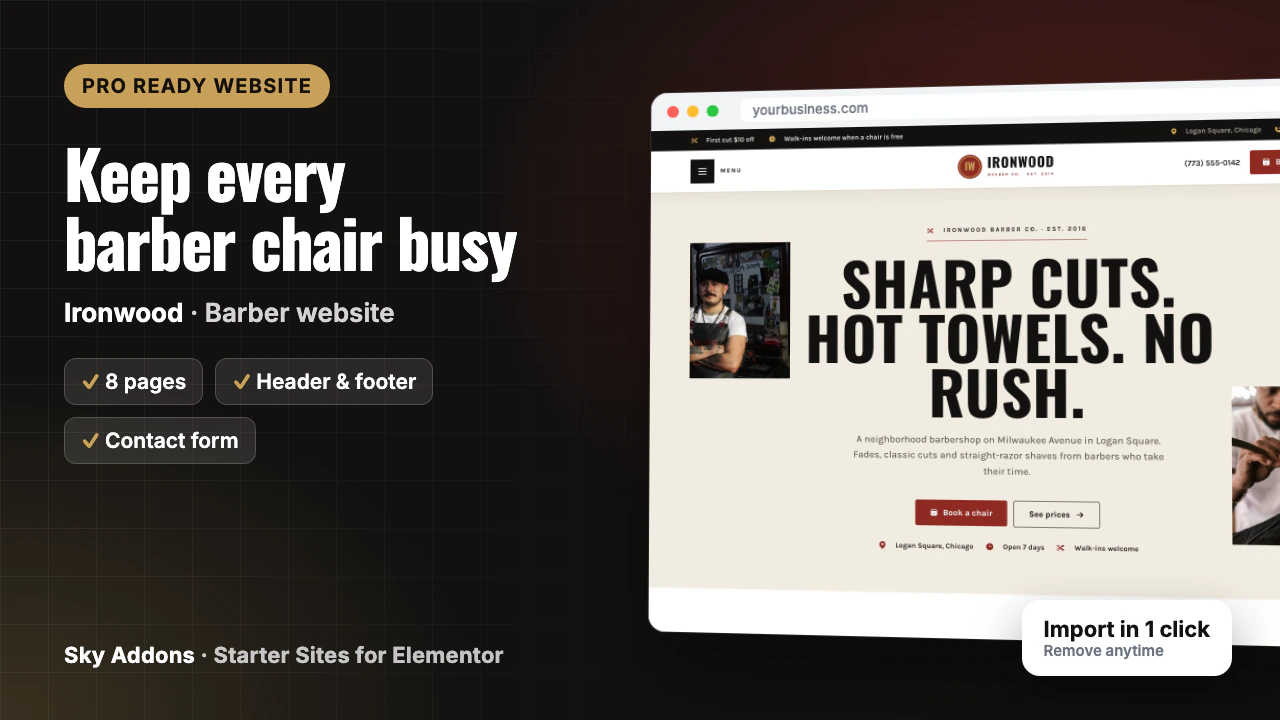
Barbers are busy behind the chair, not building websites. So the shop runs on an Instagram page and a phone that rings mid-fade. New customers cannot find your prices, your hours or whether you take walk-ins, and the shop down the street with a proper site gets the booking.
Hiring a designer means quotes, meetings and weeks of waiting, and you still write every page yourself.
This post walks through Ironwood, a barber website template from Sky Addons Pro. It shows every page you get, what each one does for your shop, and how little is left to change before the site is yours.
Ironwood is a complete ready website for a barbershop, built in Elementor with Sky Addons widgets. You import it in one go from inside WordPress. Pages, header, footer, menus and booking form arrive joined up, so you edit a finished site instead of building one.
| What you get | Details |
|---|---|
| Pages | Home, Services, Pricing, About, FAQ, Contact, First Visit, The Cuts |
| Header and footer | Sky Theme Builder: offer bar, phone, Book a chair button, full-screen menu |
| Booking form | Built with the Sky Addons form widget: name, phone, barber, service, day and time |
| Content types | Services (9 samples) |
| Plugins it installs | Secure Custom Fields, free from WordPress.org |
| Theme | Hello Elementor, unless you keep your current theme |
| Plan | Pro: needs Sky Addons Pro active |
| Mobile | Every page works on a phone, with a sticky Call and Book bar |
The demo is a six-chair neighbourhood shop, but this barber website template fits most kinds of barbering:
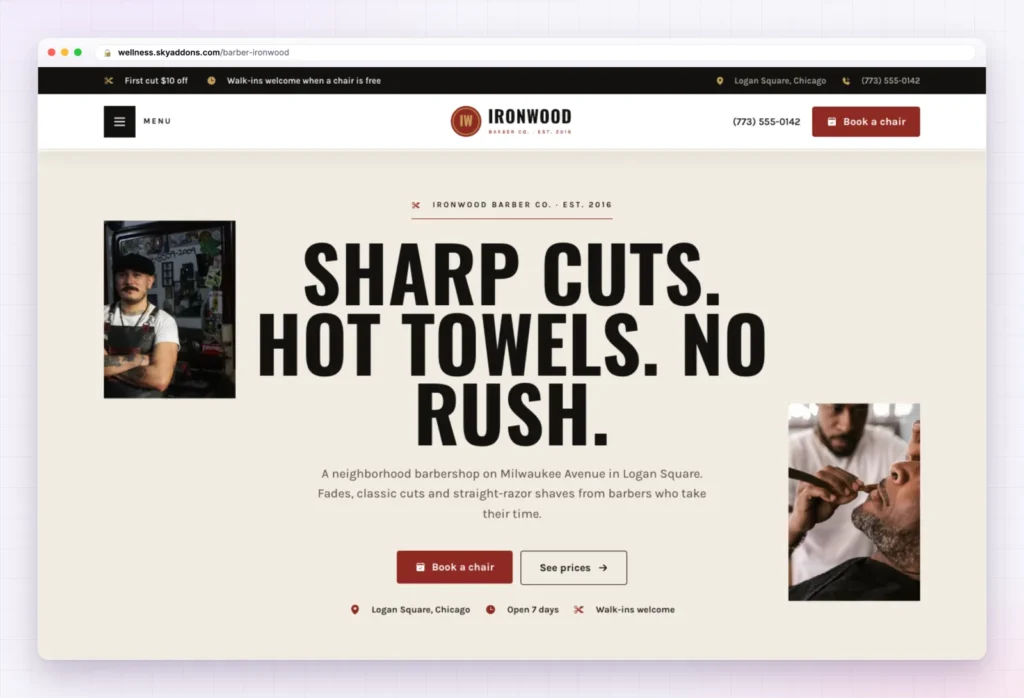
The Home page of this barber website template opens with a bold three-part headline, a short line about the shop, and two buttons: Book a chair and See prices. Under them sit three facts new customers want: location, open seven days and walk-ins welcome.
Then the page builds trust in order:
You change the headline, the shop description, the barbers and the reviews.
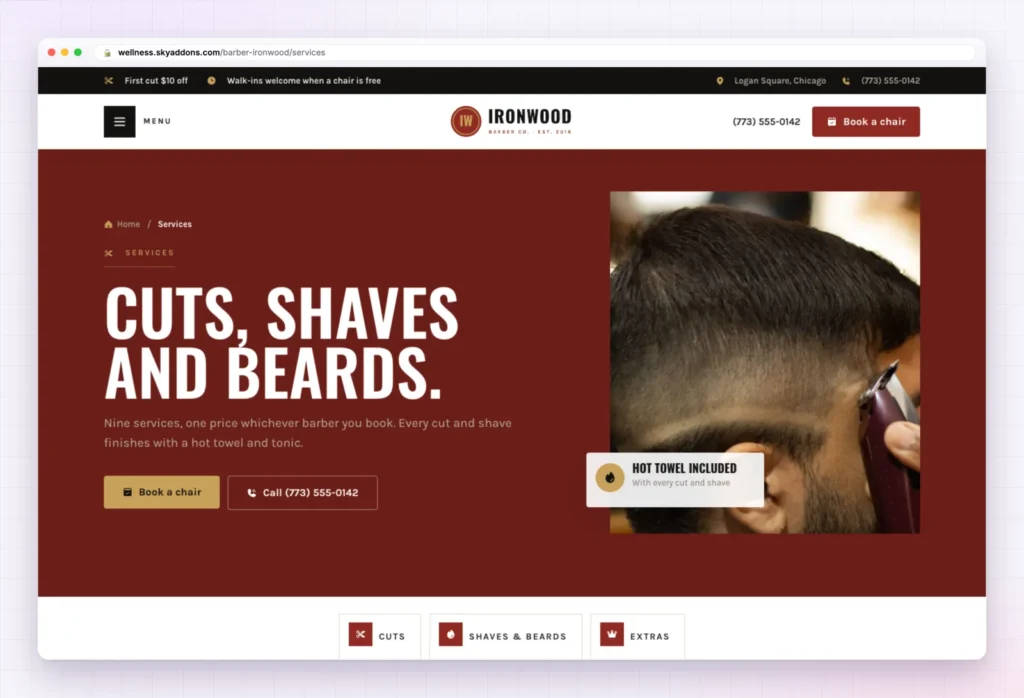
The Services page sorts all nine sample services into three groups, with quick links at the top: Cuts and fades (Classic Cut, Skin Fade, Scissor Cut, Kids Cut), Shaves and beards (Hot Towel Shave, Beard Trim and Shape, Cut and Beard) and Extras and the full treatment (Grey Blending, The Works).
Services are a content type, so each one is a single entry to edit. Rename them, delete the ones you do not do, and rewrite the descriptions.

Nobody likes guessing what a cut costs. The Pricing page answers it with “One price, any barber”, a full price list table. Below it, “Stay sharp all month” shows three membership plans (The Regular, The Full Kit and Groomsmen), followed by a gift card section and four pricing questions such as whether you take cards.
Every price in the barber website template is sample content. Put in your own prices, and keep or remove the memberships and gift cards.
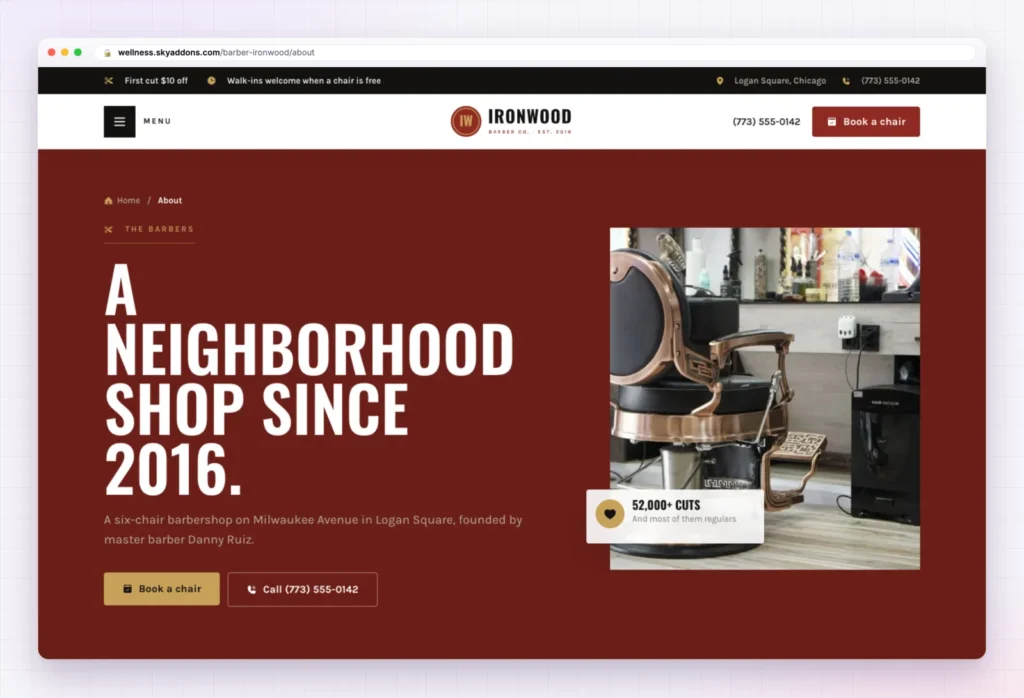
A barbershop sells trust as much as haircuts. The About page tells the founder’s story, then lists “Four things we never skip”: take the time, sweat the details, everyone welcome and neighbourhood first. The crew, a shop section and the reviews follow. You change the story, the values, the names and the photos.
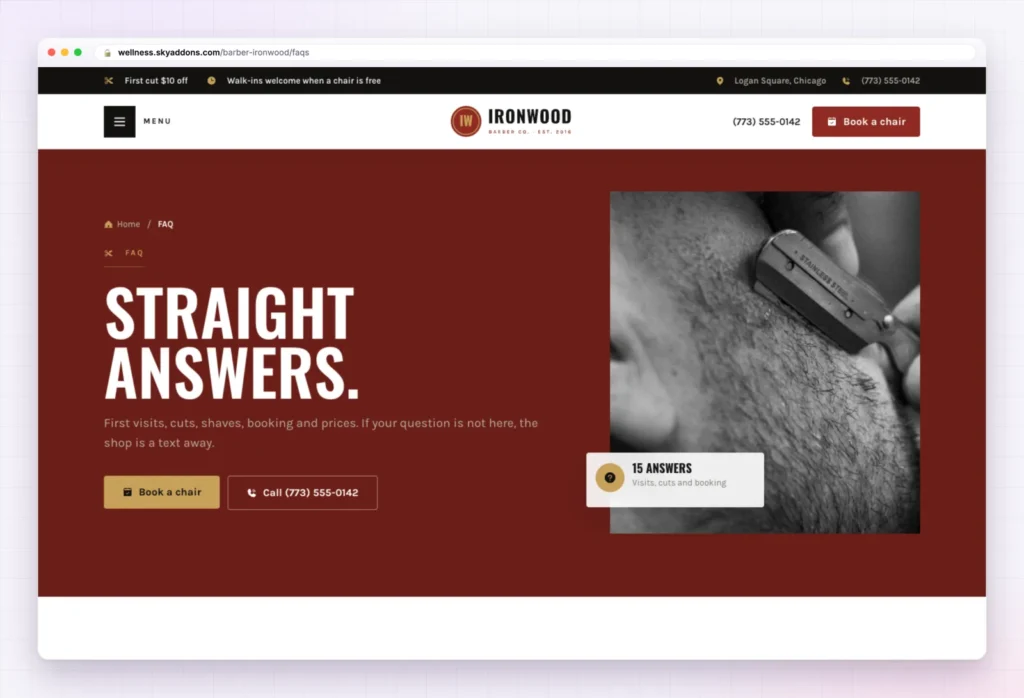
The FAQ page holds fifteen questions in four groups: First visit (walk-ins, parking, access), Cuts and shaves (how long a cut takes, how often to get a fade), Booking and policies (cancellations, what if I do not love my cut) and Prices and memberships. A “Still not sure?” card invites a text to the shop.
These are the questions you answer at the counter every day. Match each answer to your real policies.
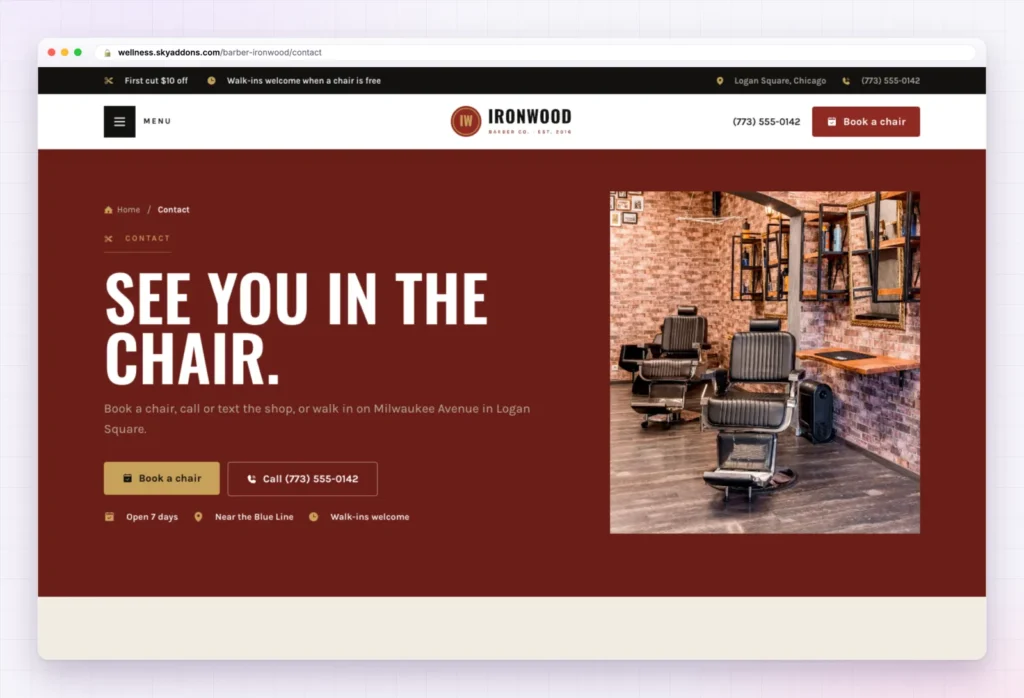
The Contact page gives three ways in, side by side: Call the shop, Send a text and Walk in. It carries the booking form, your opening hours for weekdays, Saturday and Sunday, and a map section with a Get directions button. The address, numbers and hours are sample content, so swap in yours.
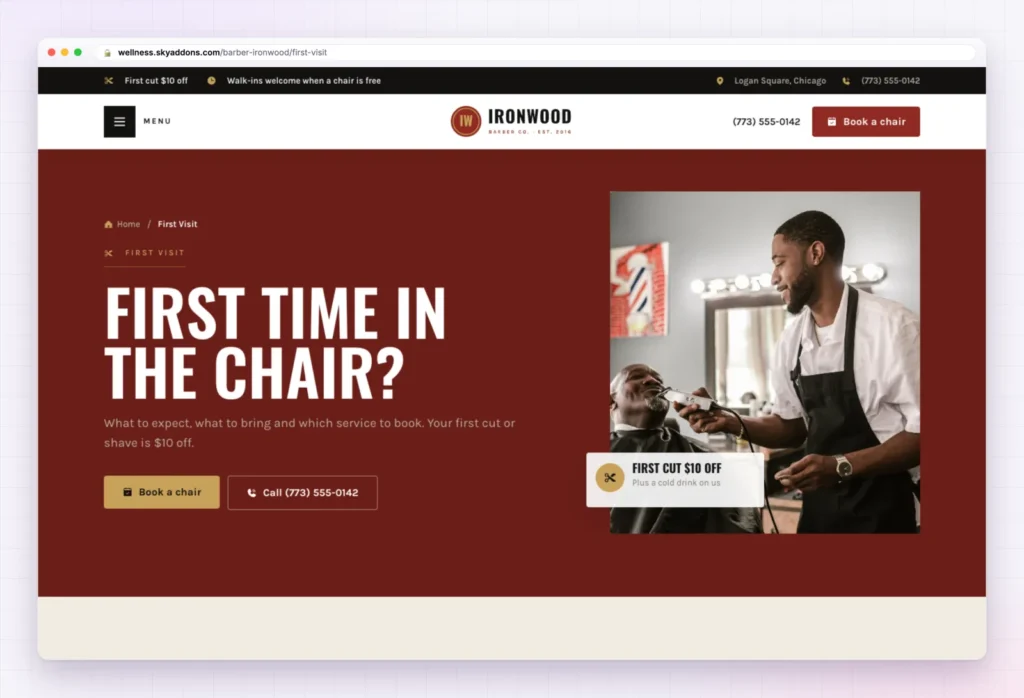
New customers often feel unsure about a shop they do not know. This page explains how a visit works in four steps (book, grab a drink, talk then cut, hot towel and go), lists a few things that help, such as bringing a photo of a cut you like, and shows “Which service should I book?” as image panels a visitor hovers or taps. Four first-timer questions and the booking form close the page.

For a barber, the portfolio is the pitch. “Fresh out of the chair” is a photo gallery where each photo opens larger. Below it sit the five classics, a hot towel and straight razor section, and four steps on how to get the cut you want. Replace the stock photos with your own work and this page of the barber website template sells for you.
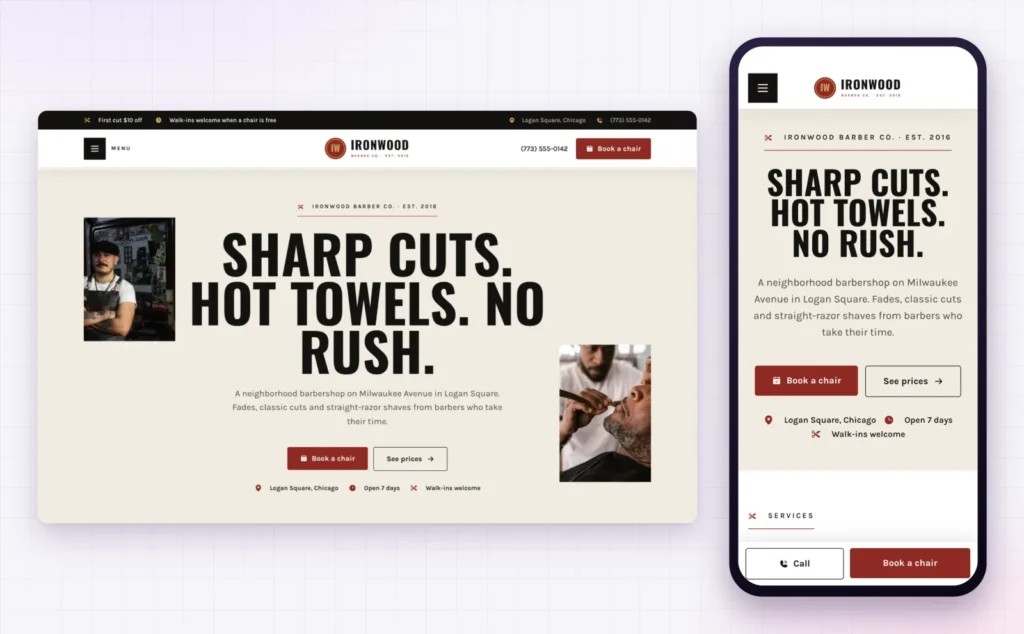
Many people look for a barber nearby on a phone. On a small screen, Ironwood stacks the headline and keeps a Call and Book a chair bar fixed at the bottom of the screen, so booking is always one tap away.
That matters for local search too. Google’s guide to adding or claiming your Business Profile asks for a website link, and the page a searcher lands on should work on the phone in their hand.
The hard part of a barber website template is the layout, the order of sections and the joining up. That is done.
| Already done | You change |
|---|---|
| Eight pages laid out and linked | Logo and shop name |
| Header with offer bar, phone and Book a chair button | Phone and text numbers |
| Full-screen menu and footer | Address, map and opening hours |
| Booking form with barber and service choices | Your barbers’ names in the form |
| Services content type with nine samples | Prices, memberships and gift cards |
| Global colours and fonts | Photos of your shop, crew and cuts |
| Phone layout with sticky Call and Book bar | FAQ answers and reviews |
Customers judge a barber by the cuts they can see. Real photos of your own work will sell more chairs than any headline.
Changed your mind? Remove this import puts the site back as it was: imported items deleted, your old front page, colours, header, footer and theme restored. Nothing you had before is deleted or overwritten.
No. Ironwood is a Pro kit, so it needs Sky Addons Pro active alongside the free Sky Addons plugin.
No. The import only adds. Remove this import puts the site back as it was, and pages you edited after importing are kept unless you tick the box.
Yes. The kit sets global colours and fonts, so a change in Elementor’s site settings applies wherever the design uses them.
Yes. Every page has a phone layout, and a Call and Book a chair bar stays at the bottom of the screen.
No. Everything is built with Elementor and Sky Addons widgets, so you edit text, photos and buttons by clicking on them.
Ironwood is a finished eight page barber website template with booking, prices, a gallery and a first-visit page already in place. You change your name, numbers, prices and photos, switch the booking form on, and the site is ready for customers. It imports in one click with Sky Addons Pro and comes out just as easily.

Comments are closed.