
Elementor SVG Support: Upload Logos and Icons That Stay Sharp
Turn on SVG support in Sky Addons to upload vector logos and icons to WordPress, with uploads restricted to administrators and correct dimensions.
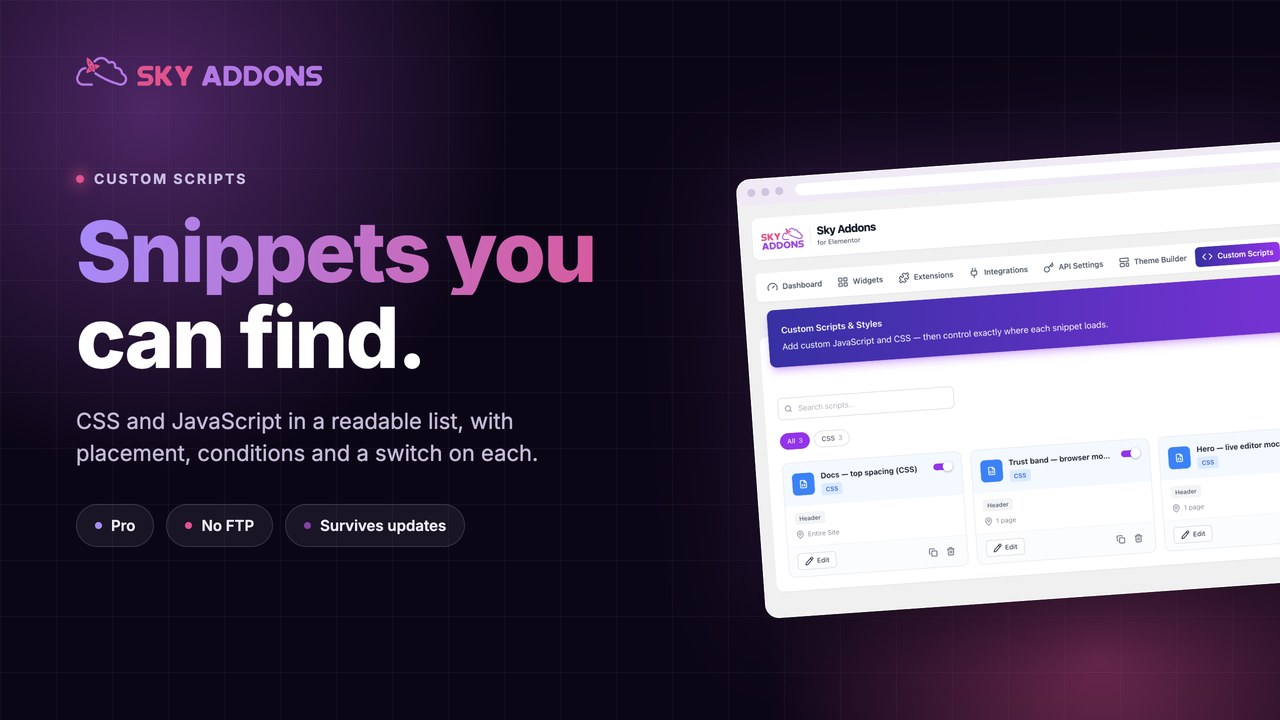
Sooner or later a site needs a small piece of code. A tracking snippet for one campaign. Three lines of CSS to fix a widget on one page. A chat widget that should load everywhere except the checkout.
The usual answers are all bad. Pasting into the theme means losing it at the next update. A child theme means a deployment for three lines. A generic snippet plugin means another plugin, and usually one with no idea which page it is on.
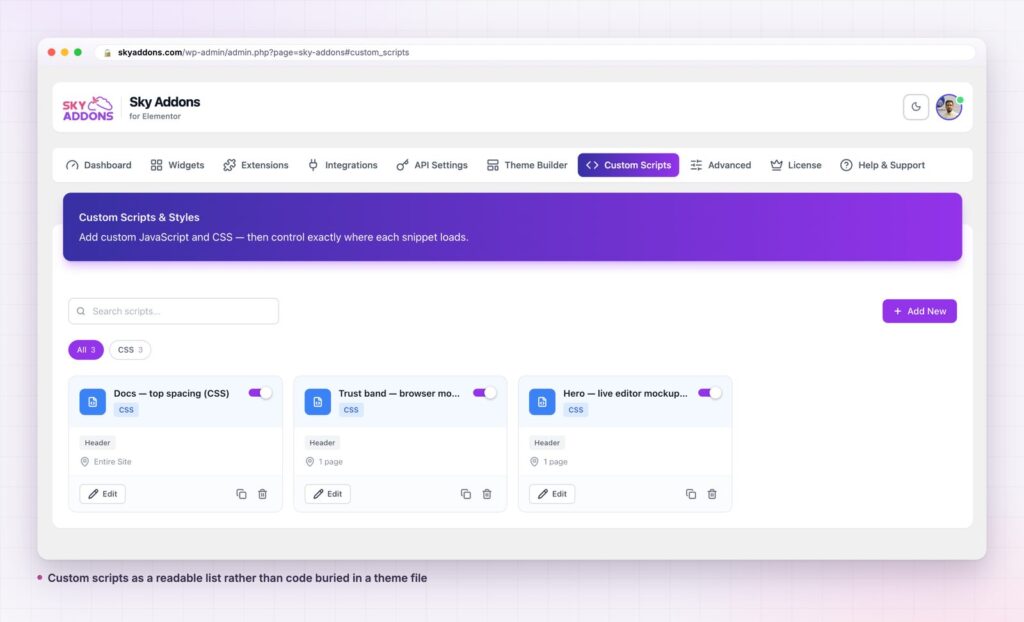
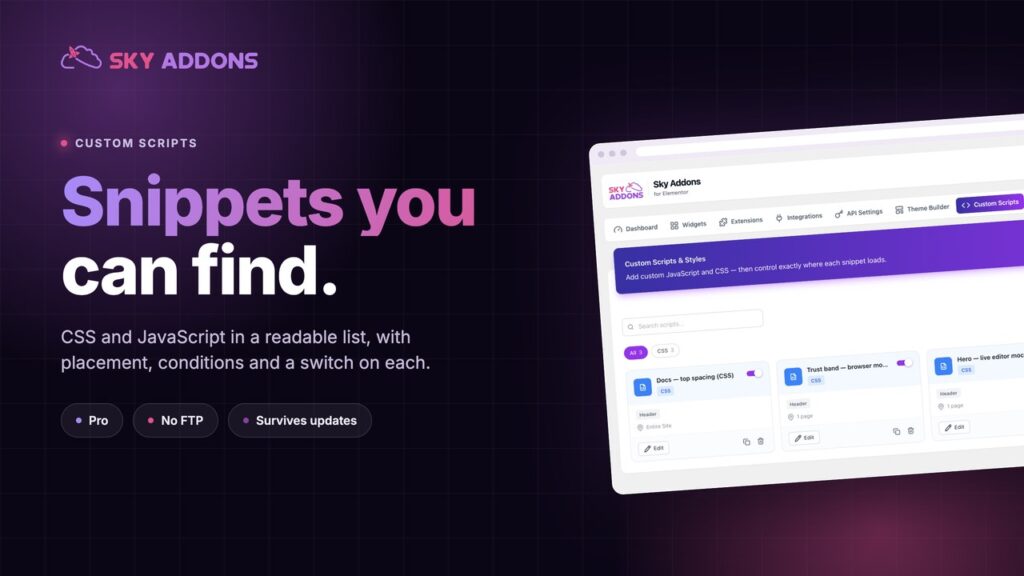
Custom scripts put the snippet in the dashboard, next to the site it belongs to, with a rule about where it loads and a switch to turn it off.
functions.php at 6pm on a Friday. That is the whole category.| Theme file | Generic snippet plugin | Custom scripts | |
|---|---|---|---|
| Survives theme update | No | Yes | Yes |
| Page level targeting | Manual conditionals | Sometimes | Built in |
| CSS and JS | Separate handling | Varies | Both |
| Turn one off | Edit the file | Usually | A toggle |
| See what exists | Read the file | A list | A list with placement and conditions |
| Needs FTP | Often | No | No |
A snippet you cannot find in six months is a bug waiting to happen. The value here is not that you can add code. It is that you can see every piece of code you added.
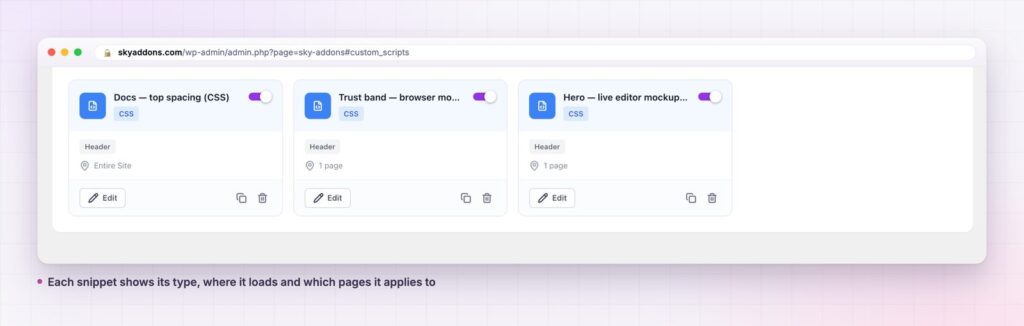
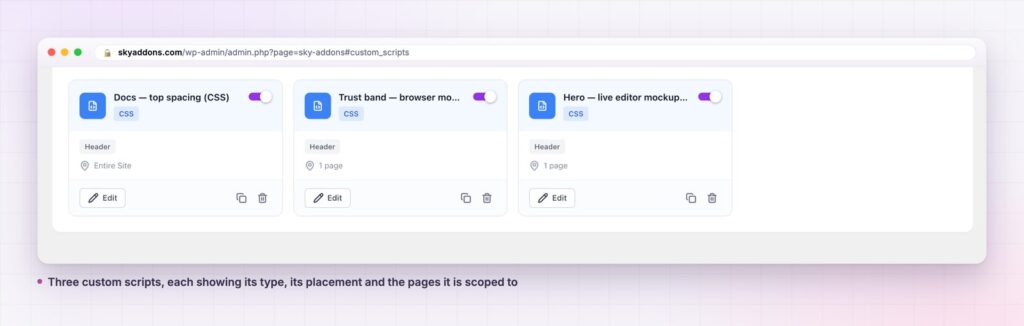
A list, not a file. Every snippet is a card showing its type, where it loads and which pages it applies to. On this site there are three, all CSS, all loading in the header, two scoped to a single page and one sitewide. That list is the thing a functions.php full of pasted code can never give you.
Placement control. A snippet declares where it belongs in the page rather than all landing in one place. Analytics that must run early and a widget that should not block rendering are different problems, and script loading behaviour is the reason they need different answers.
Conditions per snippet. Entire site, or named pages, the same condition model the theme builder templates use. A snippet with a condition is a snippet you will not have to remember to remove.
An enable toggle on every one. This is the feature that matters most in practice. When something breaks, you switch snippets off one at a time until it stops, which takes a minute. Finding the same bug in a theme file takes an afternoon.
Duplicate, for variants. Copy a working snippet, change the condition, keep both.
The real gain is reversibility again. Code in a theme file is a commitment. Code in a list with a toggle is an experiment, and experiments you can undo are experiments you will actually run.
The second gain is inventory. Sites accumulate snippets from many hands over many years, and the usual result is a theme file nobody dares touch. A list where every entry shows its purpose, placement and scope turns that from archaeology into maintenance.
There is a discipline point too. WordPress has a proper way to include CSS and JavaScript, and for anything permanent that remains the right answer. Custom scripts are for the things that are genuinely per page, genuinely temporary, or genuinely not worth a deployment.
The feature is easy enough to use that it gets used for things it should not. Three cases come up repeatedly.
Restyling a widget that already has the control. This is the most common one. Somebody writes six lines of CSS to change a card’s border radius, and the widget has had a border radius control all along. Custom scripts applied to a widget survive until the widget updates its markup, and then they fail silently, usually on a page nobody is looking at. Before writing CSS against a class name, open the widget’s style tab and look. If the control exists, use it, because a control is a contract and a class name is not.
Layout that belongs in a template. If a snippet is positioning things sitewide, that is a theme builder job. A header built as a template is editable by anyone and visible in a list. The same header held together by CSS in a snippet is invisible to everyone except the person who wrote it.
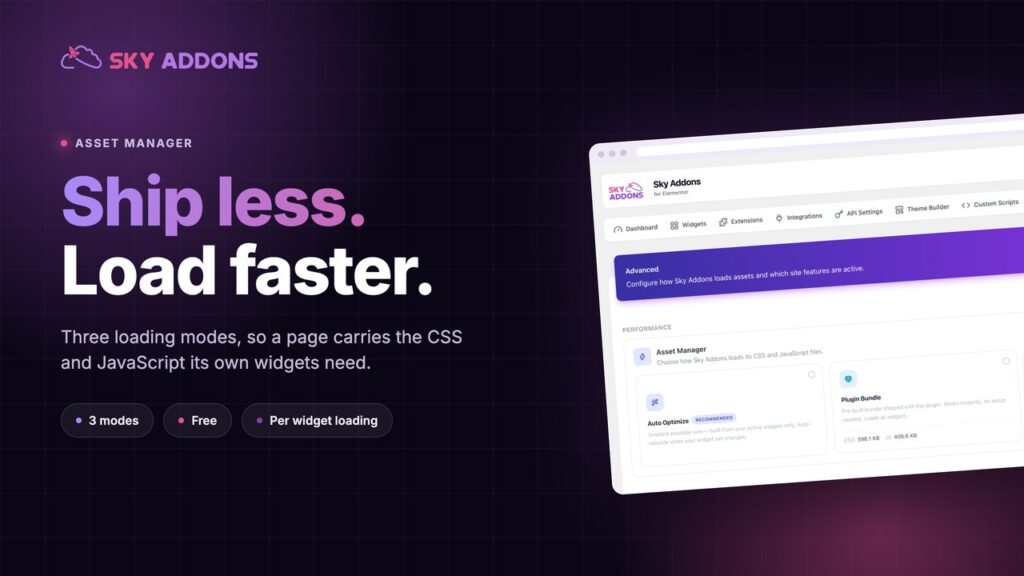
Performance work. Deferring a script or stripping unused CSS by hand is a losing game. The asset manager decides what loads at the source, and no amount of snippet cleverness beats simply not sending the file.
The honest test is whether the snippet is bridging a genuine gap or working around a feature you have not found. Gaps are what custom scripts are for: a third party embed, a one page tweak, a campaign tag with a life expectancy of three weeks. Workarounds accumulate, and a list of forty custom scripts is not better than a messy theme file, it is the same problem with a nicer interface.
Keep the list short enough to read in one screen and it stays an asset. Let it grow unchecked and you have rebuilt the thing you were trying to escape.
No, custom scripts are a Pro feature. The free versus Pro page lists what free includes, and the pricing page covers licences.
No. It needs Sky Addons Pro, not Elementor Pro.
Yes, both. Each snippet declares its type, and the list can be filtered by type.
A broken snippet can break a page, which is exactly why the toggle exists. Switch it off and the page returns. Nothing is written into a theme file, so there is no file to repair.
For small, page specific or temporary code, yes, and it is a better one. For permanent template changes, a child theme or a theme builder template is still the right tool.
Custom scripts move your CSS and JavaScript out of theme files and into a list you can read, with placement, per page conditions and a switch on every entry. It survives theme updates, it needs no FTP, and when something breaks you can find the cause in a minute instead of an afternoon.
If your site has code pasted somewhere you would struggle to find today, this is where it should have been.
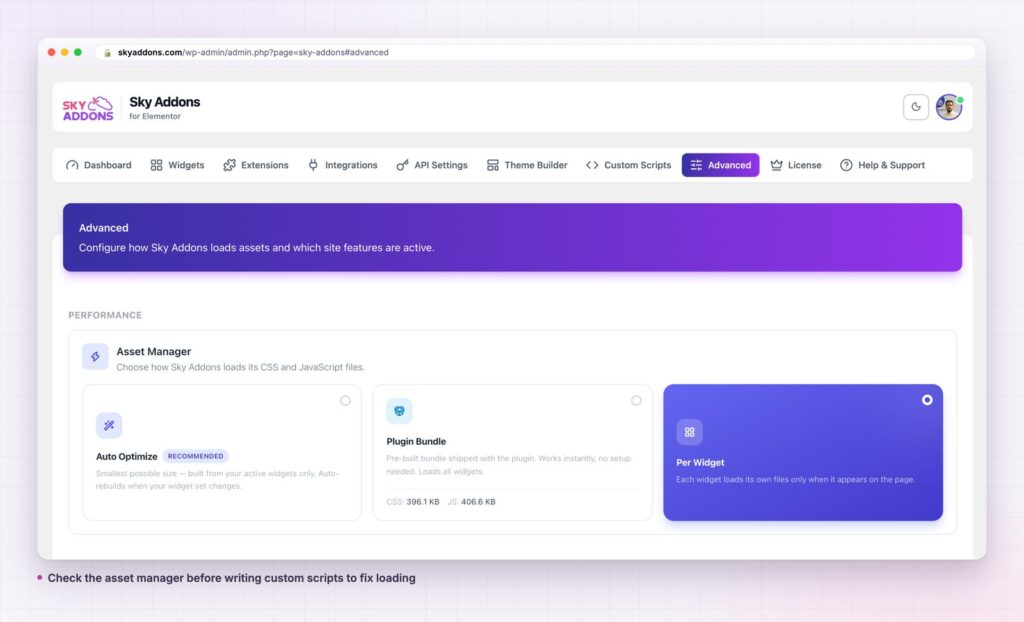
Read the custom scripts documentation for the full control list. Before adding CSS to fix loading behaviour, check Elementor Asset Manager, which usually solves it properly. For sitewide structure rather than snippets, see Elementor Theme Builder.

Comments are closed.