
Mate Carousel: A Post Row That Still Reads at Six Across
The Mate Carousel runs a post row at one to six columns with two card layouts, driven by a query. Free, responsive per breakpoint, and no hand editing.
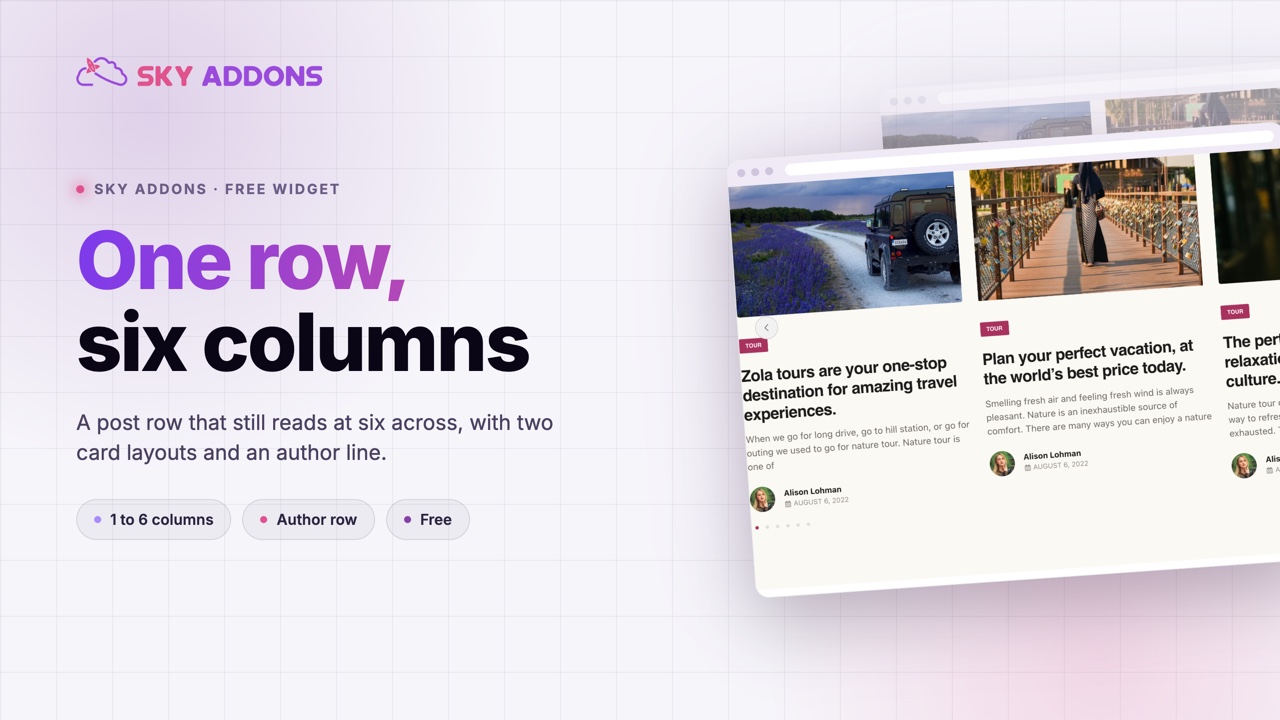
Most post carousels have one honest column count. They look right at three, acceptable at four, and fall apart anywhere else, because the card was designed once at one width and everything after that is scaling.
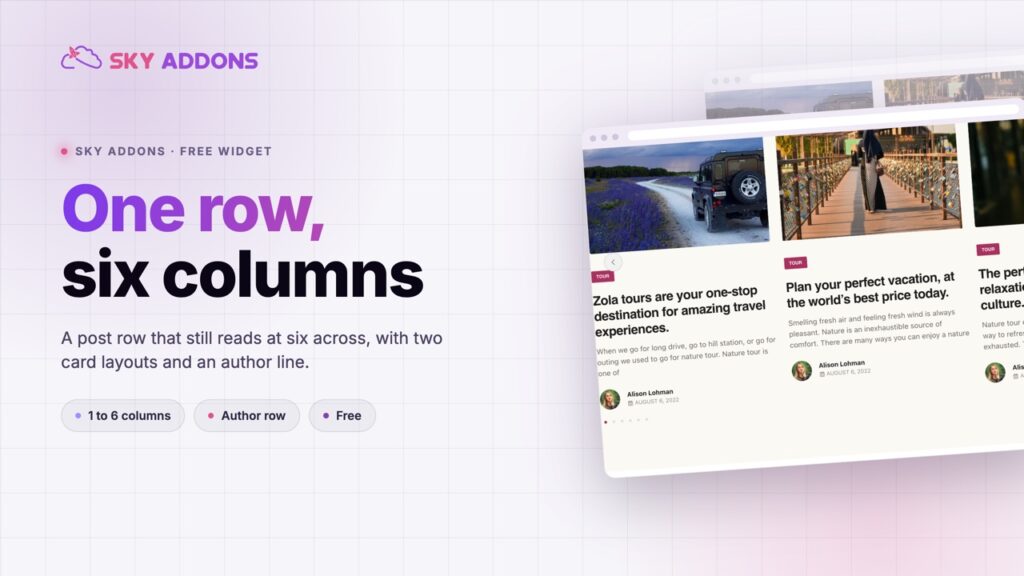
The mate carousel is built for the range instead. It runs from one column to six, per breakpoint, with two card layouts that change where the text sits rather than just shrinking it. Six narrow cards of thumbnails and titles is a different job from one wide card with an excerpt, and the same widget does both.
It is free, driven by the shared query builder, so the row is your real posts rather than a set of tiles somebody keeps updating.
| A carousel fixed at three | A hand built row of cards | Mate carousel | |
|---|---|---|---|
| Column range | Three, really | Whatever you build | One to six, per breakpoint |
| Card layout options | One | One, per build | Two layouts |
| Stays current | Yes | No | Yes |
| Phone behaviour | Scaled down | Rebuilt by hand | Its own column count |
| Effort after setup | None | Ongoing | None |
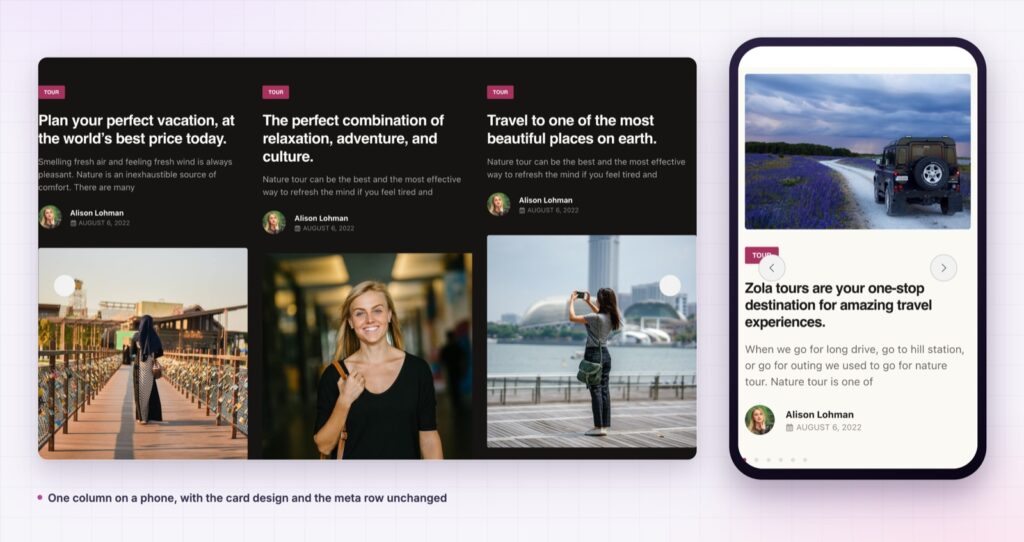
One to six columns, per breakpoint. The column control is responsive and feeds the slider directly, so the desktop, tablet and phone counts are three separate decisions rather than one number and some hope.
Two card layouts, not one. A layout switch changes the card structure rather than its size, which is what makes six across and one across both look deliberate.
Content alignment is its own control. Left, centre, right or justified, per breakpoint, applied to the card and its meta row together so nothing drifts out of line.
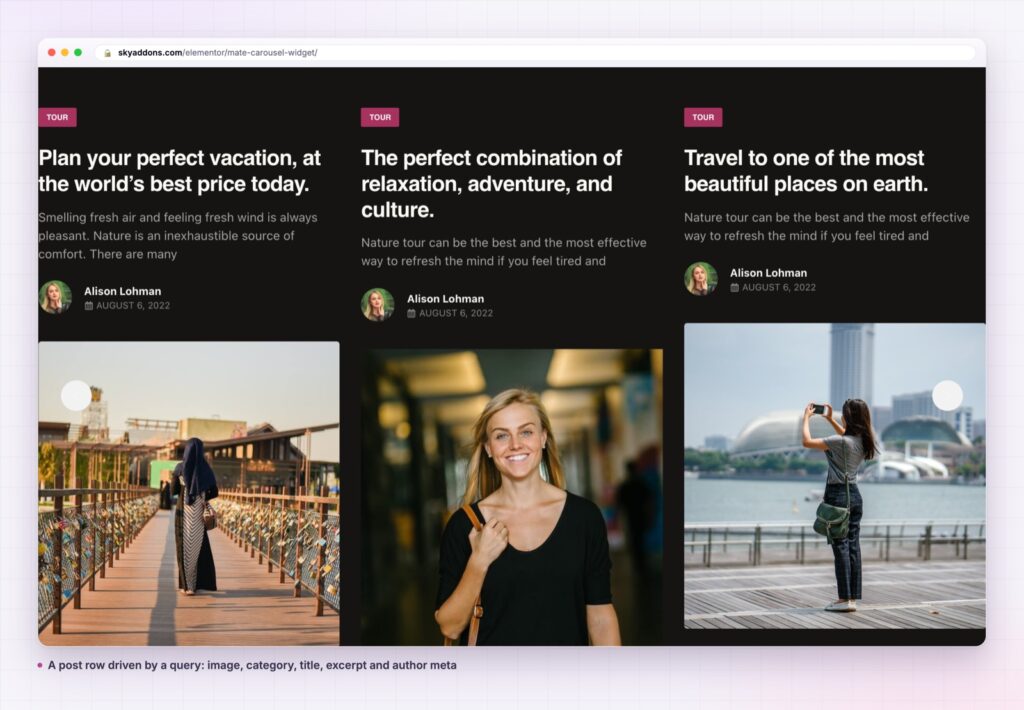
The author has a real place. The card can show an author thumbnail and name alongside the date, which suits a multi contributor blog where the byline is part of the sell.
Excerpt length is a number you choose. With an option to strip shortcodes, so a page builder excerpt cannot leak markup into the card.
The slider settings are the shared ones. Autoplay, loop, speed, navigation and pagination behave exactly as they do in the other carousels in the plugin, so a second instance on the same site needs no relearning.
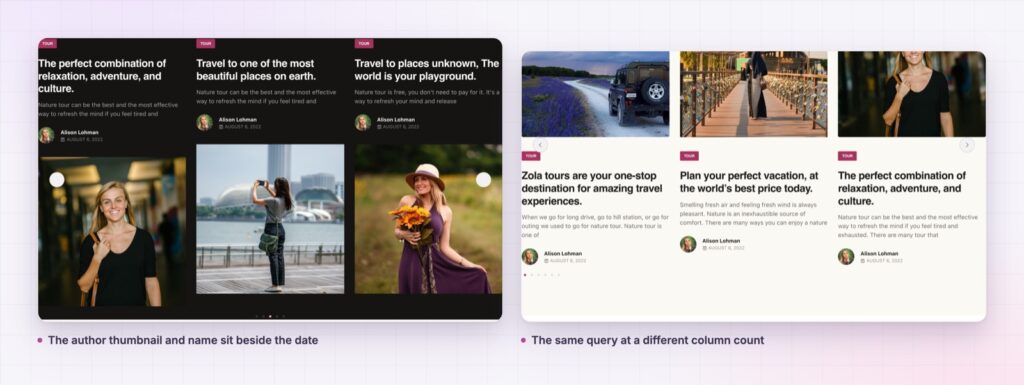
The column count is the real design control in a post row, and most widgets treat it as an afterthought. Giving it a full range, per breakpoint, is what lets one widget cover a dense related strip and a single feature slide without a second plugin.
Each slide is a permalink to a real post, so the row contributes internal links rather than decorative images. On a home page that is the difference between a carousel that helps the site and one that just occupies space above the fold.
A carousel that only works at one column count is a card design, not a widget. The useful question is what it does at six and at one.
Because the slider behaviour comes from the shared controls used across the plugin, the autoplay and breakpoint settings you chose on another carousel apply here unchanged, which matters more on the fifth instance than on the first.
Content alignment deserves a mention because it is the control people forget. It is responsive, and it applies to the card and its meta row together rather than to the title alone. Centre aligned cards at four columns read as a gallery; left aligned cards at two read as a reading list. Setting it per breakpoint is what stops a centred desktop row from looking accidental once it stacks into one column on a phone.
The author row is the other thing that separates this card from the plainer ones in the plugin. A thumbnail and a name beside the date is worth real estate on a site with several writers, and worth switching off entirely on a site with one. Both are a single toggle, which is the right level of decision for something that changes every card in the row.
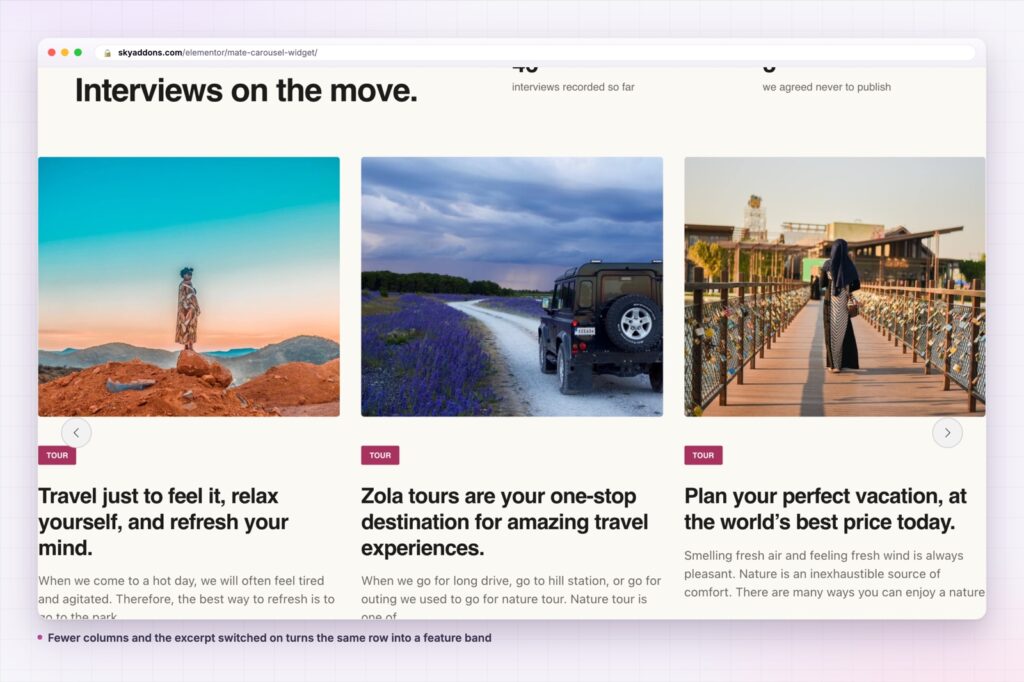
The card is post shaped rather than blog shaped, so a properties type renders with the photograph, the location taxonomy as the label and a short description. A course type renders the same way with the level as the label.
It also works as a related-content strip in a theme template, where the query pulls the same category as the current post. That is one widget doing what a related-posts plugin usually does, with the card design already matching the rest of the site.
The video settings group covers mixed archives. A play marker on the thumbnail tells a reader which entries are films before they click, which matters on a row where every card is otherwise identical by design.
If the same set also needs a static layout, the plugin ships grids that read from the same query builder, so a landing page row and an archive page can share one design. Alongside them, a showcase wall covers the case where the whole set should be visible at once, and a showcase flow covers a narrower feature strip.
Yes. It is a widget in the free Sky Addons plugin, including the query builder, both card layouts and all the carousel settings.
No. Elementor and Sky Addons are enough. It reads whatever post types your site already registers.
It loads one image per visible card and uses the slider library shared across the plugin, so a second carousel on the same page costs almost nothing extra. Image size is the thing to watch.
Yes. Columns, alignment and spacing are all per breakpoint, and one column with a slightly taller image is the usual phone setting.
Yes. The card can carry an author thumbnail and name next to the date, which is the main thing that separates it from the plainer post cards in the plugin.
The mate carousel runs a query driven post row at one to six columns per breakpoint, with two card layouts, optional author and excerpt, and the plugin’s shared slider settings. It covers a dense related strip and a single wide feature with the same widget, and it is free.
See it running on the Mate Carousel demo, then read the control reference in the Mate Carousel documentation. It is part of the free plugin: see what else is included on the free versus Pro page, and the plans on pricing.


Comments are closed.